This article will guide you through the process of creating various types of discounts on Expedia.
Step 1: Navigate to the Timeline
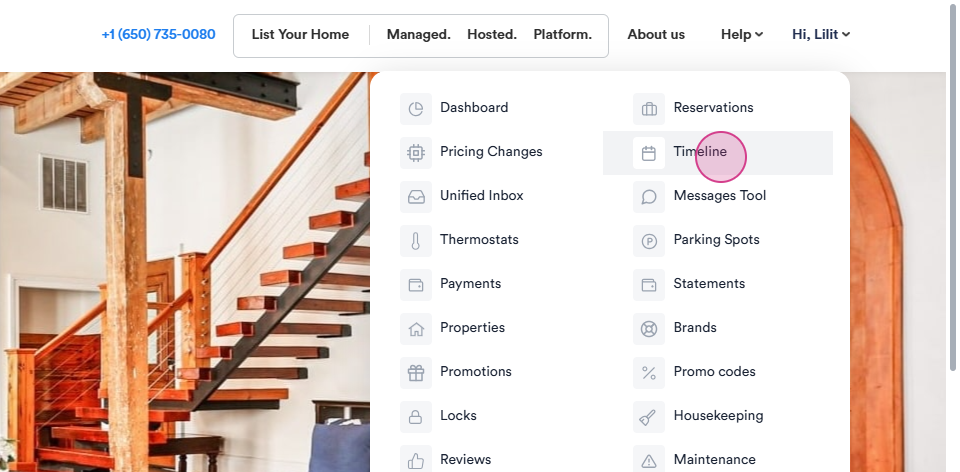
Step 2: Click on the title and search for the required Unit Name or search by ID.
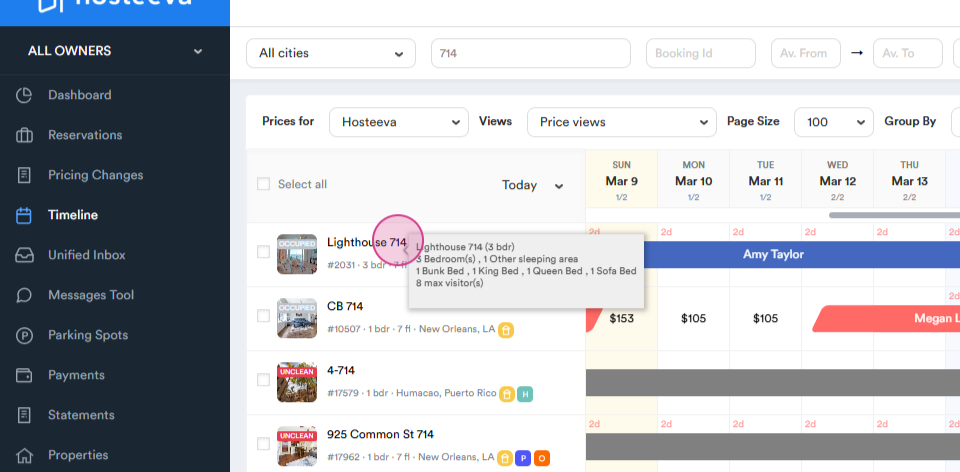
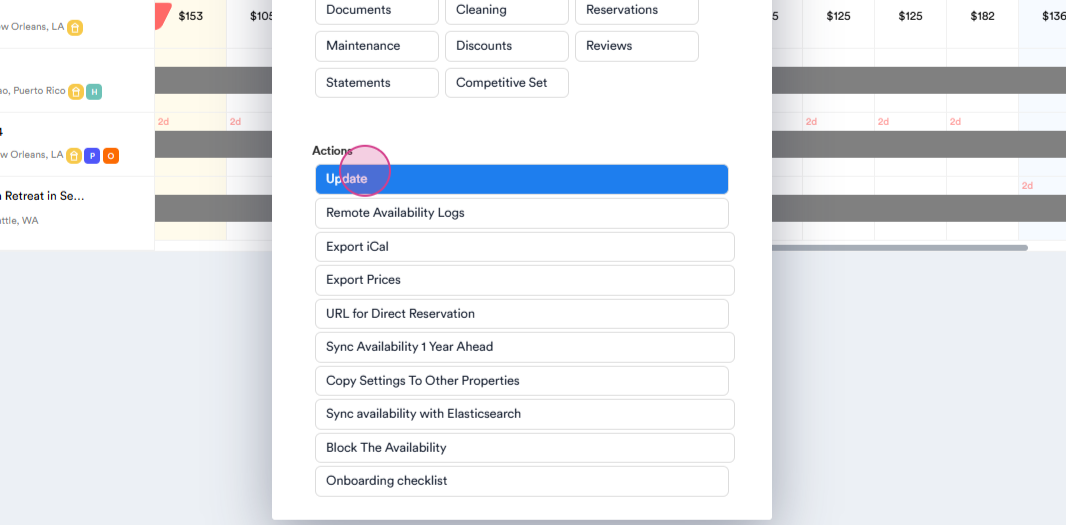
Step 3: Left-click on the unit and then click on the Update.
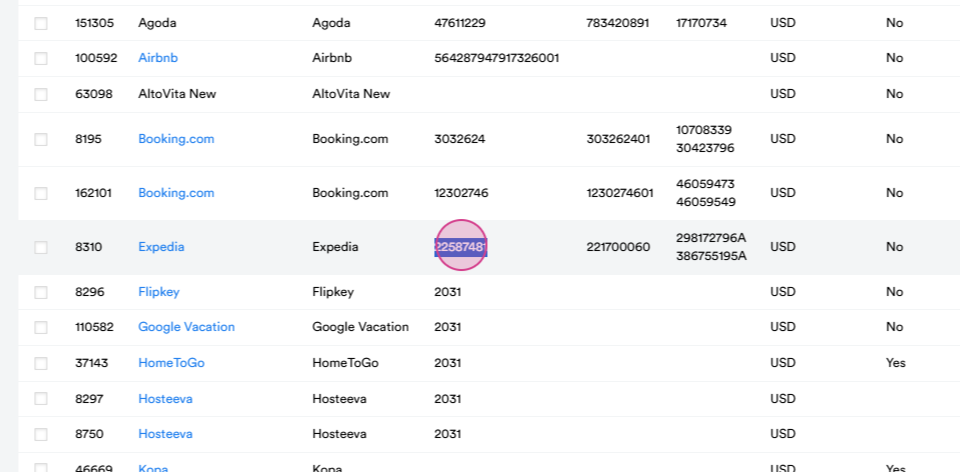
Step 4: Scroll down to the channel mappings section and copy the Expedia hotel ID.
Step 5: Navigate to the Expedia channel and log in to the channel.
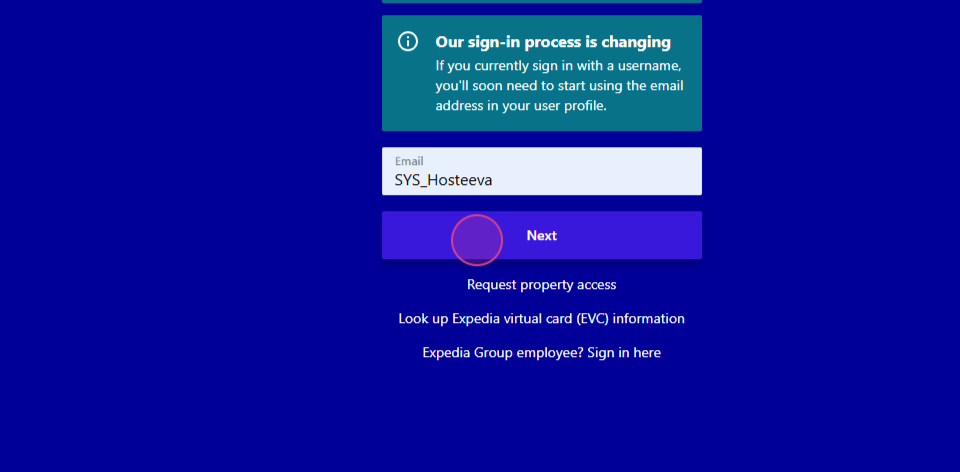
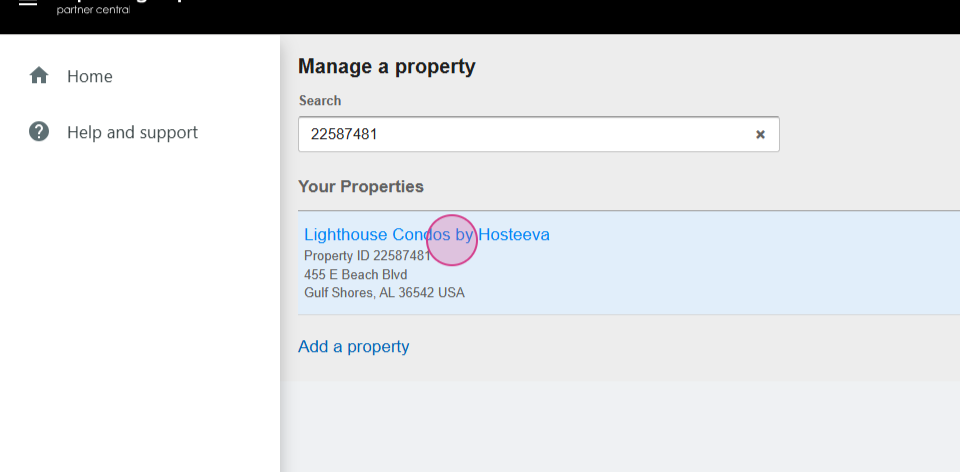
Step 6: Paste the hotel ID and click on the hotel.
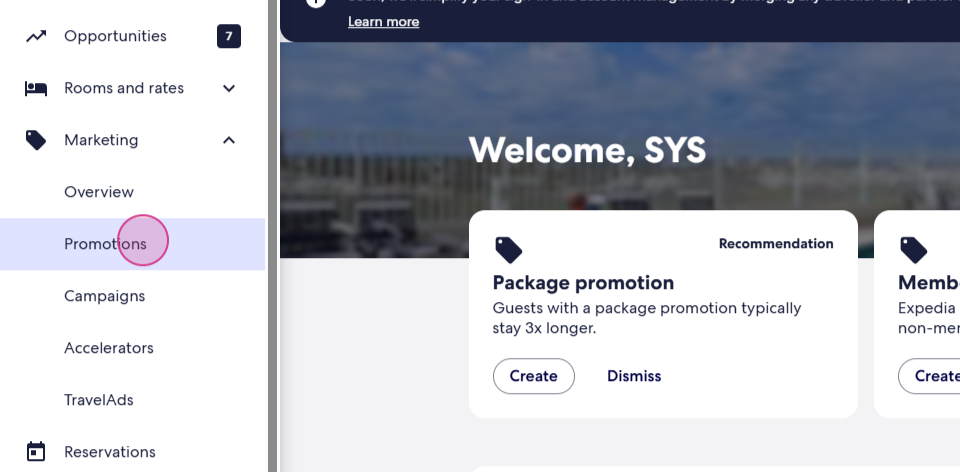
Step 7: Navigate to the Marketing section and select Promotions.
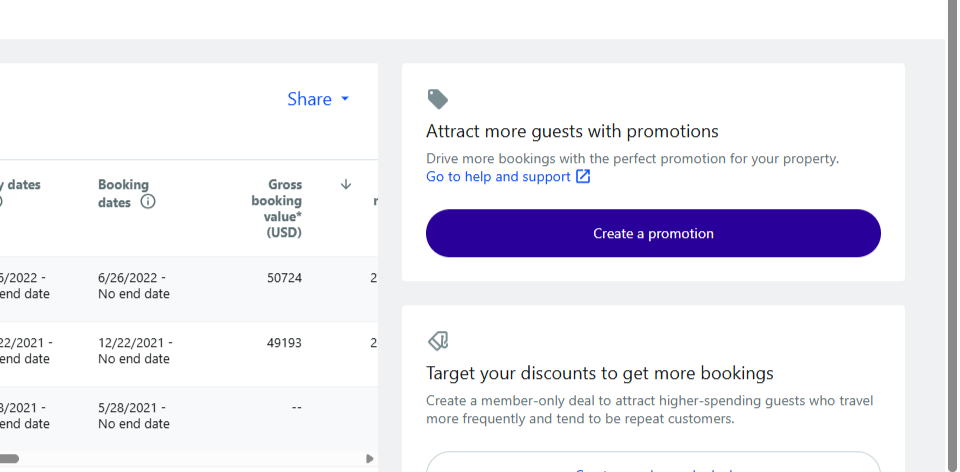
Step 8: Click on Create a promotion. Here, you'll see different types of promotions.
Step 9: At first we see Members only deal.
Expedia recommends different discount rates for specific members.
Add member-only deals to target more travelers and encourage bigger bookings.
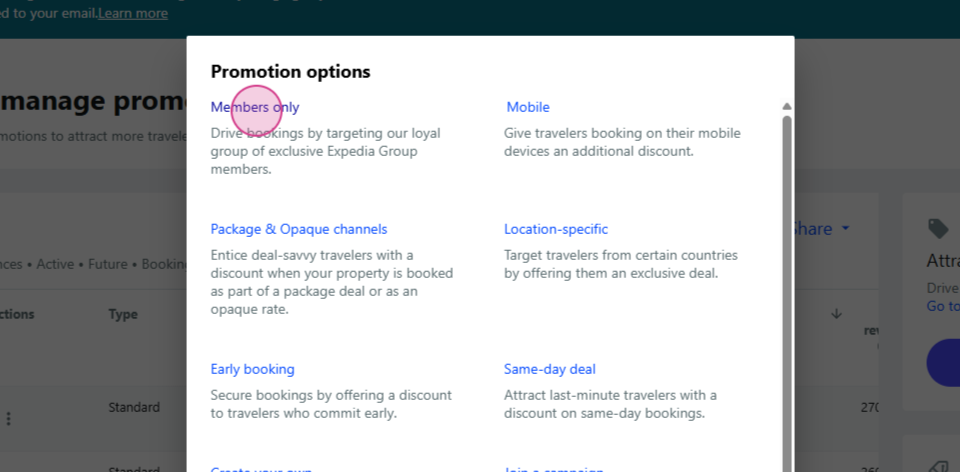
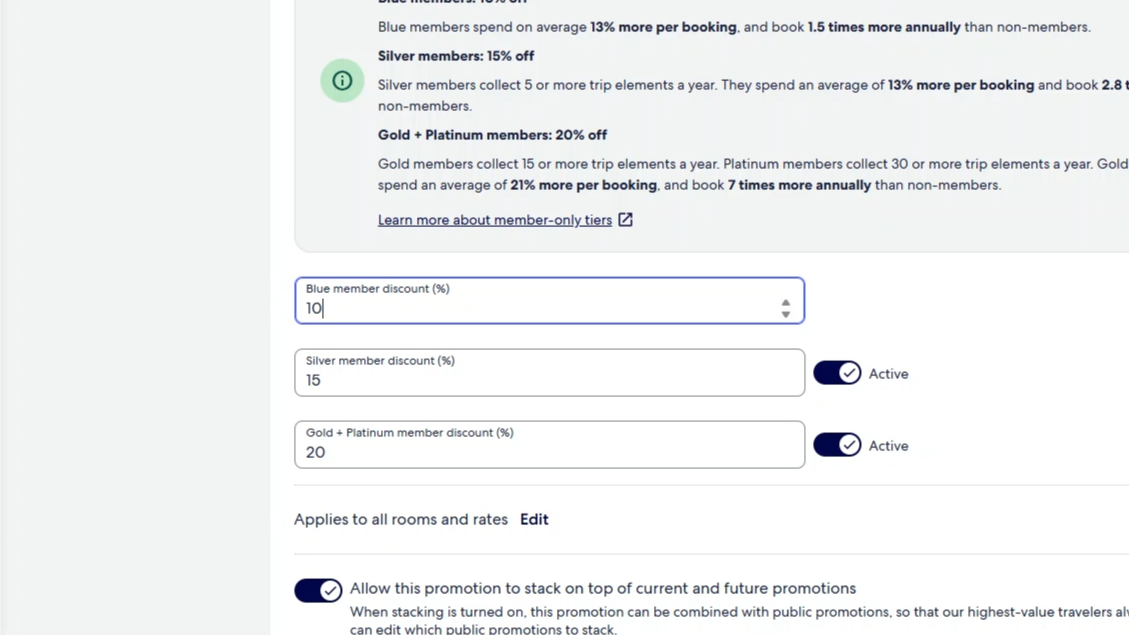
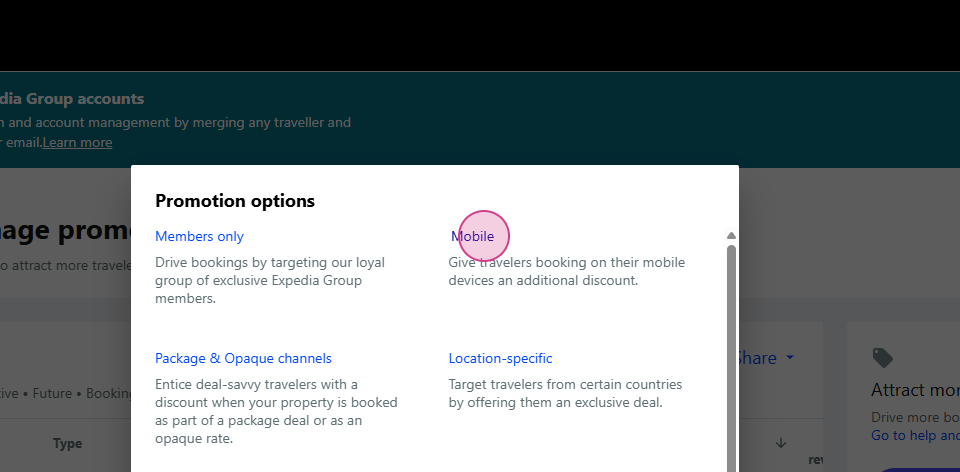
Step 10:View the Mobile section. This discount is for Mobile users only.
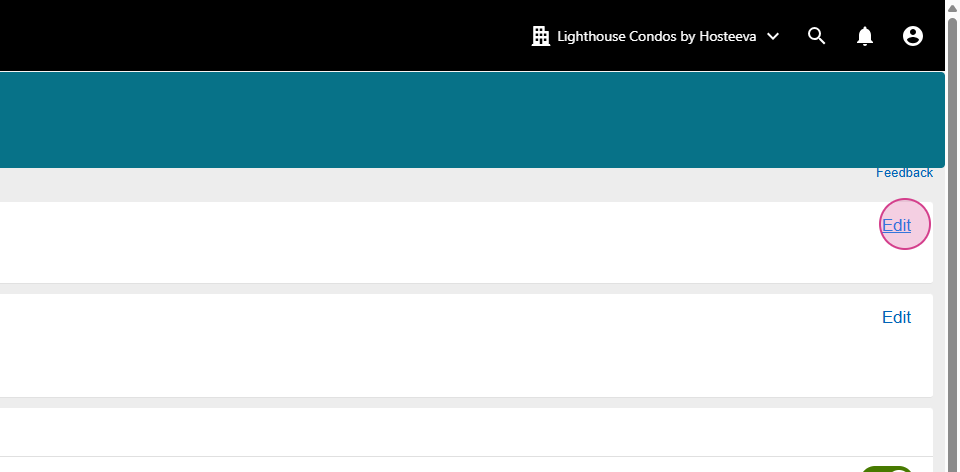
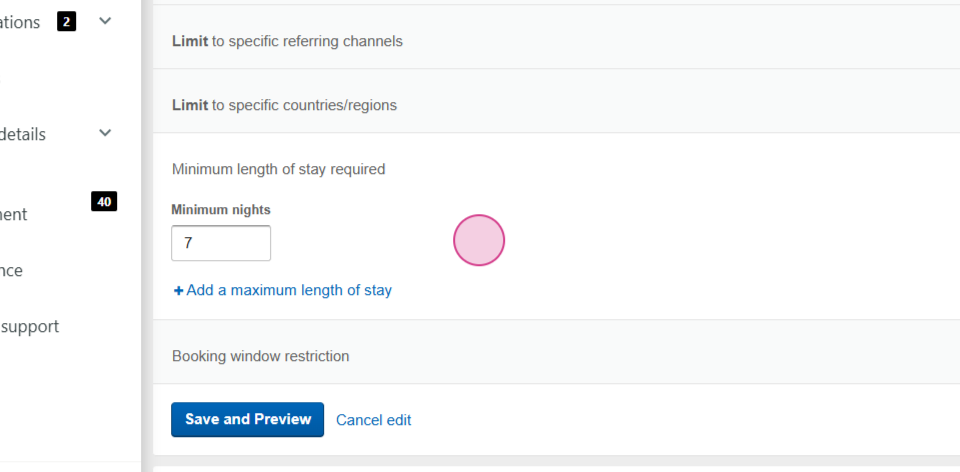
Click on edit in the Audience section and set different limits if needed.
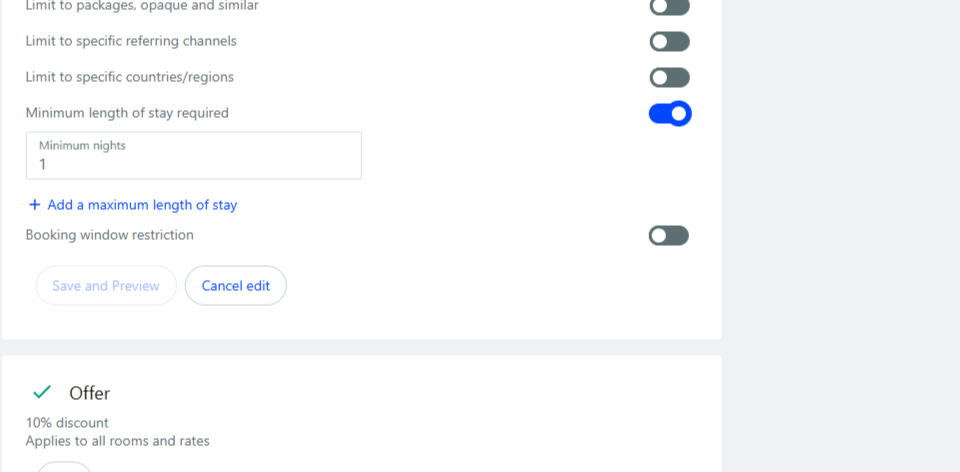
If necessary, select the Minimum nights of stay. Click on the desired case and Save and Preview.
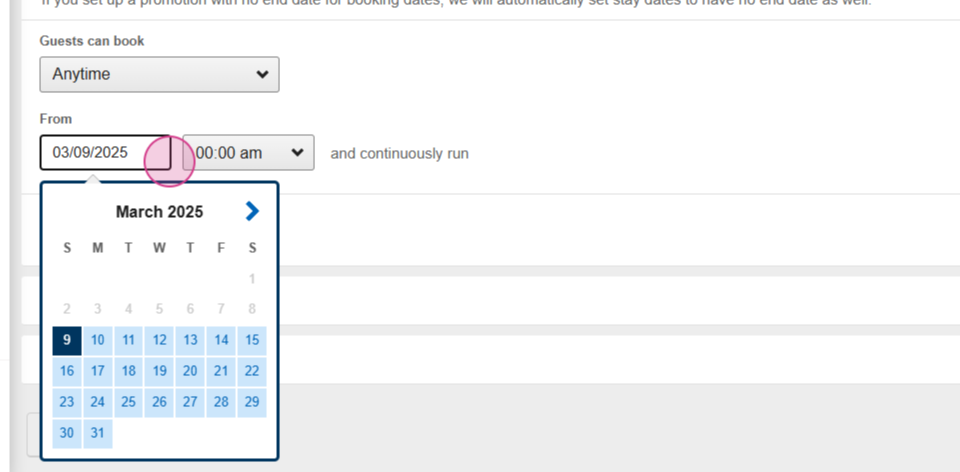
Choose the Booking Dates.
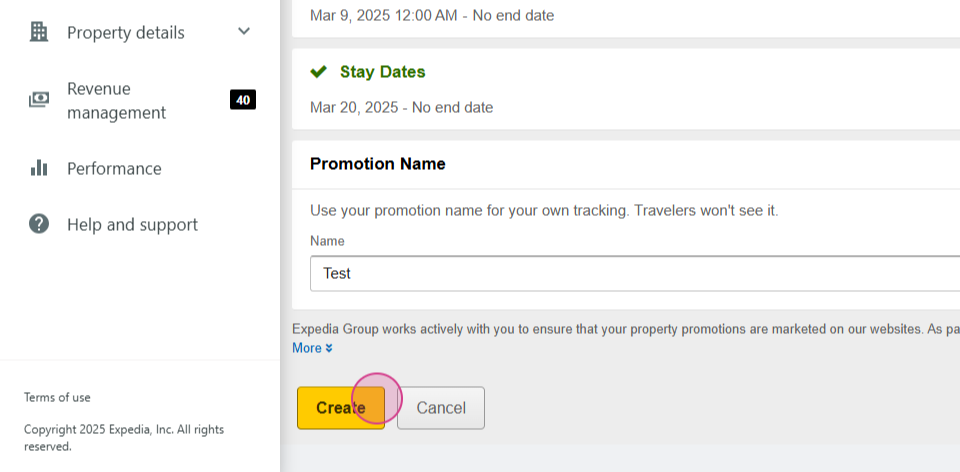
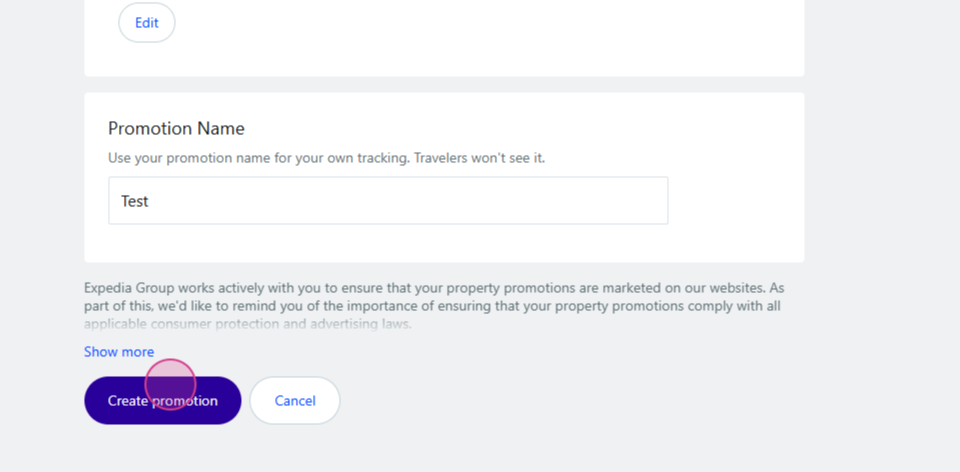
Set the Name of the promotion and click to Create.
Step 11: Activate the Location-specific discount if applicable.
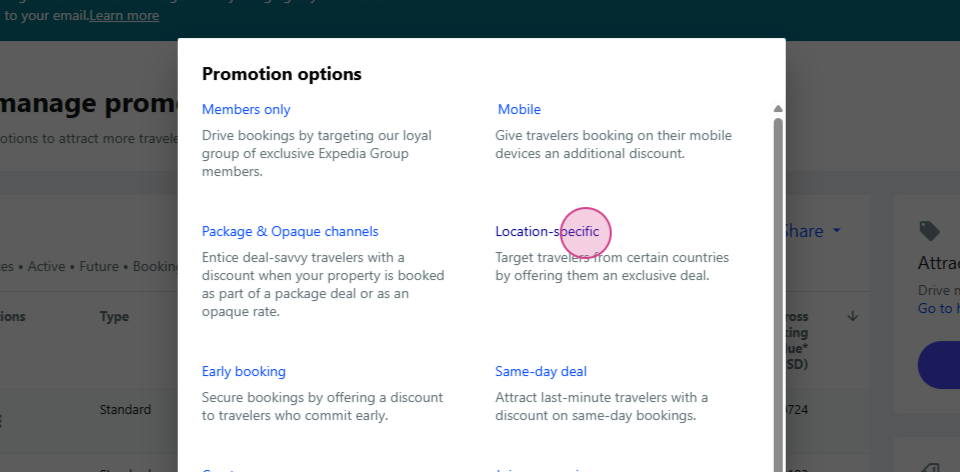
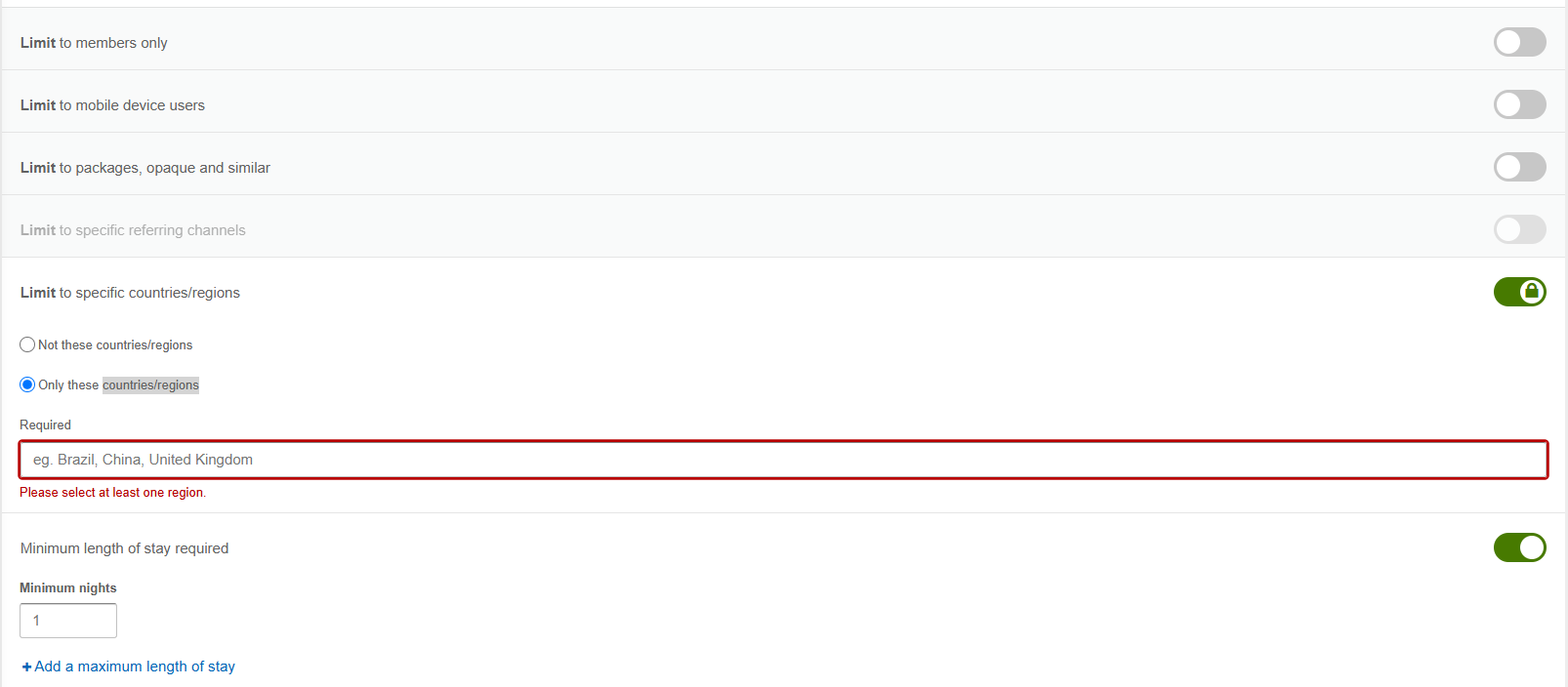
Click on edit in the Audience section and set different Limits and Minimum stay. You can set required Countries/Regions.
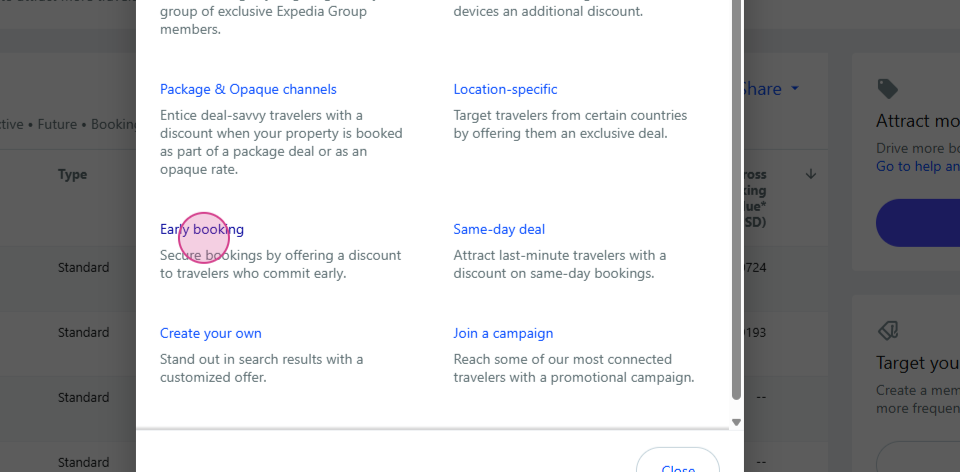
Step 12: Click to create a Early booking discount.
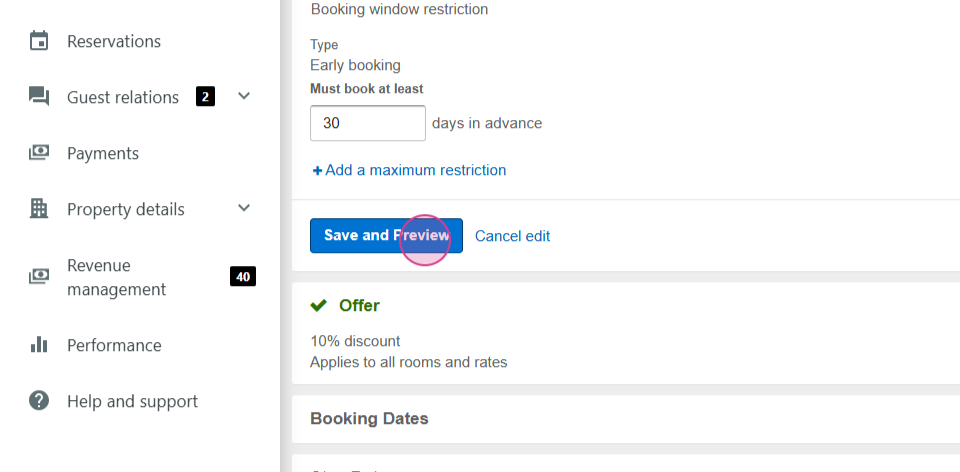
Choose the Number of days for early booking. Typically, we choose 30. The other section is the same as before. Save and preview, then go back.
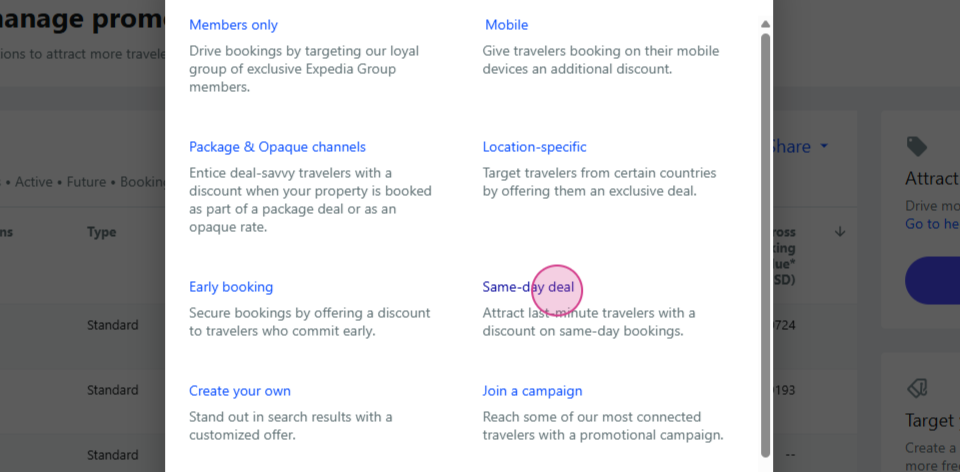
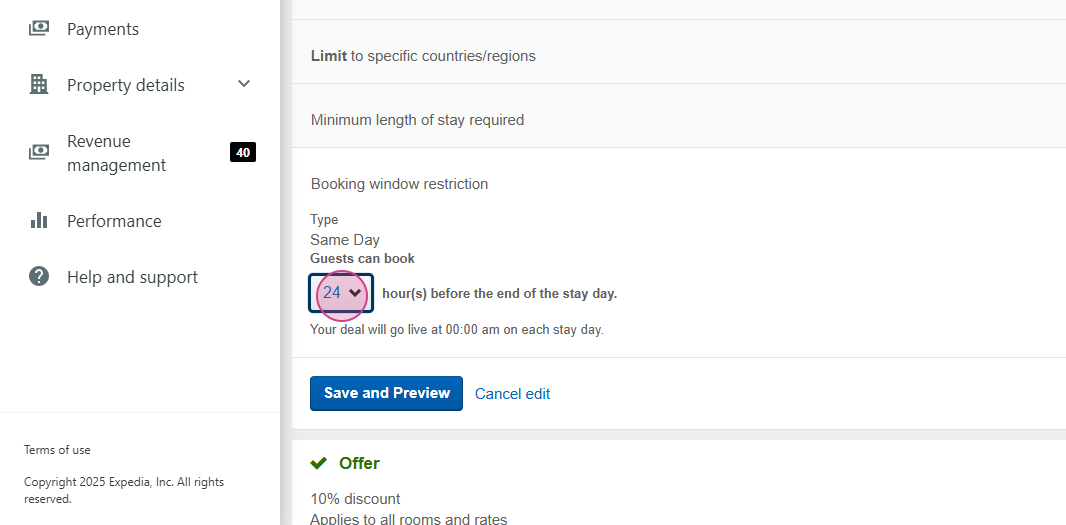
Step 13: Set the frequency for Same-day bookings.
Choose the hours for your promotion. The other section is the same as before. Save and preview, then go back.
Step 14: Create your Own specific discount.
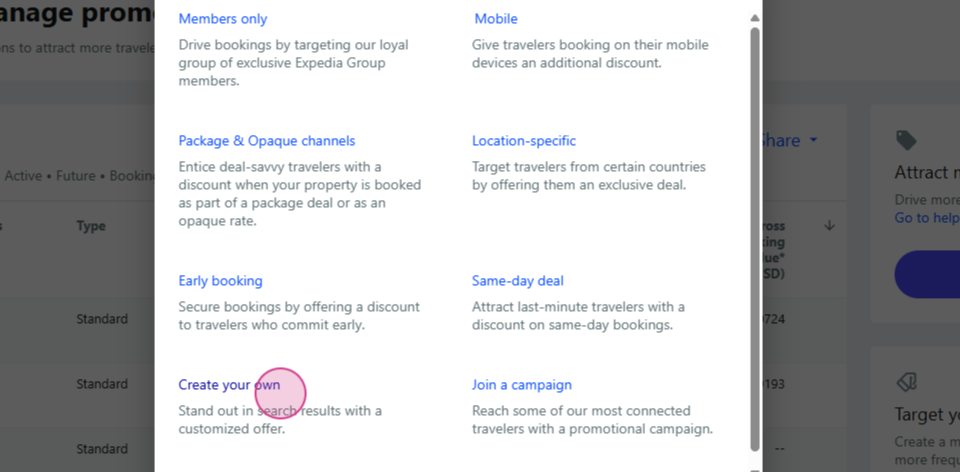
Set your own reference days and choose the Number of minimum days needed. We can select 7 days for a Weekly discount or 28 days for a Monthly discount, or 1 day for Daily discout or any other period we need. The other section is the same as before.
Click to Create your discount.
By following these steps, you'll be able to create and activate the discount that best suits your needs.