In this article, you'll learn how to add an extra guest fee for Booking. This feature allows you to charge an additional fee for extra guests beyond the base pax.
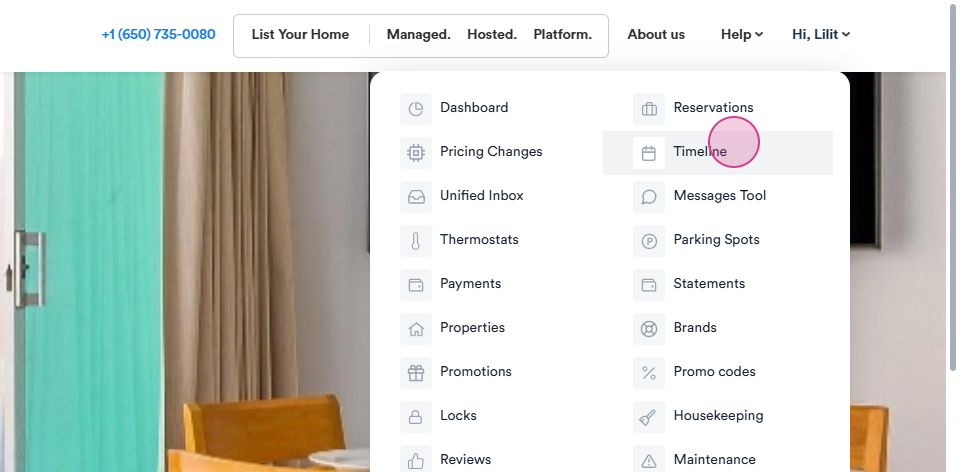
Step 1: Begin by navigating to the Timeline.
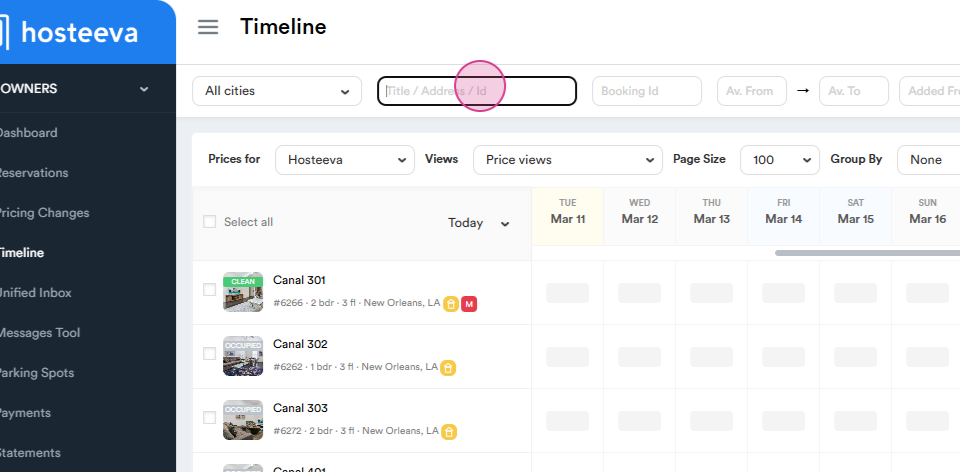
Step 2: Search for your Unit name or Unit ID.
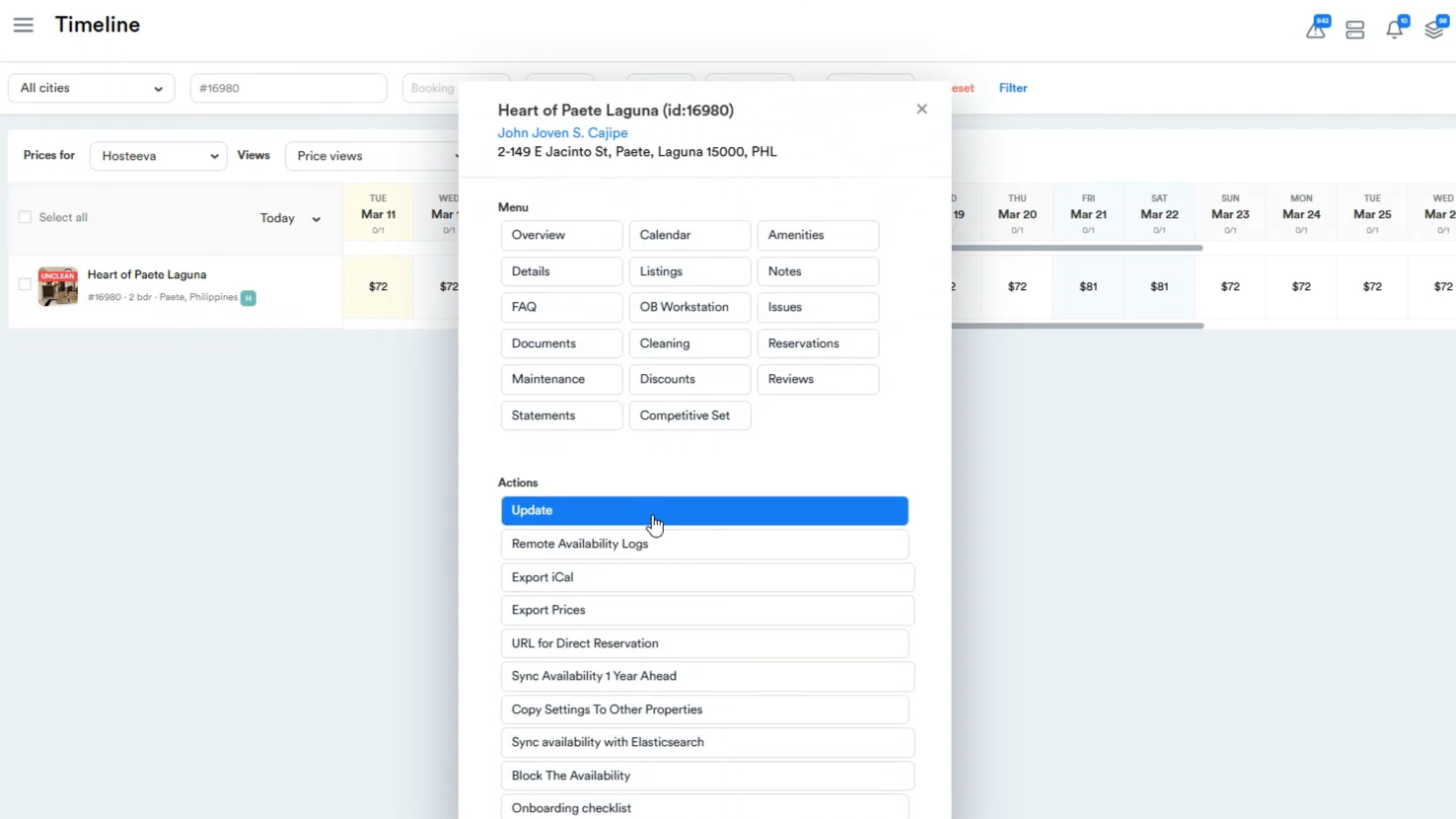
Step 3: Click on the Unit's Name and then click on Update.
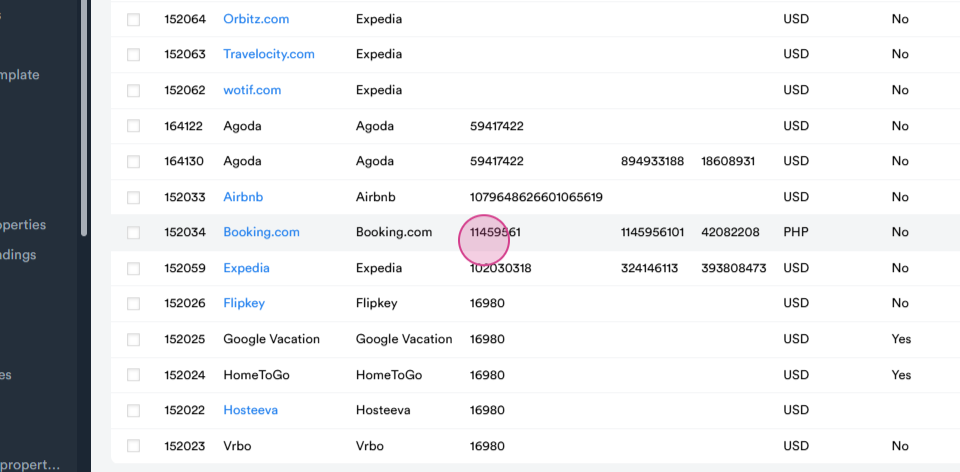
Step 4: Scroll down to the Channel Mapping Section and copy the Booking Hotel ID.
Step 5: Navigate to the Booking Channel and log in.
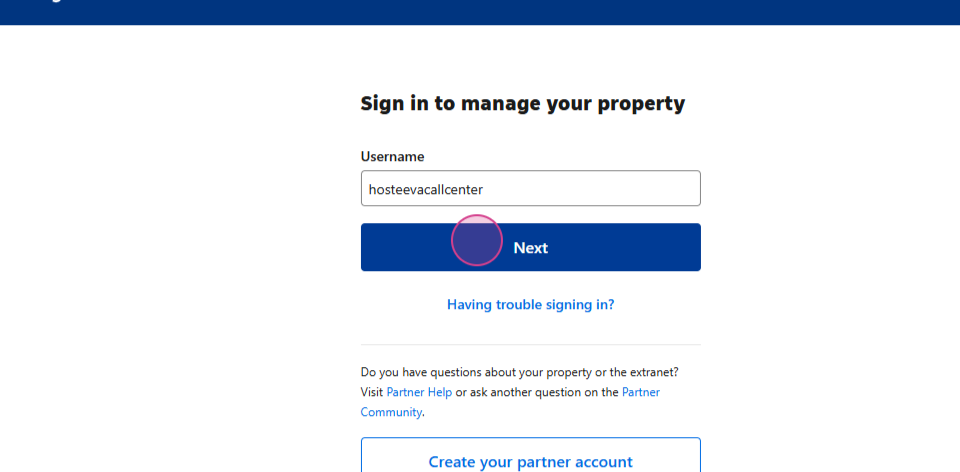
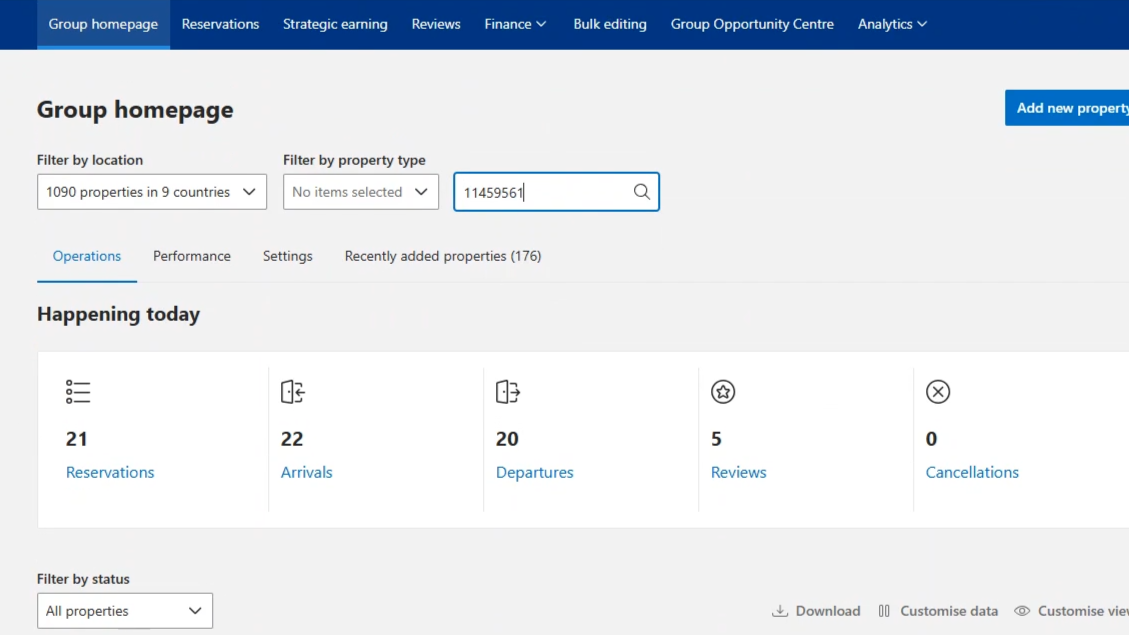
Step 6: Paste the Hotel ID and click on it.
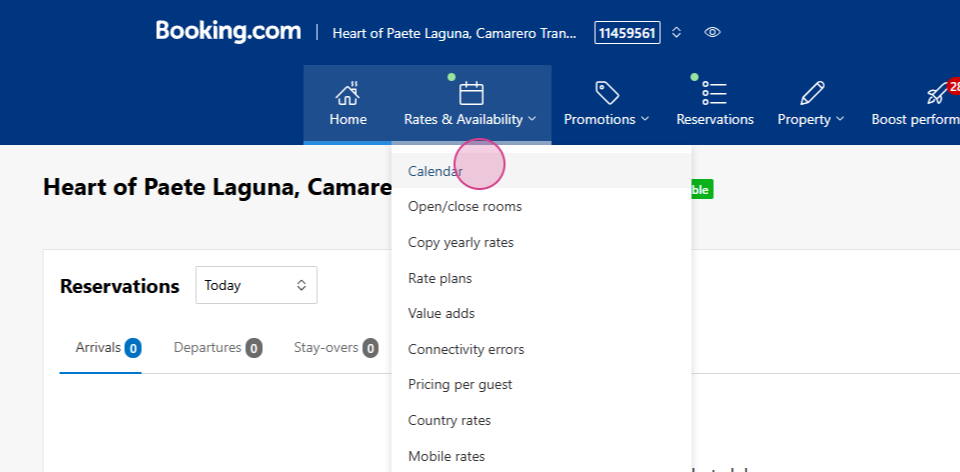
Step 7: Go to 'Rates and Availability' and click on 'Calendar'.
Step 8: Edit the rate plans. Here, you'll see that there's only a standard rate available, which you can edit.
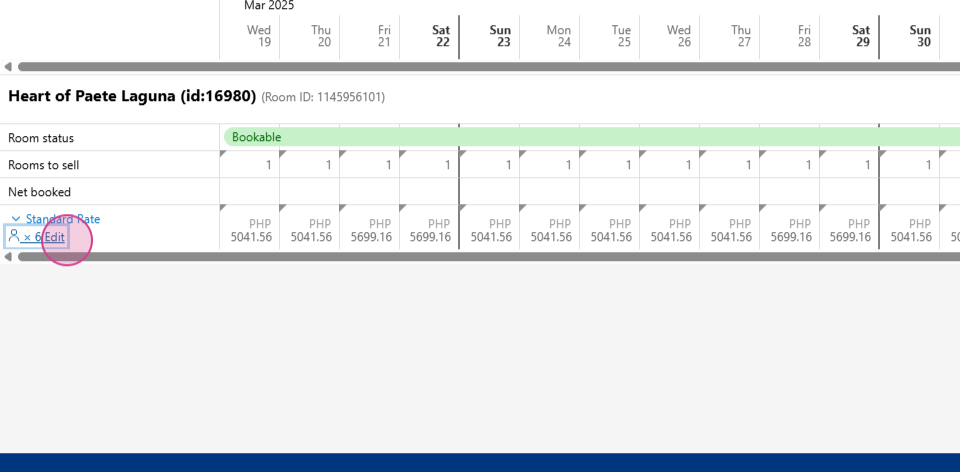
Step 9: Find and click on 'Edit Base Occupancy'.
Step 10: Navigate to Recommended. You'll see that the base packs now is 6.
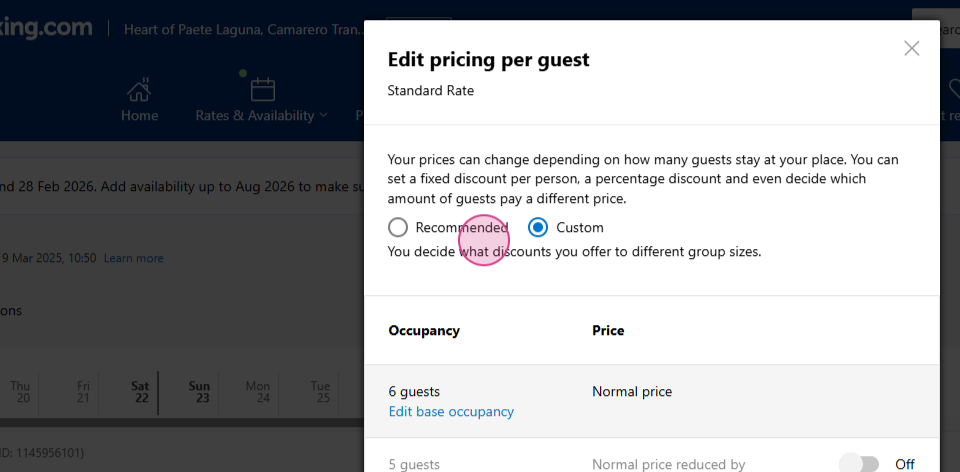
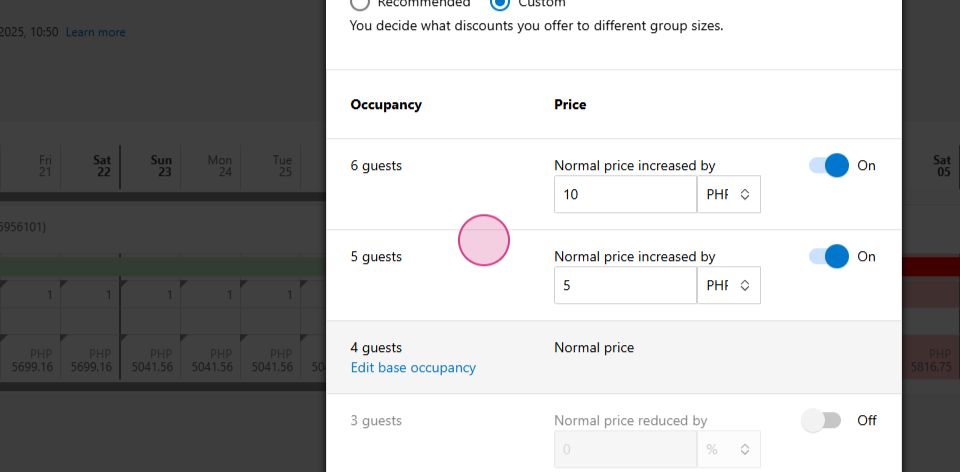
Step 11: Click Edit Base Occupancy. Enter the number of people, for example, 4.
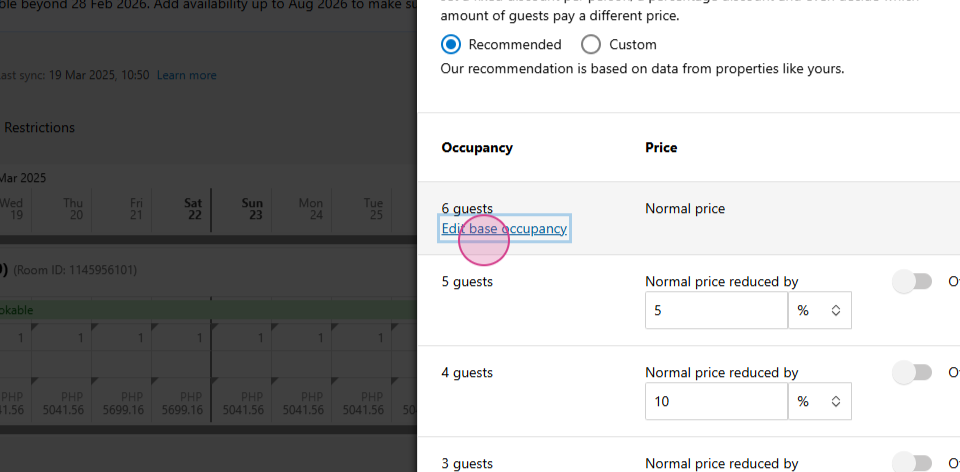
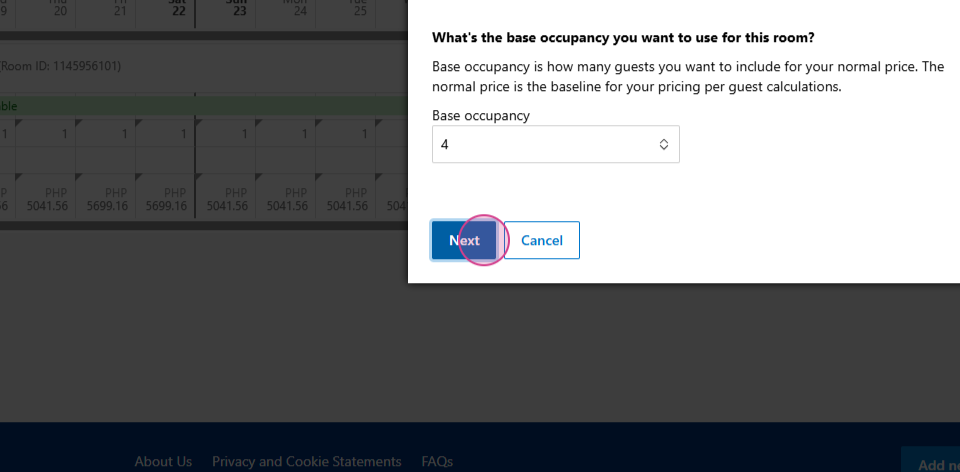
Step 12: After entering the number of people, click to ON fees and change the currency to PHP if the unit is in the Philippines , it can be other value. The rate should rise evenly, meaning the values will be 10, 15, 20, and etc.
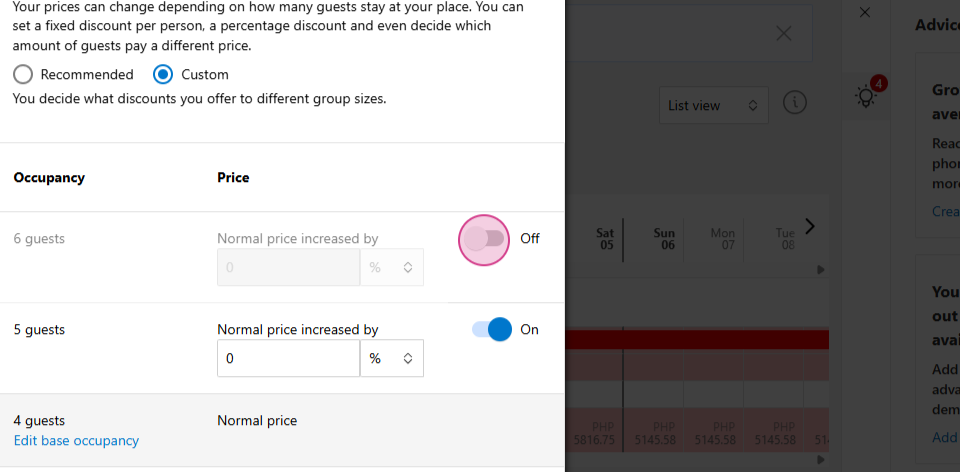
Step 13: Click Save.
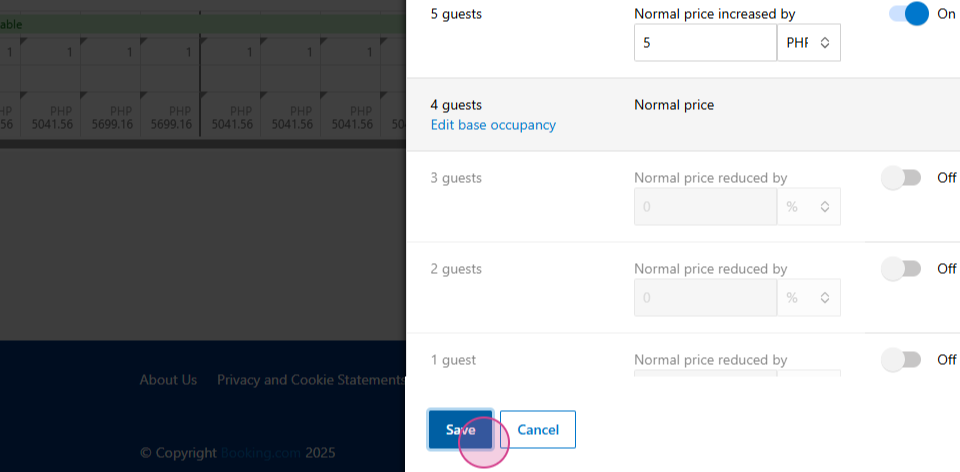
After completing these steps, our extra guest fees will be Ready.