In this article, you'll learn how to add an extra guest fee for Hosteeva and Airbnb channels. This feature allows you to charge an additional fee for extra guests beyond the base pax.
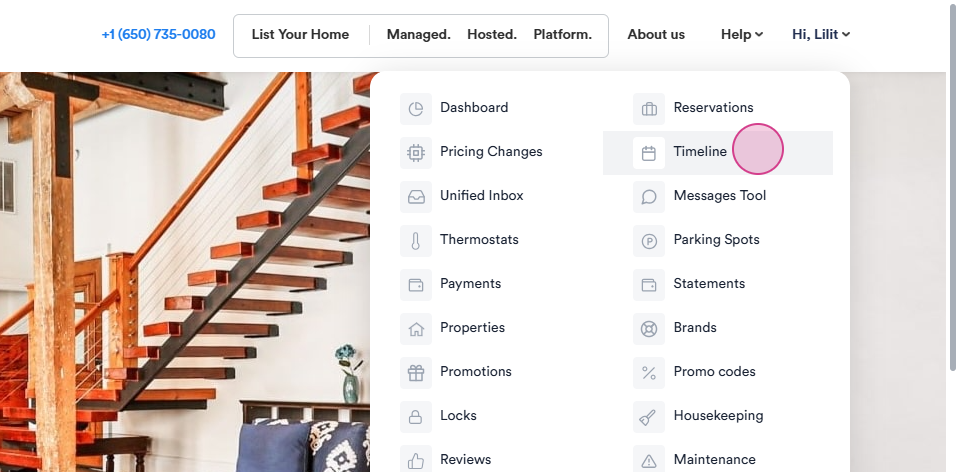
Step 1: Navigate to the Timeline.
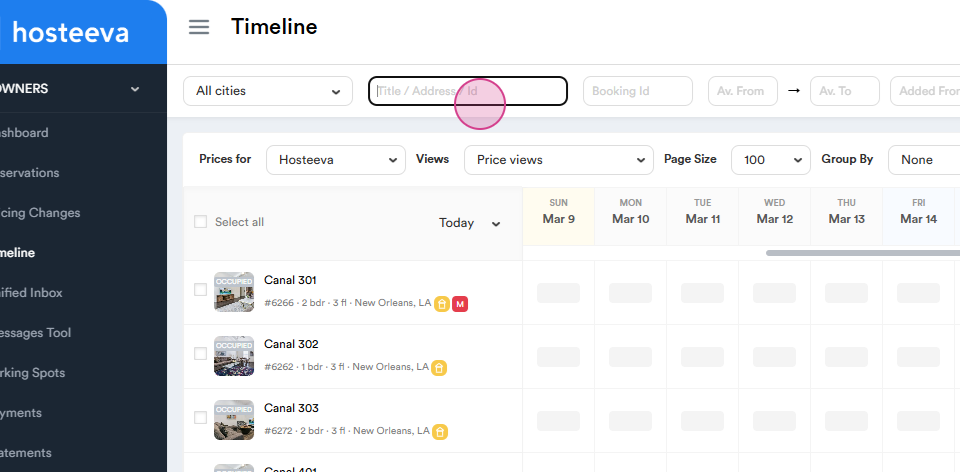
Step 2: Click on the title and earch for the required Unit name or ID.
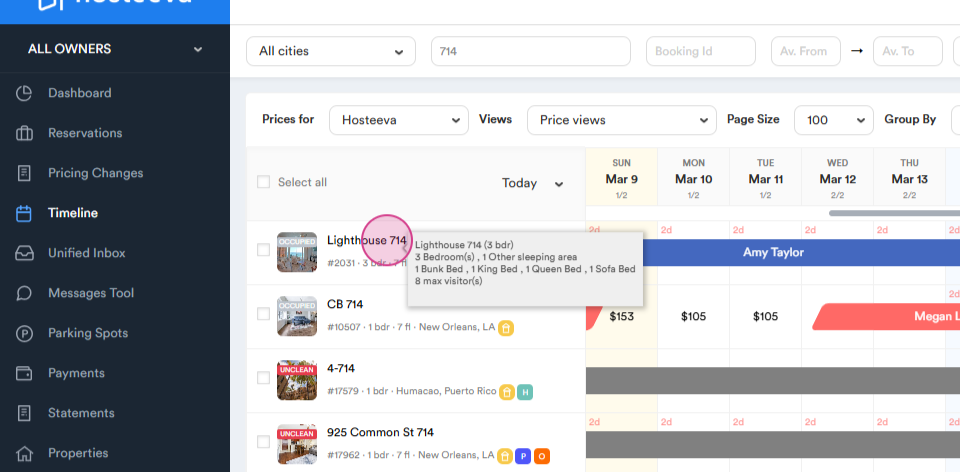
Step 3: Left click on the name.
Step 4: Proceed to the Update section.
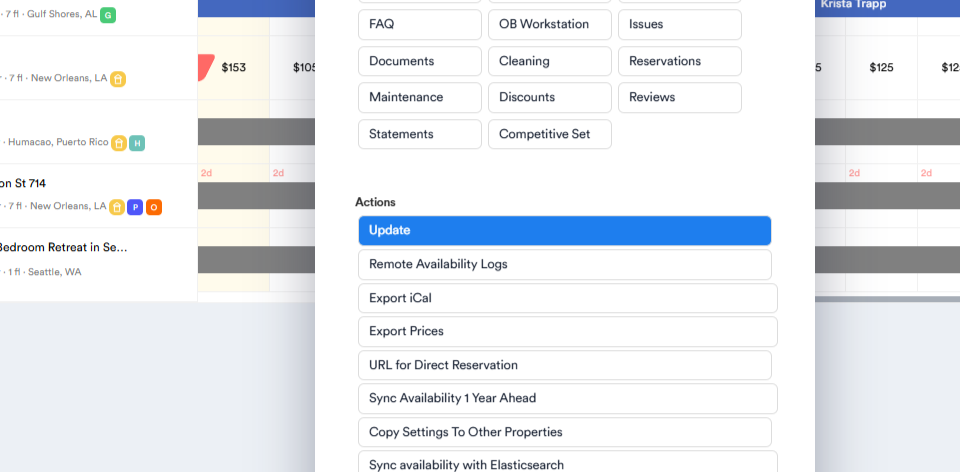
Step 5: Scroll down to find the Airbnb channel and click on the Edit section.
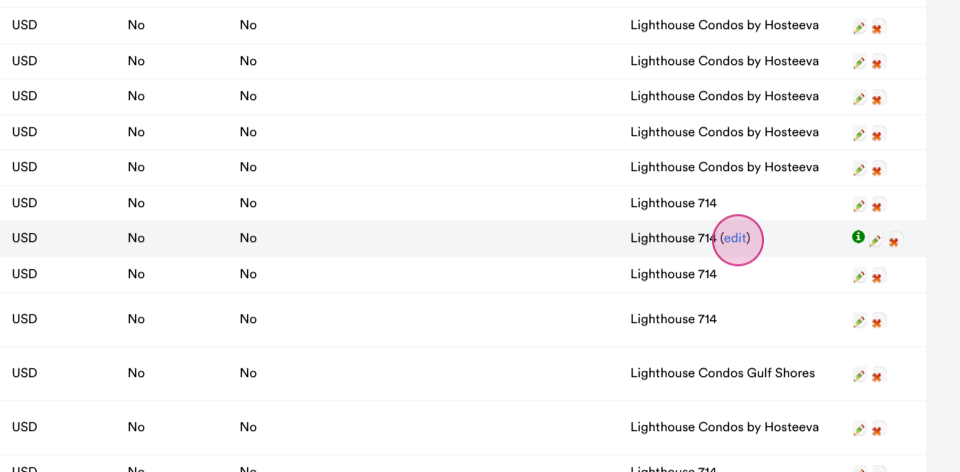
Step 7: Navigate to edit Airbnb and scroll down to pricing settings.
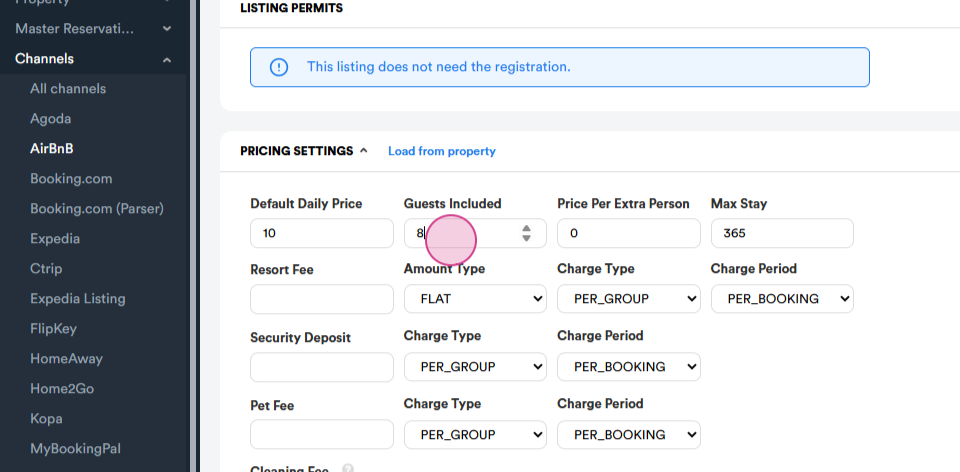
Step 8: Look for the Guest included pax. Set this as the base guest pax.
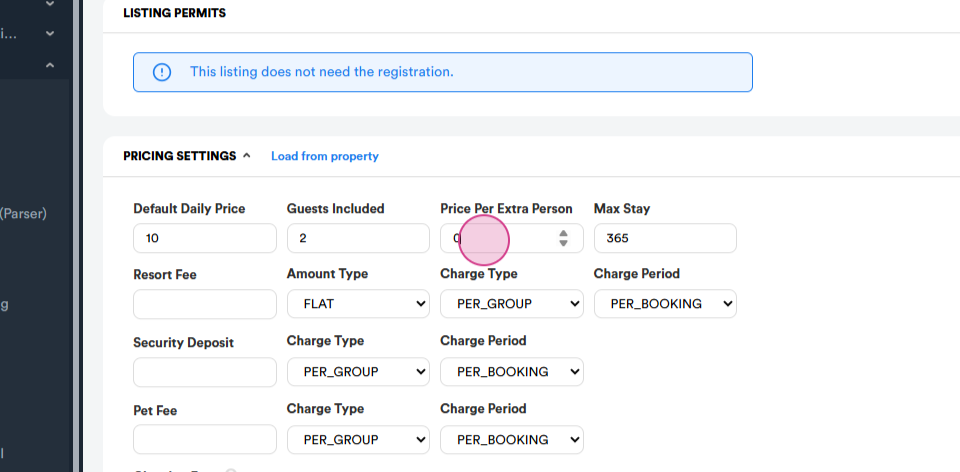
Step 9: Select the Price per Extra Person option.
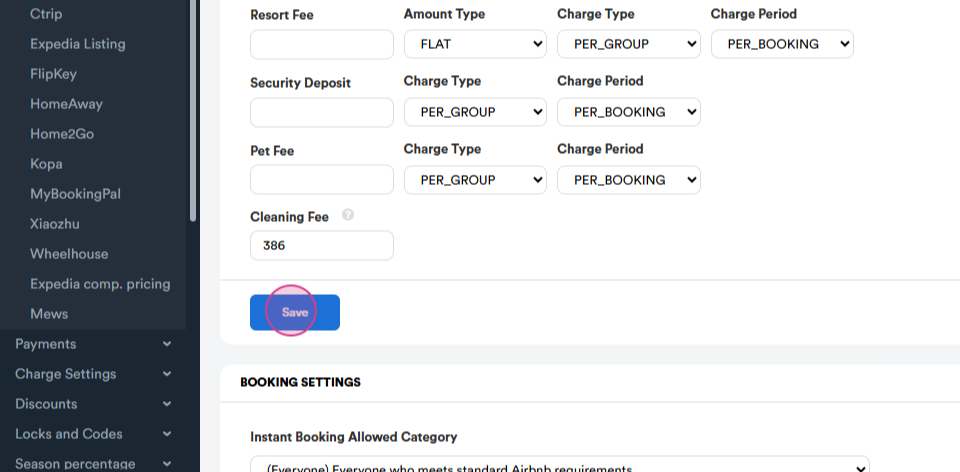
Step 10: Save your settings and scroll back up to the top.
Step 11: From the Additional section, set base guests amount .
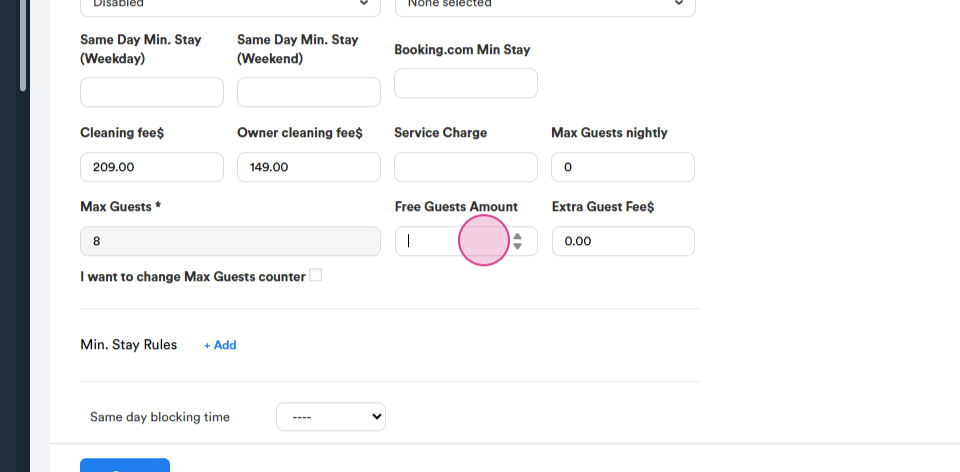
Step 12: Then choose the Extra guest fee.
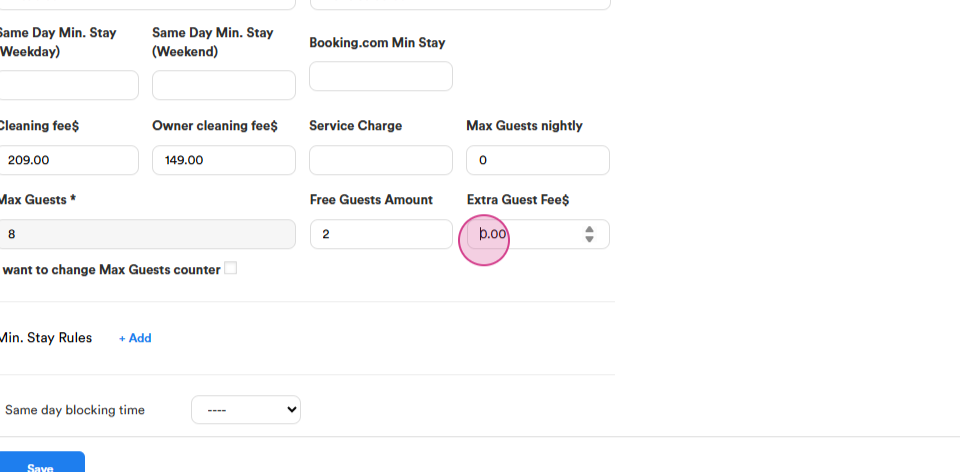
Step 13: Save your settings.
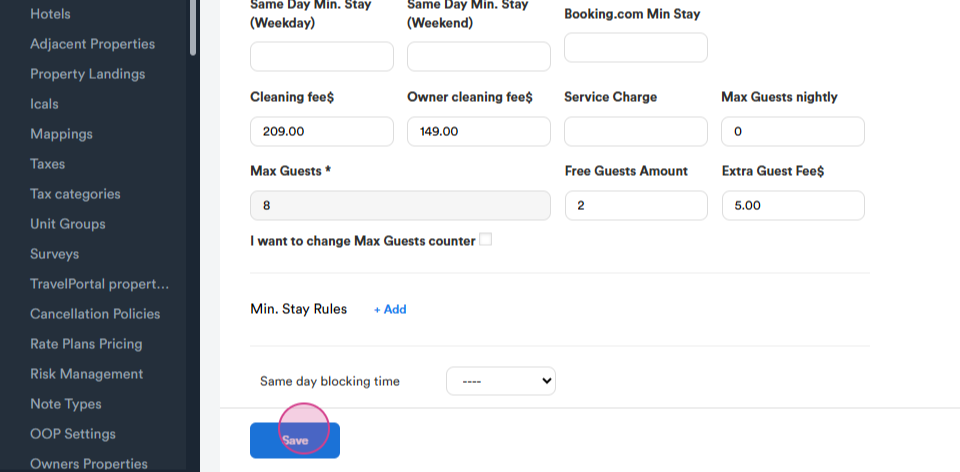
After following these steps, your extra guest fee for Hosteeva and Airbnb will be ready.