How to activate promotions for the Hosteeva channel using the Hosteeva platform.
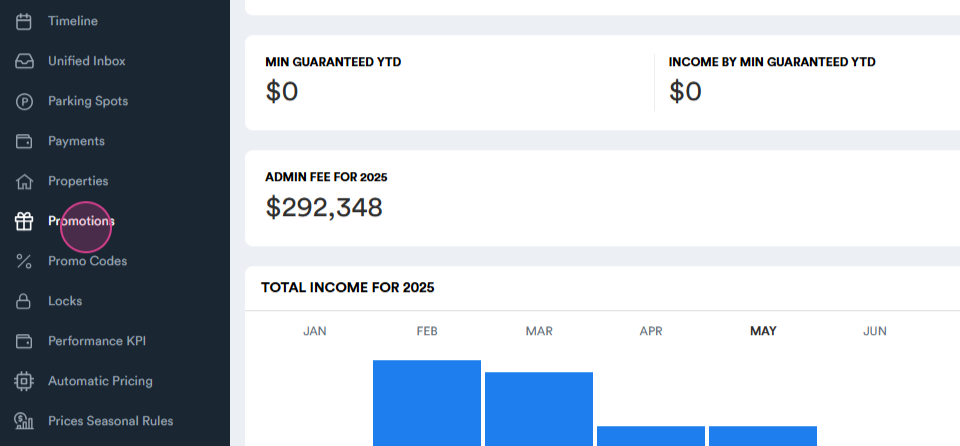
Step 1: Navigate to the promotions section on the Hosteeva platform.
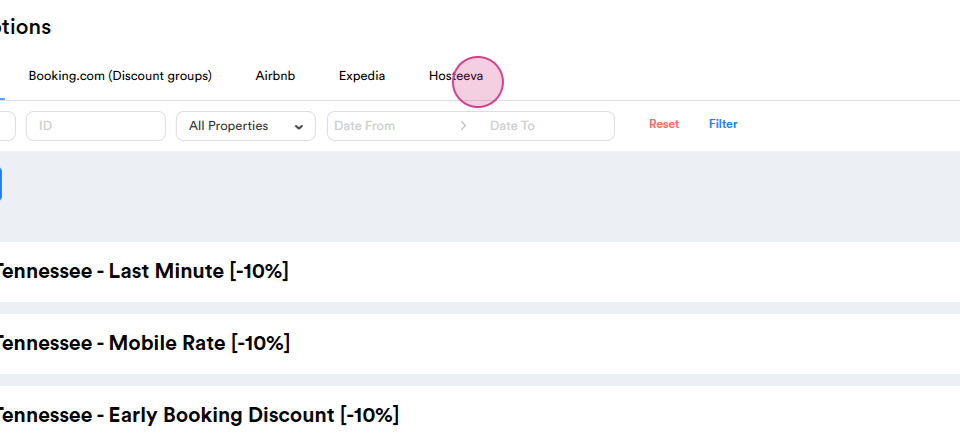
Step 2: Select the Hosteeva tab.
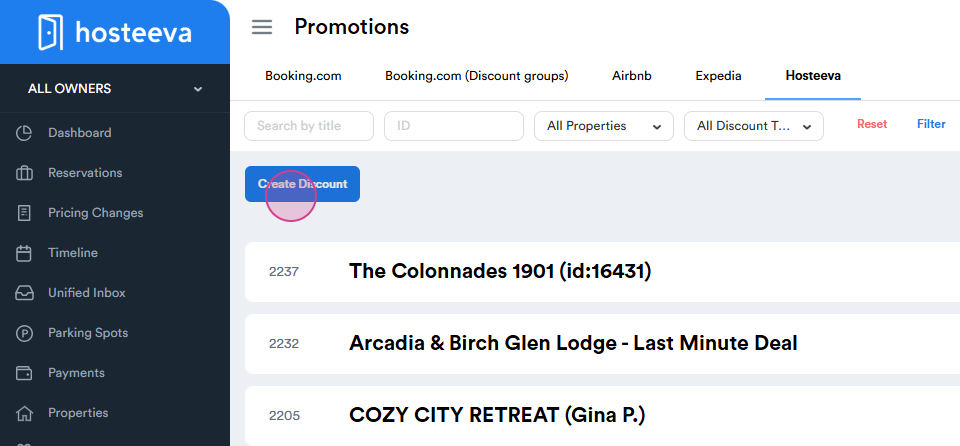
Step 3: Click on the create discount button.
Step 4: Enter the title for your discount. The perfect title should include the location, type of discount, and the discount percentage
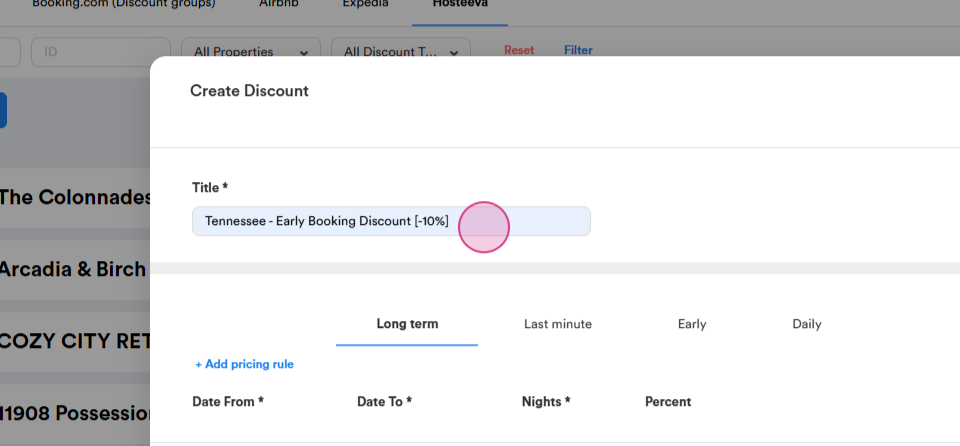
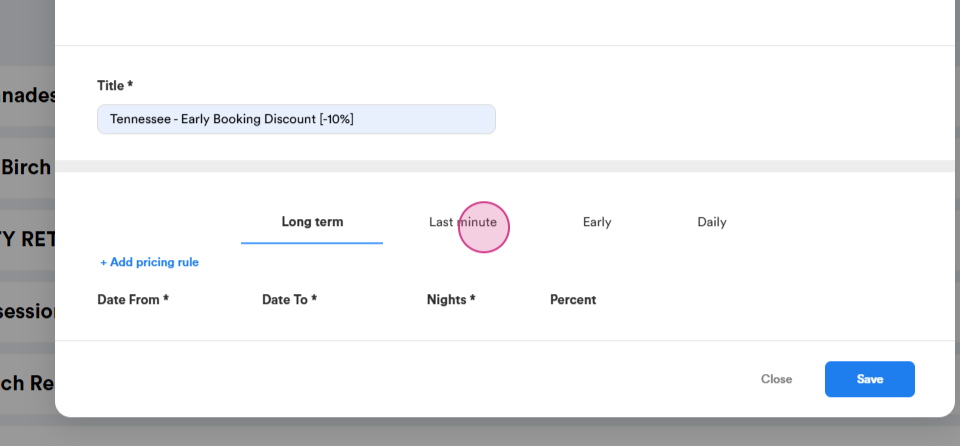
Step 5: Choose the type of discount. The options are long-term, last-minute, early, and daily.
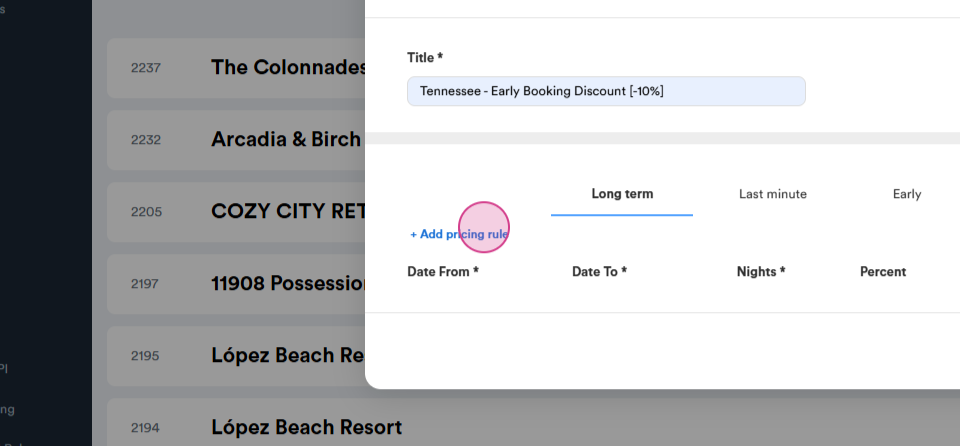
Step 6: Create a pricing rule.
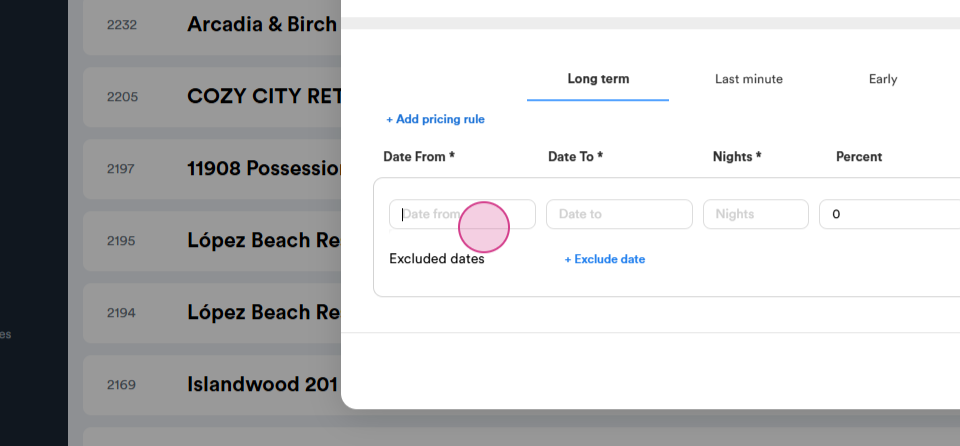
Step 7: Fill in the required fields.
Step 8: Select the starting date for your promotion.
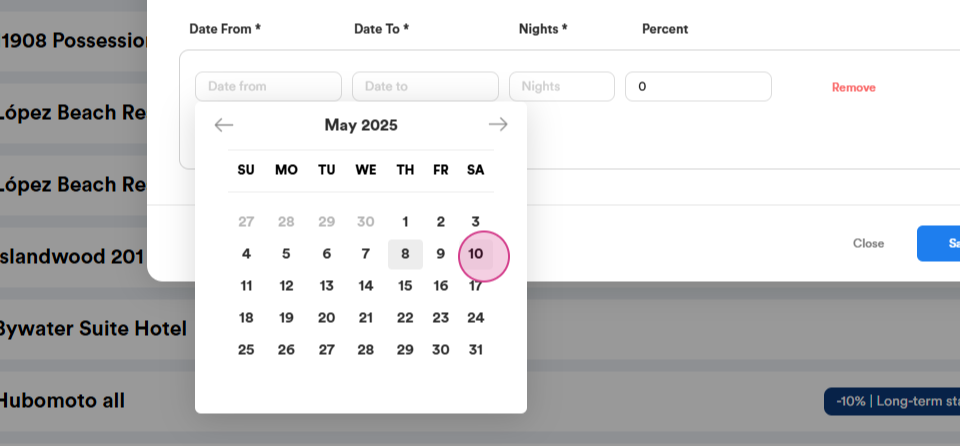
Step 9: Select the end date for your promotion.
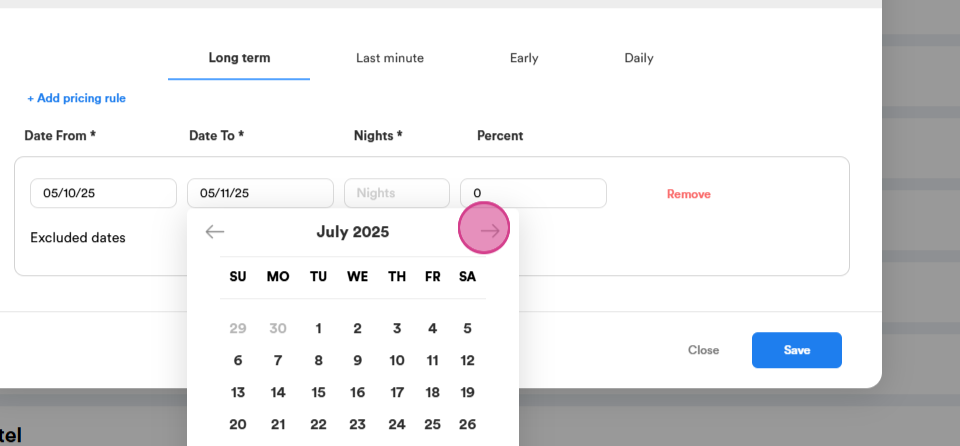
Step 10: Choose the duration of the promotion in nights.
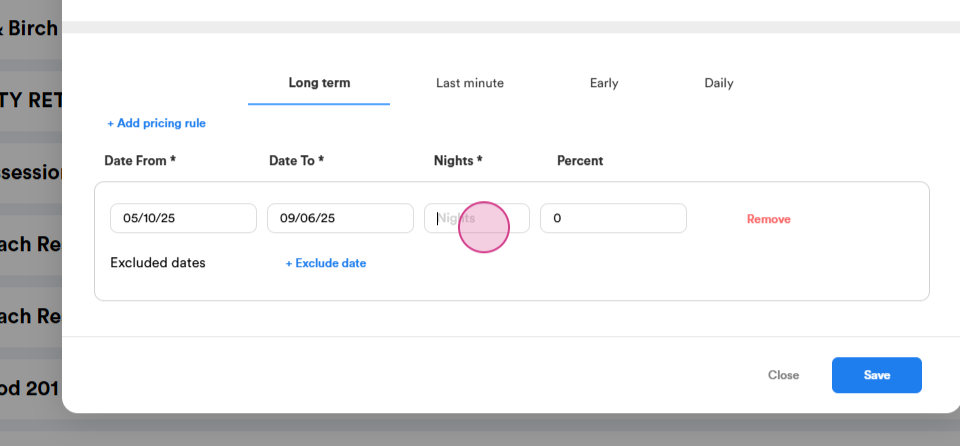
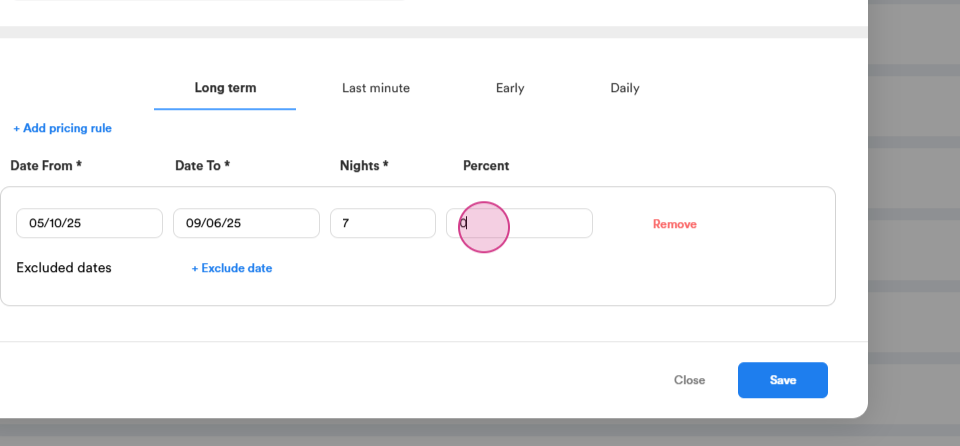
Step 11: Enter the discount percentage. Remember to enter a negative number for Hosteeva and Airbnb channels, and a positive number for Booking and Expedia channels.
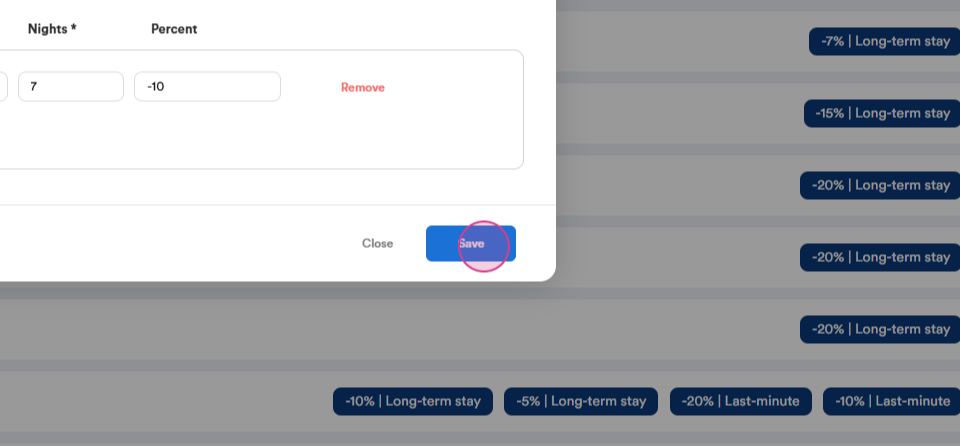
Step 12: Click on save. You should see a confirmation that your discount has been saved successfully.
Step 13: Click on the discount you've just created.
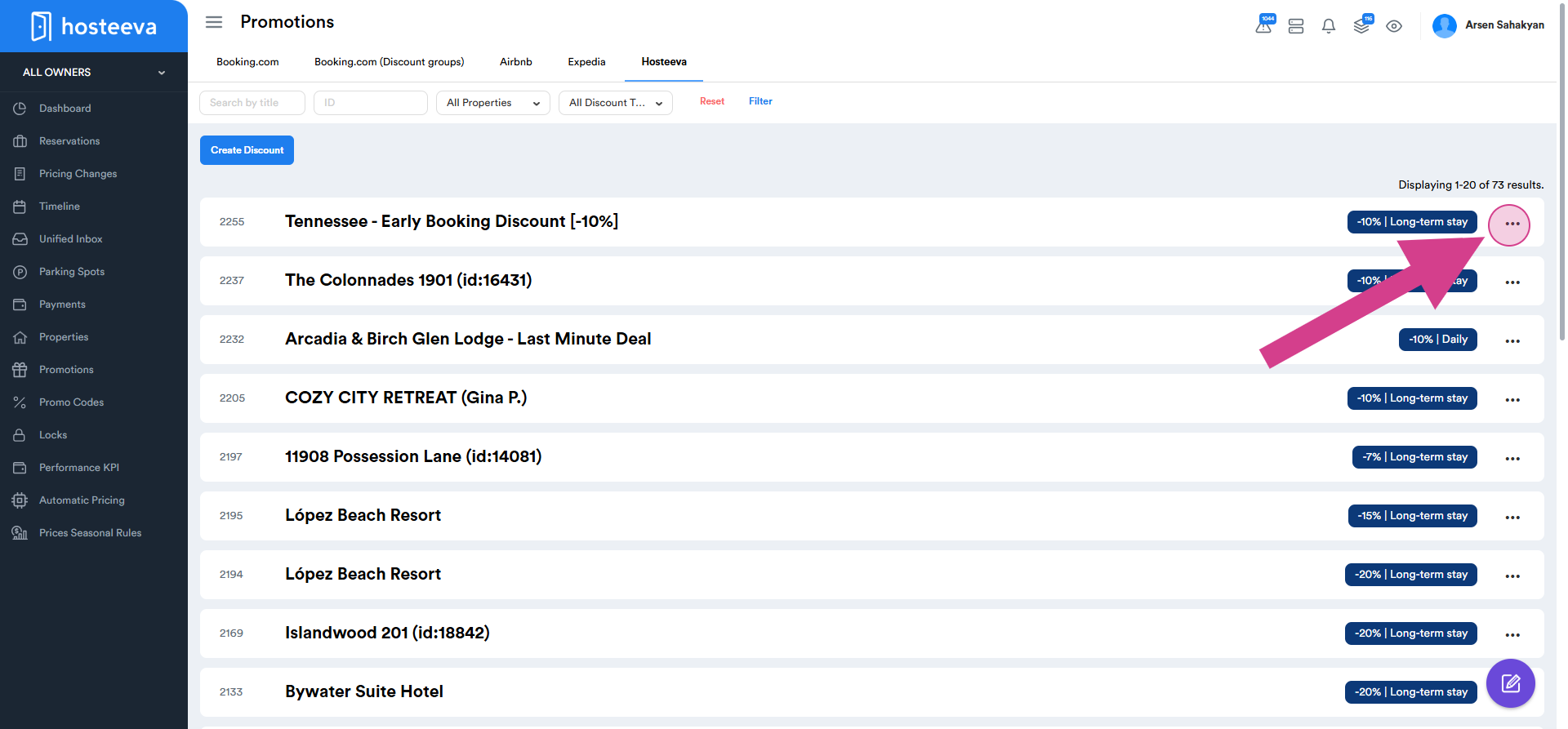
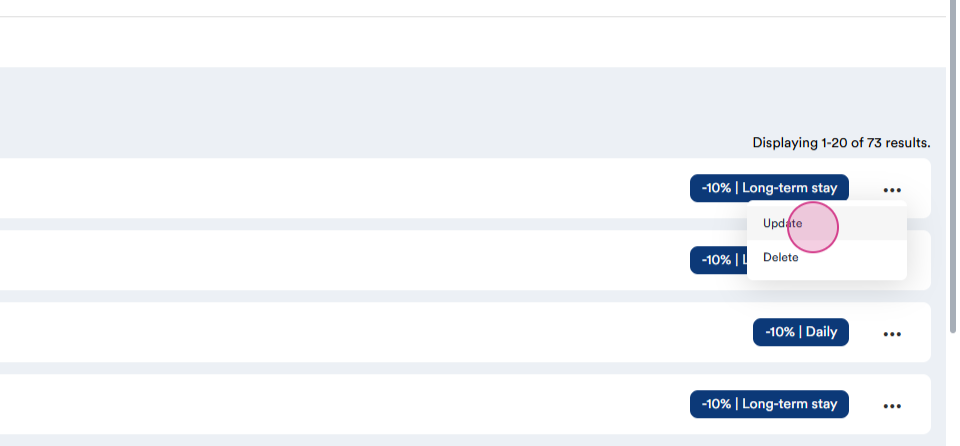
Step 14: Click on update.
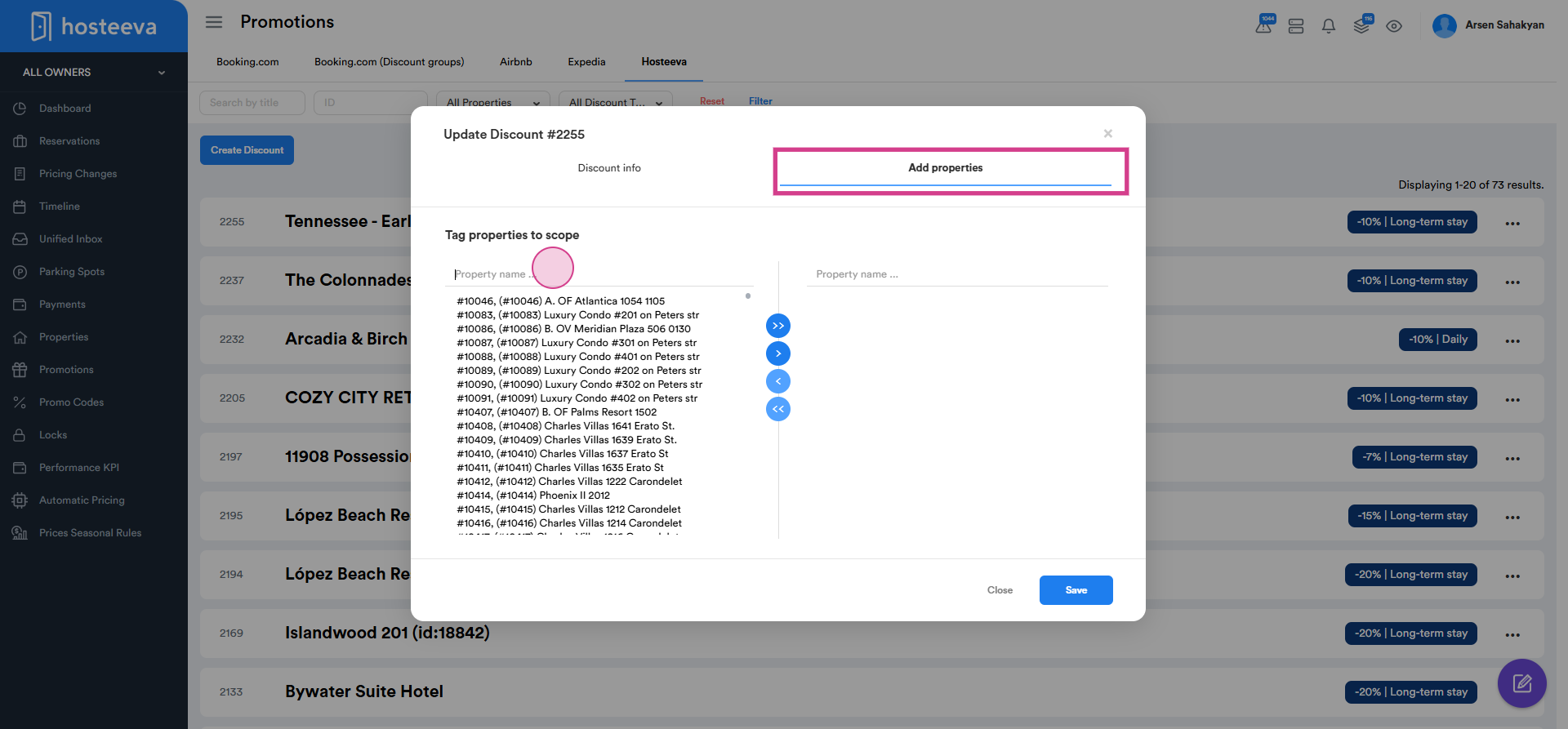
Step 15: Click on Add properties. Here, you'll see all available properties and those included in the discount.
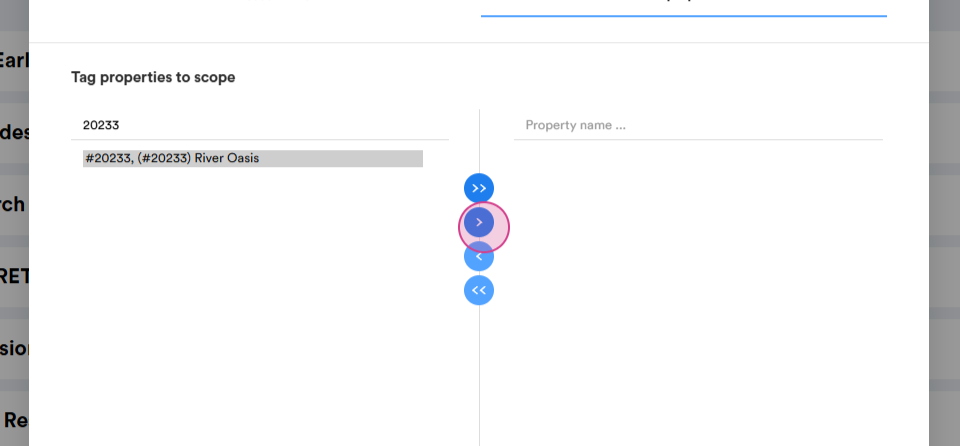
Step 16: Search for the property by name or ID.
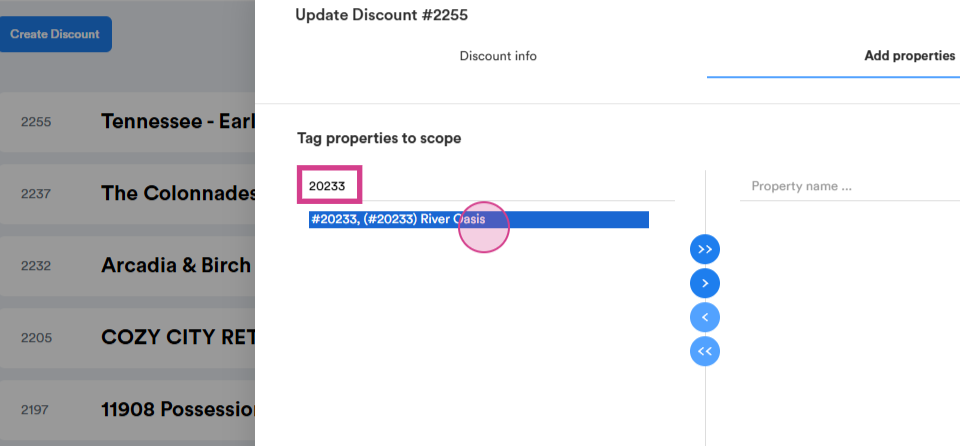
Step 17: Move the selected property to the right using the arrow in the middle.
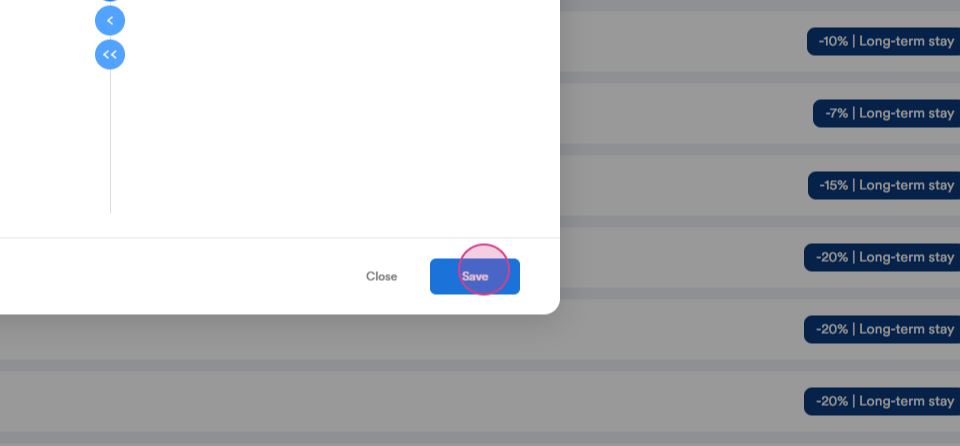
Step 18: Click on save.
How to search for a promotion?
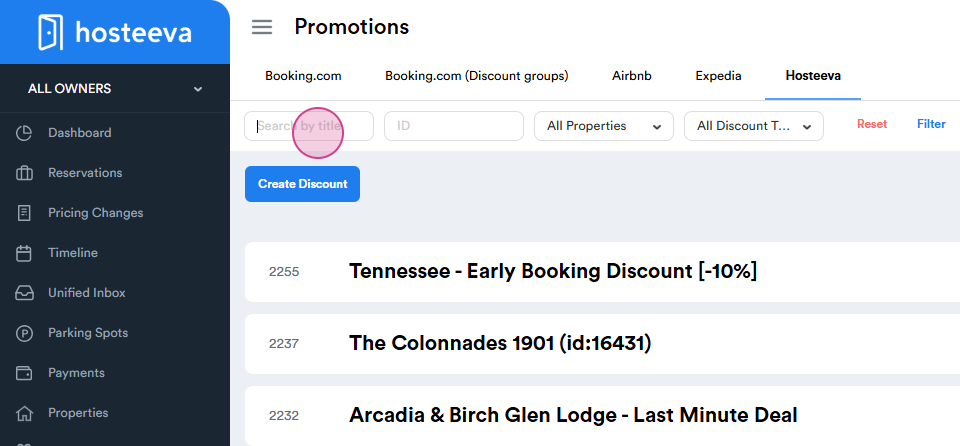
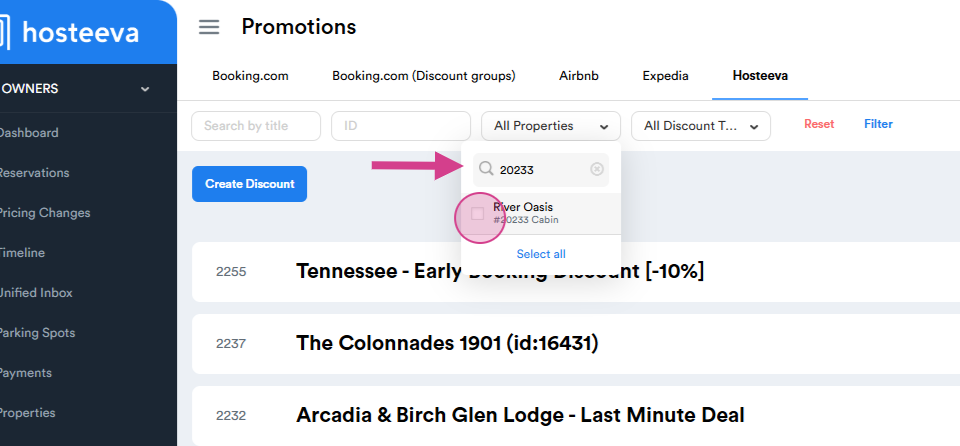
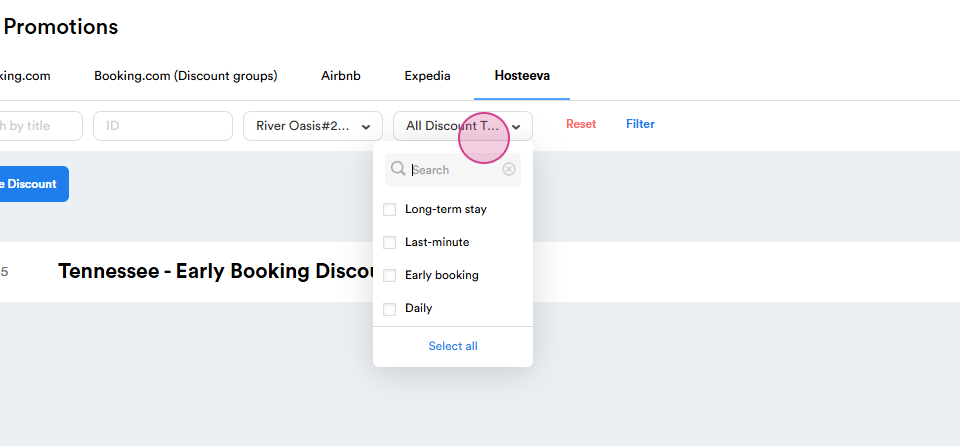
You can search for your promotion by title, ID, properties included in the promotion and the promotion type.
Search by ID
Search by the properties included in the promotion.
Search by the promotion type.
Thank you!