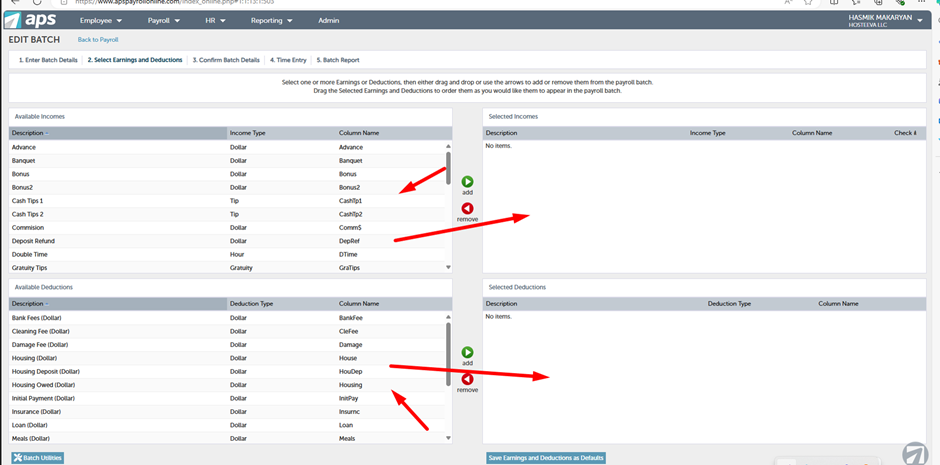
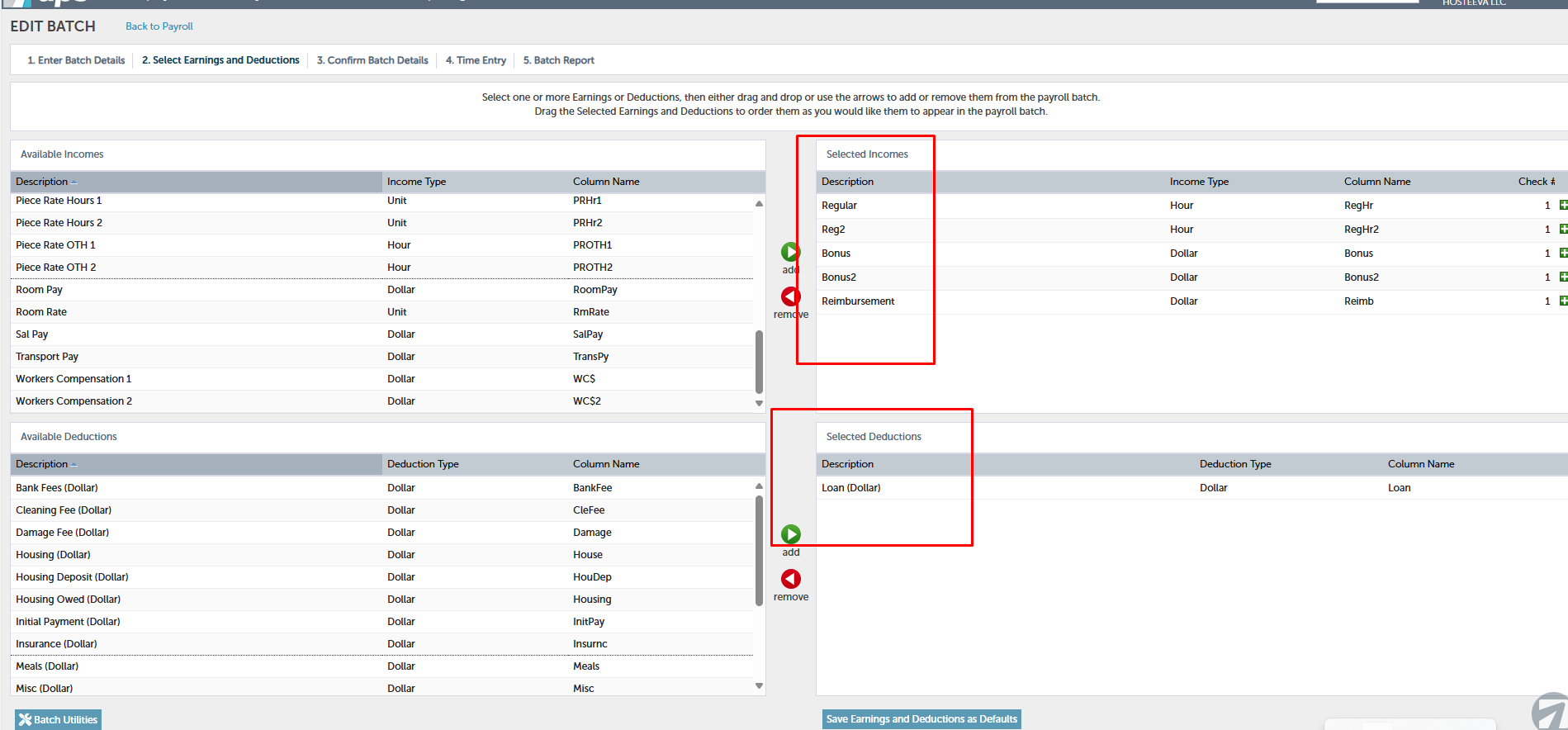
For the payroll process we need certain types of incomes and deductions. After creating a payroll batch we need to go to 'Select Earnings and Deductions.' We have 'Income' and 'Deductions' fields. The most commonly used incomes are 'Regular' and 'Reg 2' (used for hourly paid employees), bonuses, and reimbursements. Transfer them to the right side by holding the mouse over the income and dragging.
The other employees are paid on a fixed salary basis.
These are the current incomes and deductions we need for our upcoming payroll.
For adding new incomes and deductions, we need to contact APS. We also handle child support deductions, which are processed automatically. You can find the description of the process in a separate article.
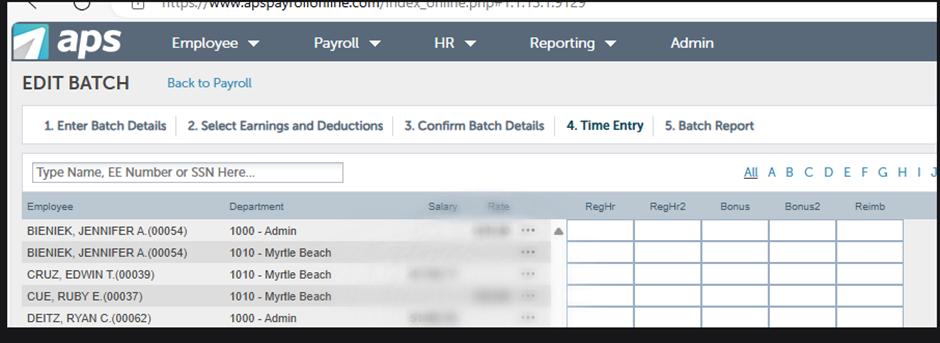
After adding the incomes/deductions, confirm the batch details and click on 'Time Entry.' You will see a list of current active employees with their salaries and rates.