This article will guide you through checking Airbnb reservation details, understanding the cancellation policy, house rules, and more. By the end, you'll know how to manage reservations and inquiries effectively.
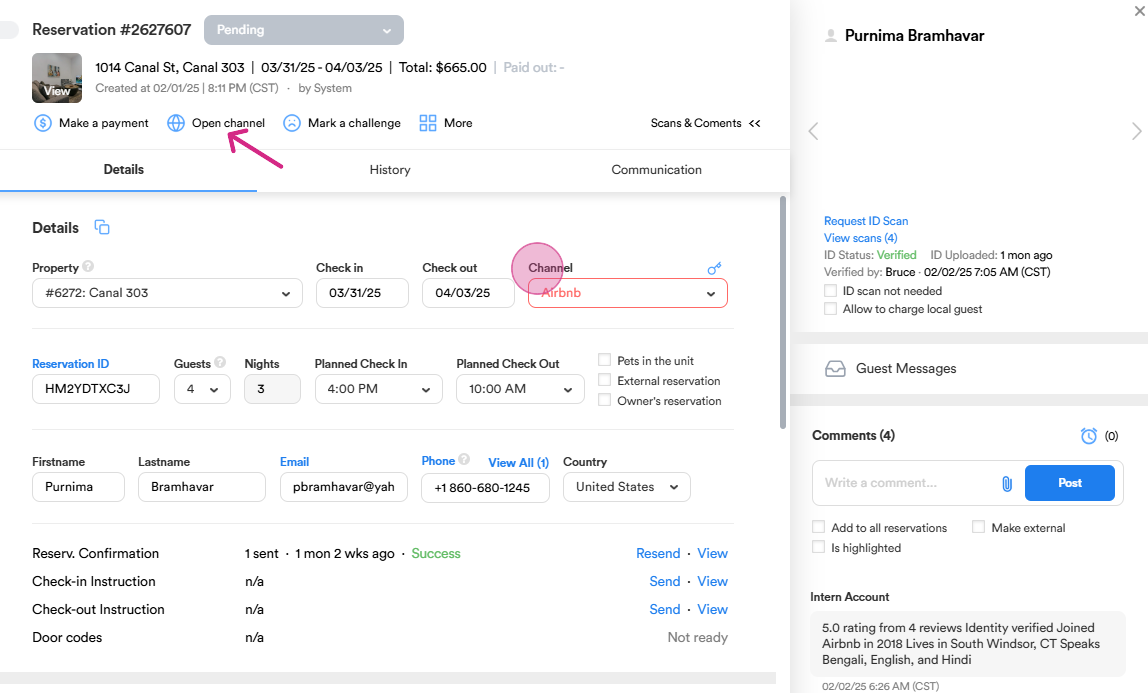
Step 1: Start by defining an Airbnb reservation. Open the channel. The system redirects you to the Airbnb website.
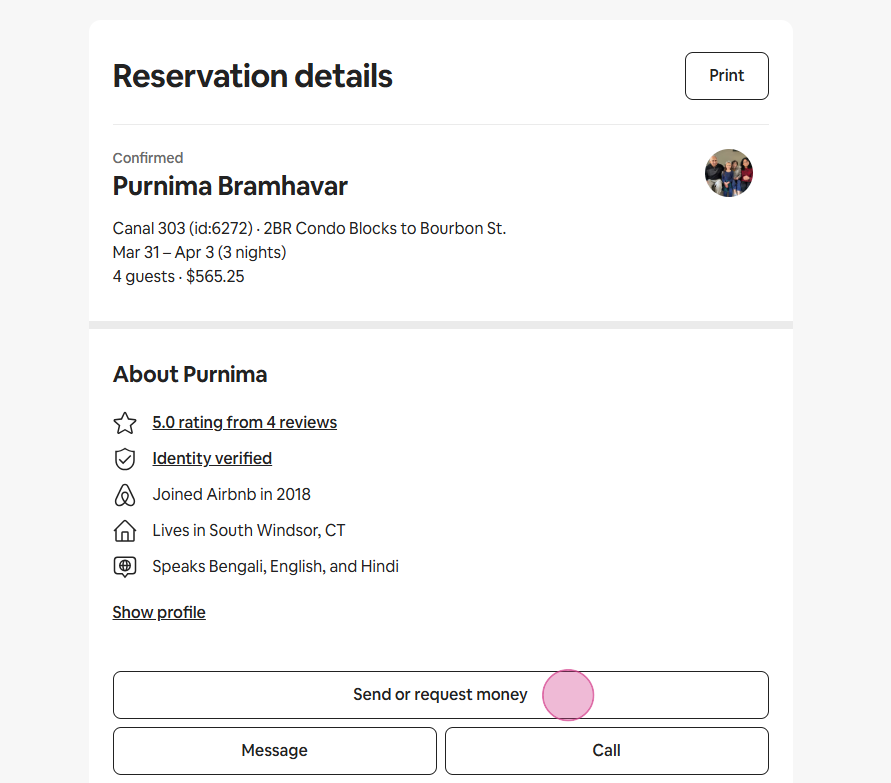
Step 2: View the reservation details. These include the guest's details and account information. Notice the "Request or Send Money" button. Use this to request additional charges such as pet fee or issue refunds.
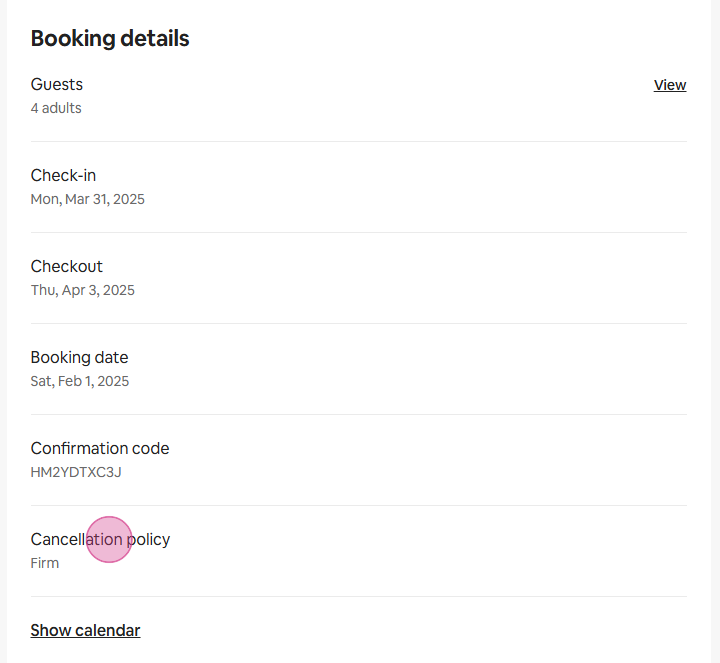
Step 3: Scroll down to see more reservation details such as the number of guests, check-in and check-out times, booking date, and confirmation code. Review the cancellation policy. Note that Airbnb reservations are mostly bank transfers, and we don't manage the payment process.
Step 4: Scroll down further to find the "Change or Cancel Reservation" buttons. Use these to send a request to a guest if you need to modify the reservation or to cancel the reservation if needed.
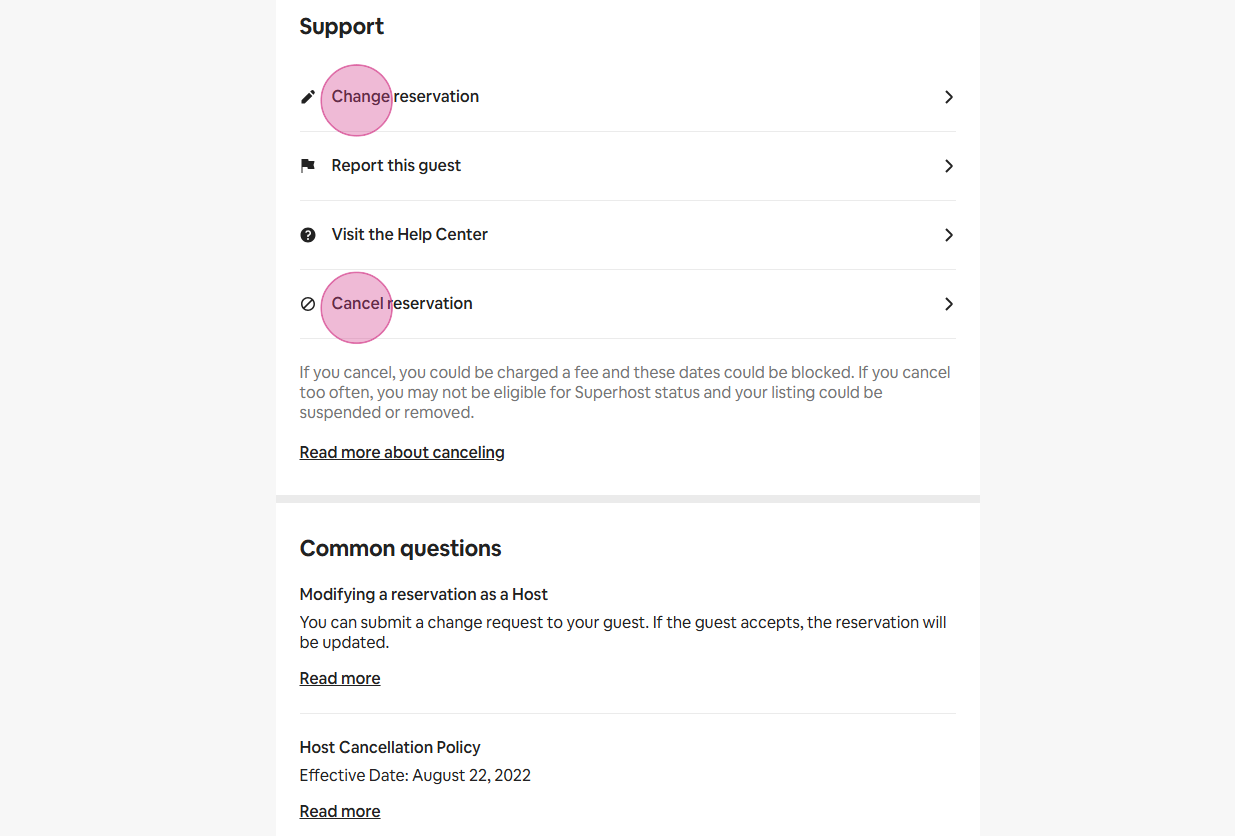
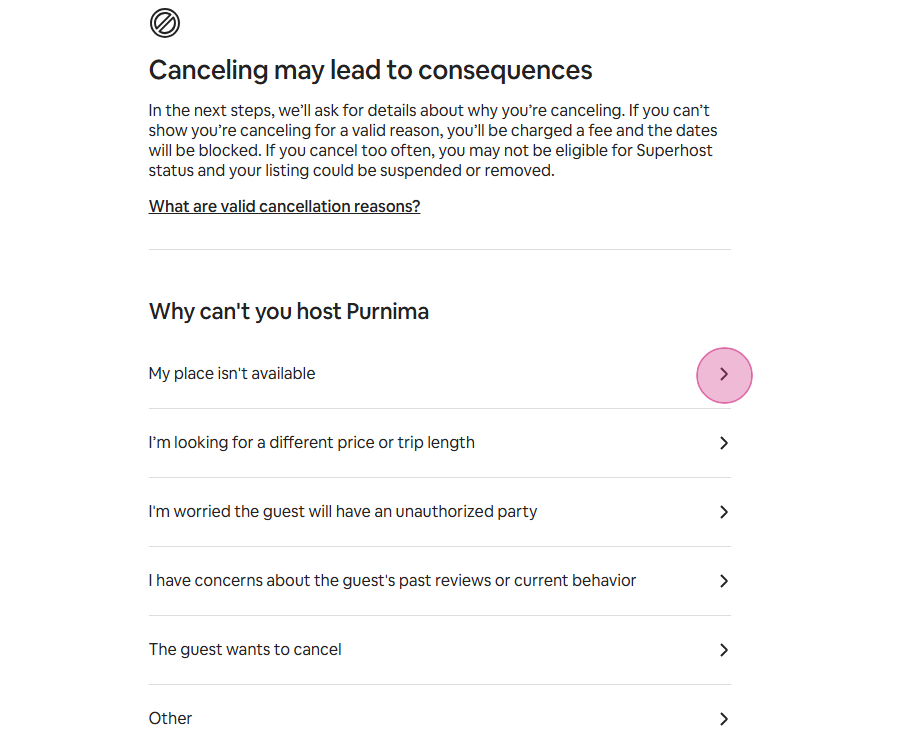
The "Cancel Reservation" button is a valuable tool for managing cancellations. It offers flexibility based on the circumstances of the booking: Penalty-Free Cancellation: If a guest violates your house rules, you can cancel the reservation without incurring any penalties. It's important to document the violation and communicate clearly with the guest before proceeding with the cancellation. This ensures transparency and fairness in handling the situation. Cancellation with Penalty (Our Fault): In cases where the reservation must be canceled due to an issue on your part (e.g., property maintenance problems, double-booking, etc.), the cancellation will typically incur a penalty. It's essential to handle such situations carefully and communicate with the guest promptly to explain the issue and assist them in finding alternative accommodations. In both scenarios, ensure that you’re following Airbnb’s guidelines for cancellations and always provide clear communication to the guest, including any necessary steps or information about refunds or rebooking options.
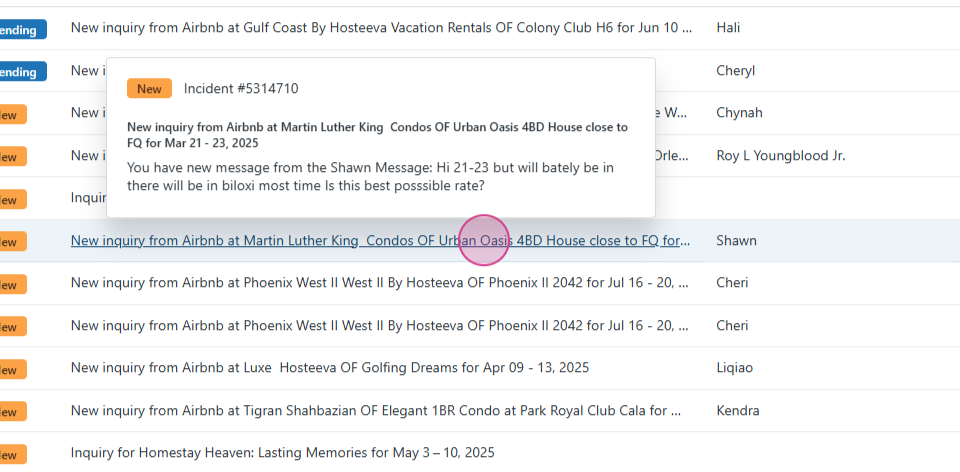
Step 5: Switch to Zendesk to explore Airbnb inquiries. Open an inquiry to view the unified inbox.
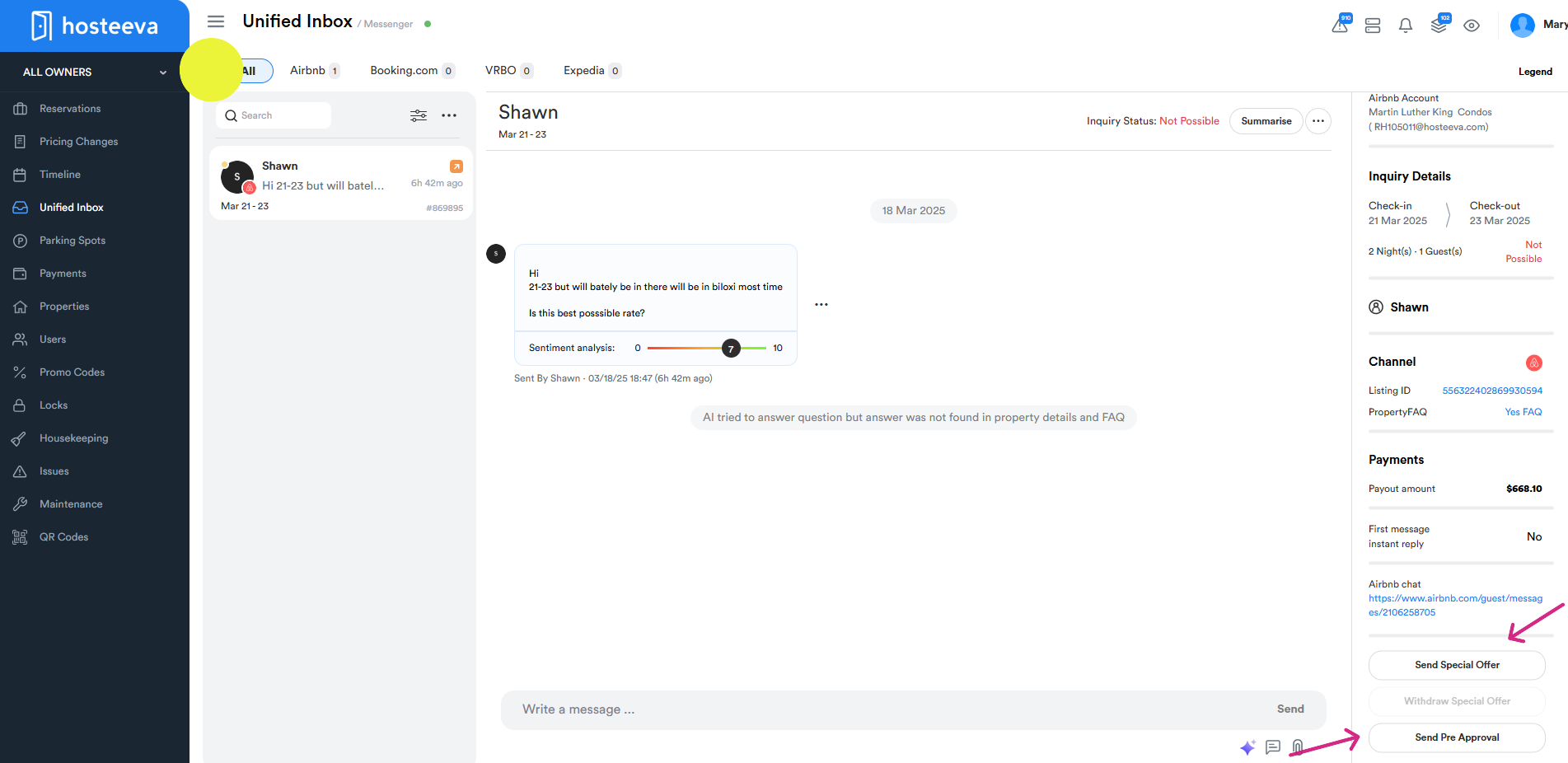
Step 6: Respond to potential guests by sending them a special offer. For example, for NOLA properties if the guest asks for a discount we can provide up to 10% agent discount from the rate. Fill in the required fields and send the request. Send a pre-approval when you're confident the guest wants to book. This allows them to make a reservation with a single click.
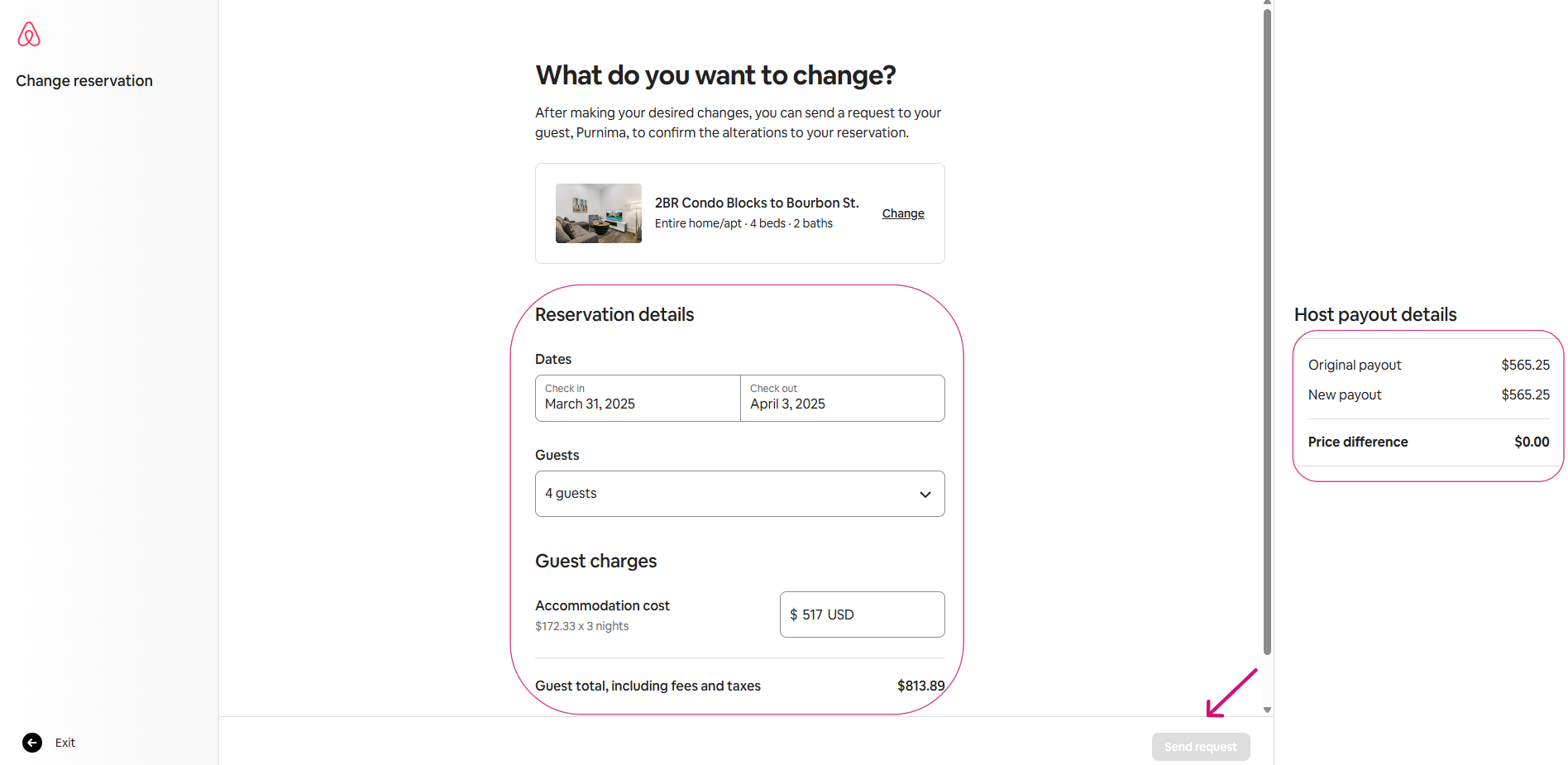
Step 7: When guests request alterations to their reservation, such as changes to their stay dates or extensions, it's essential to provide prompt and efficient assistance. Here's how to handle such requests: Date Changes or Modifications: If a guest wants to adjust the dates of their stay, first verify availability for the new dates. If available, proceed with updating the reservation through the Airbnb platform. If the dates are not available, politely inform the guest and offer alternative dates or recommend nearby accommodations. Extensions: If a guest wishes to extend their stay and you have availability, you can accommodate their request. You have two options for processing payment: Airbnb Payment Request: You can send a payment request directly through the Airbnb platform, which will handle the payment securely. Direct Payment Link: Alternatively, you can provide a direct, secure payment link using a 3D-secured payment method. Make sure to include clear instructions to ensure a smooth transaction.
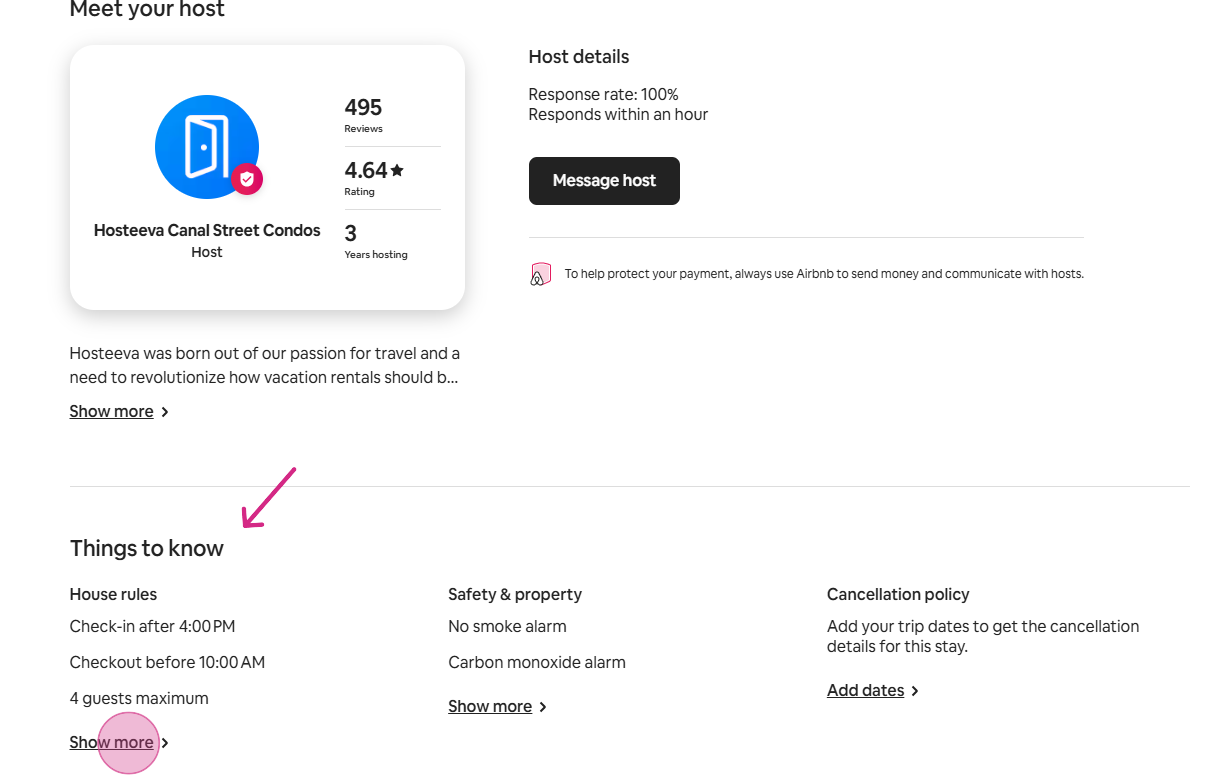
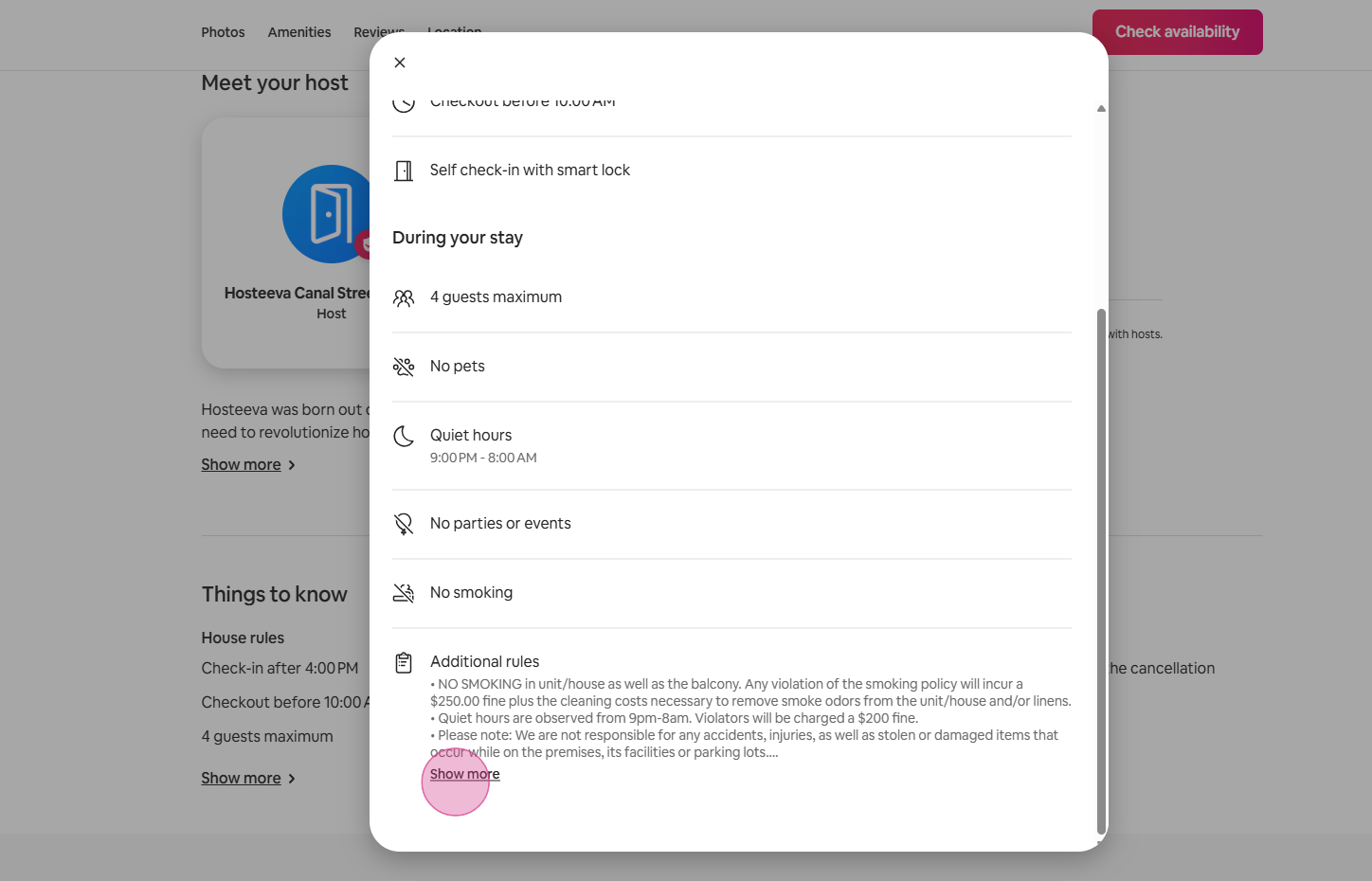
Step 8: To review the house rules in the listings, simply navigate to the listing page, where you'll find a dedicated section outlining the rules.
Thank you for your attention. This guide should help you manage Airbnb reservations and inquiries more effectively.