This article will guide you through the process of capturing and releasing parts of a refundable damage deposit.
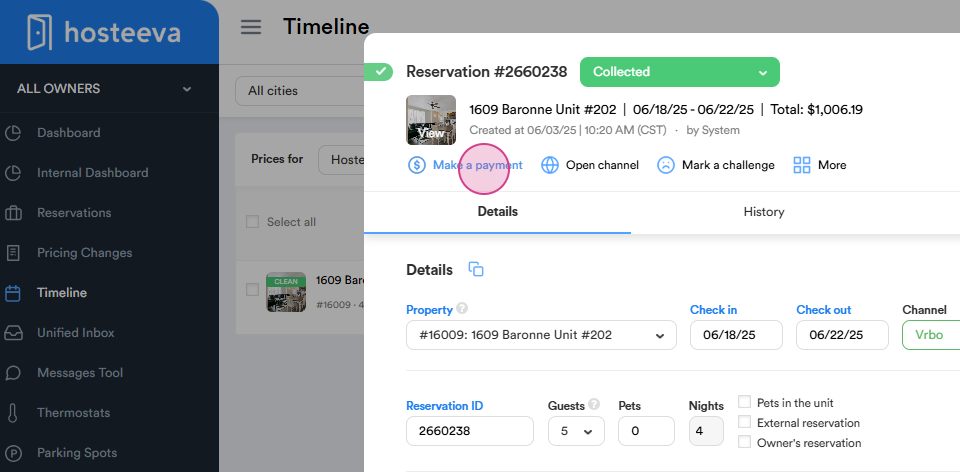
Step 1: Navigate to the Make a payment section located at the top of the reservation dialog.
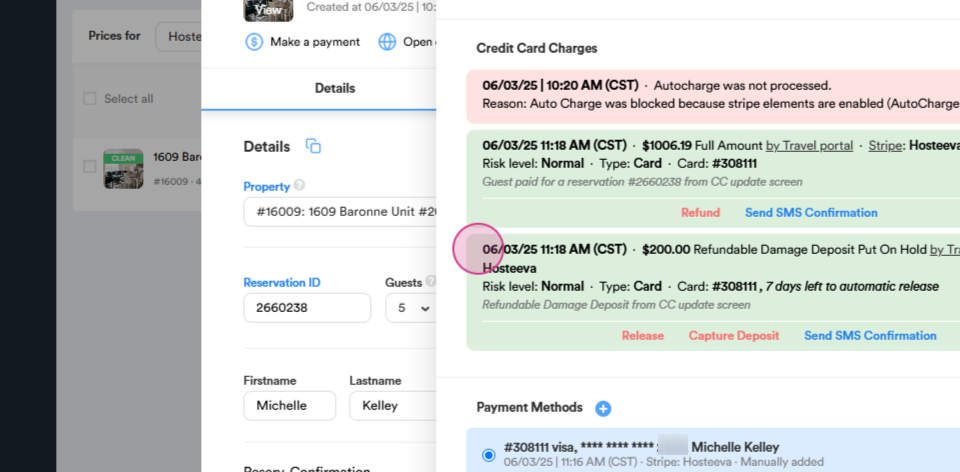
Step 2: Look for the refundable damage deposit transaction. You'll notice that it's currently on hold.
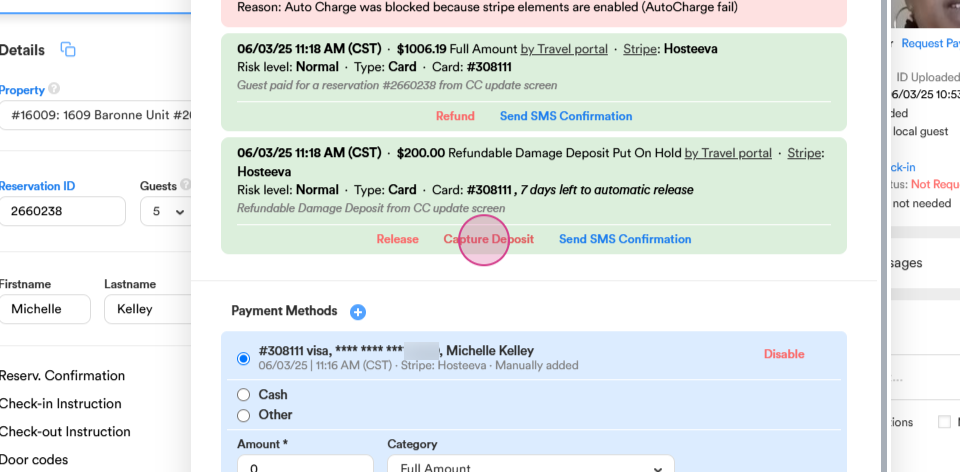
Step 3: Click on the capture deposit button to retain a portion of the refundable damage deposit if the guest has caused any damage.
Step 4: Enter the amount you wish to capture. For instance, if the guest has caused $50 worth of damage, input this amount.
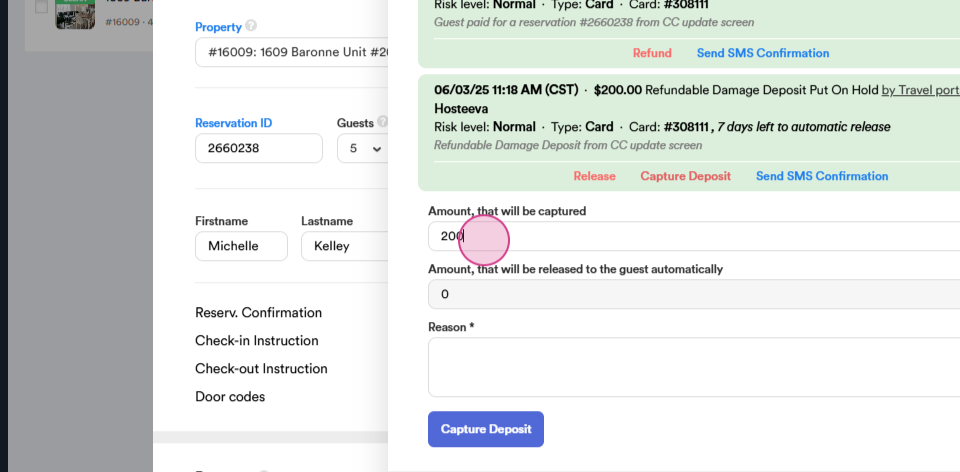
The remaining amount of $150 will be automatically released within 72 hours after checkout.
Step 5: You have the option to leave a comment, such as detailing the damage caused, for example, "broken mirror".
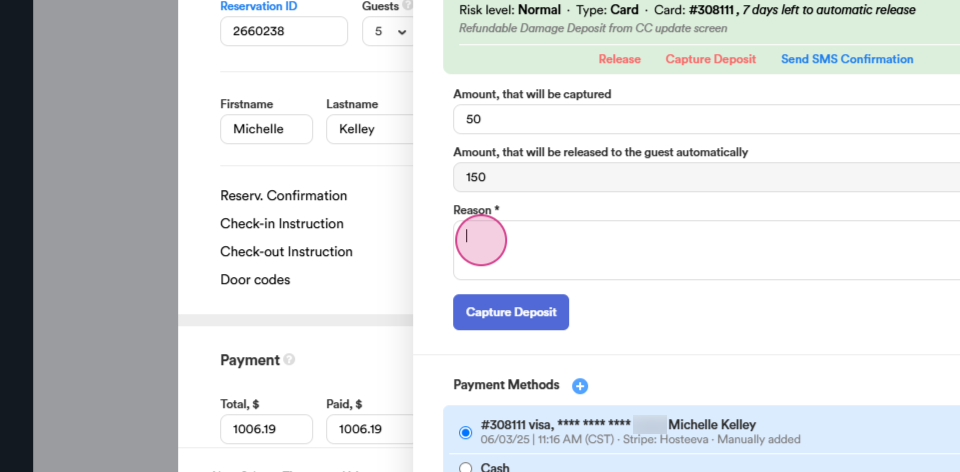
Step 6: Click on capture deposit to finalize the process.
Thank you for reading!