Learn how to deactivate or remove a listing on Airbnb by following these step-by-step instructions. At the end, you'll know how to temporarily take down a listing, permanently remove it, or disconnect your Property Manager system.
Step 1: Log in to your Airbnb account and select Switch to Hosting.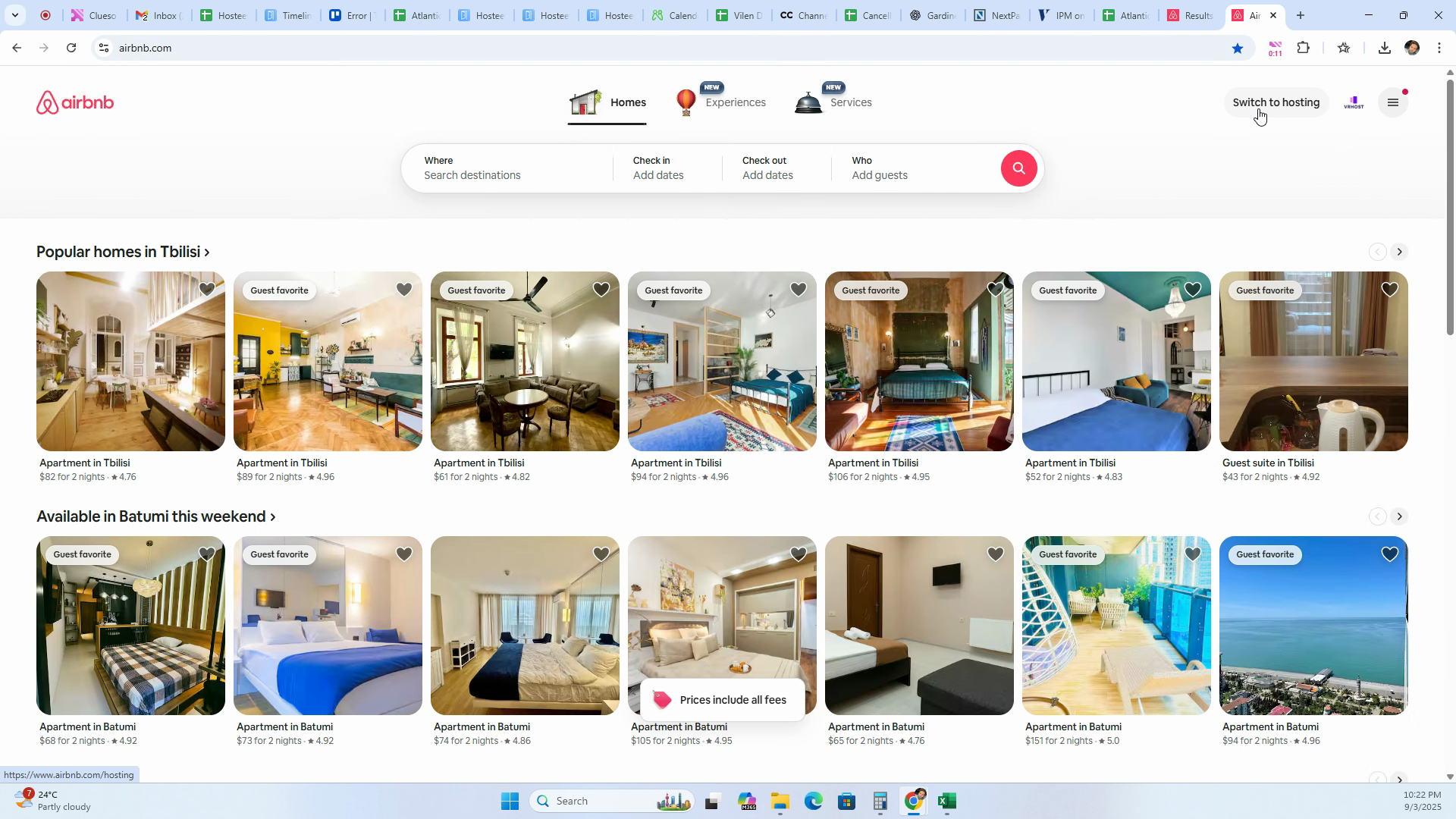
Step 2: Click on the Listings tab.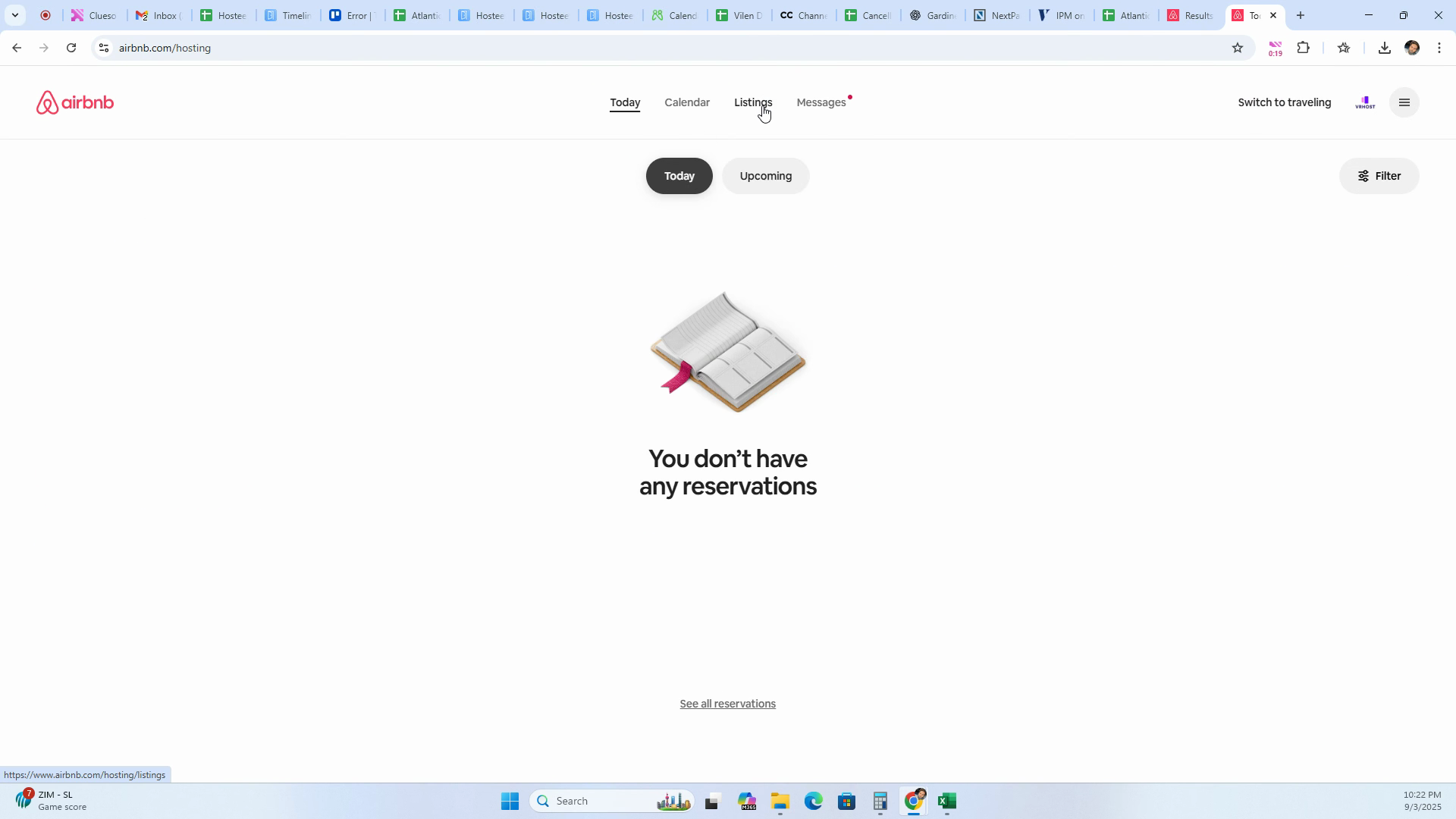
Step 3: Choose the listing you'd like to deactivate.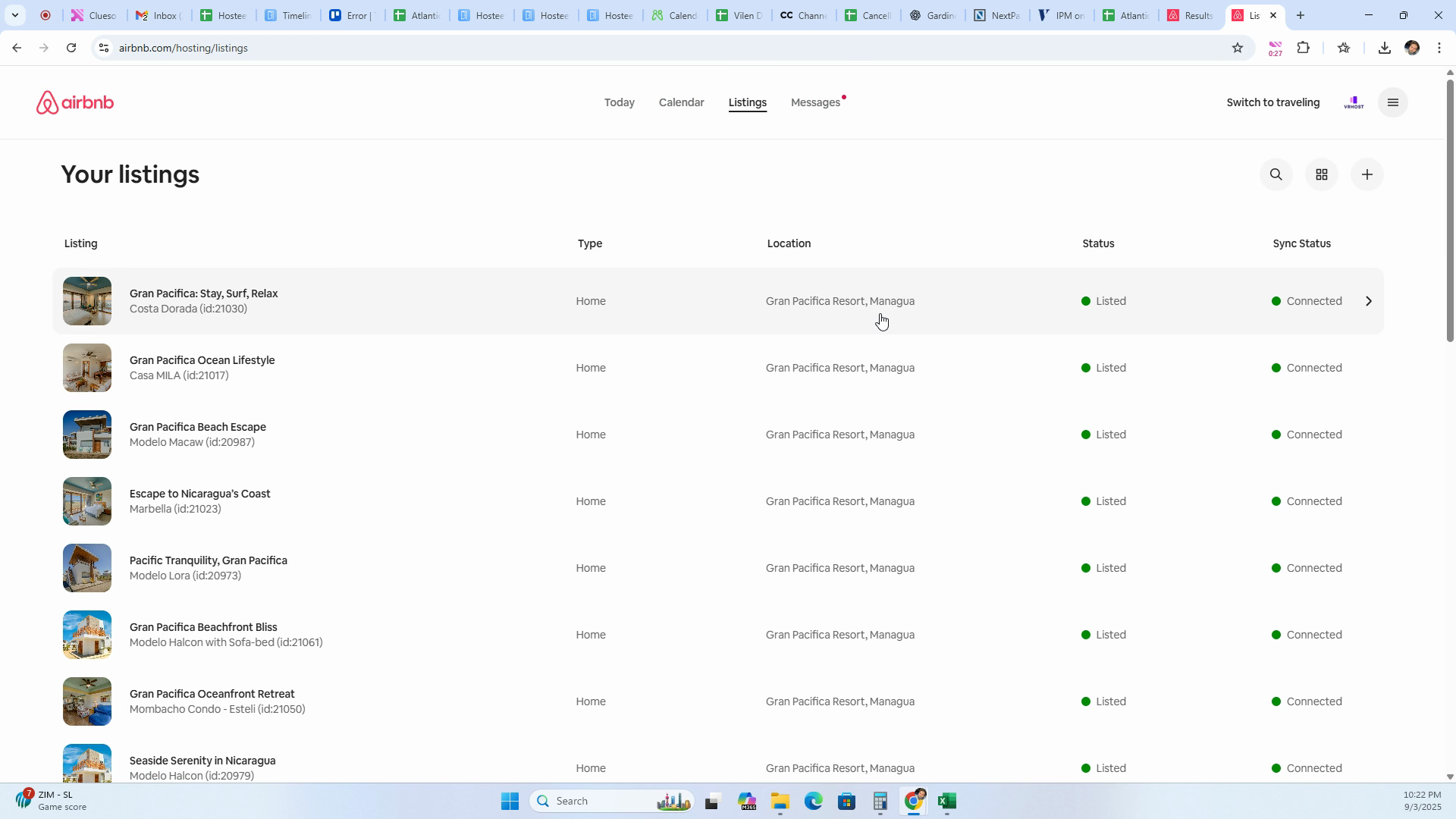
Step 4: Click Settings at the top of the page.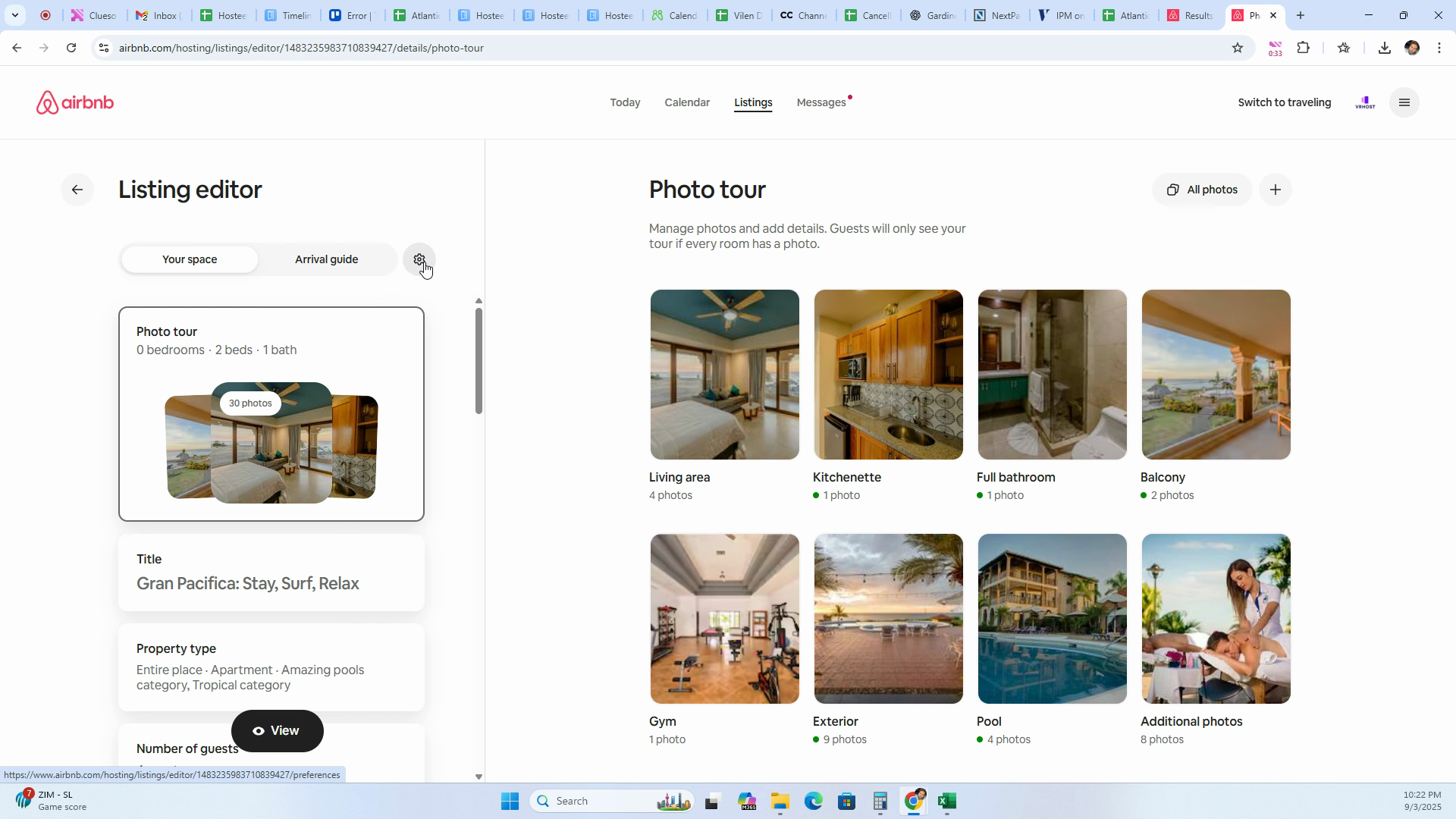
Step 5: Select Unlist from the settings options.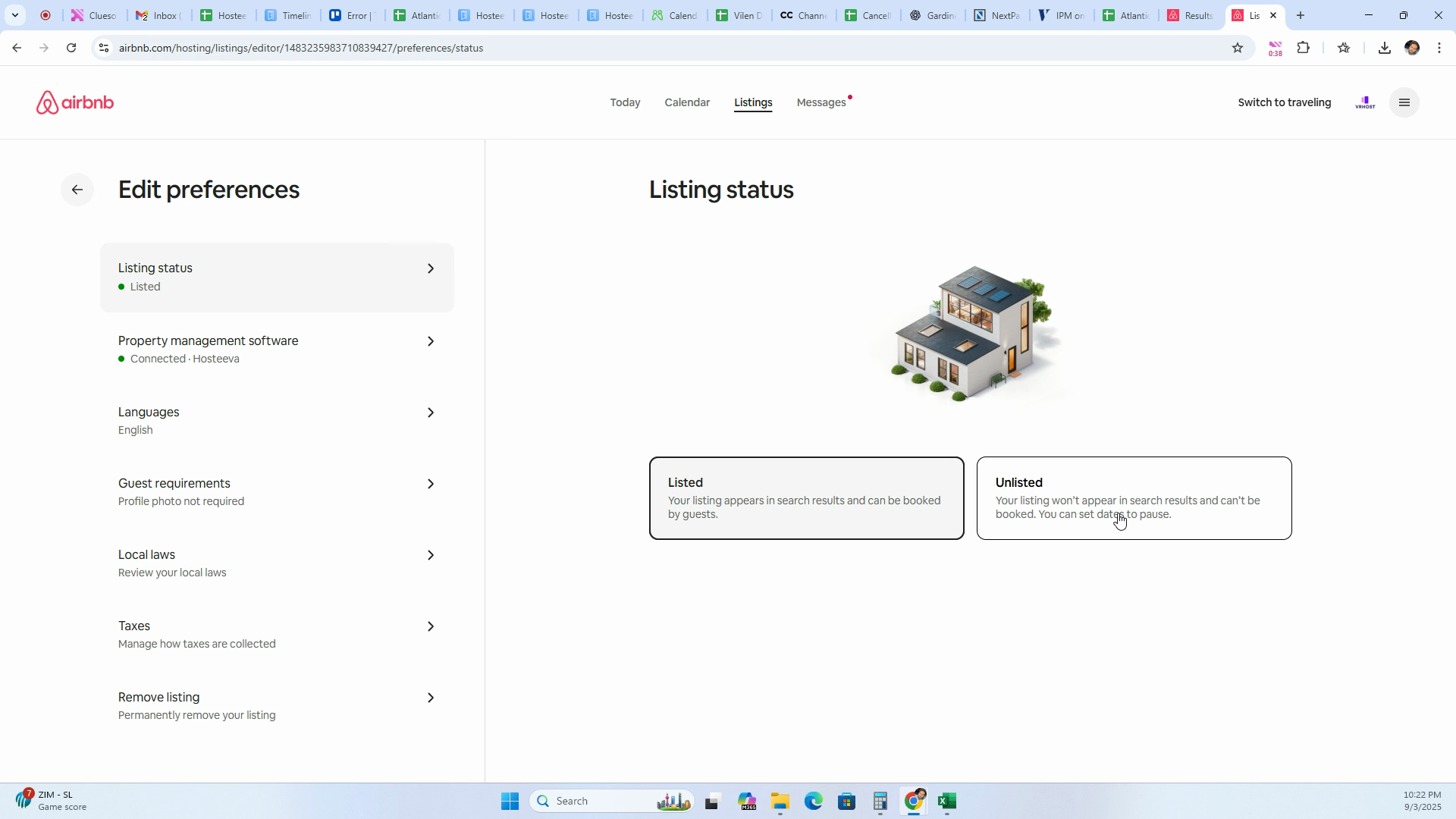
Step 6: Decide whether to unlist for certain dates or immediately. To unlist immediately, click Unlist for now.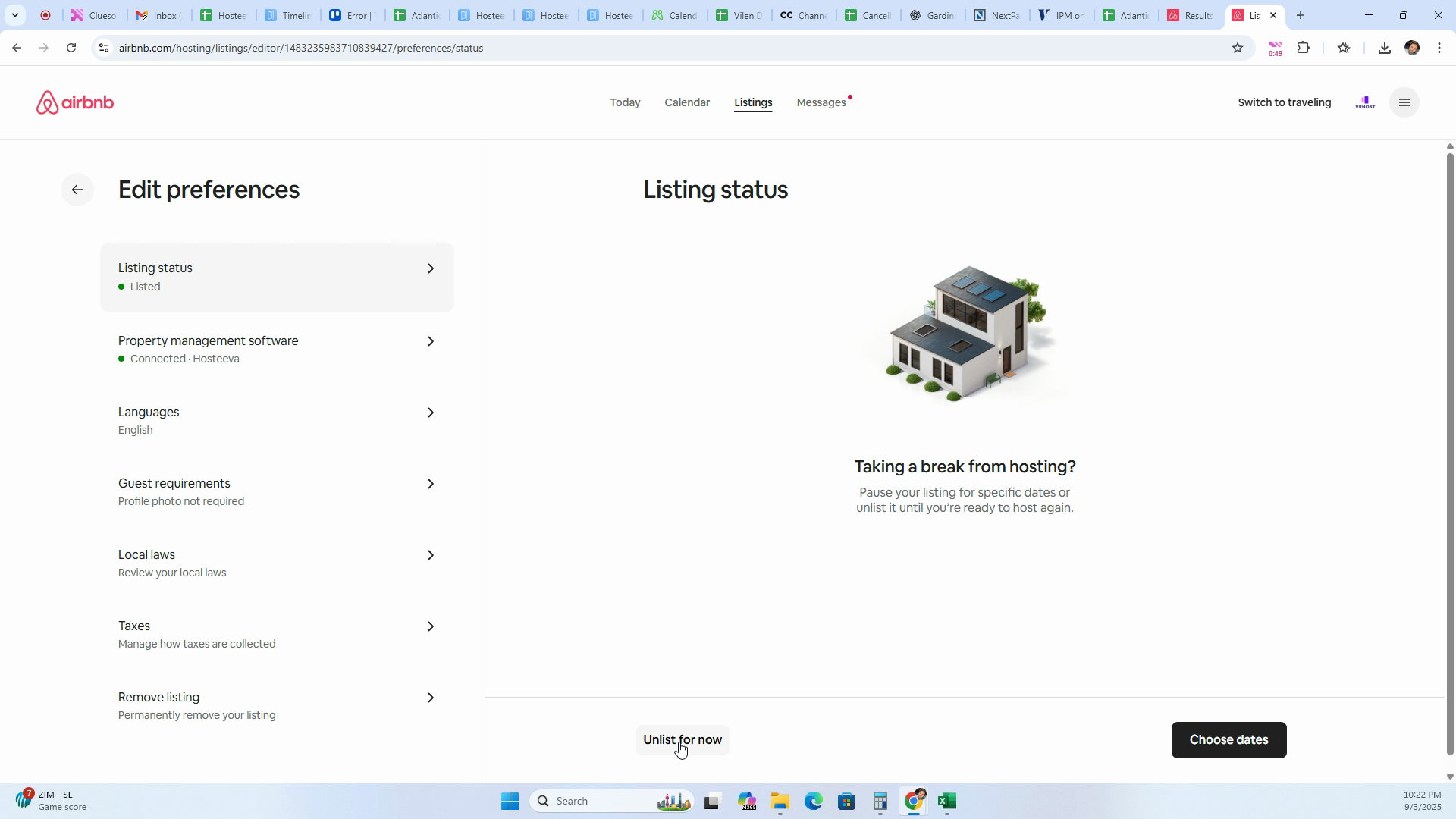
Step 7: Pick your reason for unlisting, such as not being able to host.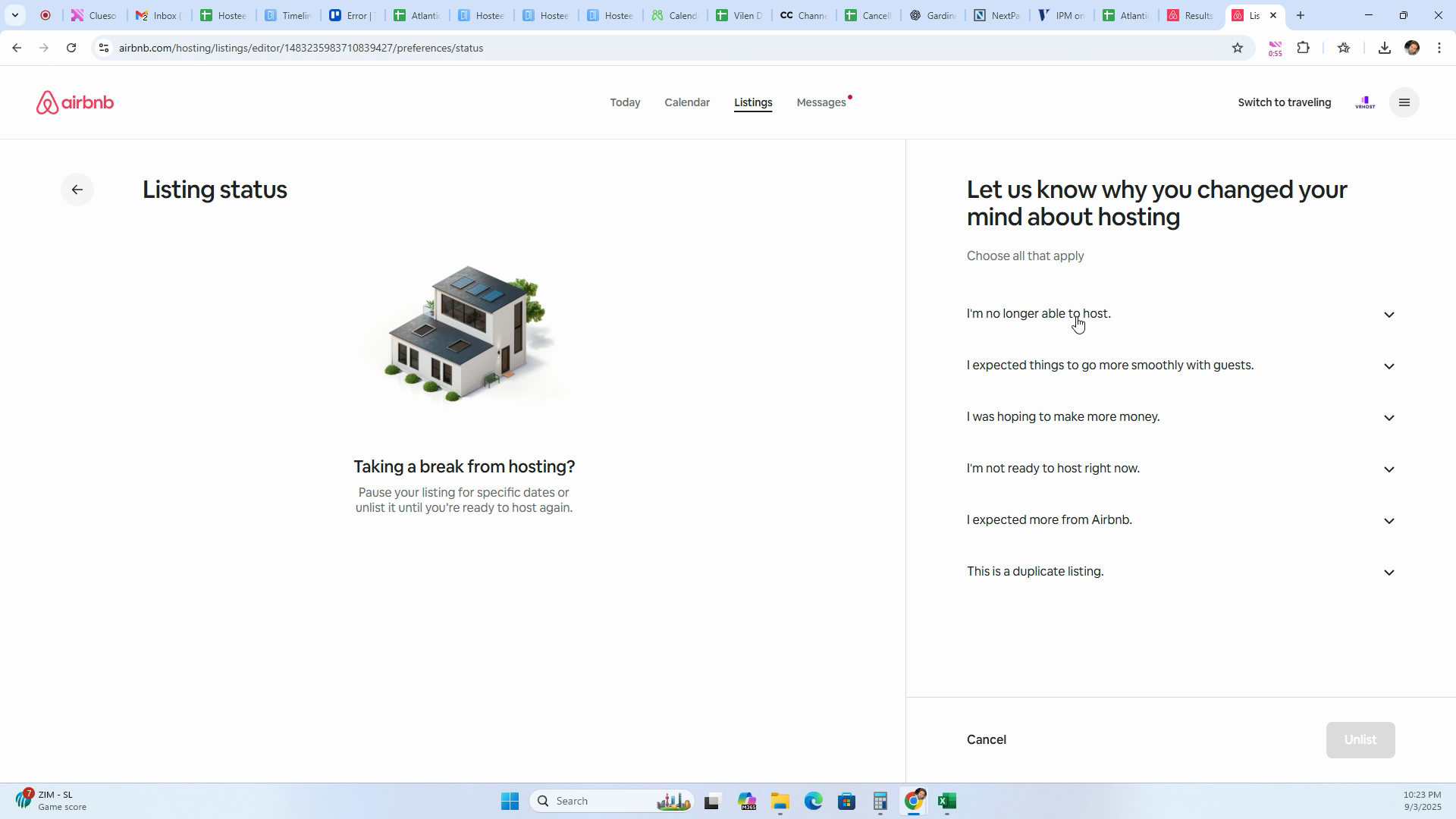
Step 8: Click Unlist to confirm.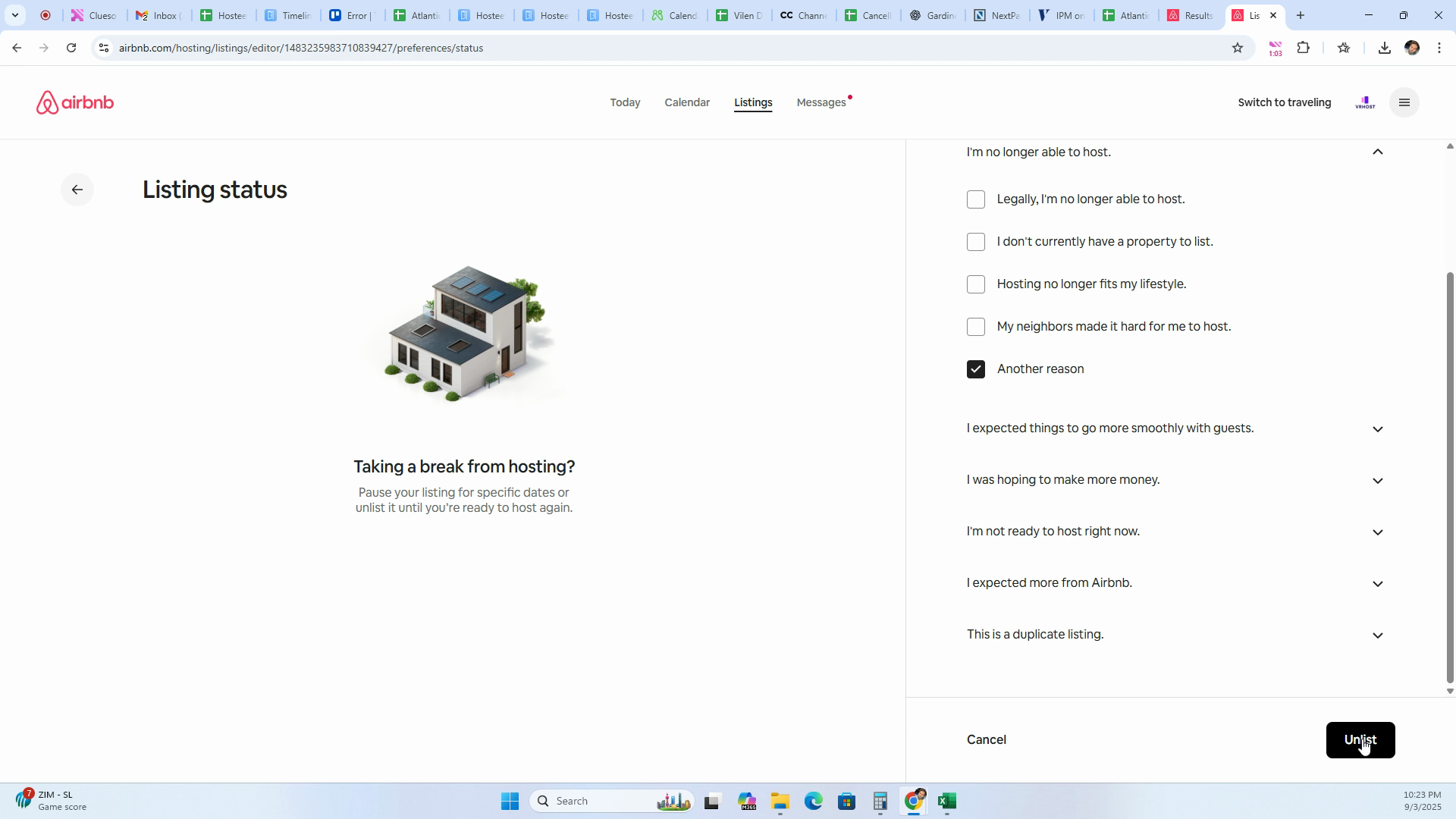
Step 9: If you want to permanently remove your listing, select Remove Listing.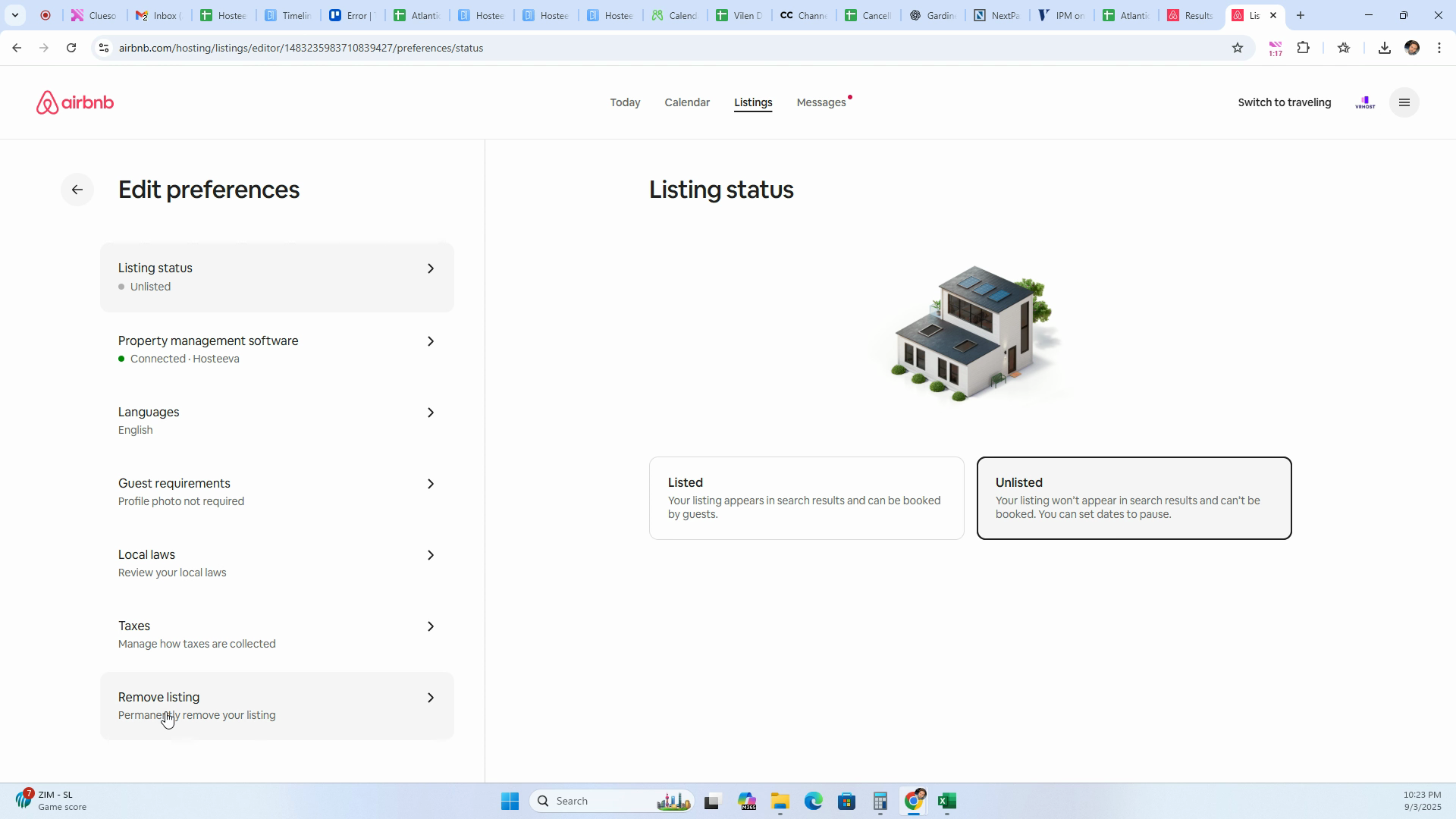
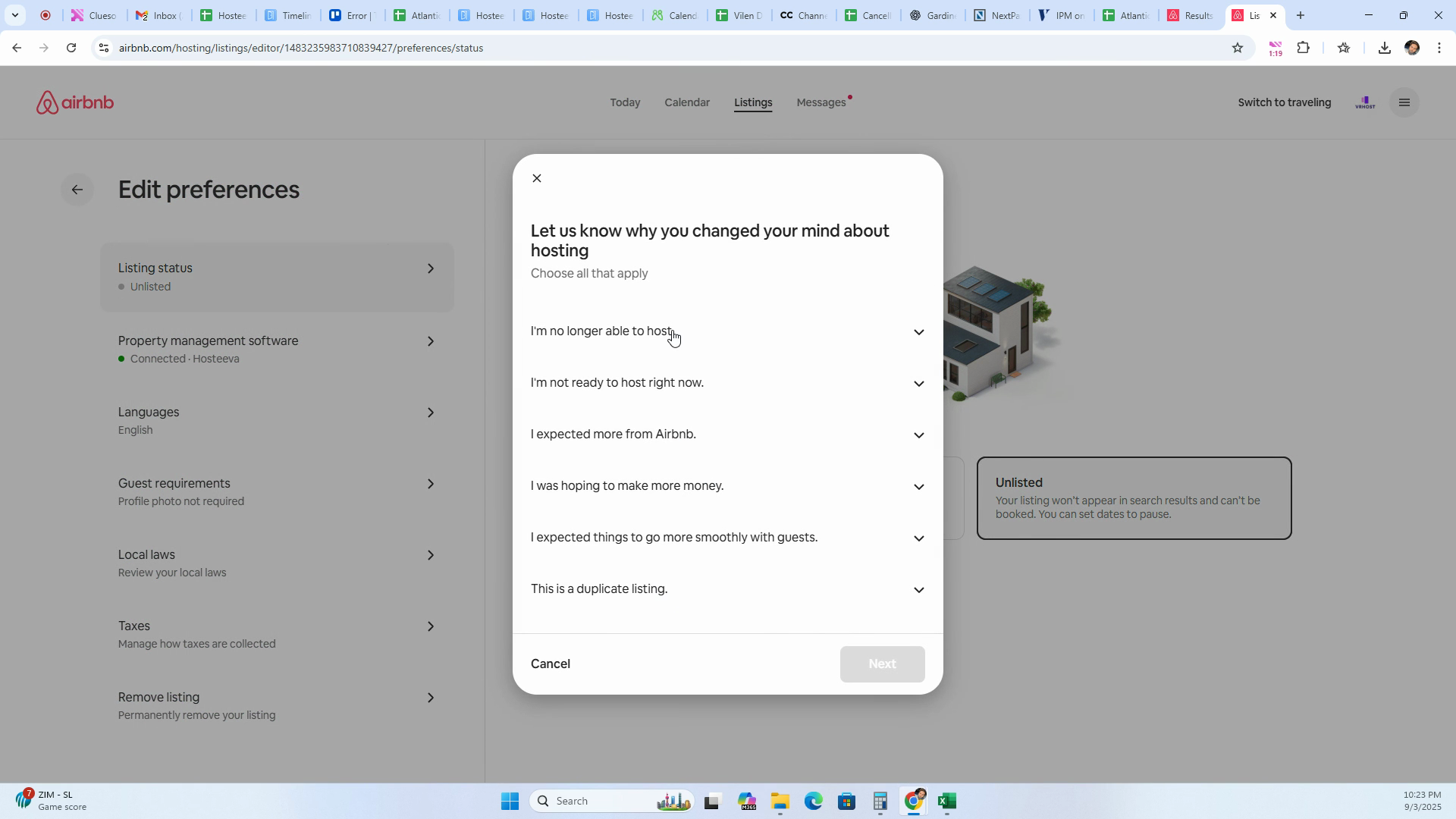
Step 10: Choose your reason for removal and click Next.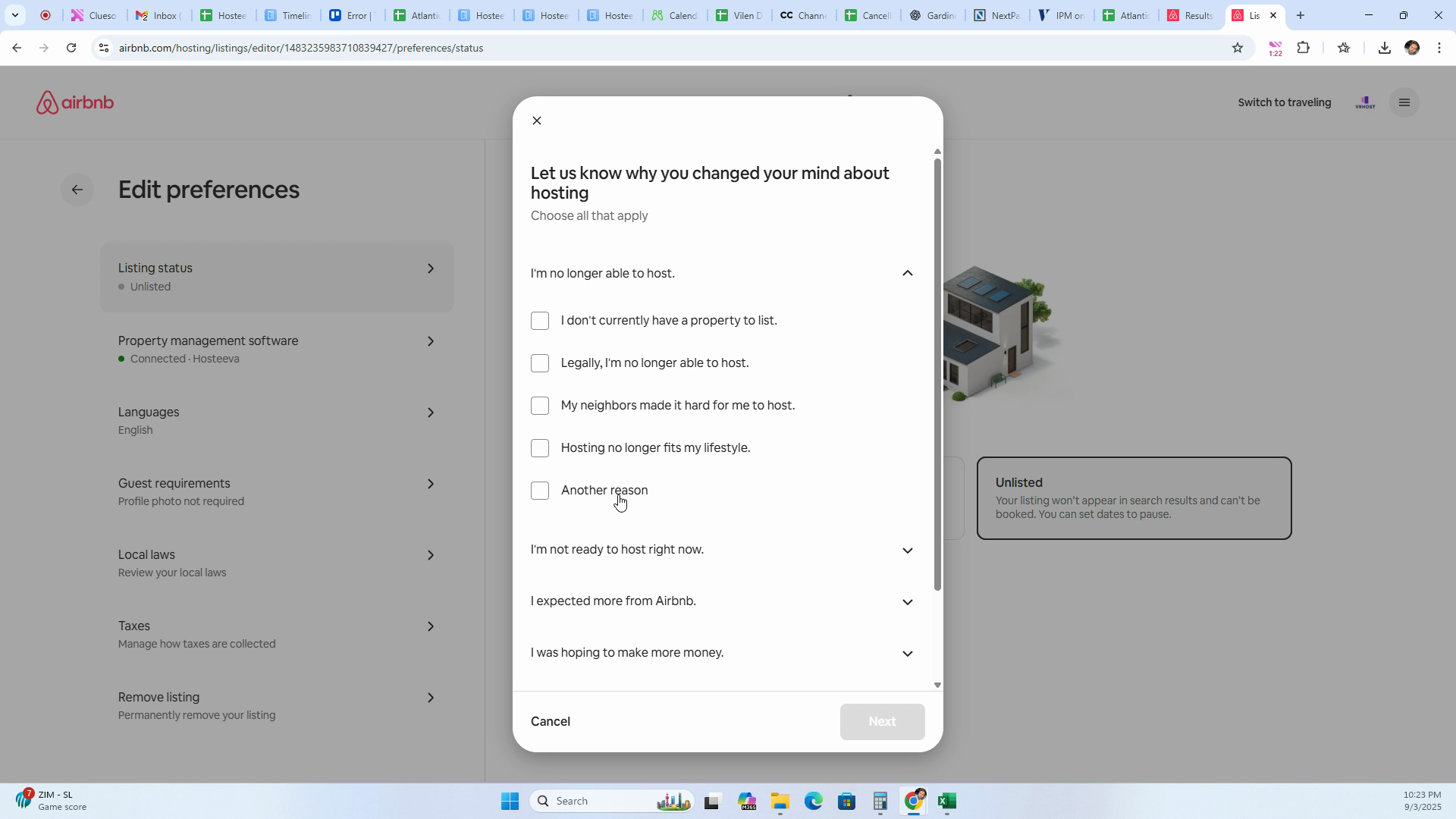
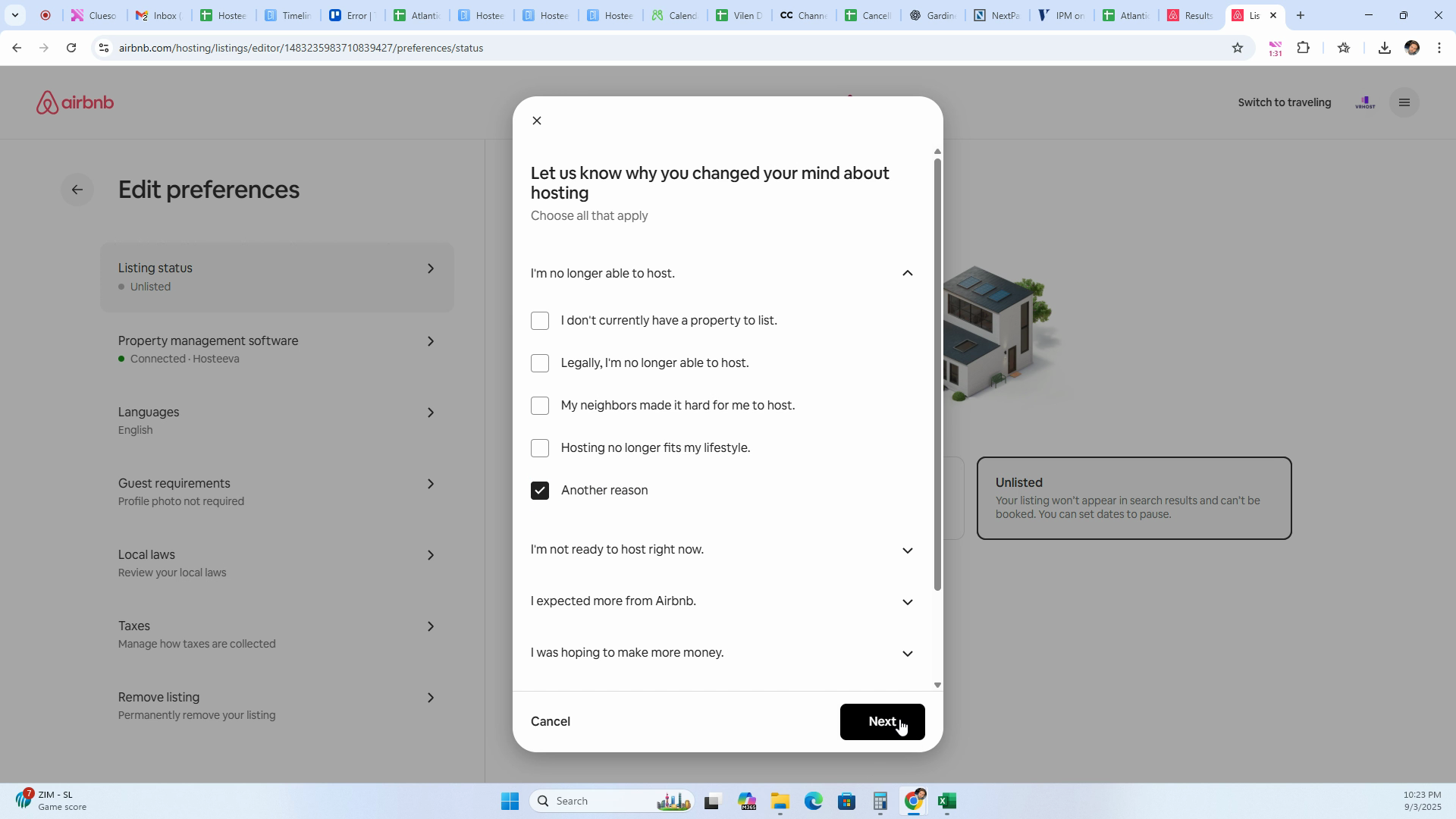
Step 11: Confirm your choice by clicking Yes, Remove.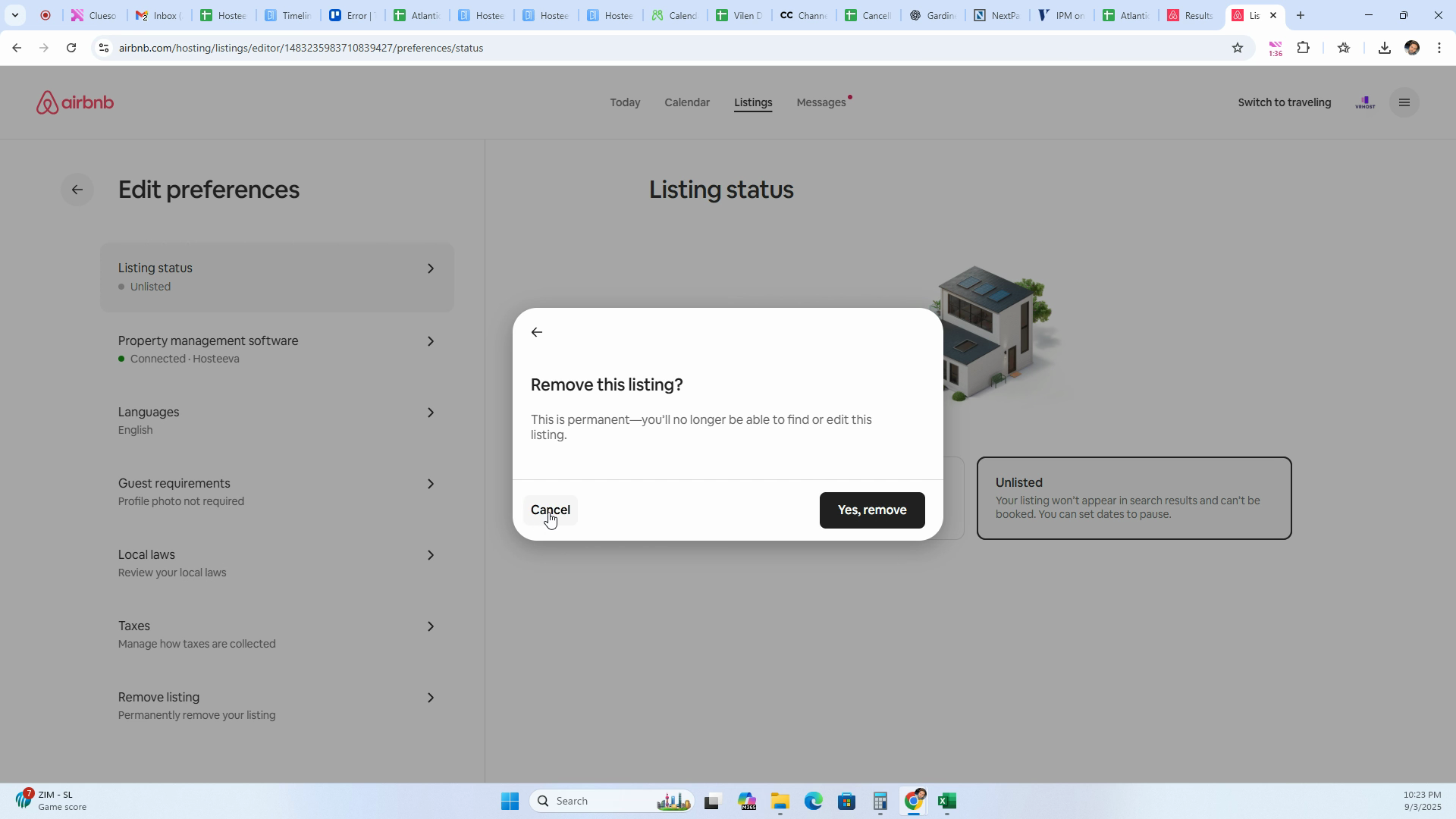
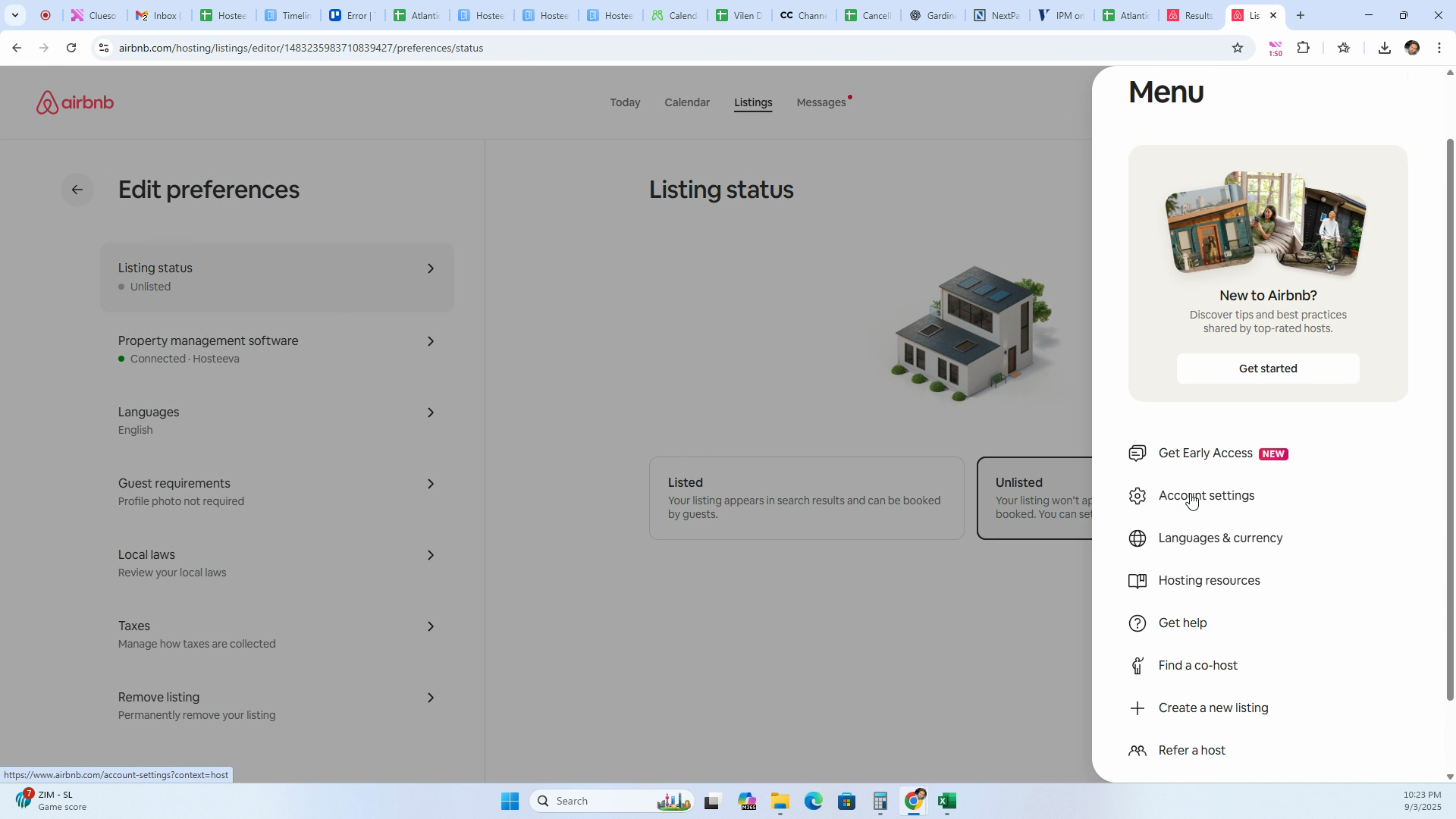
Step 12: To disconnect the Property Manager system, go to Account Settings, click Privacy, and scroll down.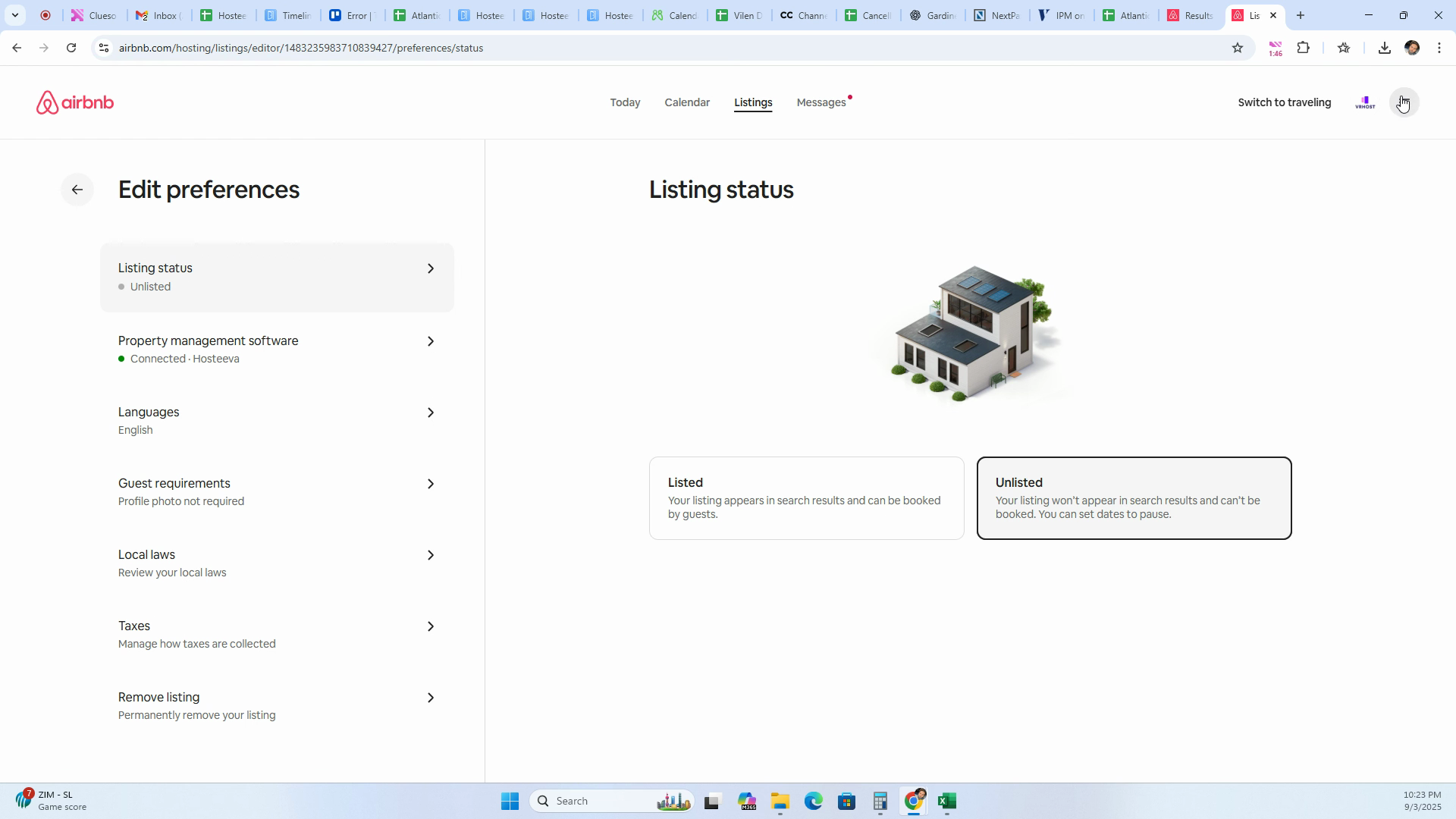
Step 13: Find connected services then select Remove Access for the provider you want to disconnect.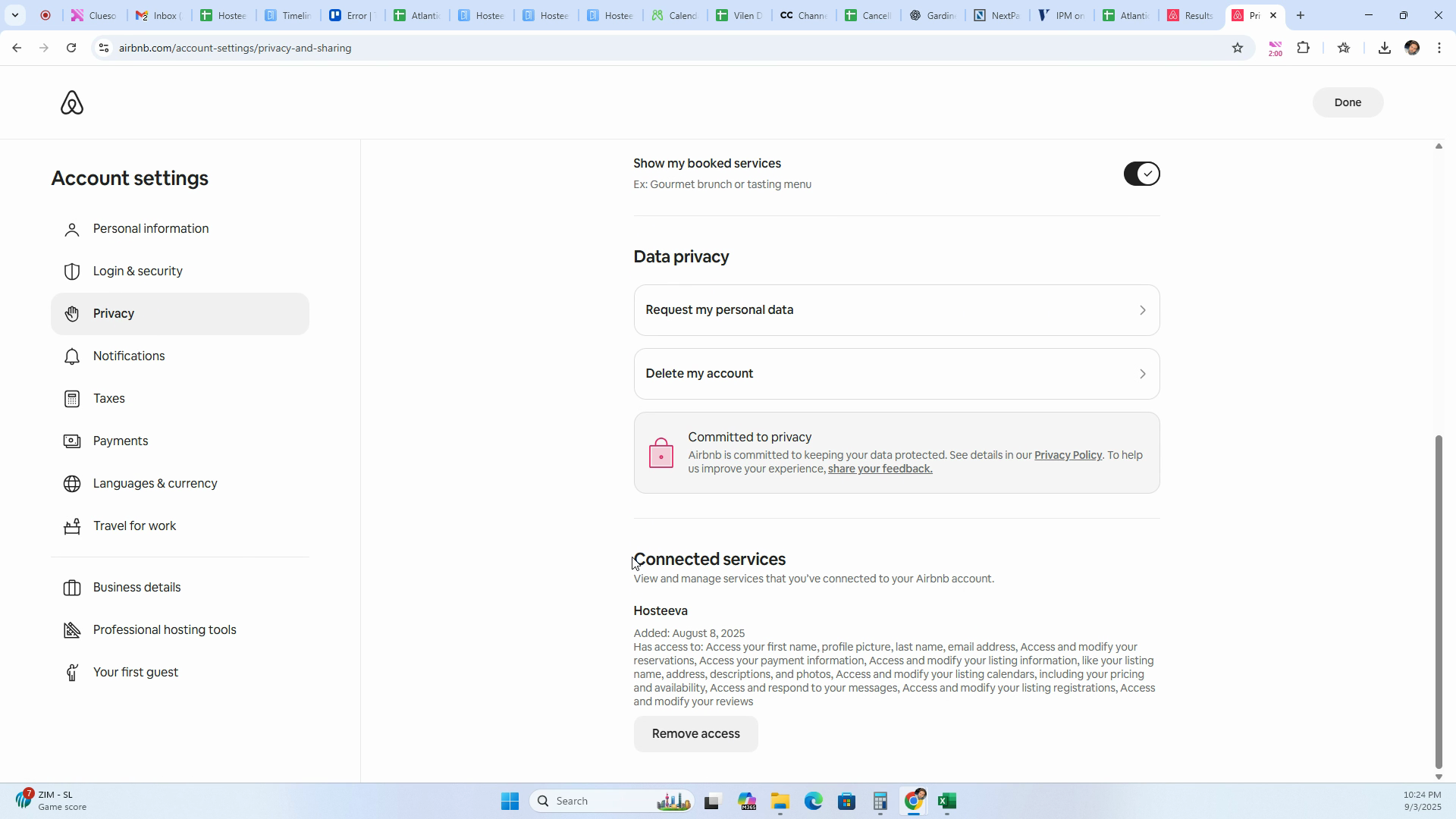
You've now completed the process of deactivating, removing, or disconnecting a listing on Airbnb.