In this article, you'll learn how to deactivate your listing on Expedia.
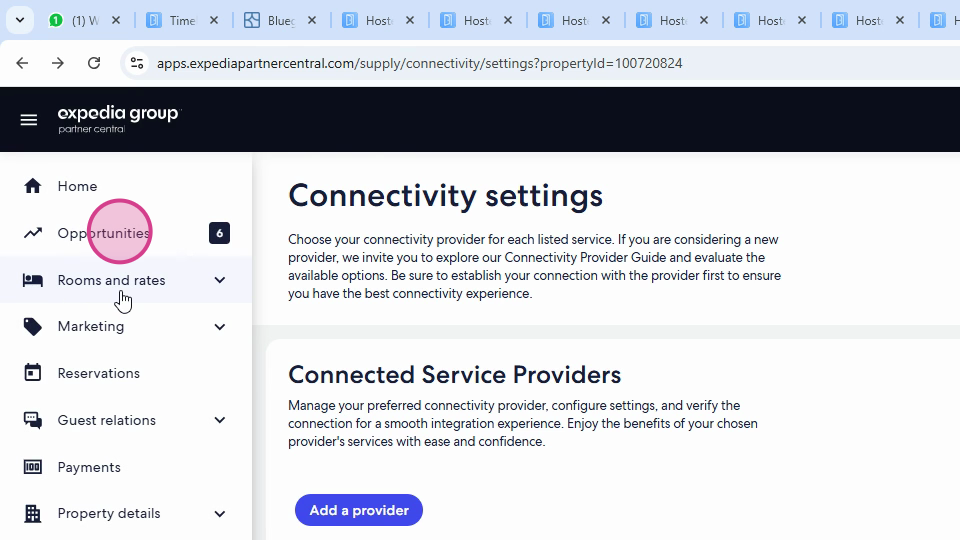
Step 1: Open your listing on Expedia and navigate to the Rooms and Rates section.
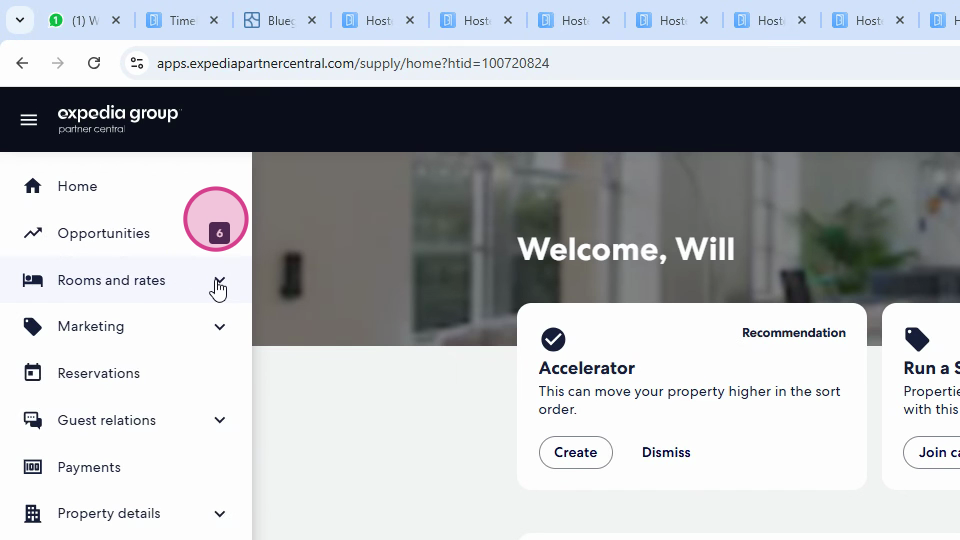
Step 2: Check your connectivity settings.
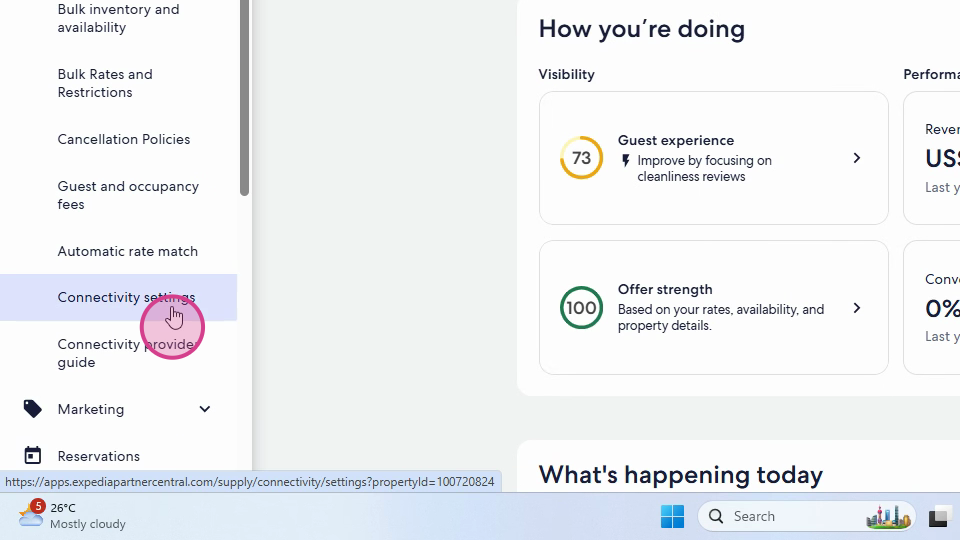
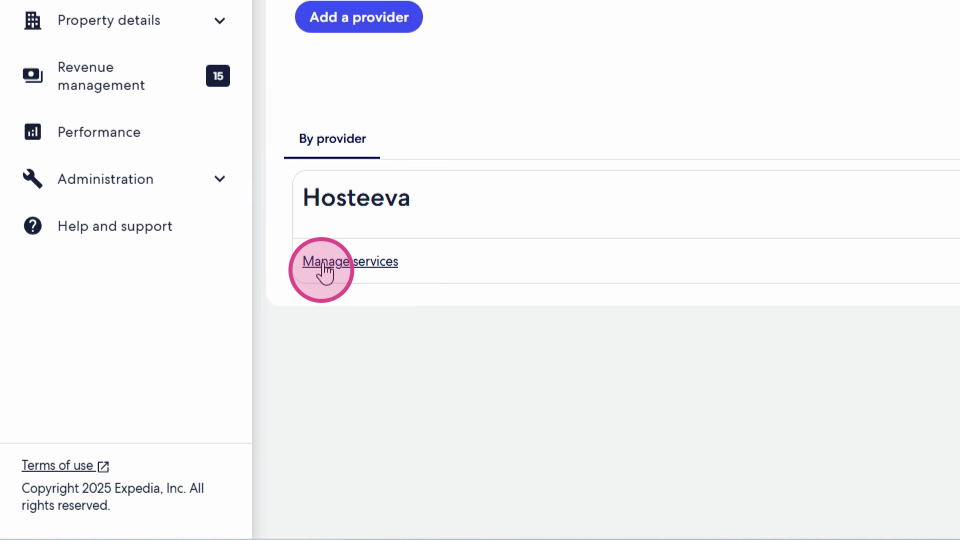
Step 3: If a connectivity provider is selected, click on Manage Services.
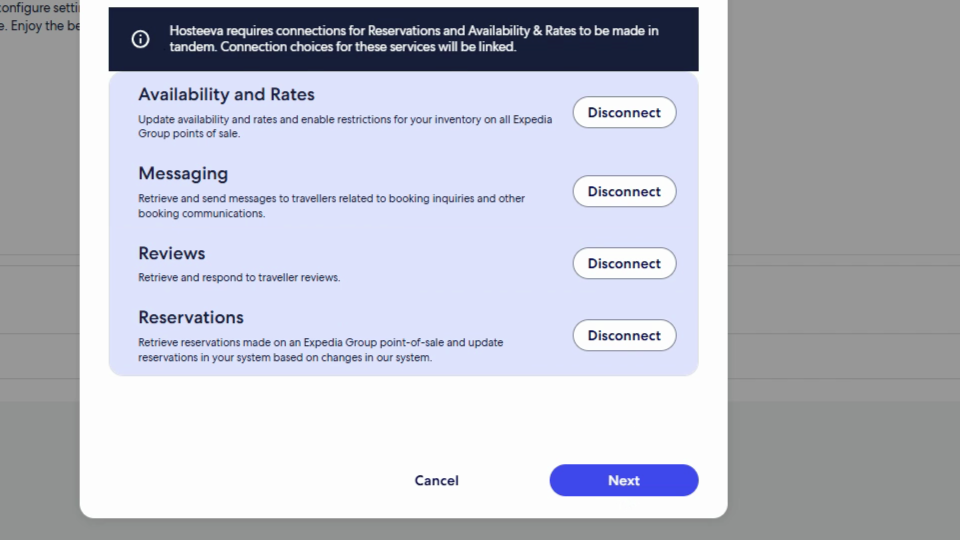
Step 4: Click on Disconnect, then Next. Ensure your connectivity provider is disconnected.
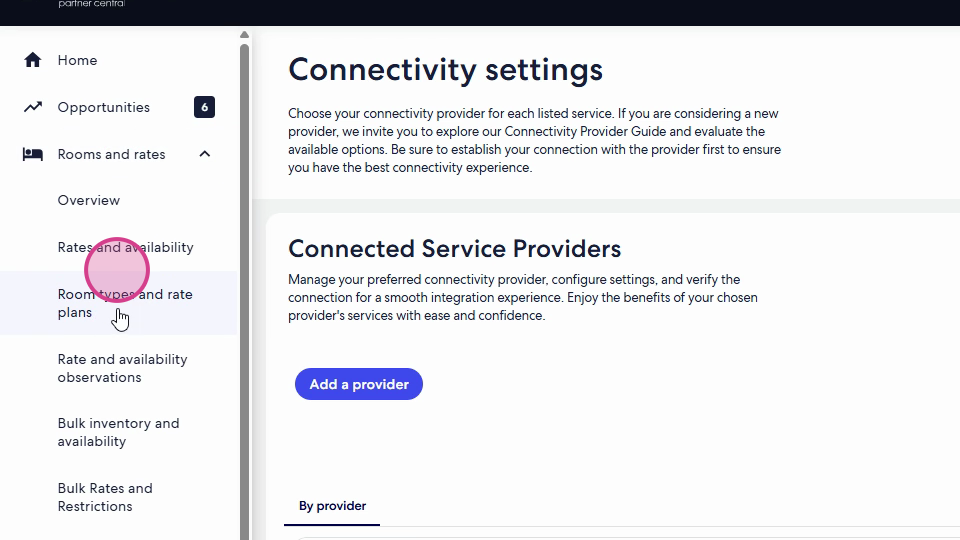
Step 5: Return to the Rooms and Rates section.
Step 6: Click on Room types and Rate plans. You'll see all your active room types.
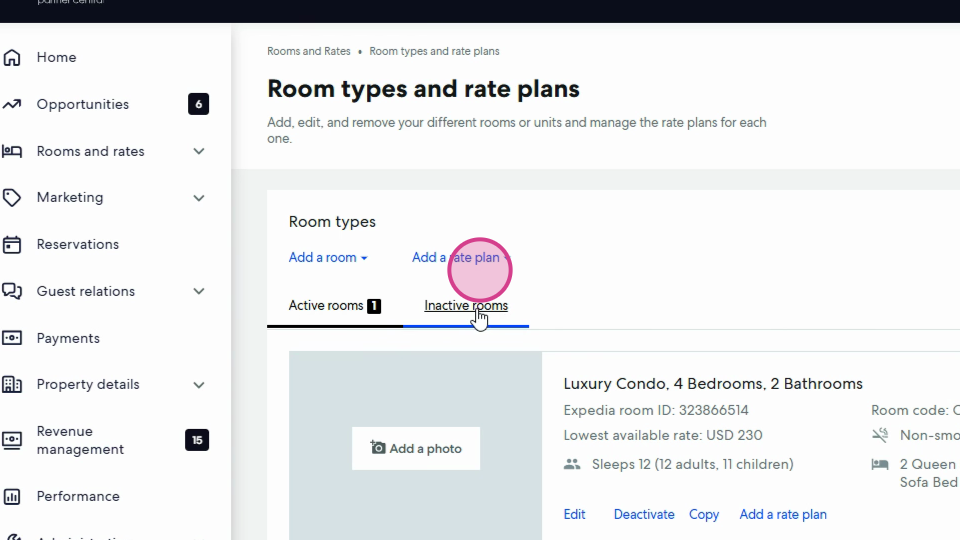
Step 7: Under the Active Rooms section, click on the Deactivate button. Make sure there are no active rooms left. All room types should move to the Inactive Rooms section.
To permanently remove your listing from Expedia, contact Expedia Customer Support and request them to terminate the content contract. That's how you deactivate your listing on Expedia.