In this article, you'll learn how to disconnect a listing on booking.com. By following these steps, you'll be able to manage your listings effectively.
Step 1: Navigate to your Account settings.
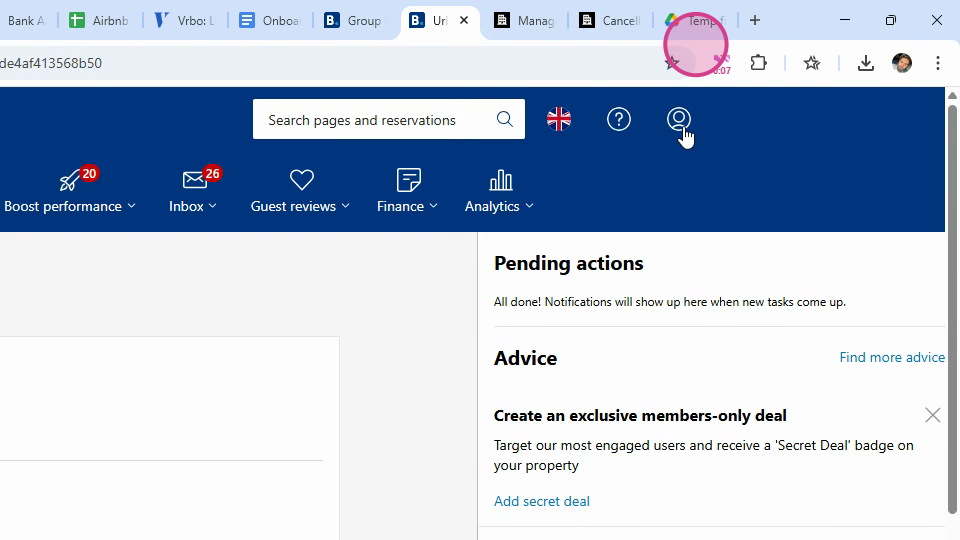
Step 2: Click on the Connectivity Provider button.
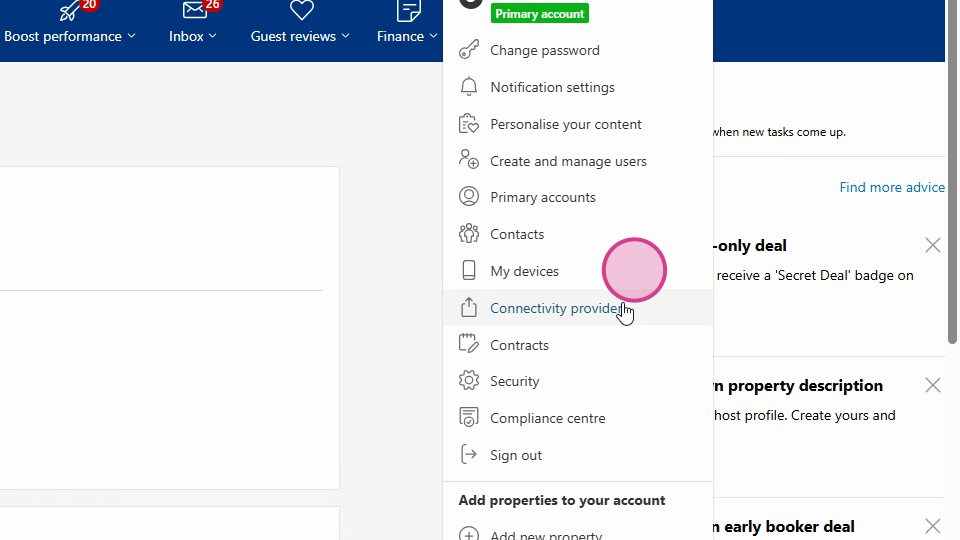
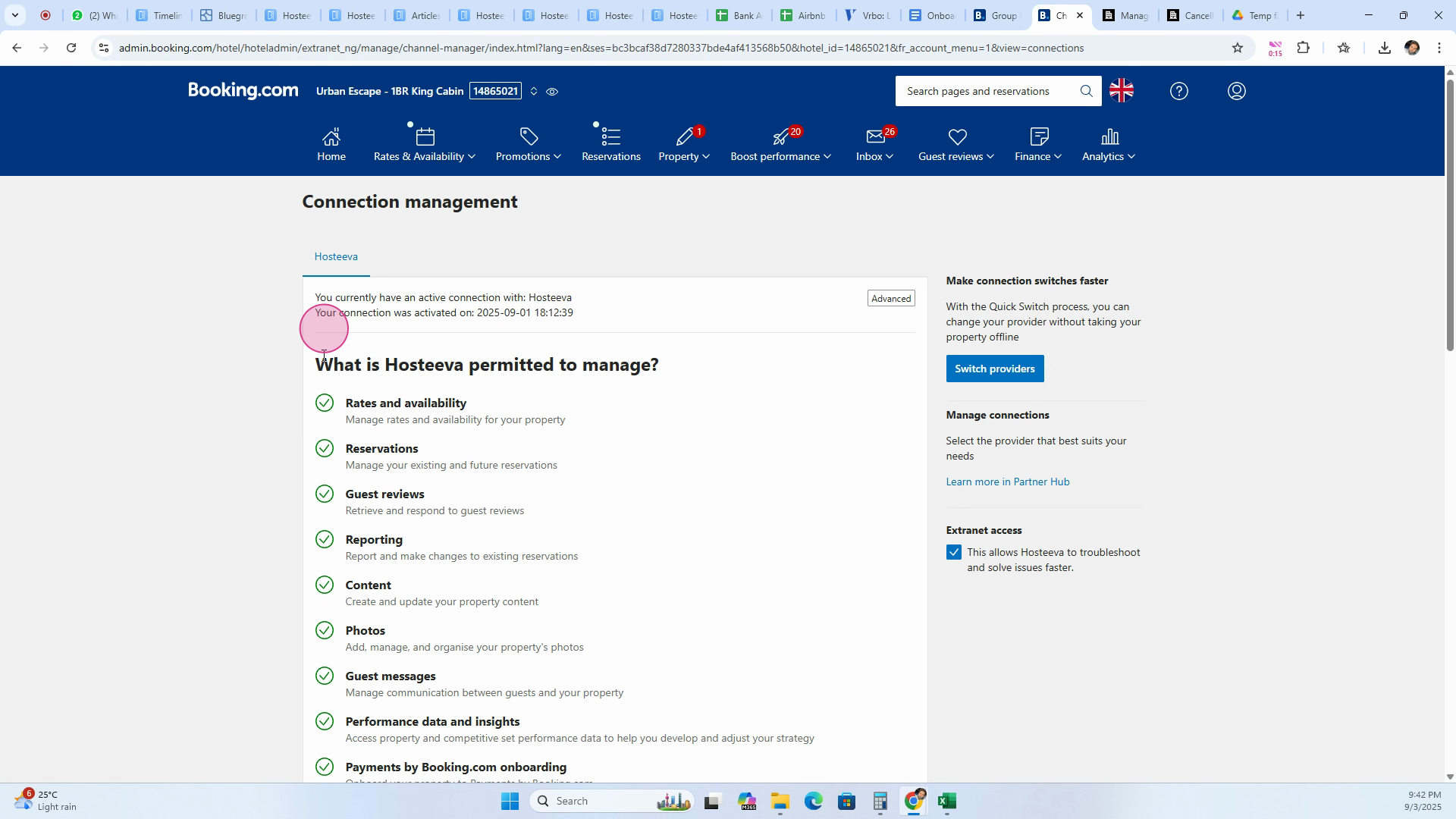
Step 3: If you have a connectivity provider, scroll down and click on the Disconnect button.
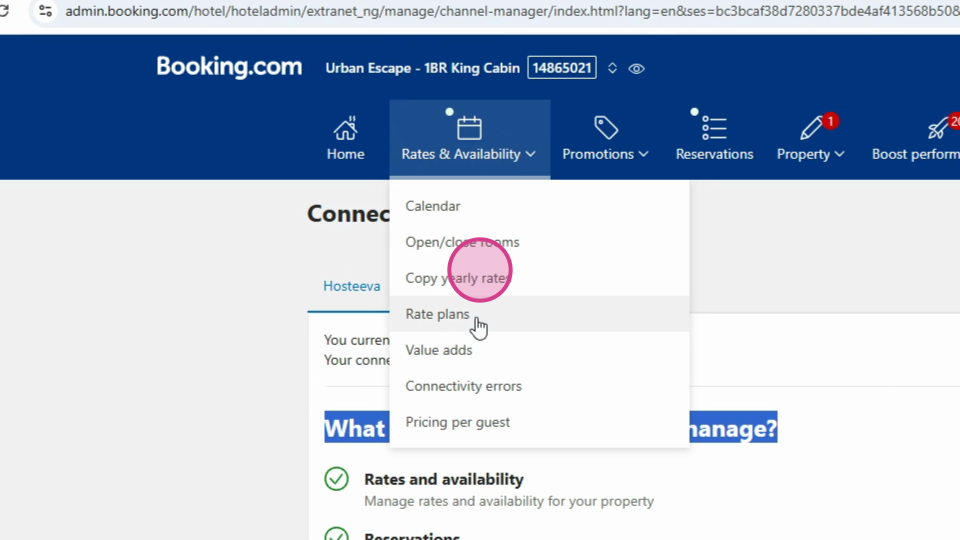
Step 4: After disconnecting the connectivity provider, click on the Rates and Availability button.
Step 5: Proceed to click on the rate plans.
Step 6: Here, you'll find several rate plans. It's necessary to remove all these rate plans. Click on each rate plan and then click on the Delete button.
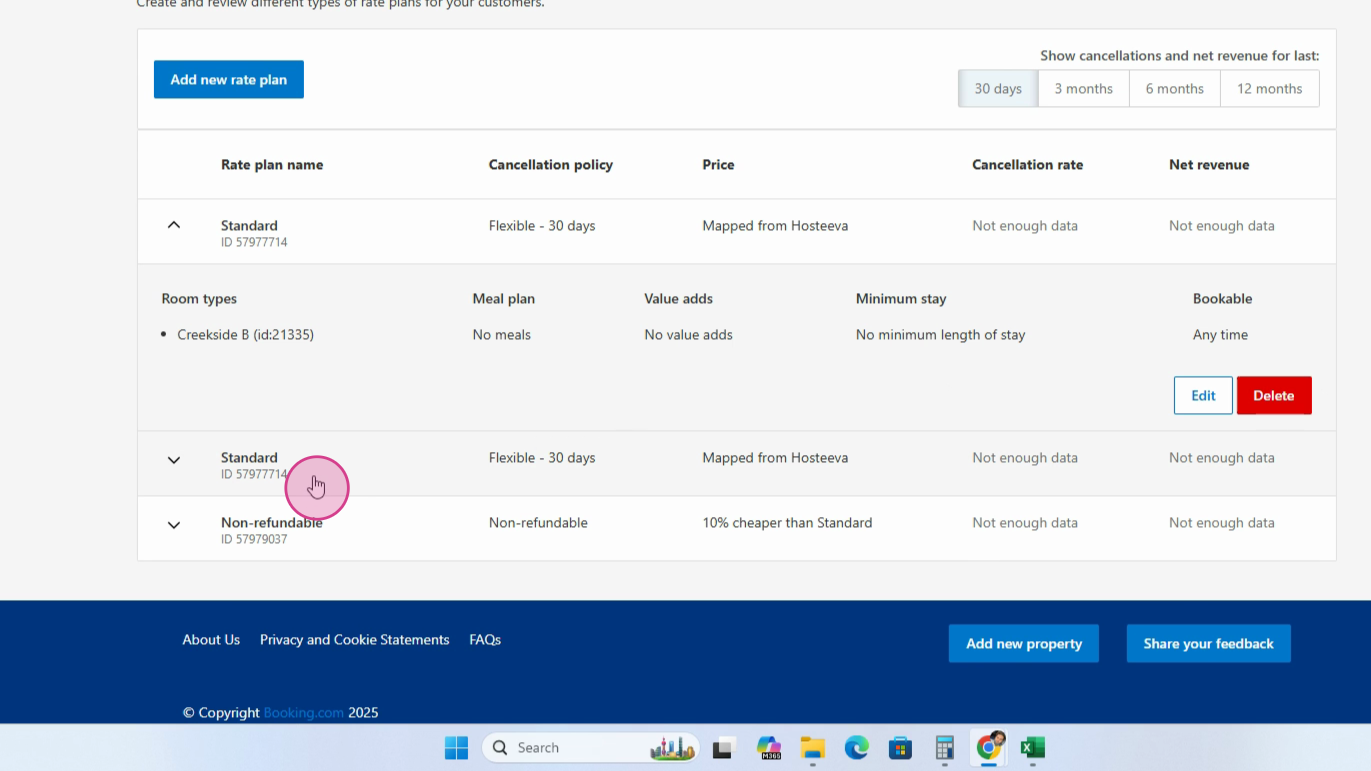
Repeat this process until all rate plans are deleted and no rate plan remains in the listing.
To permanently deactivate the listing on booking.com, contact customer support and request a contract termination. And that's how you deactivate a listing on booking.com.