When you receive a notification that an employee is no longer working, follow these steps to terminate them in the system:
- Access Employee Records: Navigate to the "Employee Records" section.
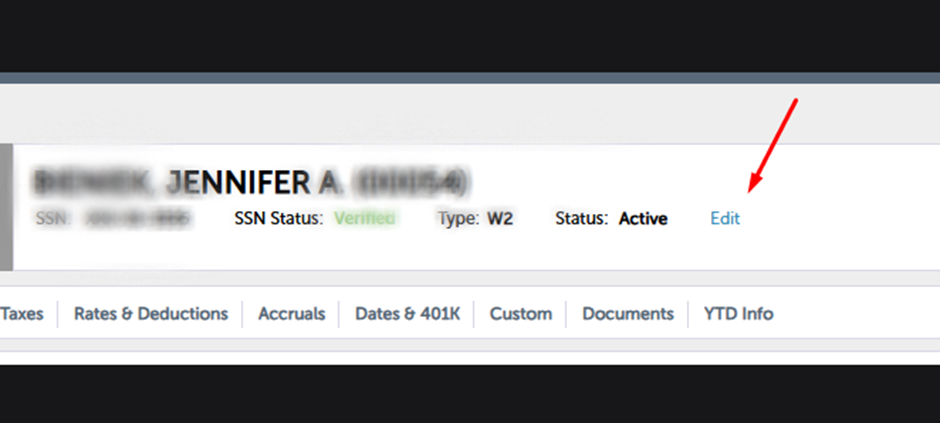
- Edit Employee Information: Click on the employee’s record, then select the "Edit" option as shown in the screenshot.
Click on the "Status" field and choose "Terminated" from the dropdown menu.
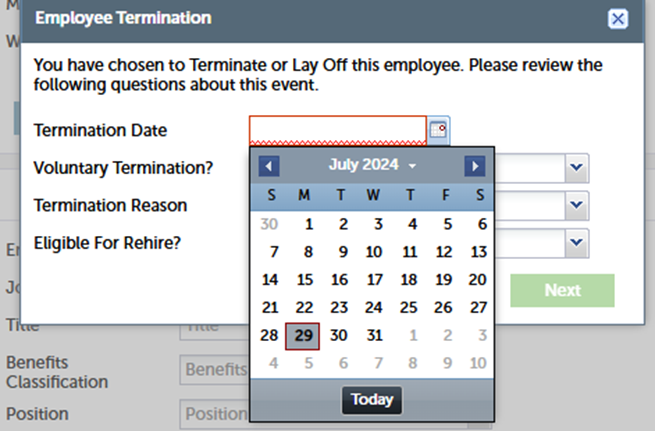
Choose the termination date from the calendar and click on Next.
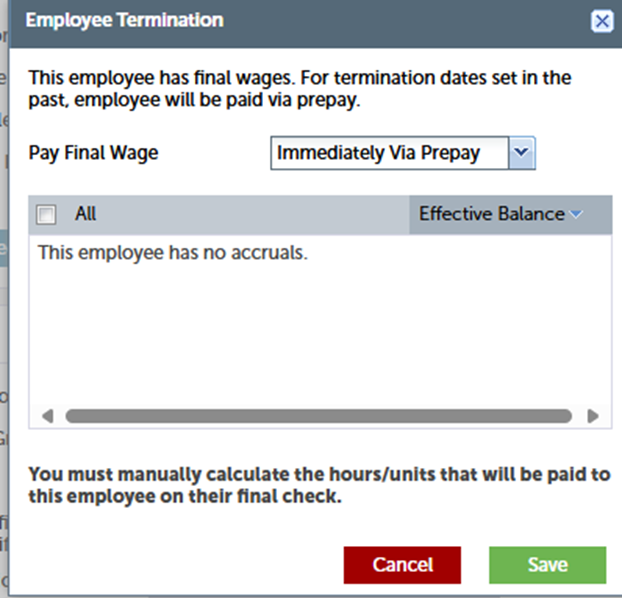
Select Payroll Option: Choose "Immediately via Prepay" to ensure the termination is processed immediately.
Verify Termination: After completing the steps, return to the terminated employee’s record to confirm the termination status.