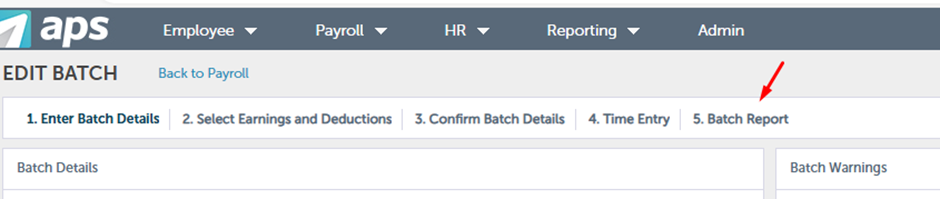
To complete this process, click on Batch Report (Step 5), and select "View Batch" to ensure all the information is correct.
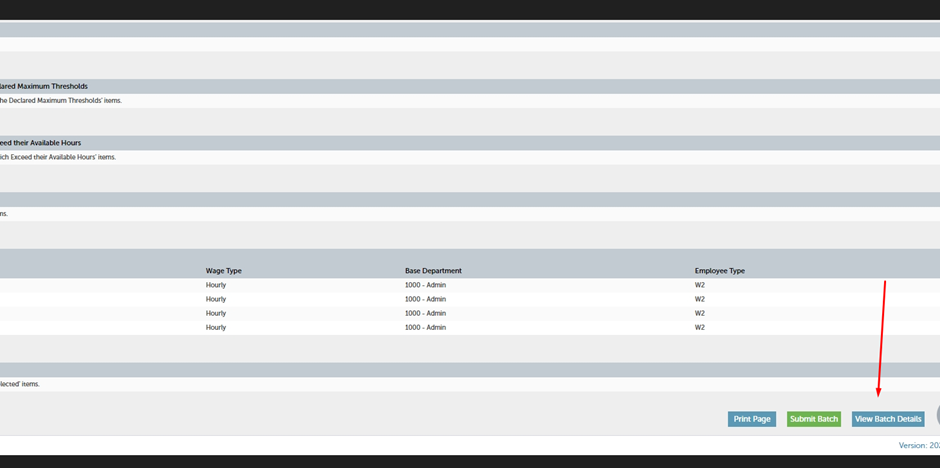
You can click on "Submit Batch" once all the information is verified. Press ok and click on Review&Release Payroll Batch.
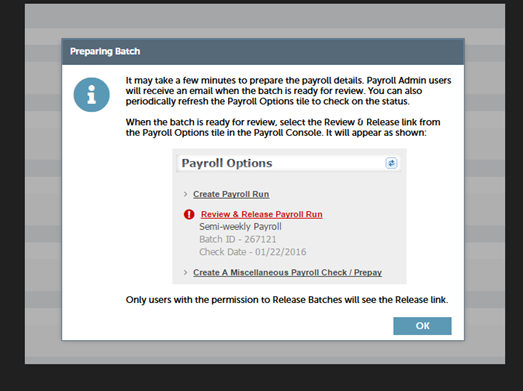
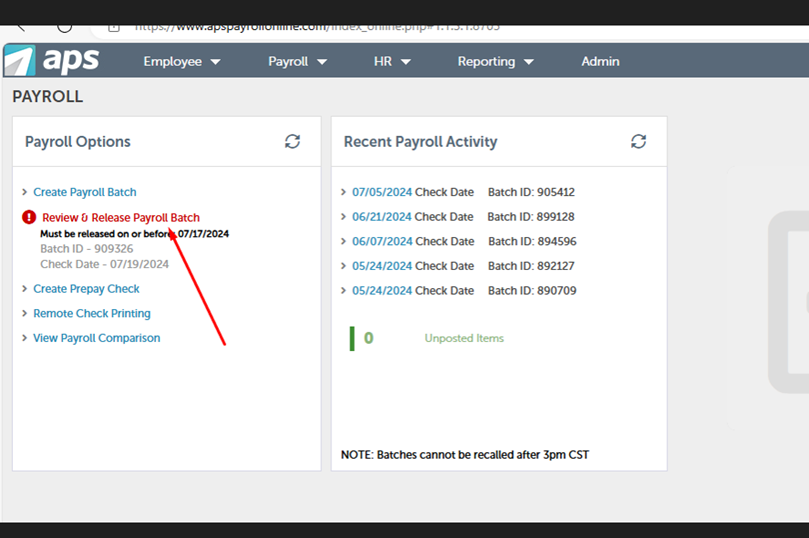
The "Review & Release Payroll Batch" button should be red. If it is still black, reload the website, click on "Payroll," and then click on "Review & Release Payroll Batch" again.
Approve for Final Processing or return for Edit.

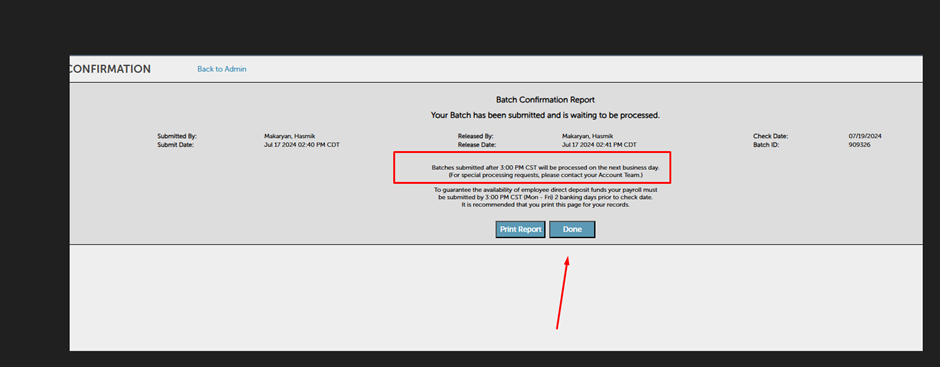
Press Done.
Batches should be submitted before 3 PM CST. (00:00 or 01:00 Yerevan Time; it depends on the time change when clocks are turned forward or backward).
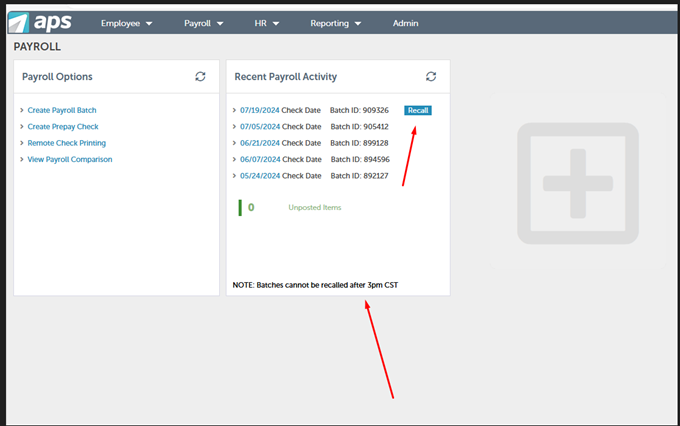
There is a chance to recall the batch and make changes if the batch is submitted before 3 PM CST.
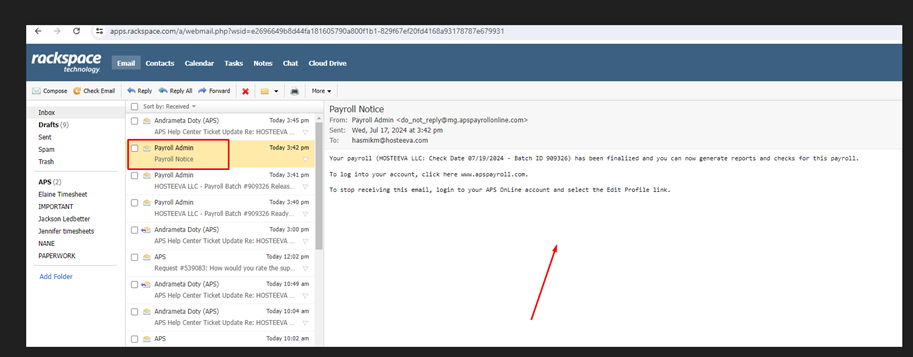
We should receive a final payroll notice via email from APS. If you don't receive the notification, contact APS to ensure the payroll has been submitted.
For any APS-related questions, you can contact APS at support@apspayroll.zendesk.com.