Our department operates on two primary shifts. While the evening shift team members handle most direct guest communication, the morning shift plays a crucial role in preparing cases and promptly responding to guest complaints. Our series of articles and video materials will guide you through the daily routine and priority list for the Guest Relations Department.
Step 1: Begin your shift by reviewing the guest feedback received via Surveys. This is a top priority task as it allows us to proactively address guest complaints.
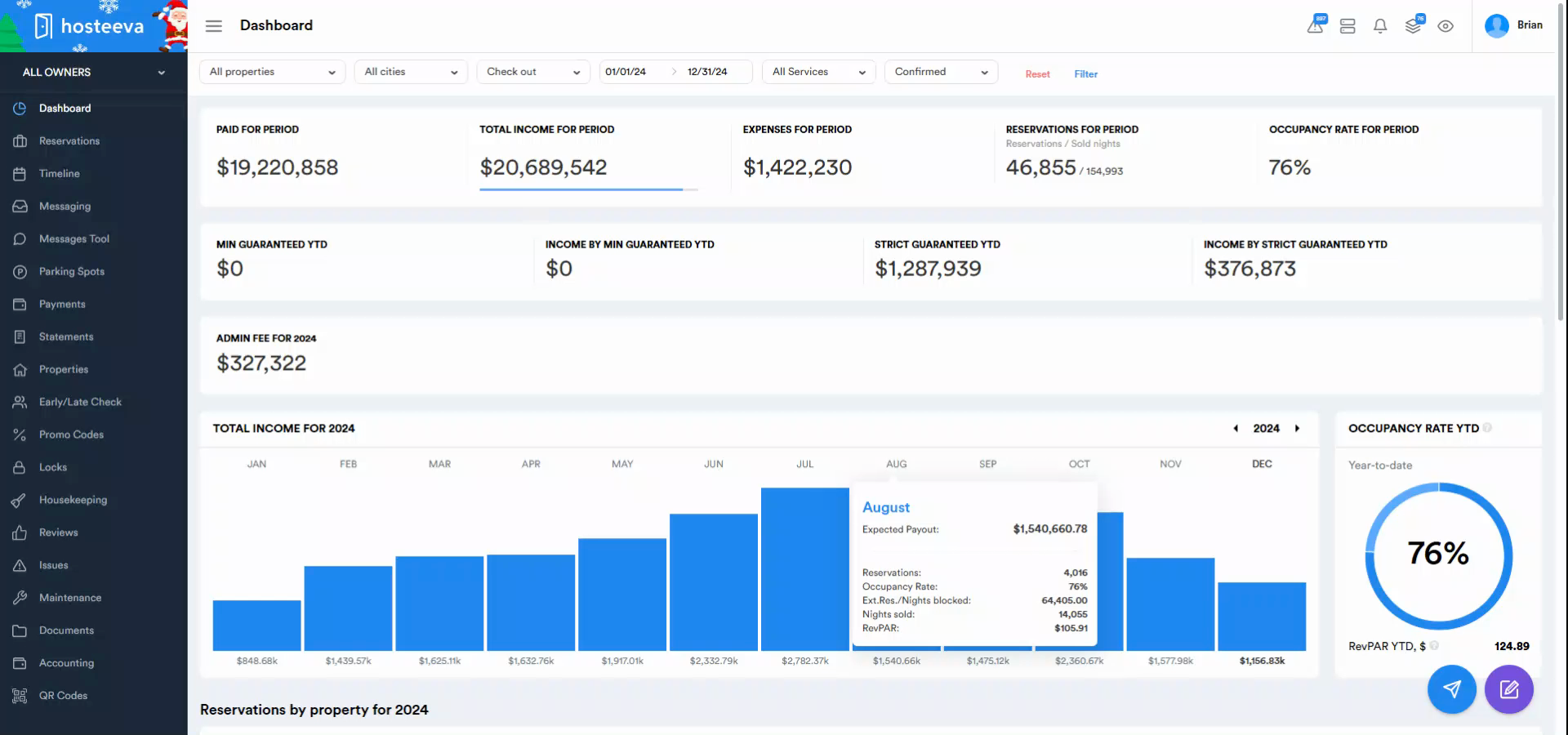
Step 2: Navigate to the Reviews section of our interface.
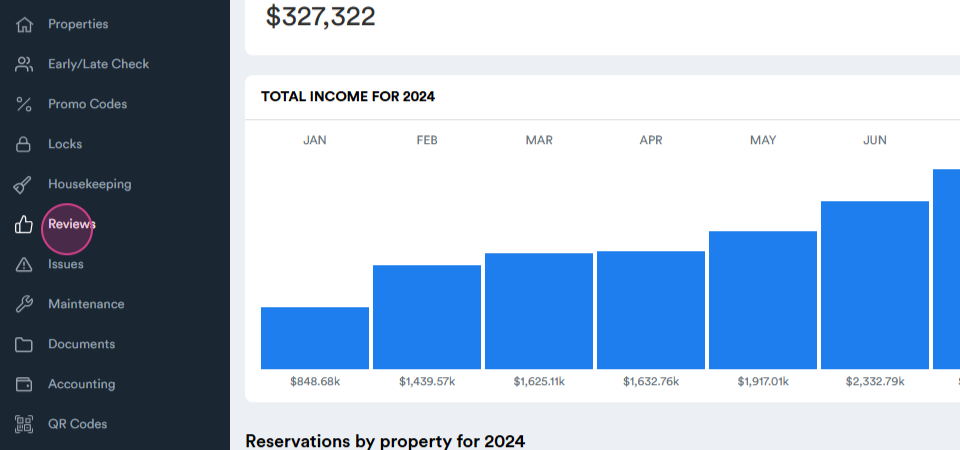
Step 3: In the window that opens, click on the Survey Results tab. This page provides extensive filtering options for surveys received over a chosen period. For daily responses, we typically select one month as the control period.
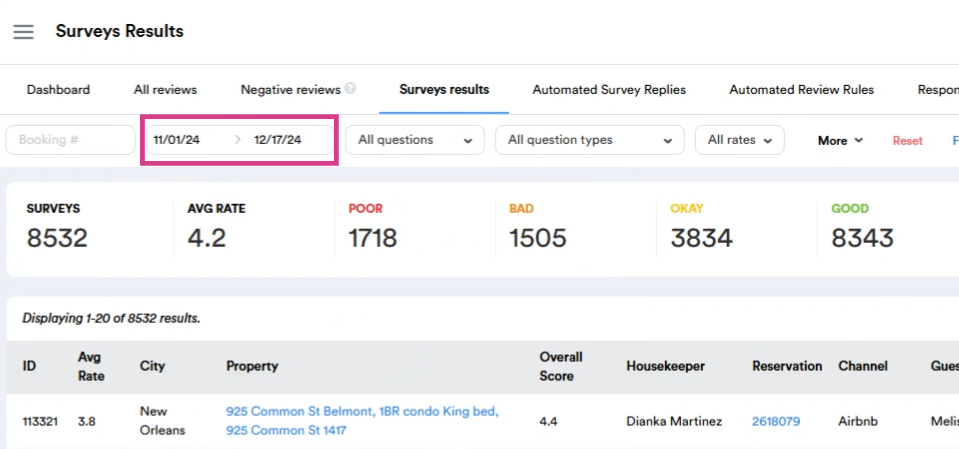
Step 4: After selecting the period, click on More.
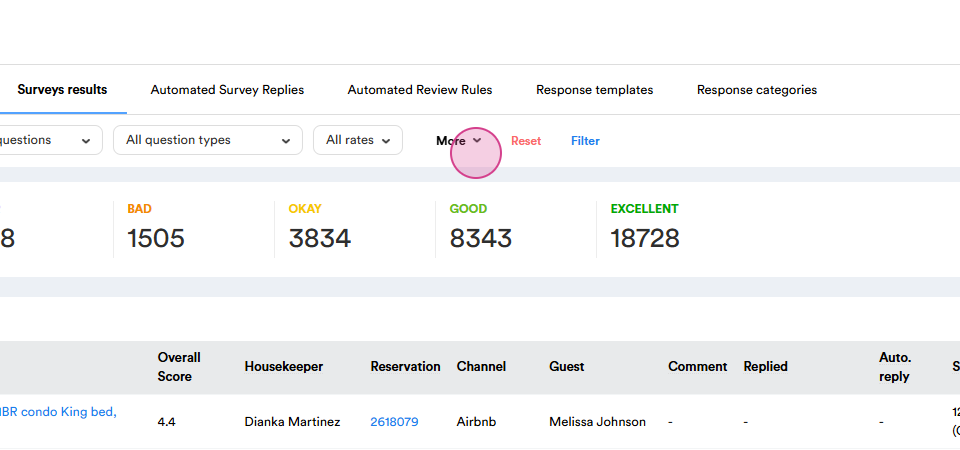
Step 5: Choose All Cities and click Select all.
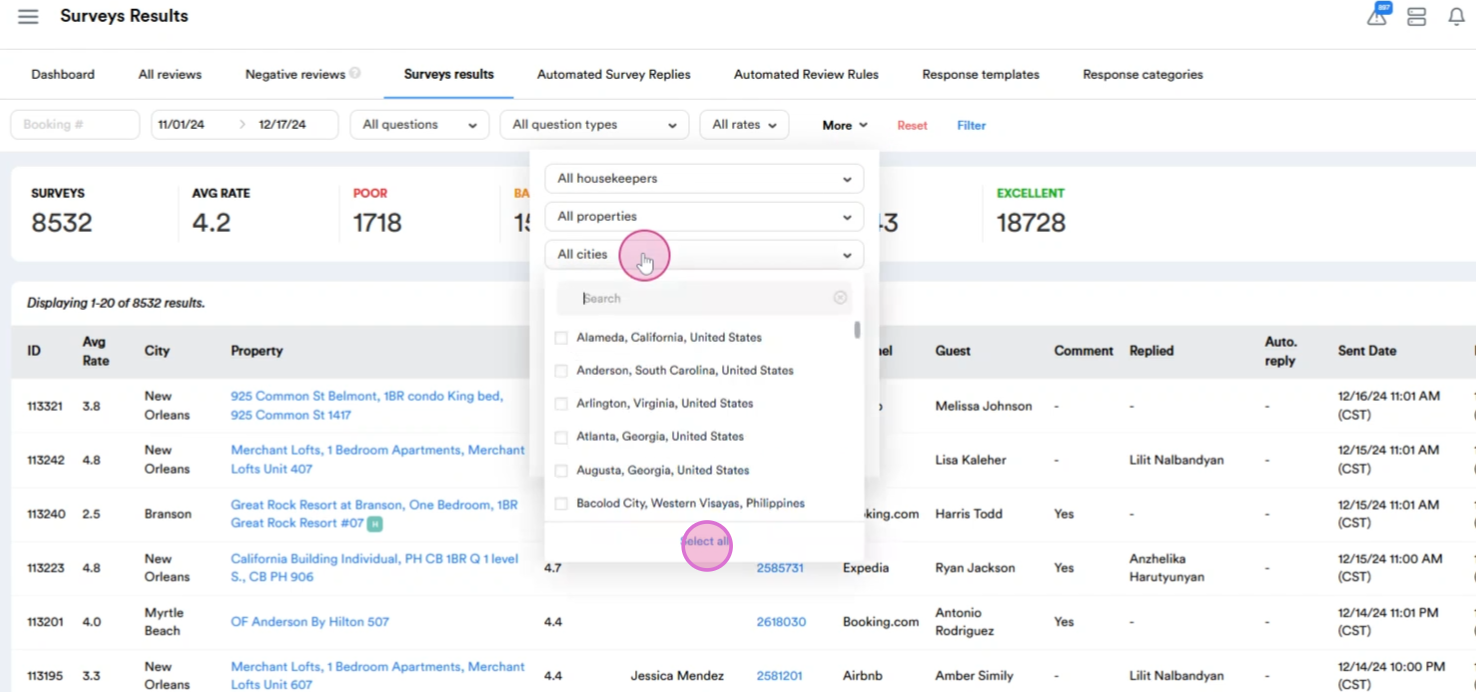
Step 6: Exclude cities where services are managed by property representatives.
Step 7: Finalize the filtering by selecting the not replied option. This will display only uncertain services.
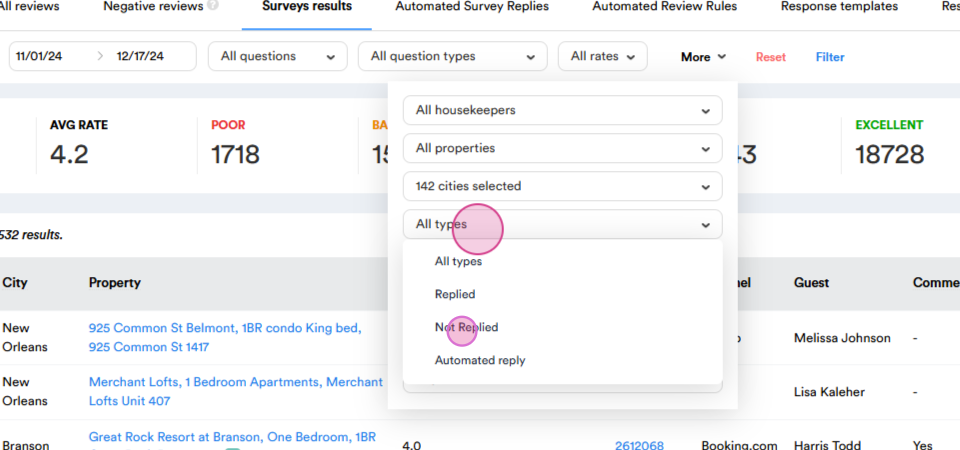
Step 8: Click Filter.
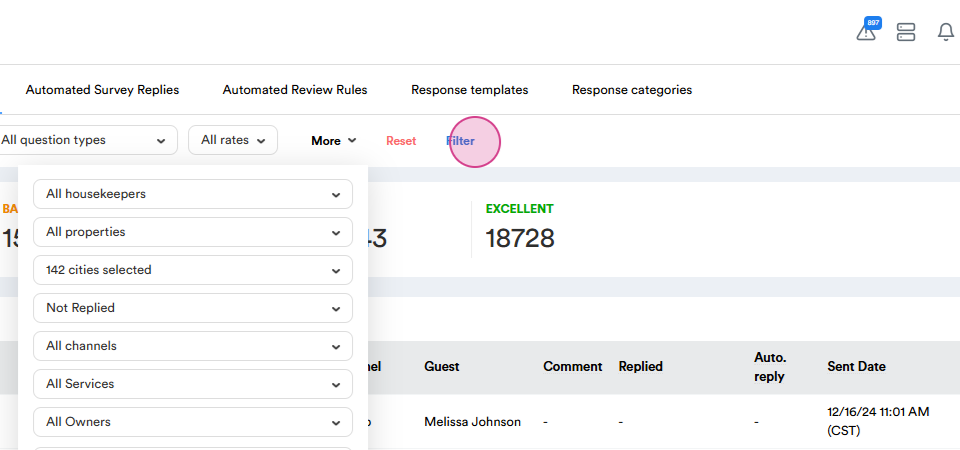
Step 9: Once filtering is complete, select the relevant survey and click on the ellipsis next to it.
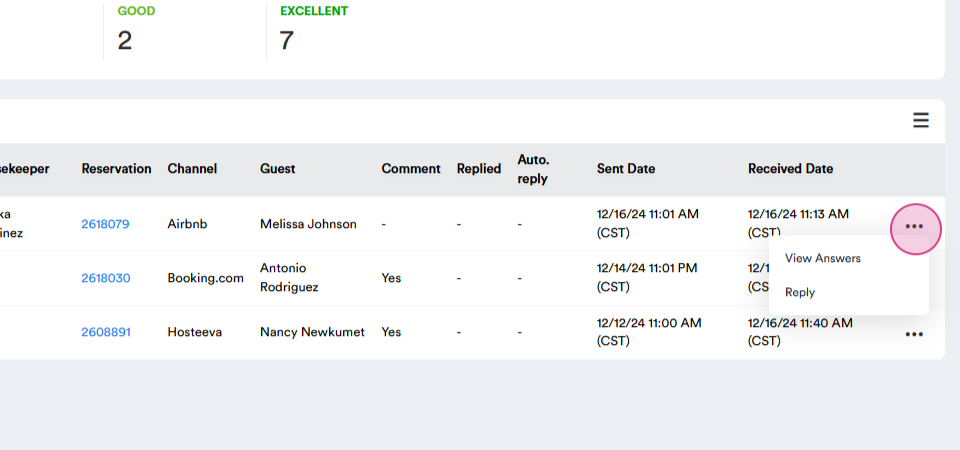
Step 10: Review the results via View Answers. This is important as guests may have attached photos that won't be visible when viewing through the reply option. If the guest reports issues that can be resolved by the local team, pull up the reservation and create a corresponding work order. For managed properties, assess the severity of the issue and mark the reservation as attention needed.
Step 11: After thoroughly reviewing the feedback, return to the previous page and click Reply.
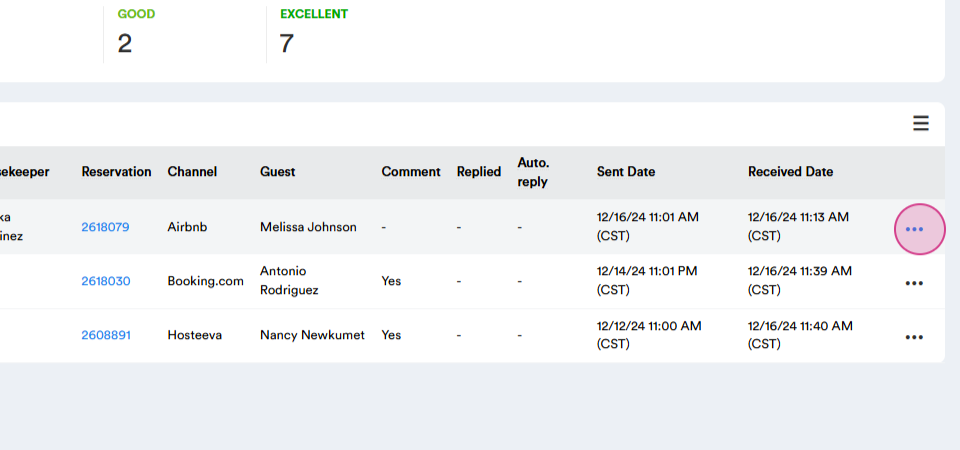
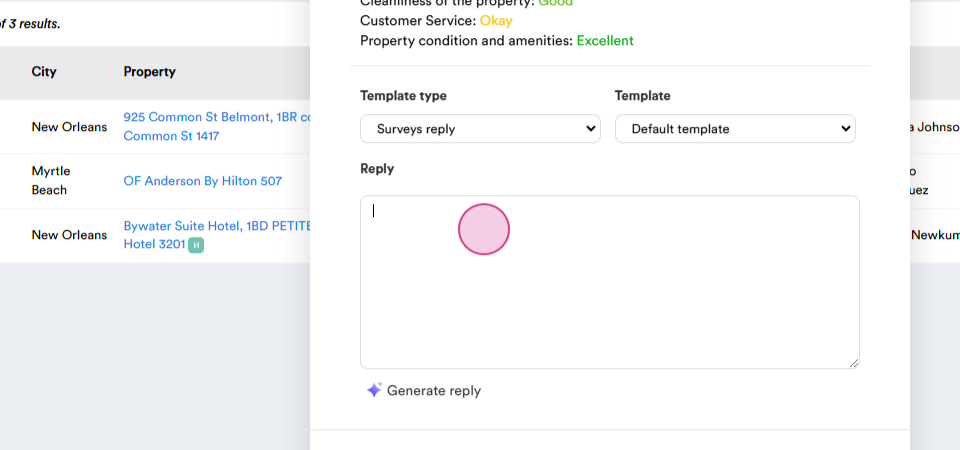
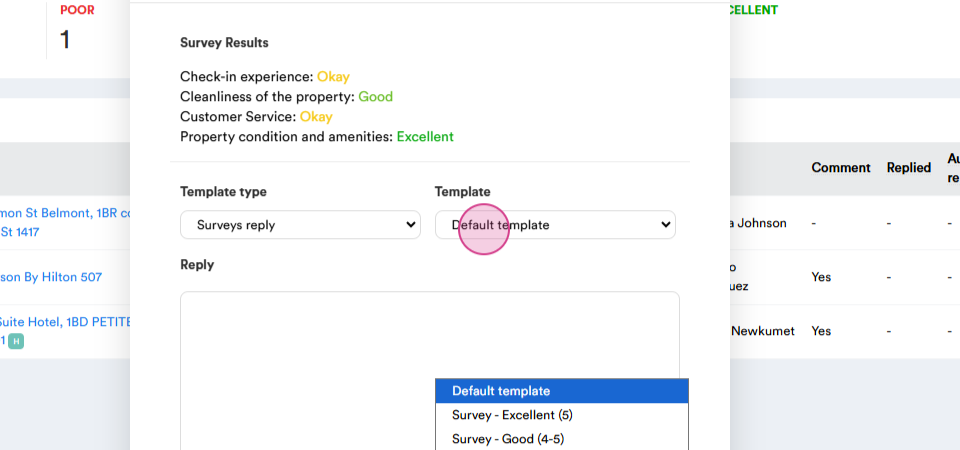
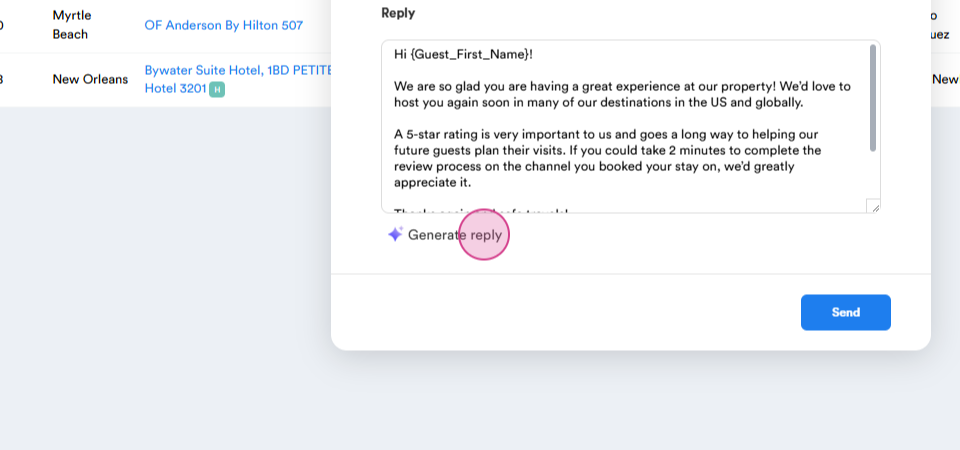
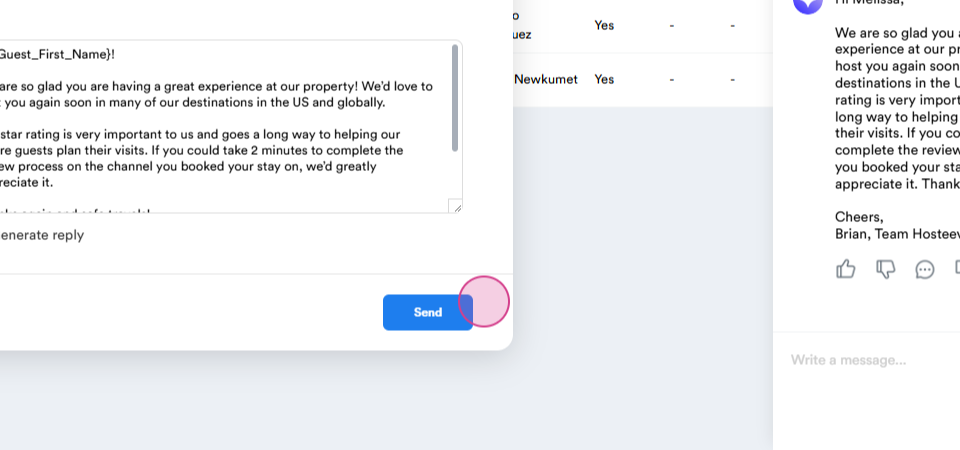
Step 12: A pop-up window will appear with multiple response options. You can craft a custom response, use a pre-saved template, or use AI to generate a response based on the content of the survey. Once your reply is ready, click Send.
Step 13: After completing the task, make relevant entries in our daily doc about all actions taken. This ensures we're keeping track of all guest interactions and responses.