This guide explains how to use the Hosteeva Messenger to view and filter guest messages from various channels such as Airbnb, Booking.com, VRBO, and Expedia. It also provides instructions on how to send messages and information about Message Color Codes.
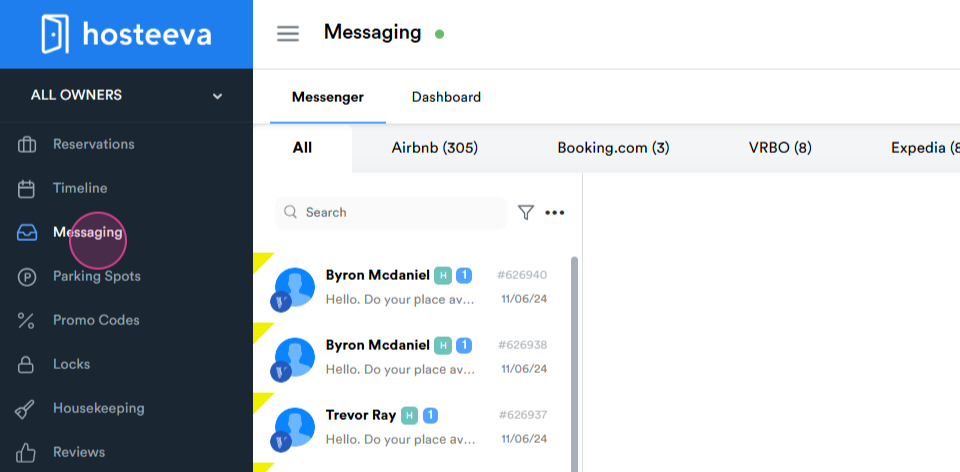
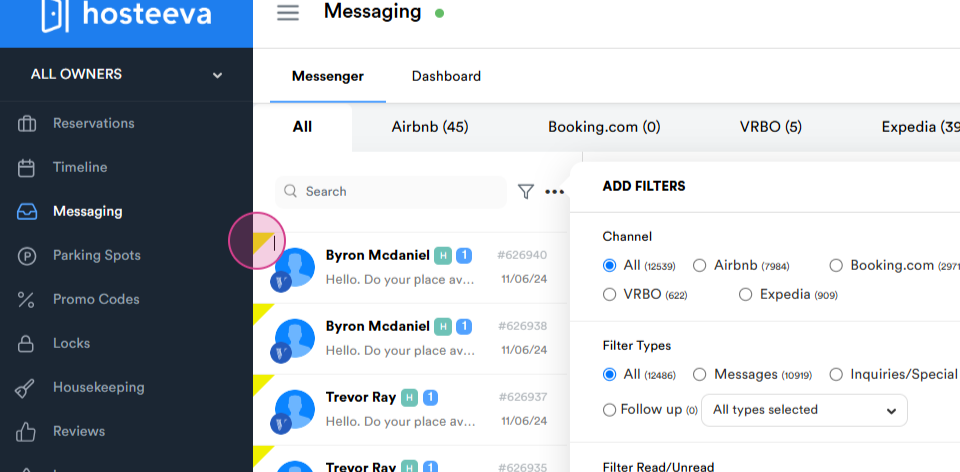
Step 1: Navigate to Messaging to access Hosteeva Messenger.
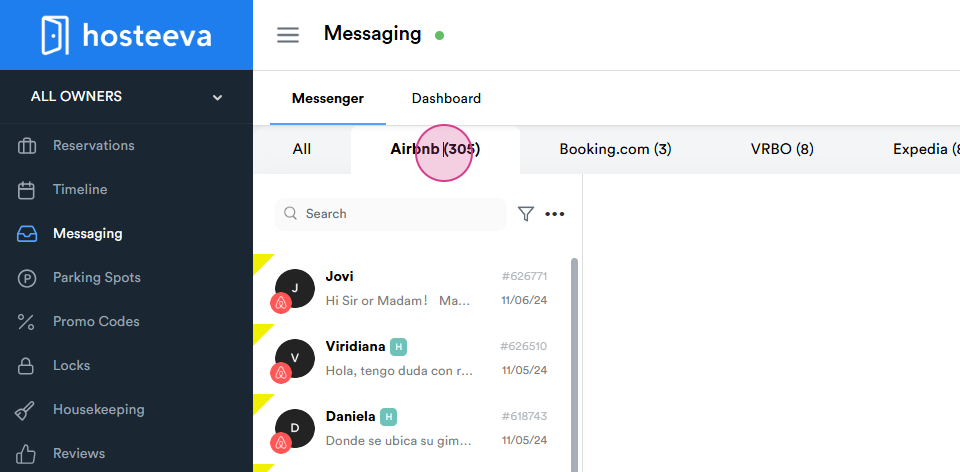
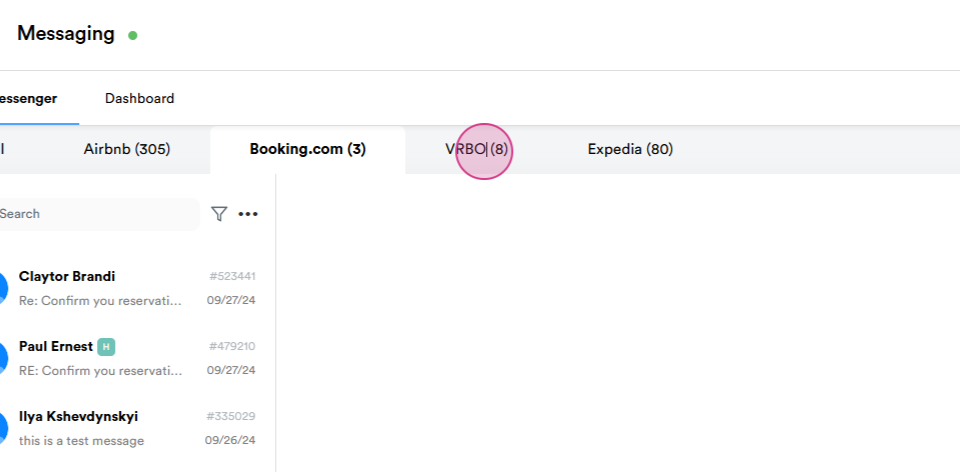
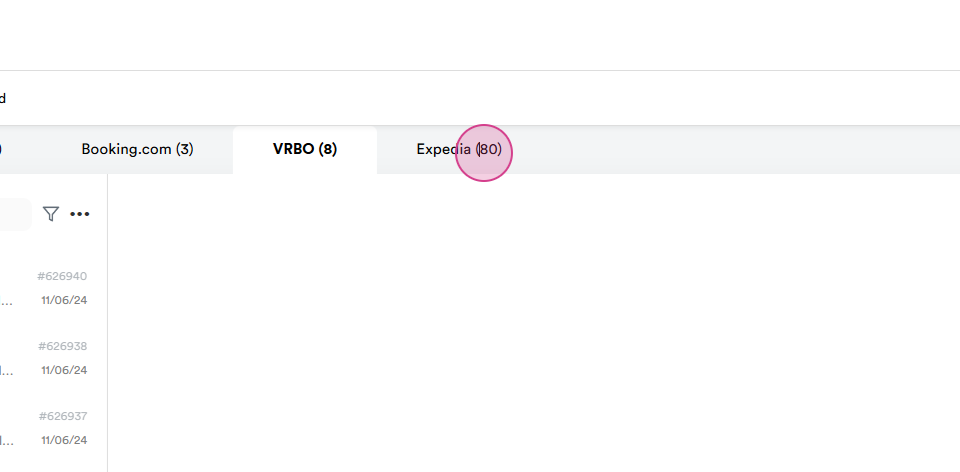
Step 2: Select Airbnb, Booking.com, VRBO, or Expedia to filter and view messages from these platforms only.
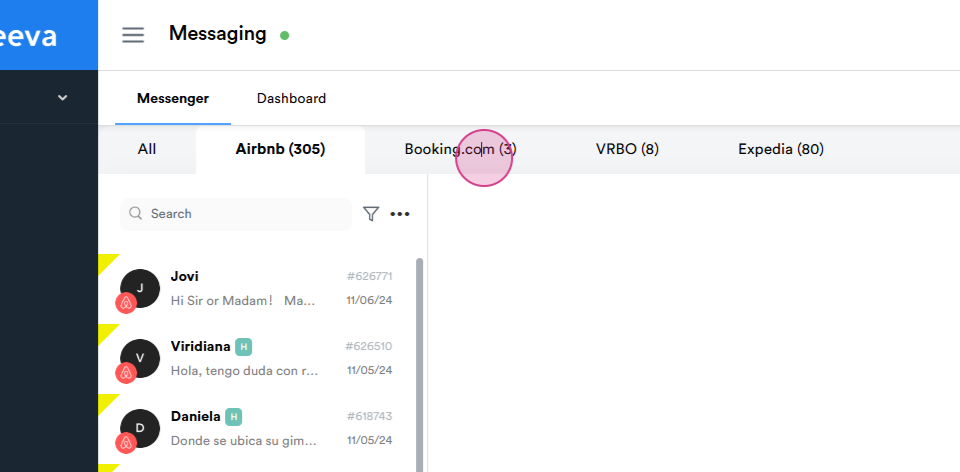
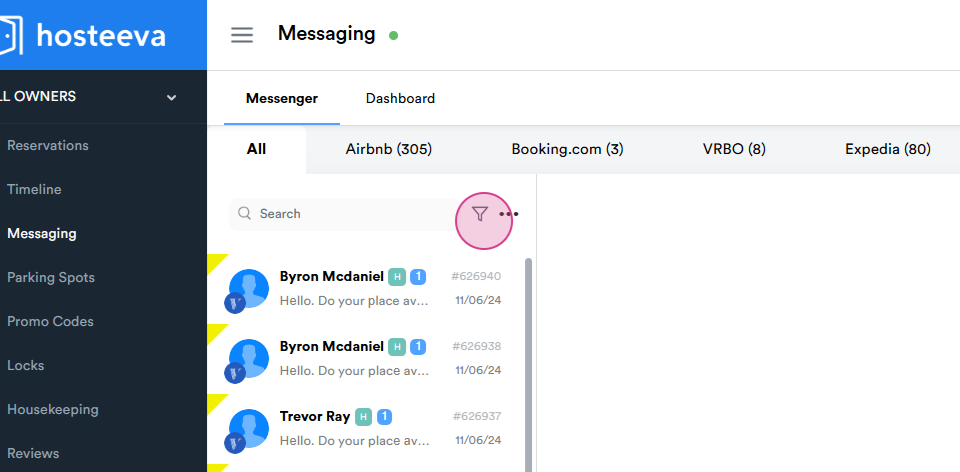
Step 3: Click on the filter icon for more filter options.
Step 4: Check the necessary boxes to filter channels.
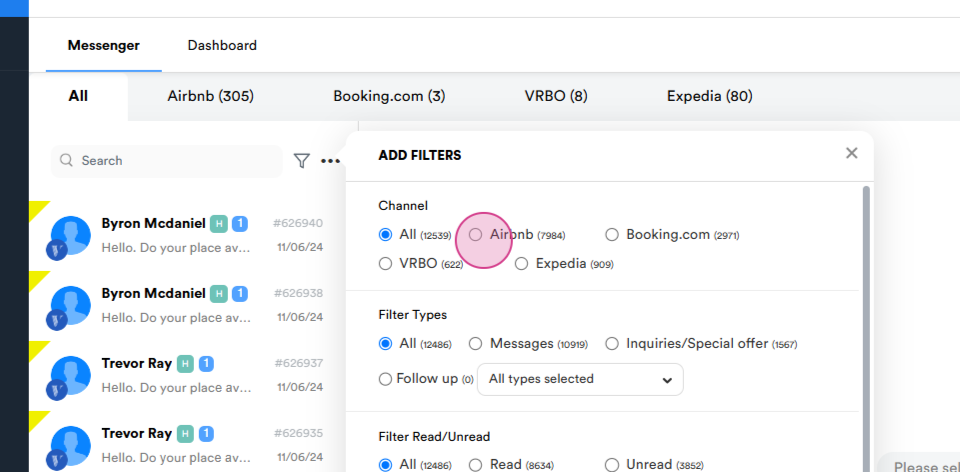
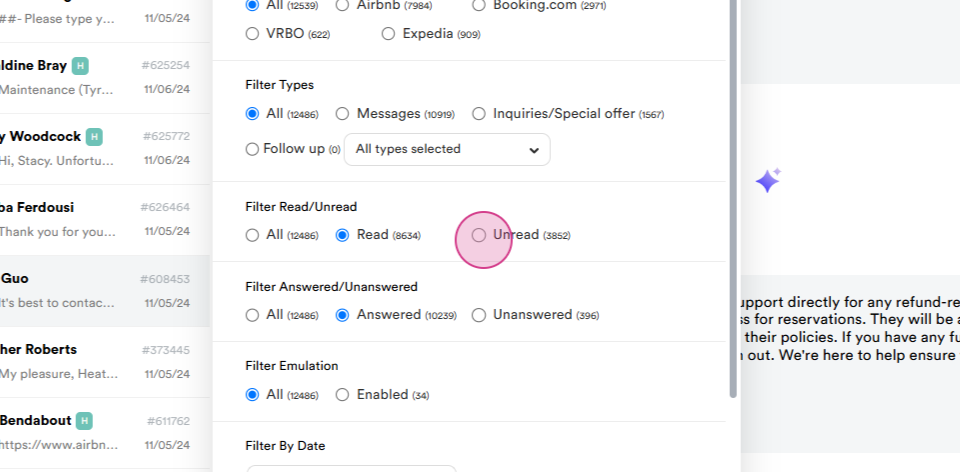
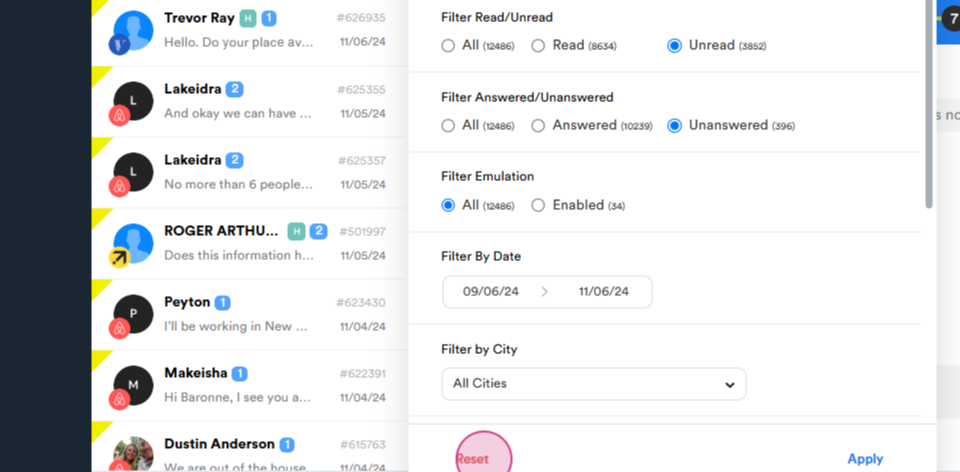
Step 5: Check the Read box to filter read messages.
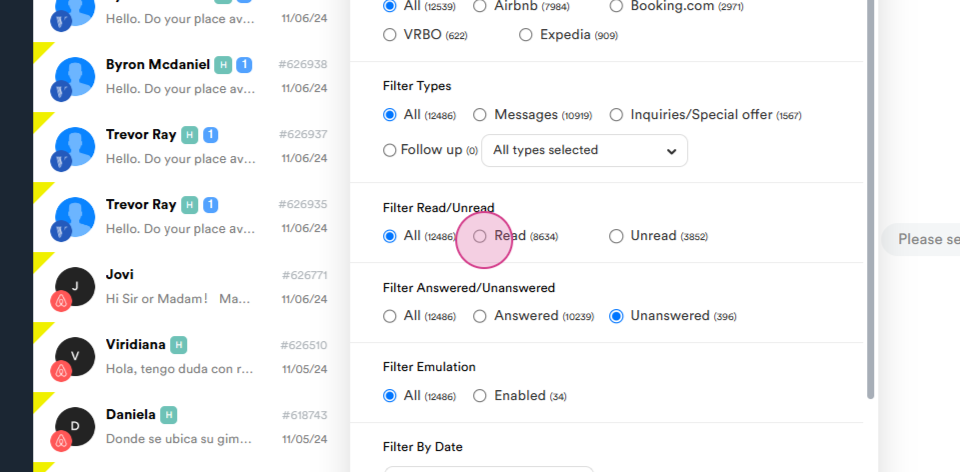
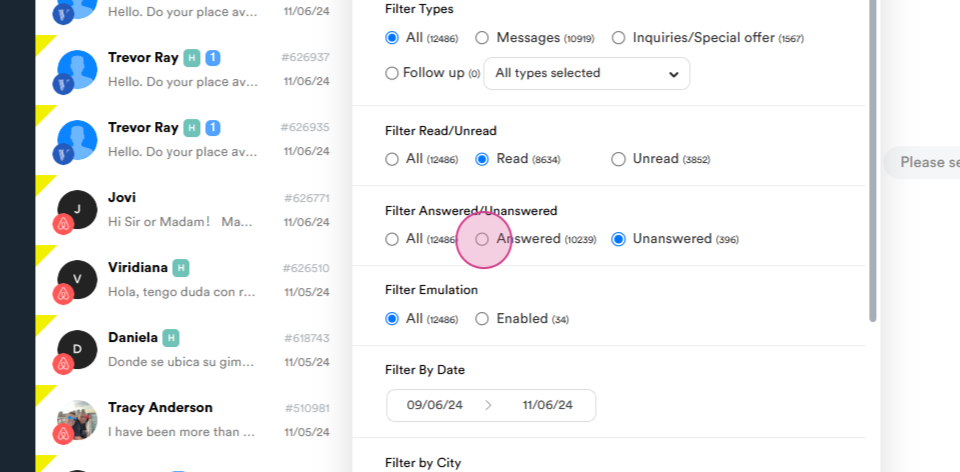
Step 6: Check the Answered box to filter answered messages.
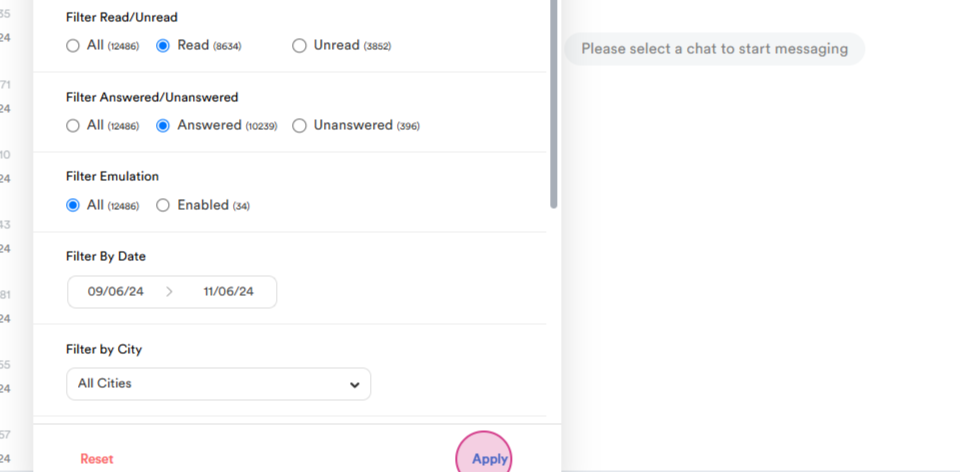
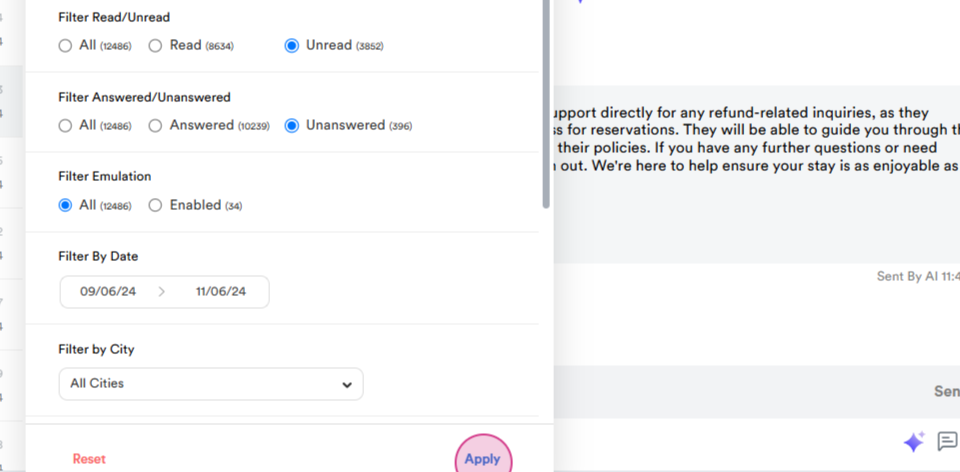
Step 7: Click on Apply to save changes.
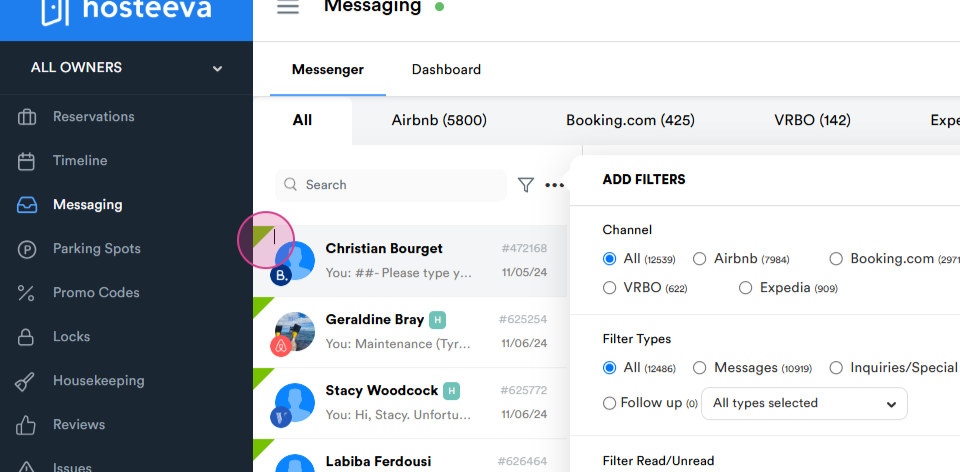
Note: Answered messages are marked with a green sign, while messages answered by the AI automatic response system are marked with a blue sign.
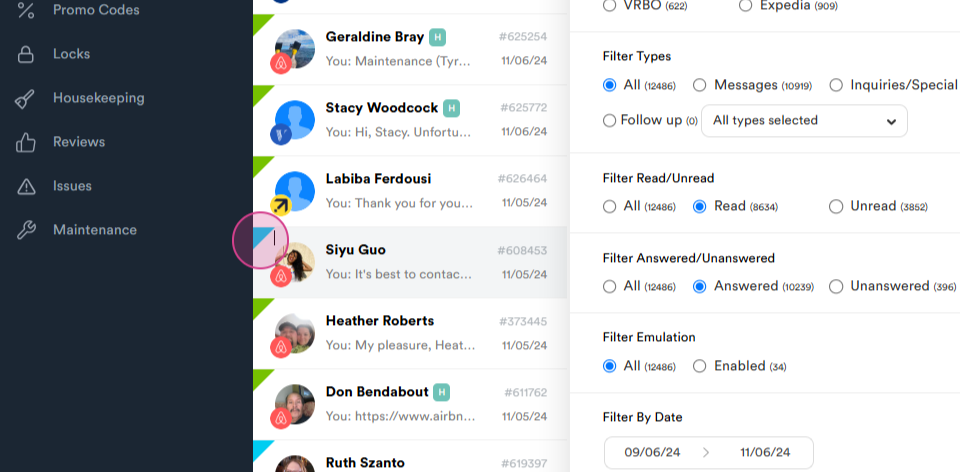
Step 8: Check the Unread box to filter unread messages.
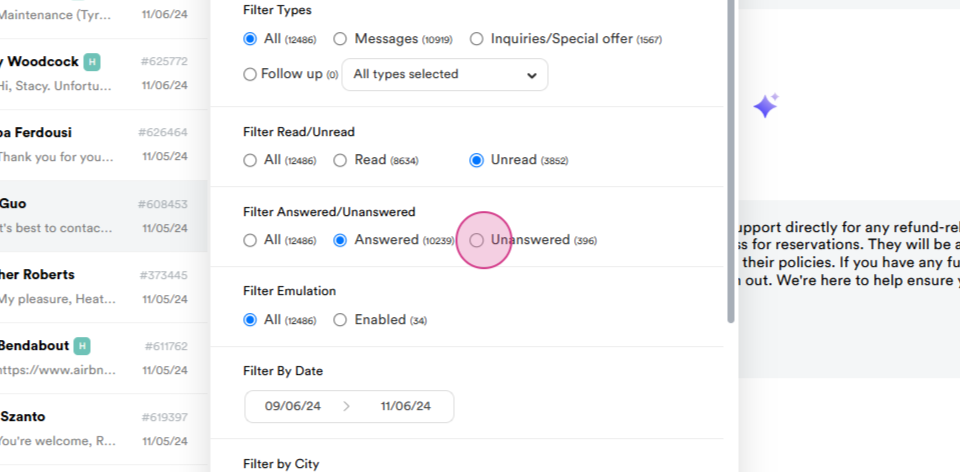
Step 9: Check the Unanswered box to filter unanswered messages.
Step 10: Click on Apply to apply the filters.
Note: Unanswered messages are marked with a yellow sign.
Step 11: Click on Reset to reset the filters.
Sending Messages
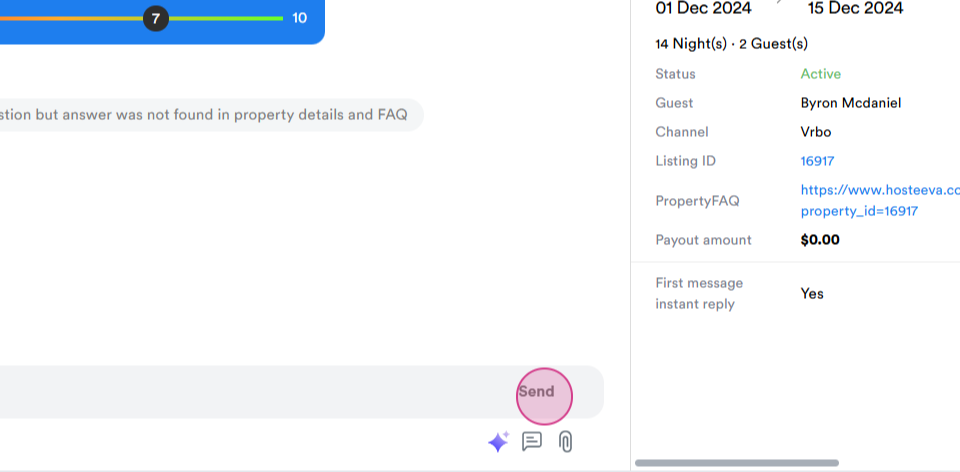
Step 1: Enter your message in the Write a message field.
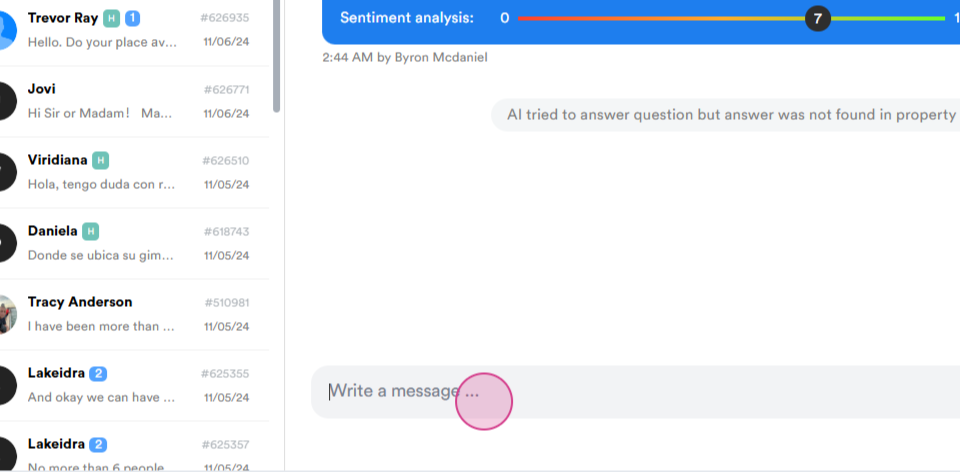
Step 2: Click on Send to dispatch the message.