Creating an Airbnb account is quick, free, and easy. You can get started by visiting Airbnb.com or by downloading the Airbnb app from the App Store or Google Play.
Step 1: You can create a new Airbnb account on a desktop, mobile browser, or in the Airbnb app using any of the following options:
-
Phone number
-
Email address
-
Facebook or Google account
-
Apple ID
-
Naver (available in South Korea)
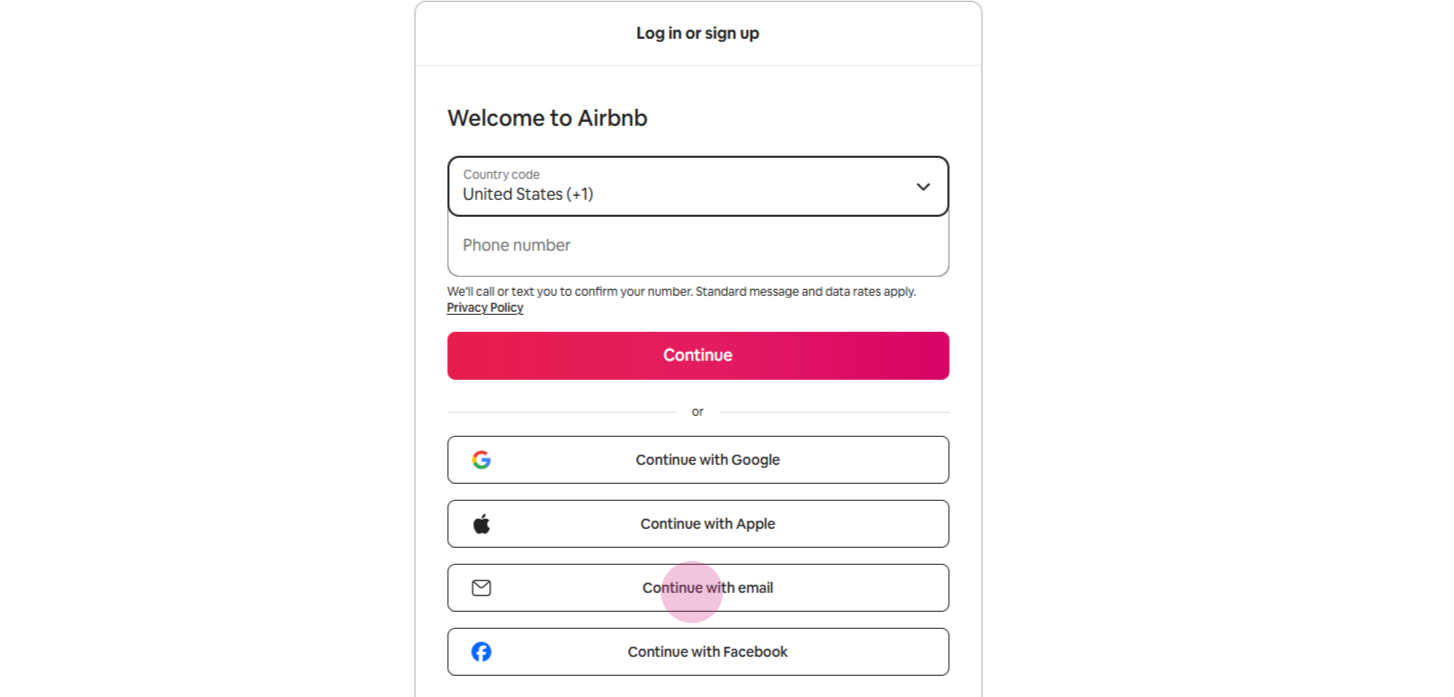
Step 2: Signing up with an email will be demonstrated below.
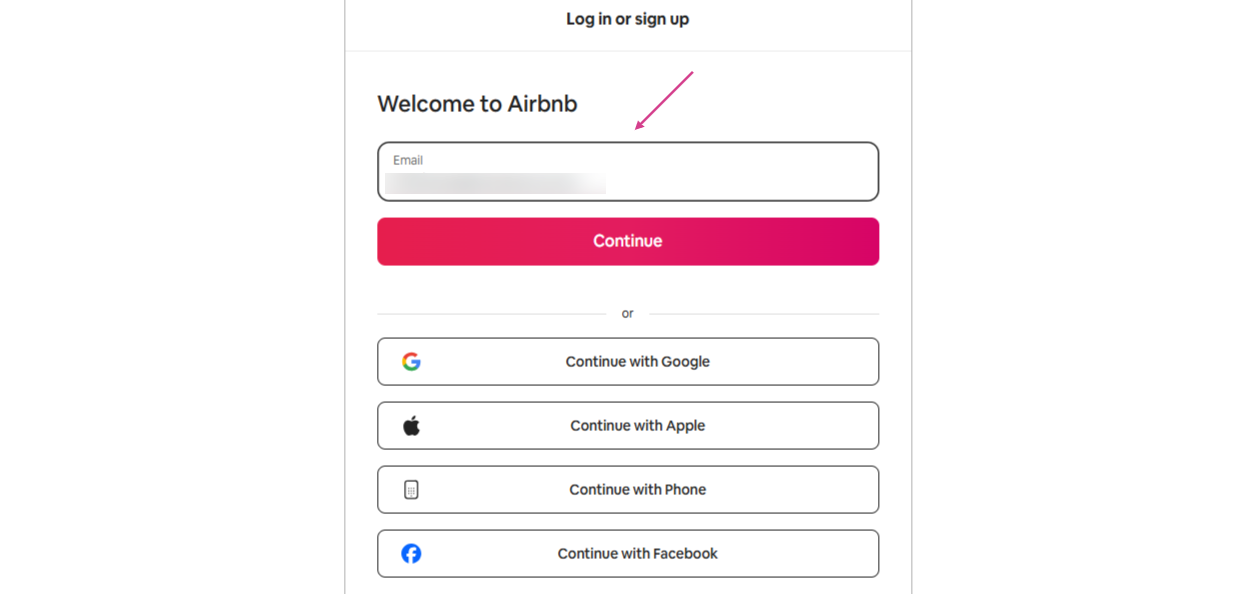
Step 3: After signing up, you’ll need to complete a few additional steps before you can book a stay or an Experience. Make sure your profile information is fully filled out to avoid any delays.
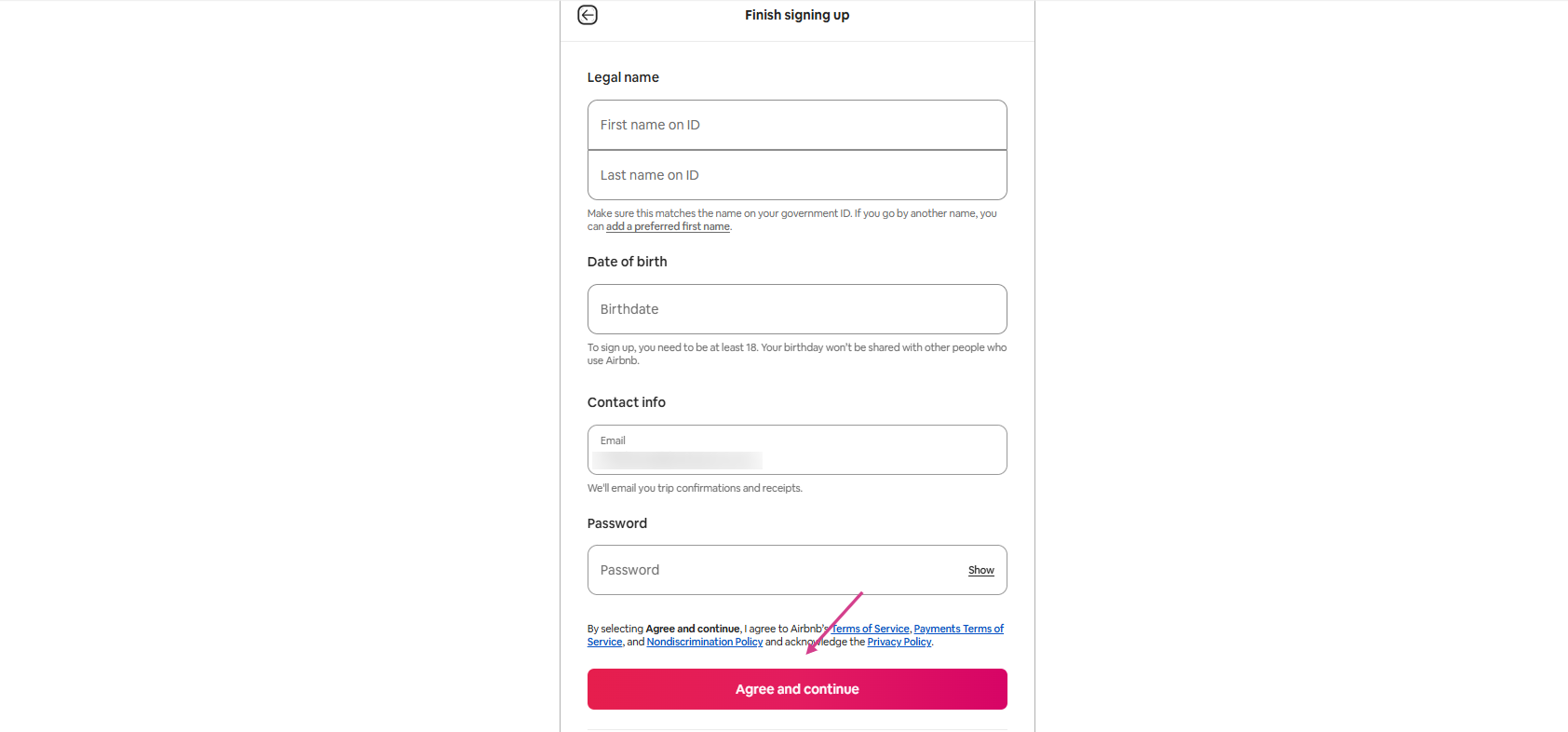
Step 4: If you plan to host, Airbnb requires you to verify your identity before you can list a property or experience. This is a mandatory step for all community members and helps keep the platform safe and trusted.
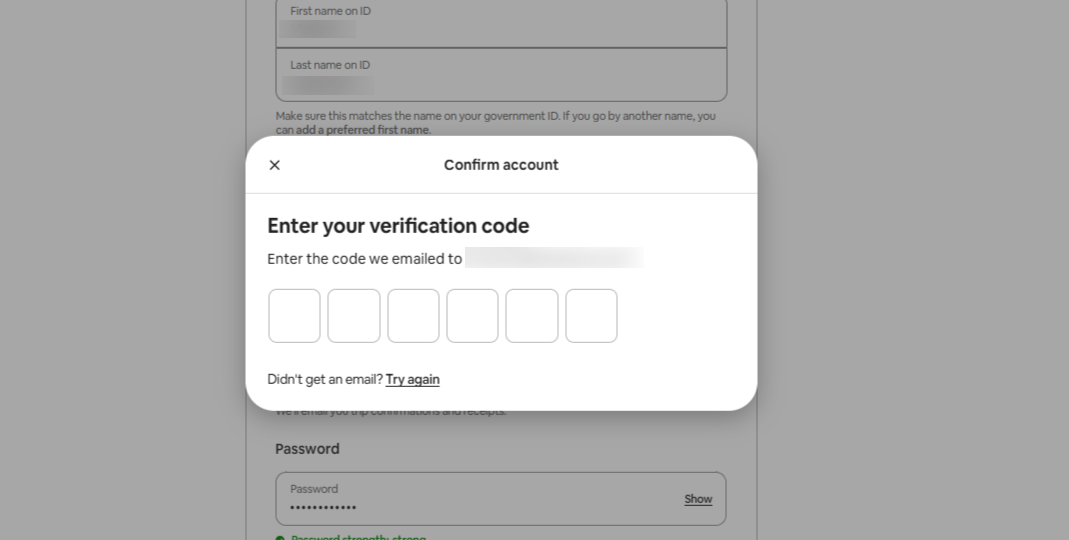
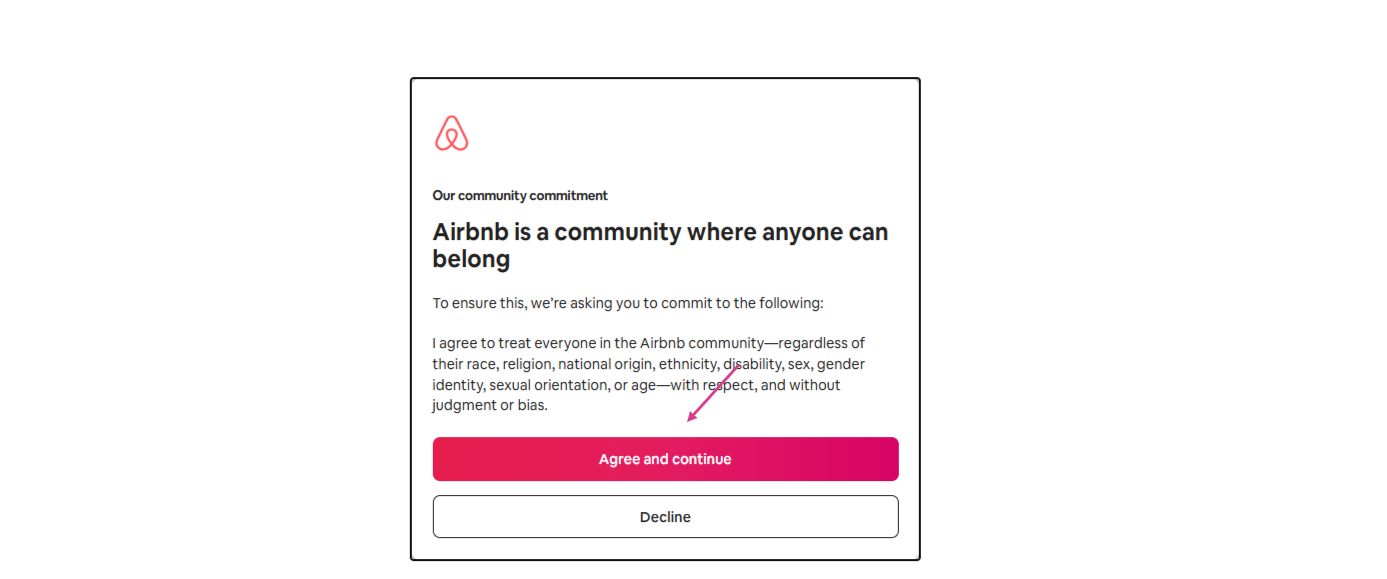
Step 5: Once verified, hit the Agree and continue button.
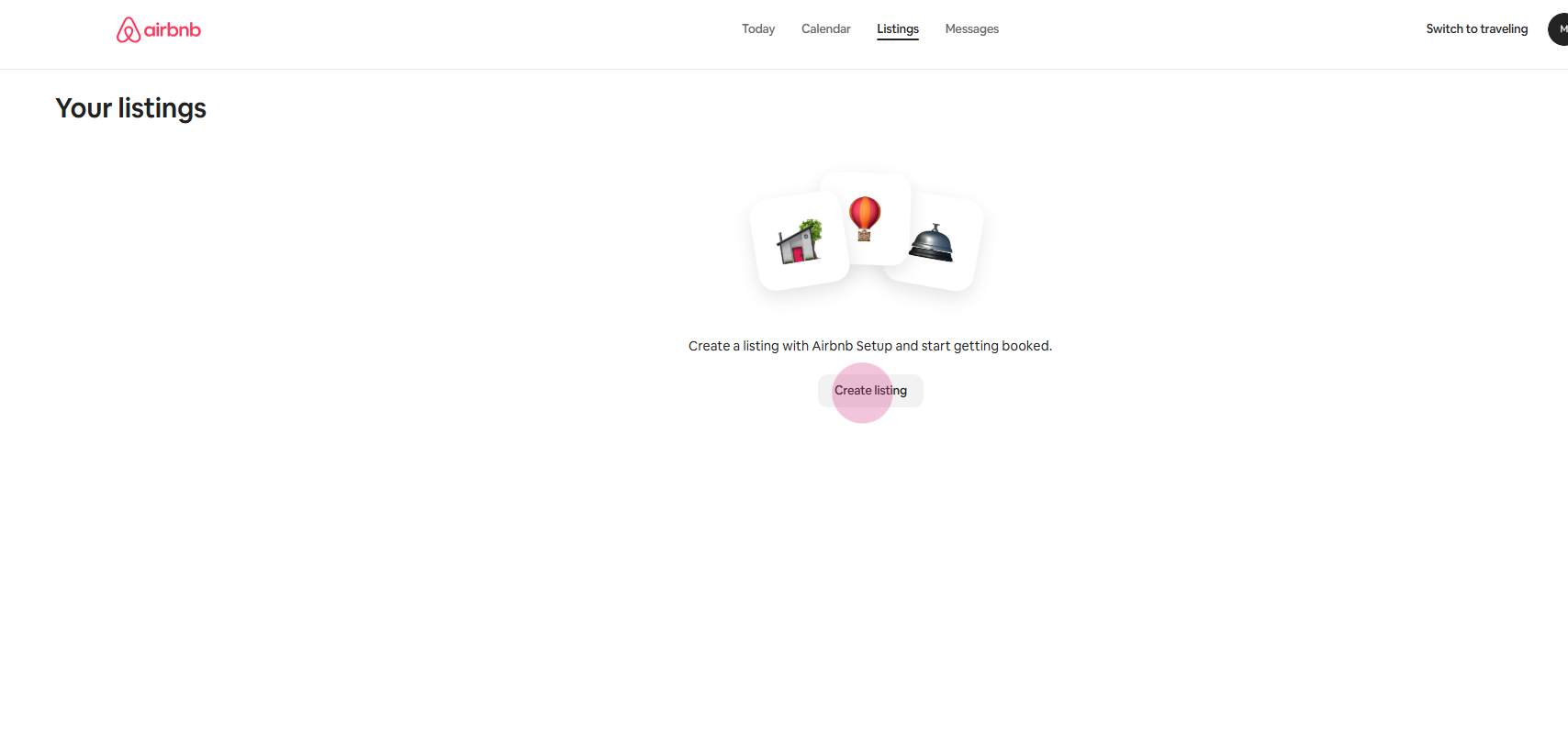
Step 6: Now the account is ready to create and edit listings.
Airbnb doesn’t allow multiple accounts to be merged. If you have more than one account, you can choose to delete or deactivate the one you no longer use.