Step:1 First, navigate to the AI section from the Admin Portal and choose Variables.
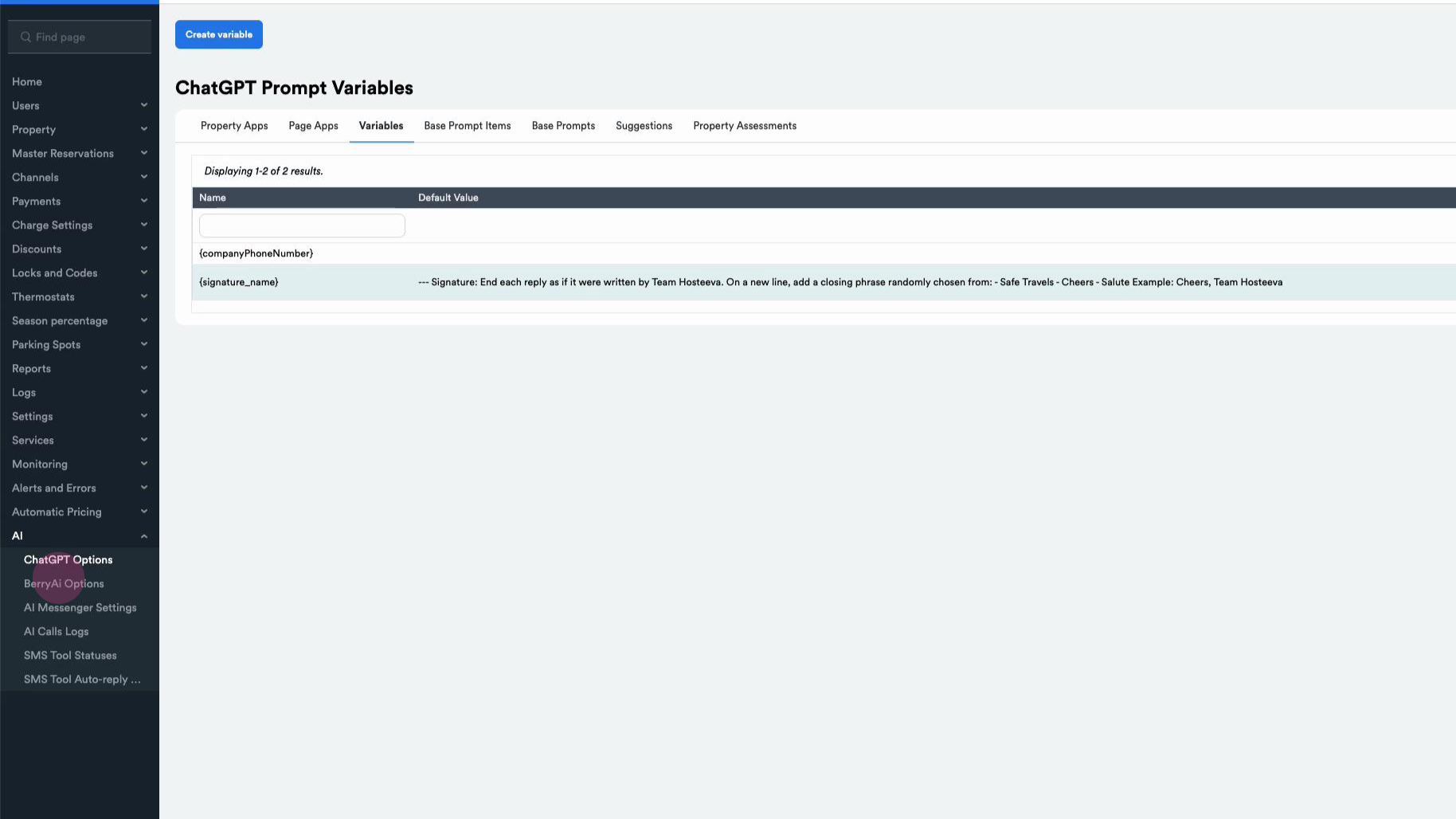
Step:2 Click on three dots to update the variable.
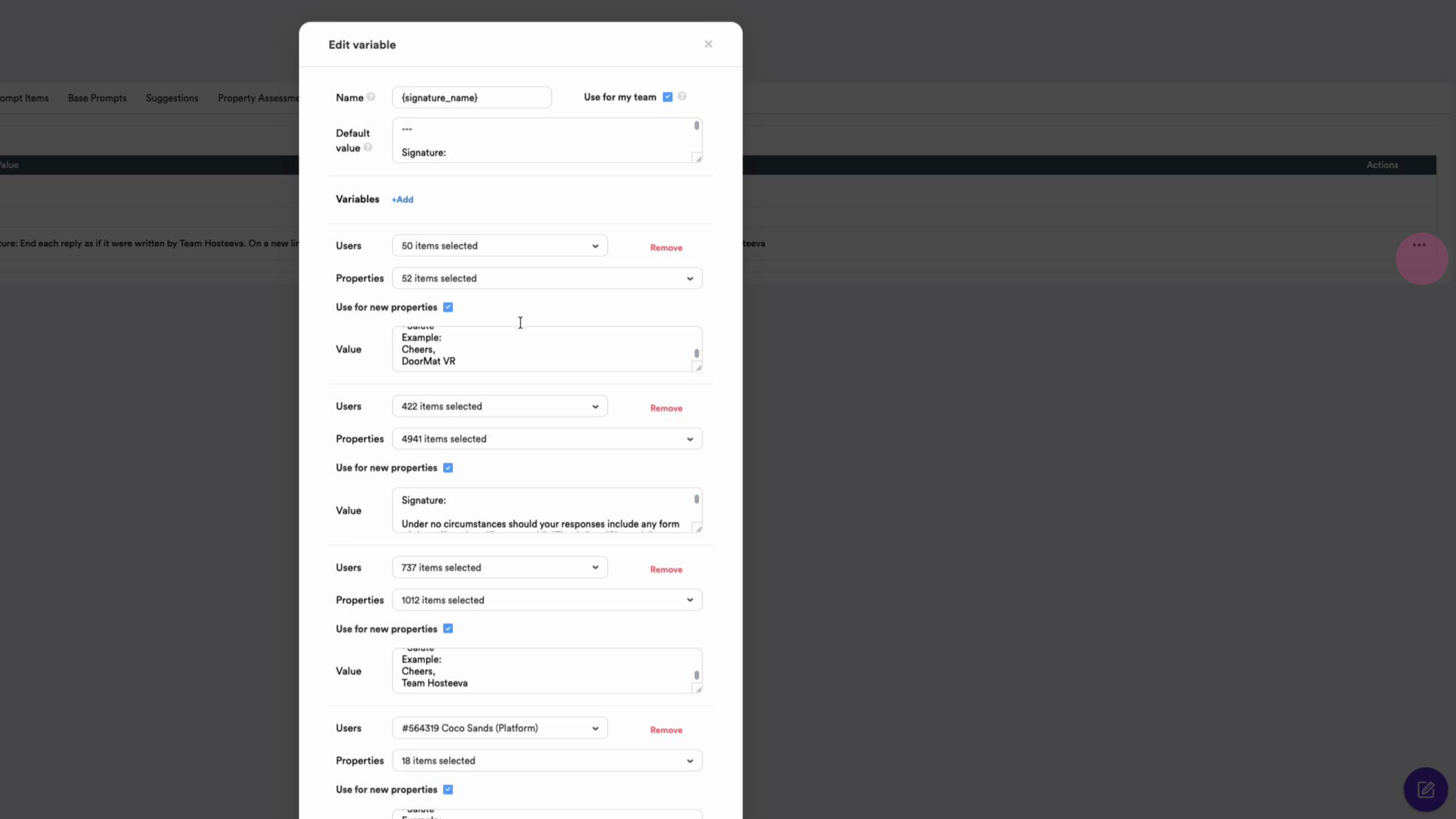
Here, copy the field beside the Default value, then clickthe Add button beside the Variable (new fields will be added at the bottom of the list).
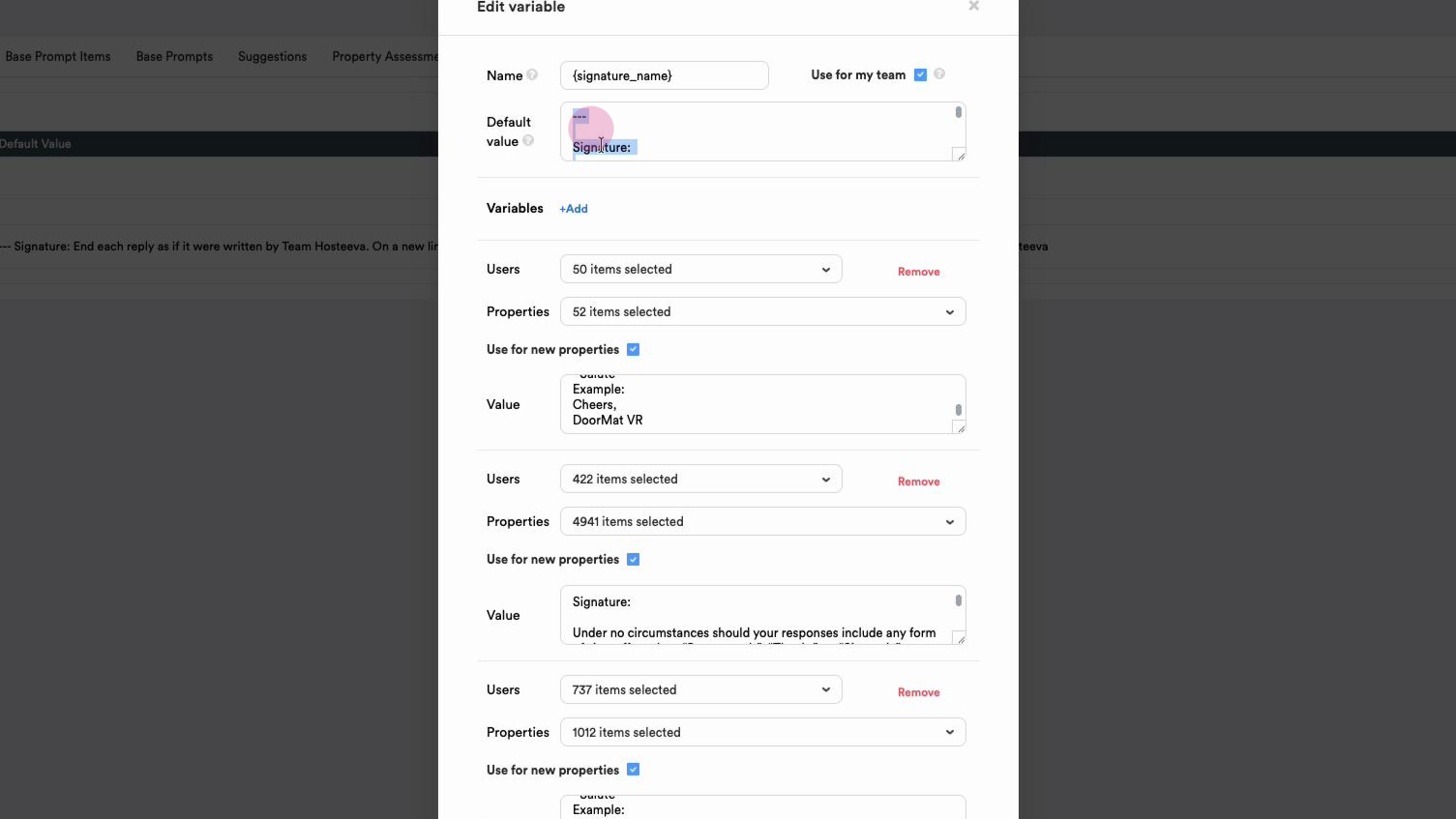
Select User Select Properties (you can check or uncheck the box for applying to new properties). In the content field need to enter the copied text from the similar field of previously created variables. Paste the copied text, changing what should be changed (for example, the name), and save the changes.. Note: do not change anything for previously created variables.