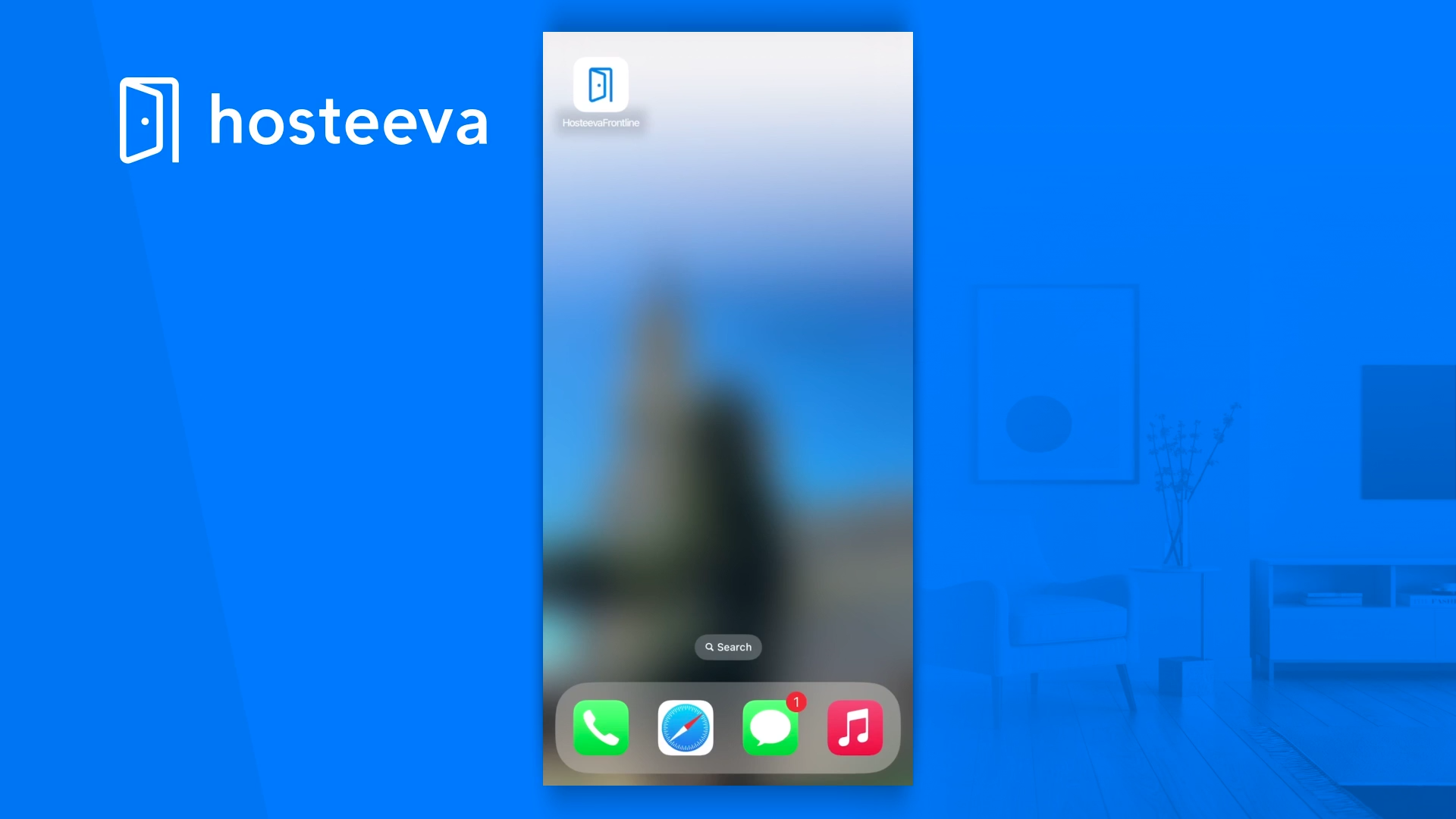
Hosteeva Frontline is a user-friendly application that allows you to manage cleaning/maintenance tasks from start to finish.
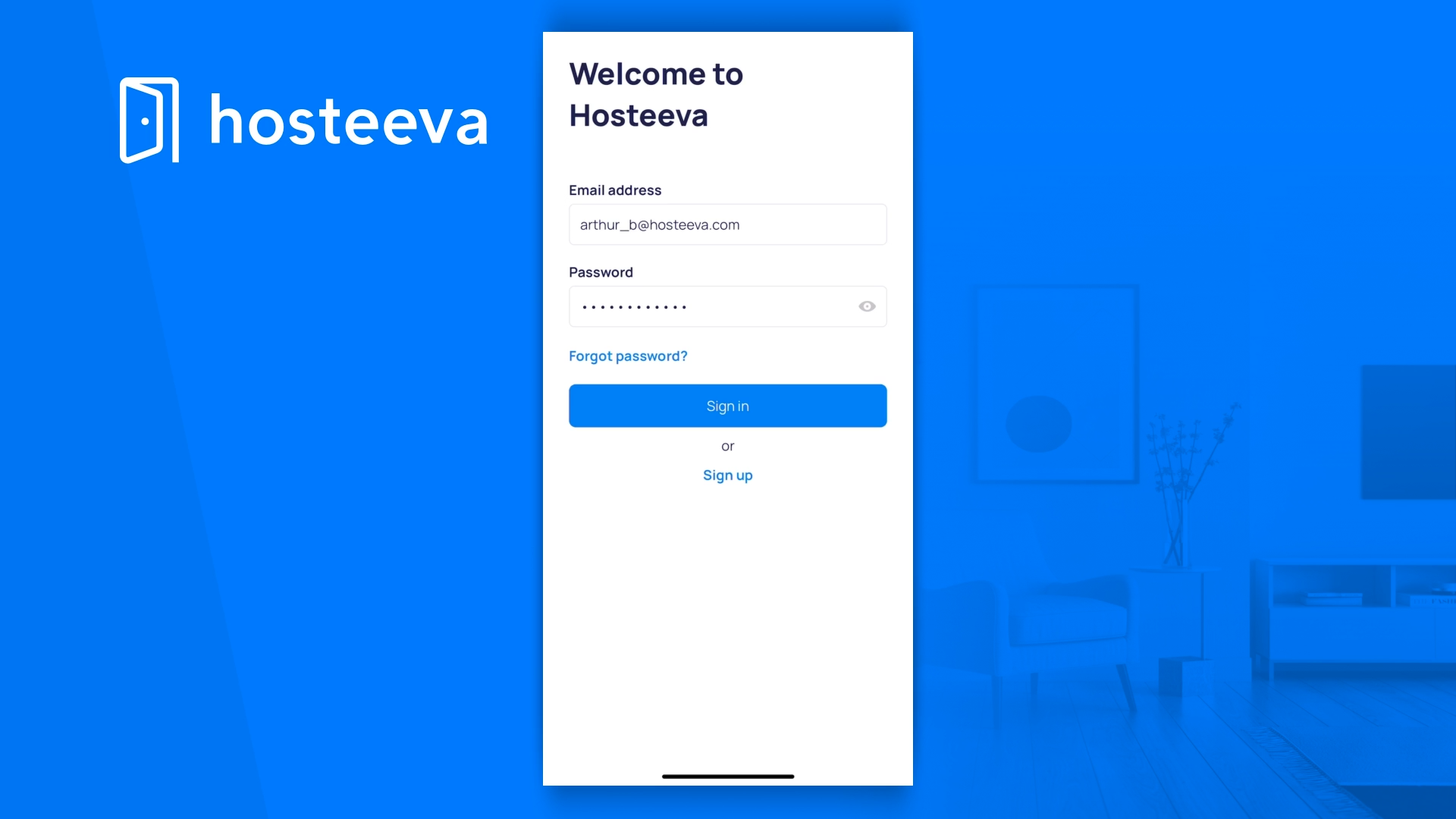
To begin, log in to your Hosteeva Frontline account. If you don't have an account yet, you'll need to sign up.
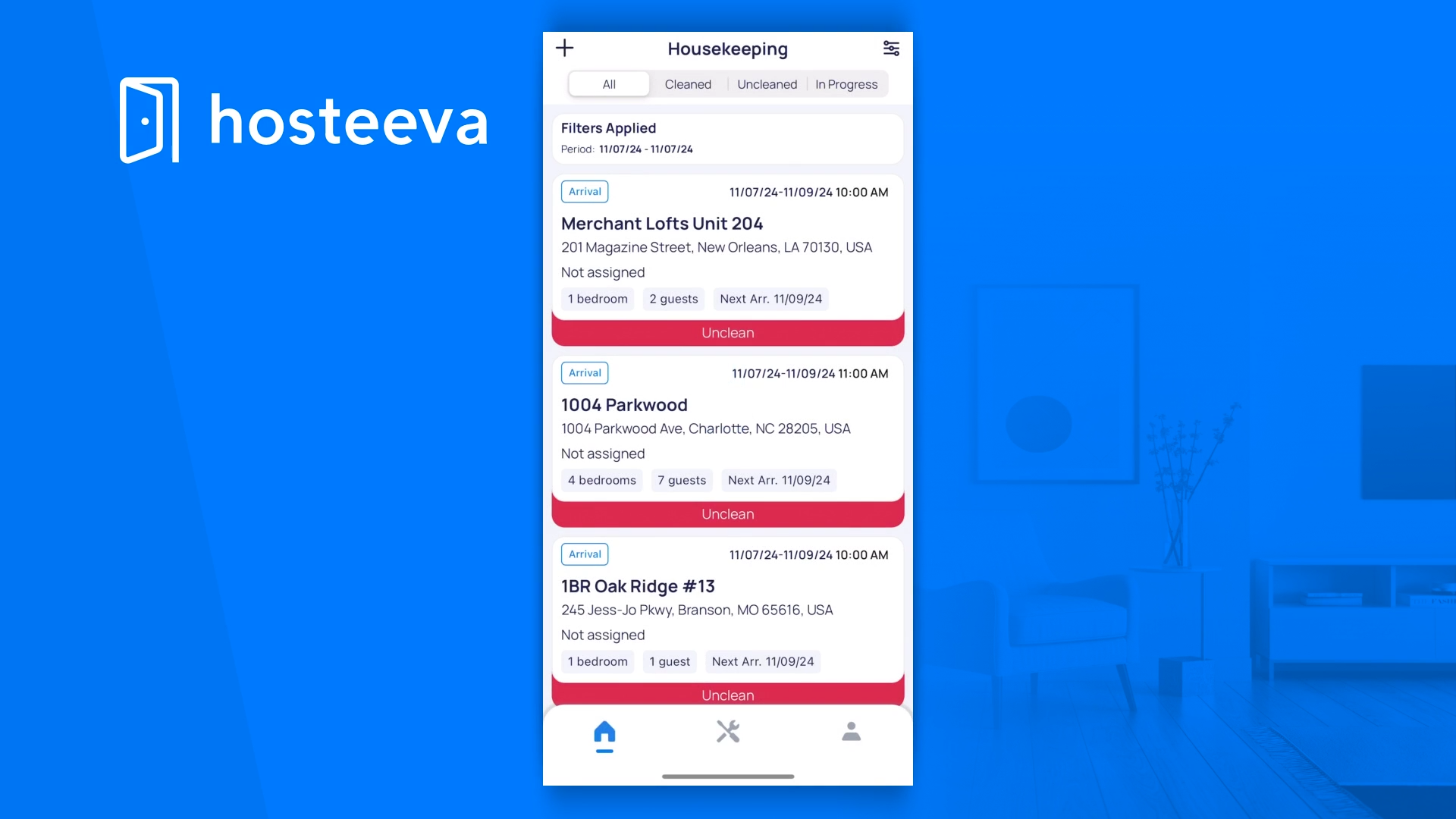
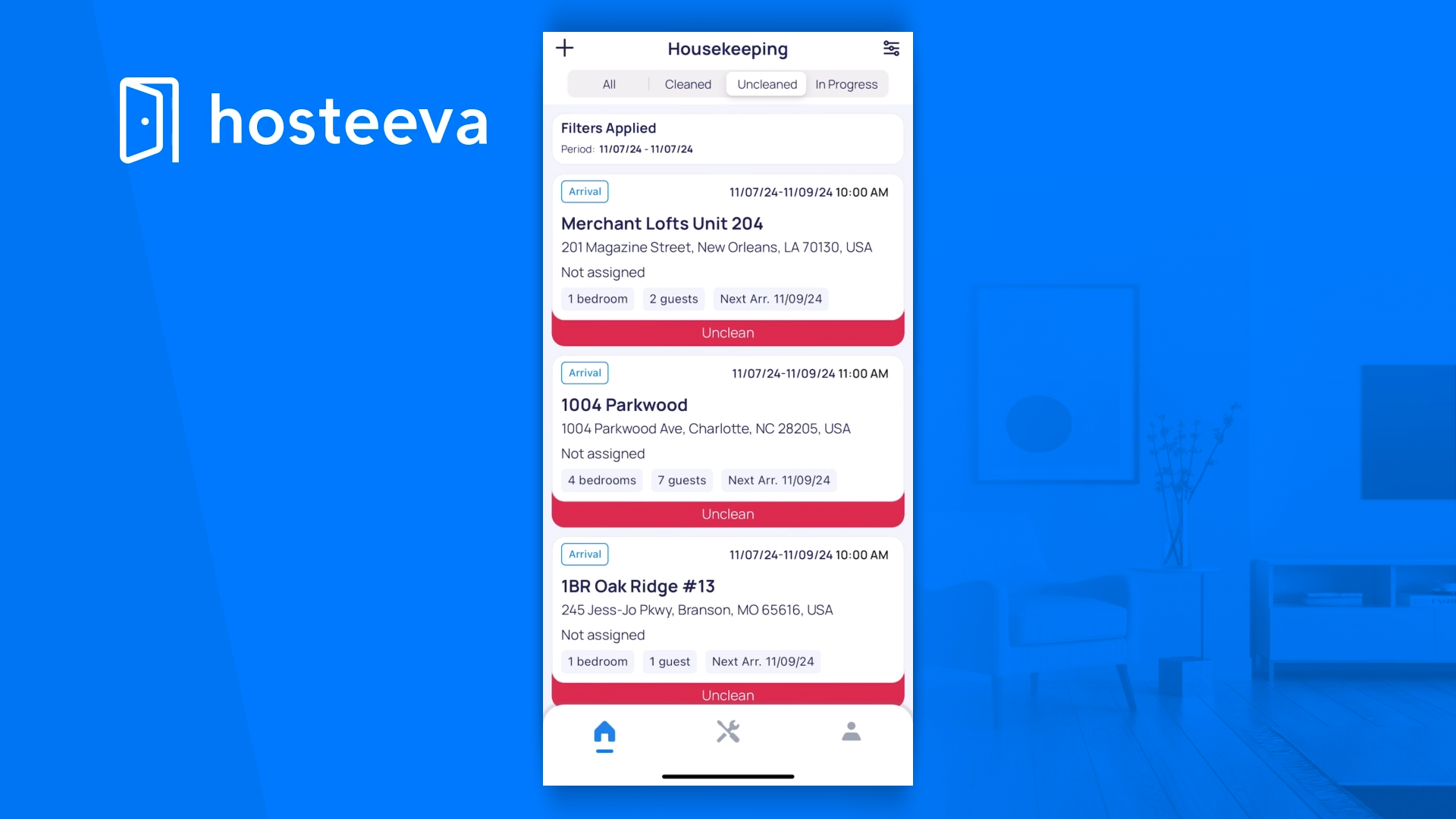
Once you've logged in, you'll notice four tabs on your dashboard: All, Cleaned, Uncleaned, and In Progress. To create a new cleaning task, click on the plus symbol located in the upper left corner of your screen.
You'll then need to fill in the following fields:
Create Issue, Cleaning date, Next Arrival, and Cleaning price.
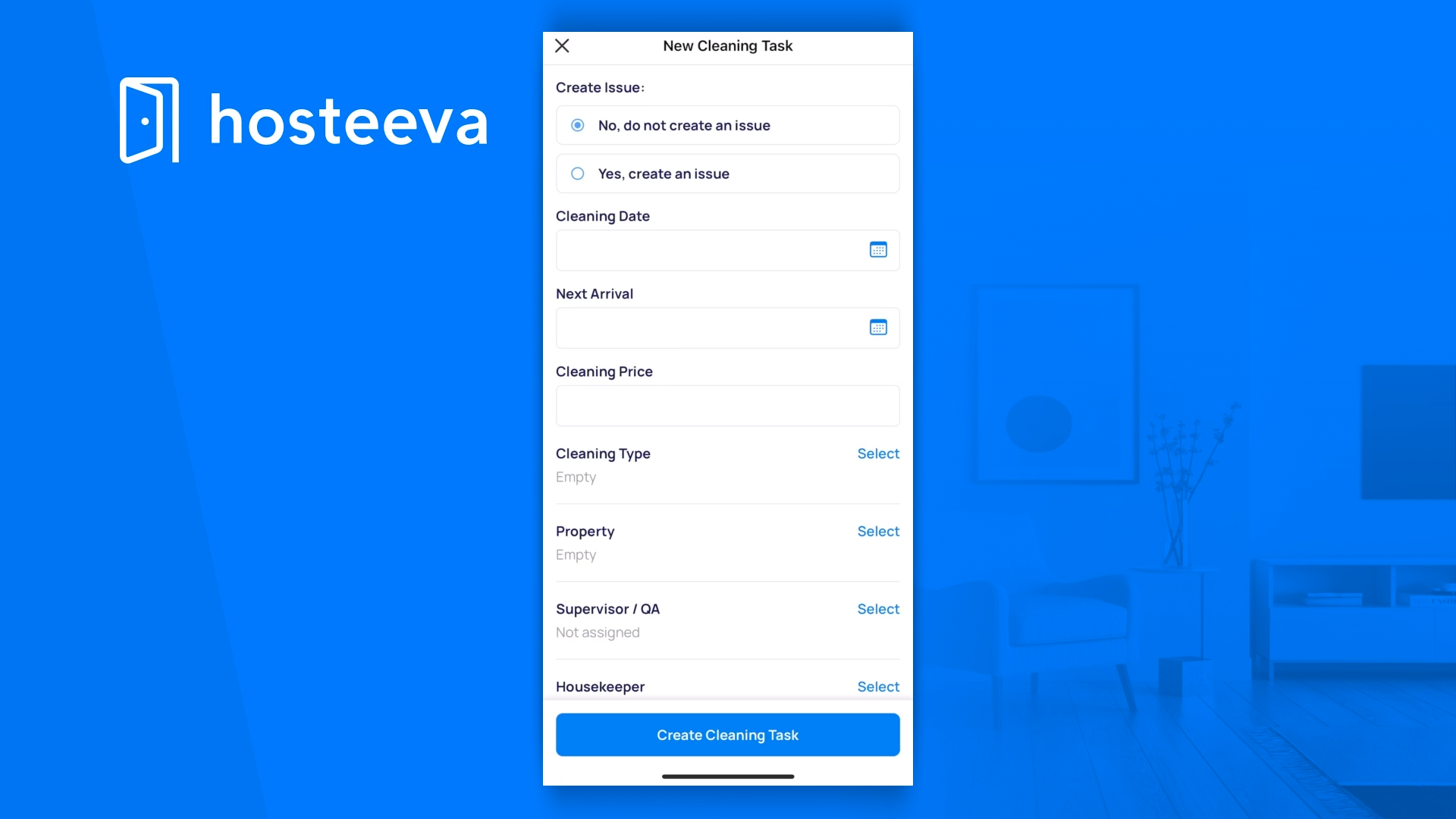
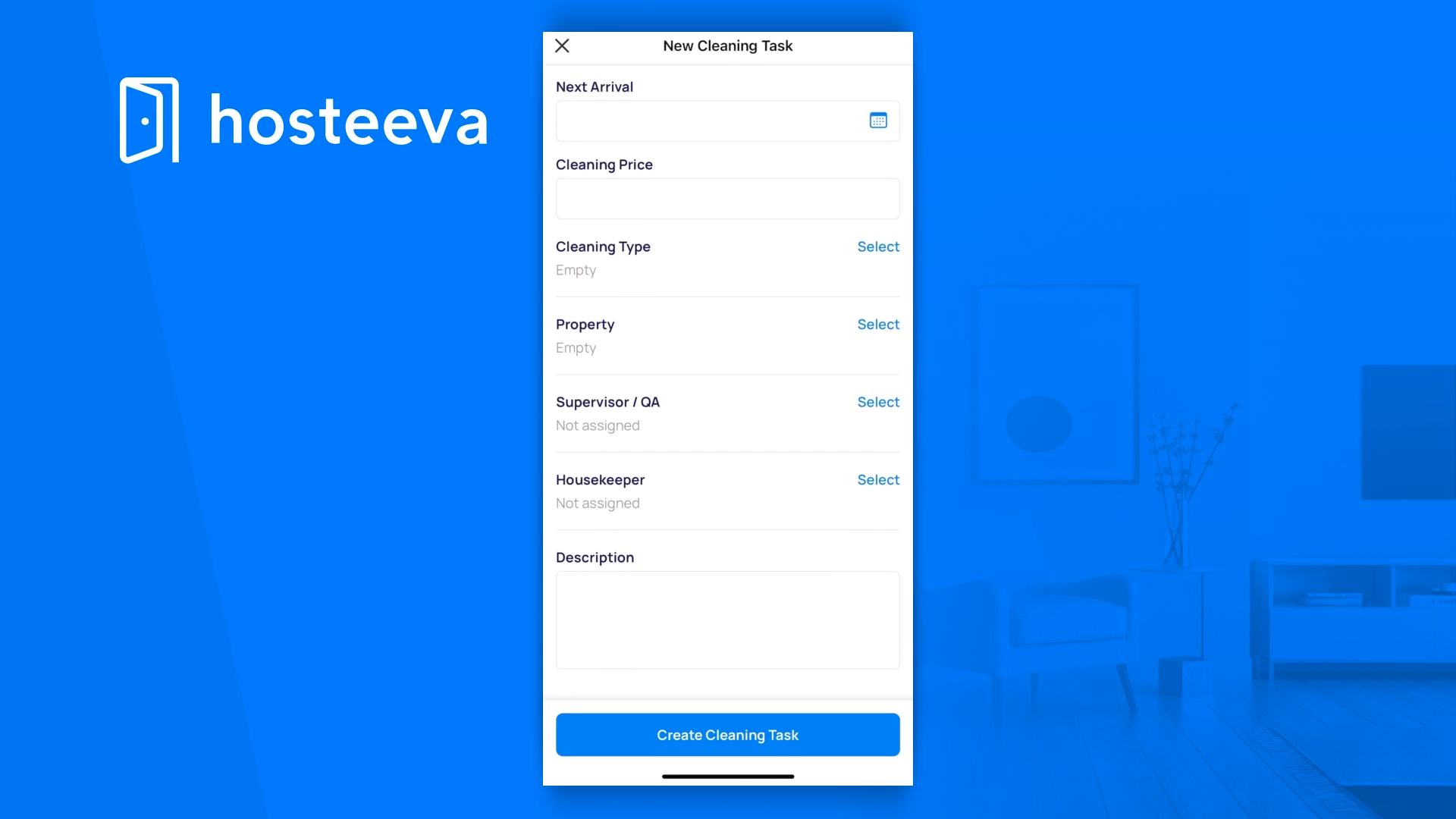
Don't forget to select the Cleaning Type property and assign a supervisor and housekeeper to the task.
Add a description to provide more information about the task. Once you've filled in all the necessary details, click on Create Cleaning Task to finalize it.
Your new task will then appear under the Unclean tab. To manage your task, click on it under the Unclean tab.
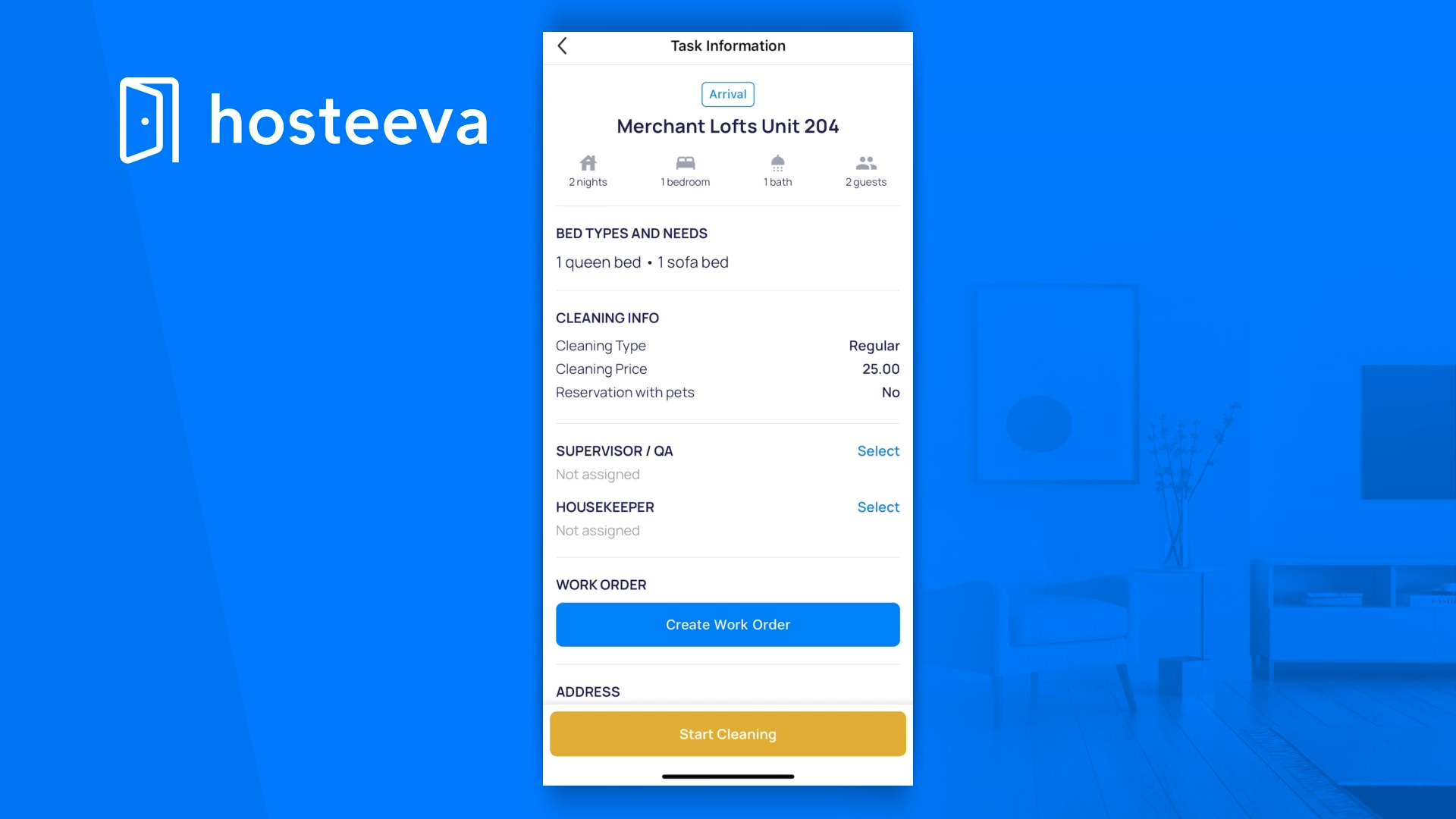
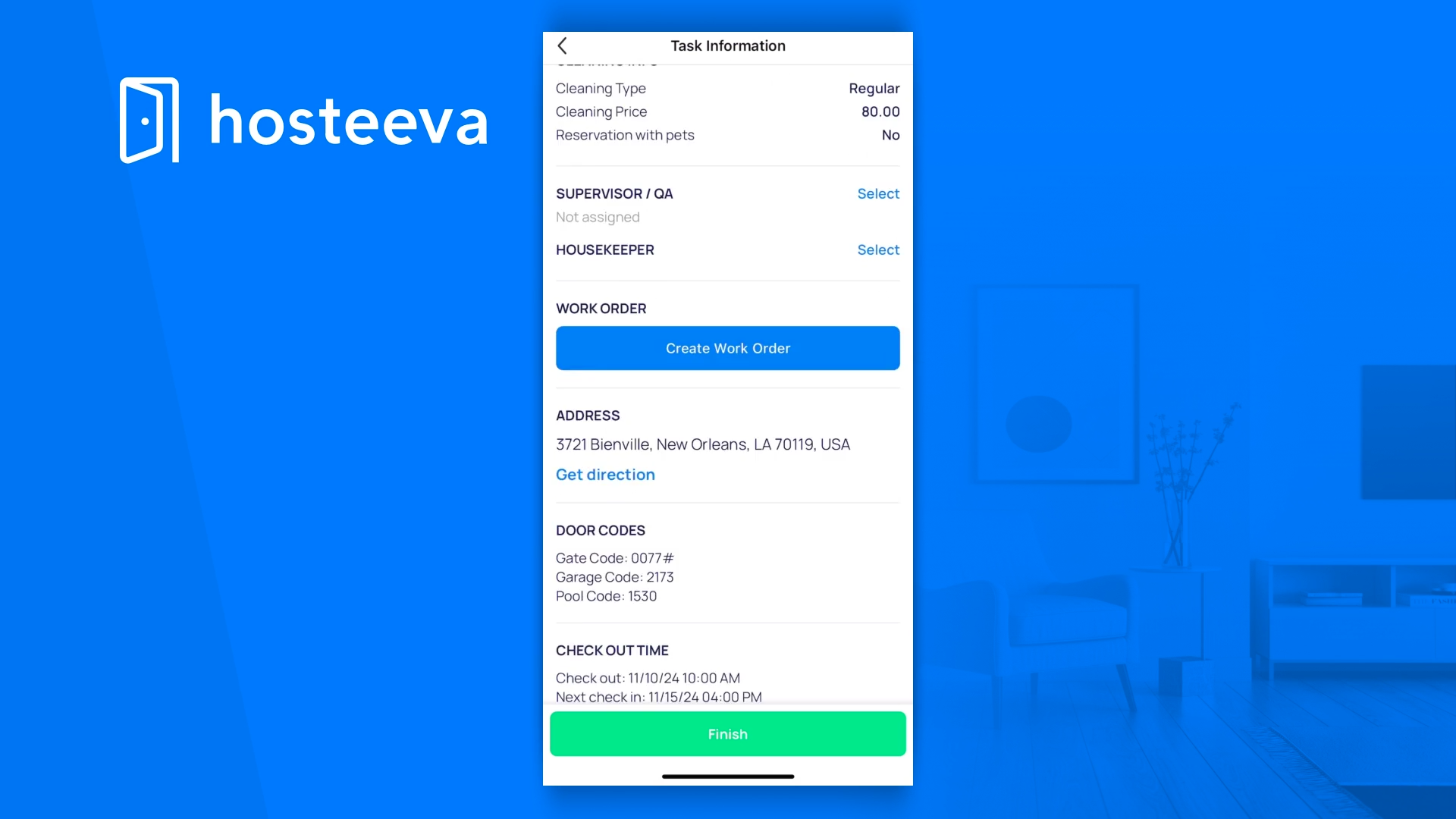
Here, you'll be able to view all the information related to the task and unit. If needed, you can create a work order and then click on Start Cleaning.
Your task will then move to the In Progress tab. To view the task and unit information while it's in progress, click on the task under the In Progress tab.
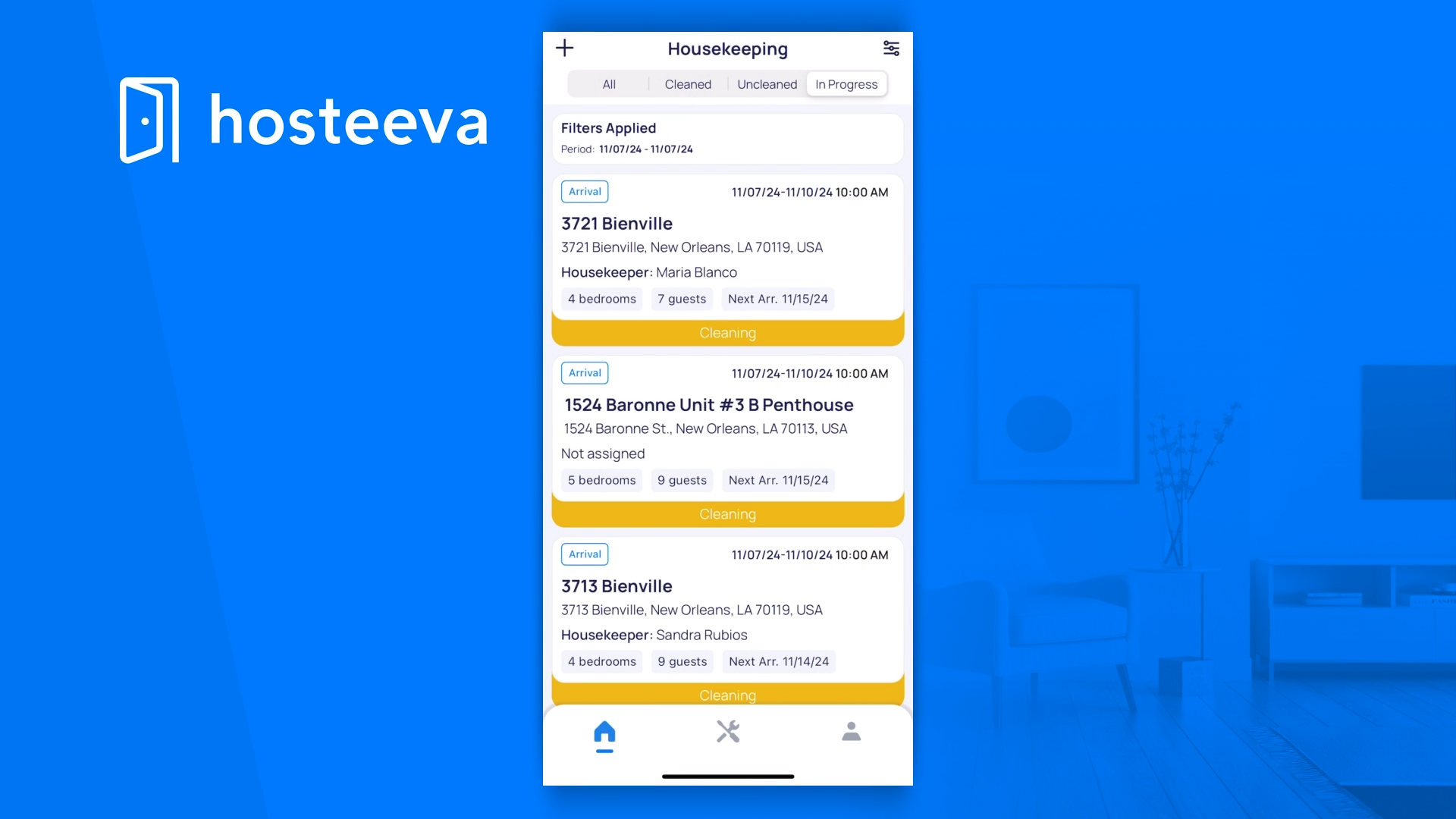
Once the cleaning is complete, click on Finish.
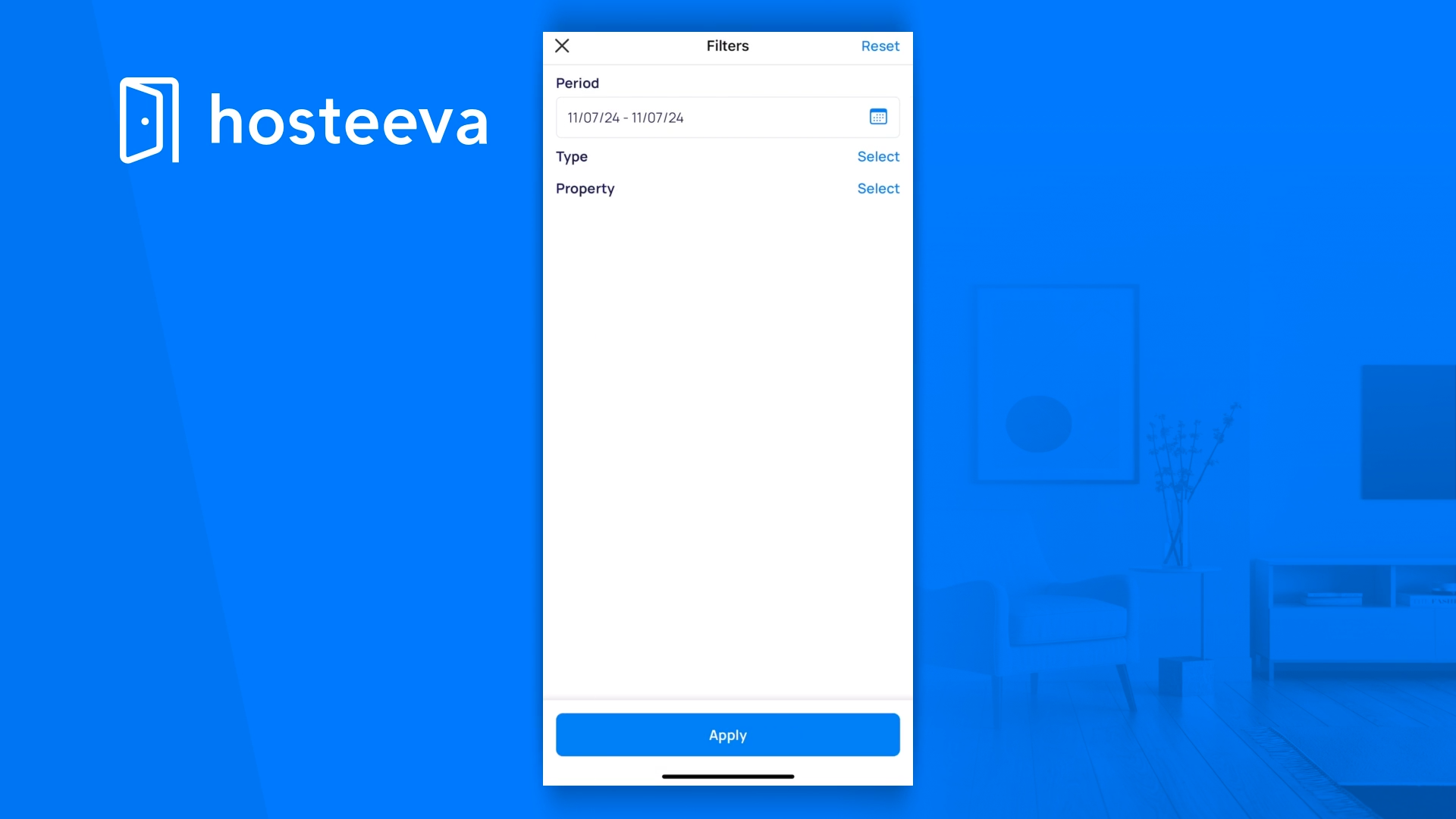
Your task will then move to the Clean tab. You can also filter your tasks by clicking on the Filter icon, located in the upper right corner of your screen.
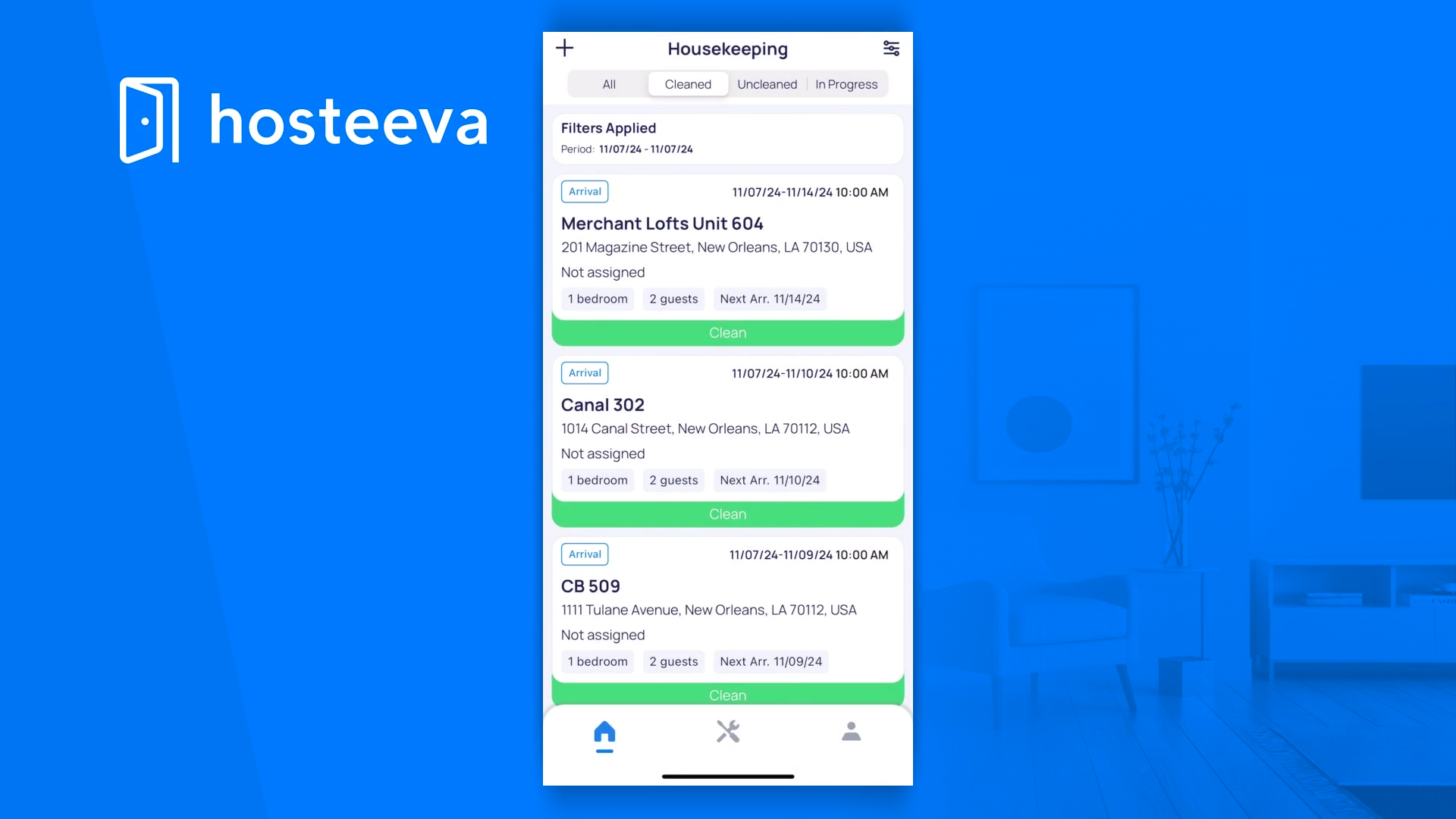
To apply a filter, select the desired period and choose By Type and Property. Then, click on Apply.