This guide explains how to push a property to Agoda using the Hosteeva dashboard.
Start by logging into the Hosteeva dashboard.
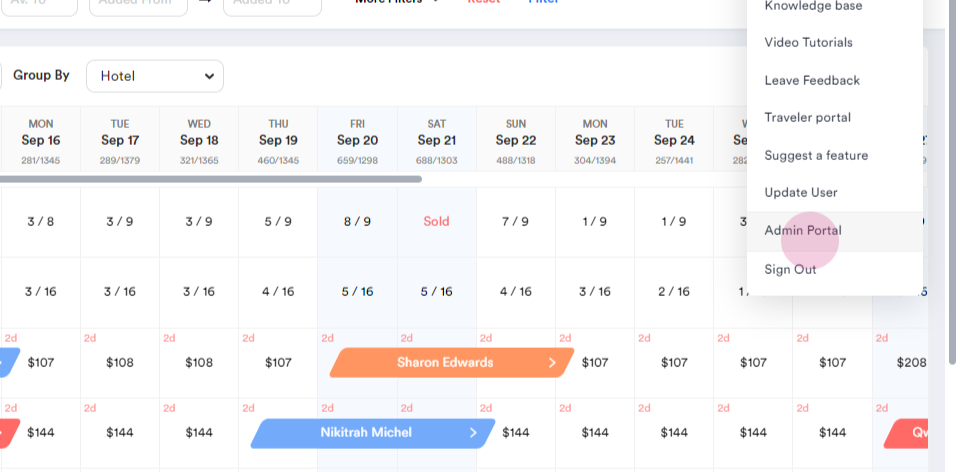
Navigate to the admin portal.
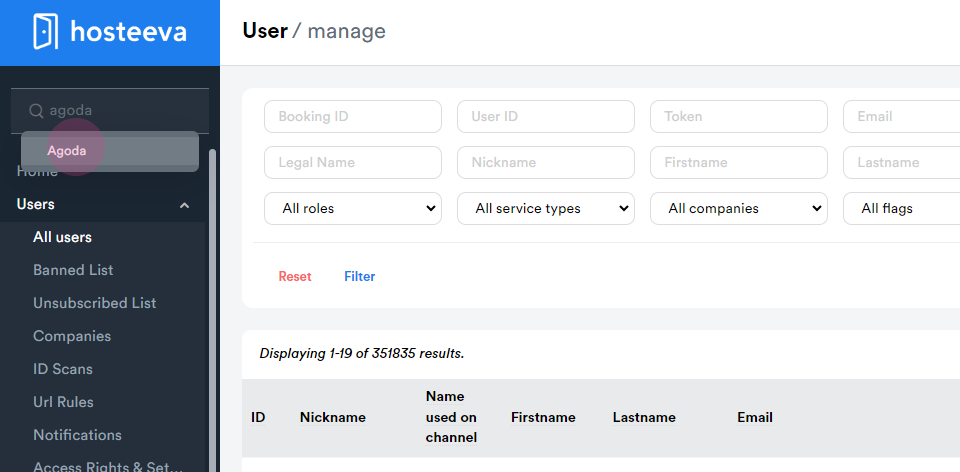
Step 1: Search for Agoda in the search field.
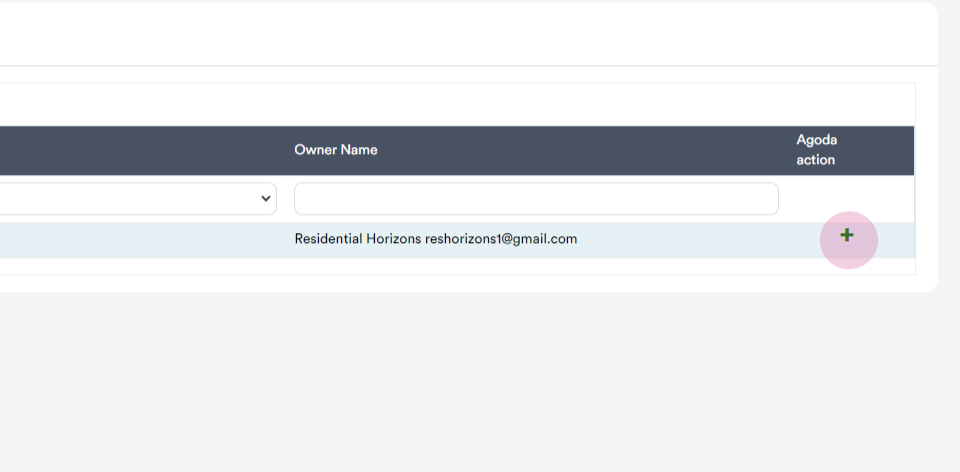
Step 2: Enter the property ID or property name. Click on the plus symbol.
For chain properties, select Hosteeva for managed properties and Hosteeva Prime for platform users.
Step 3: Enter the title in the channel, for example, Magnolia North 101.
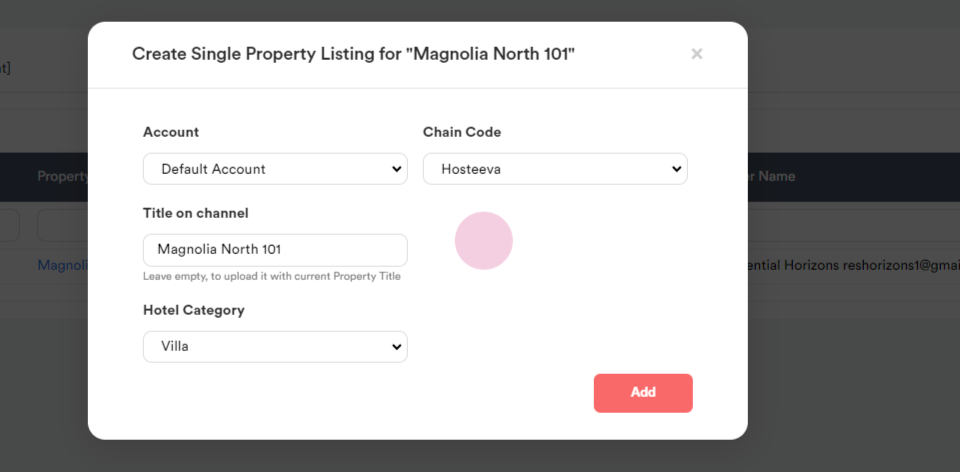
Choose the appropriate category.
Click on the add option. If no errors appear, the property creation is successful. The next step is to create a rate plan.
Step 4: Navigate to the operations tab and click on the rate plan option.
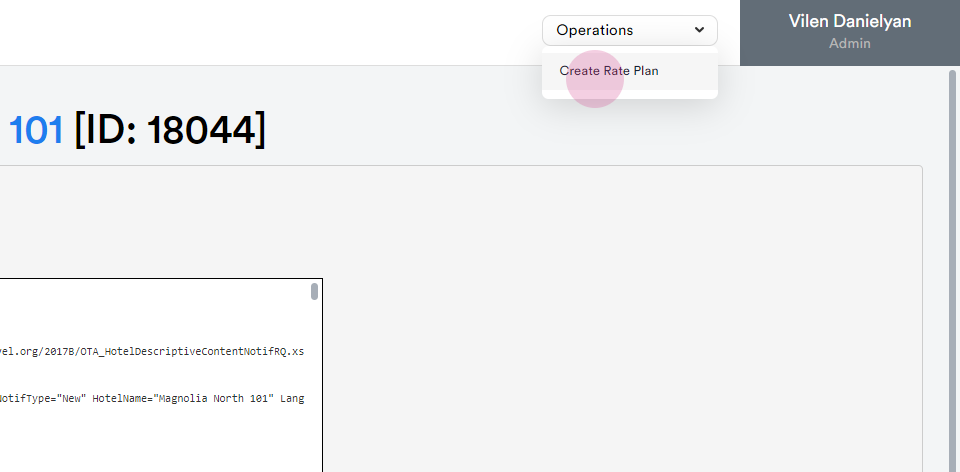
Note: It usually takes five minutes for the property to fully push on Agoda. If an error occurs while creating a rate plan, wait five minutes and try again.
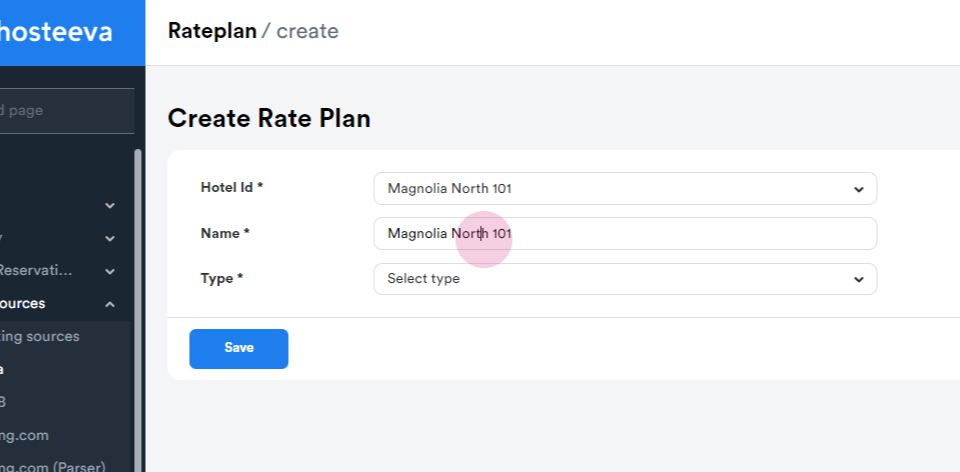
Set the rate plan name.
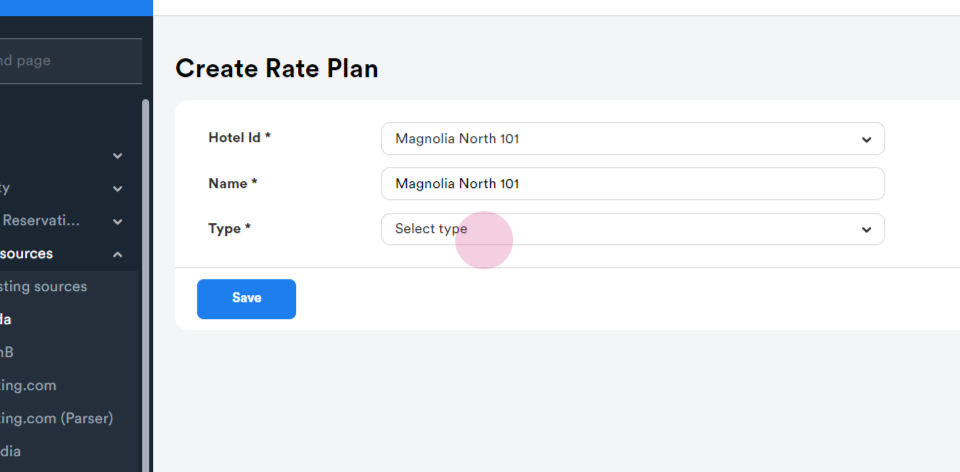
Select the detect net inclusive option.
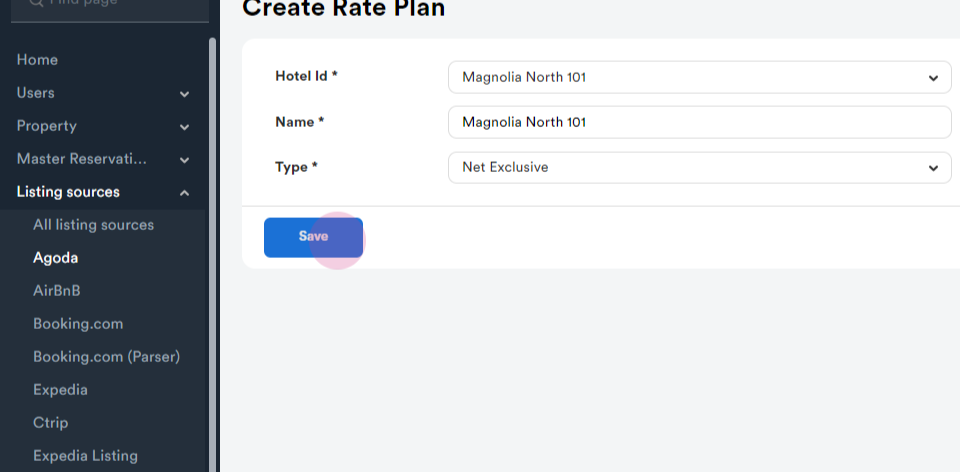
Click on the save option. The rate plan is now created.
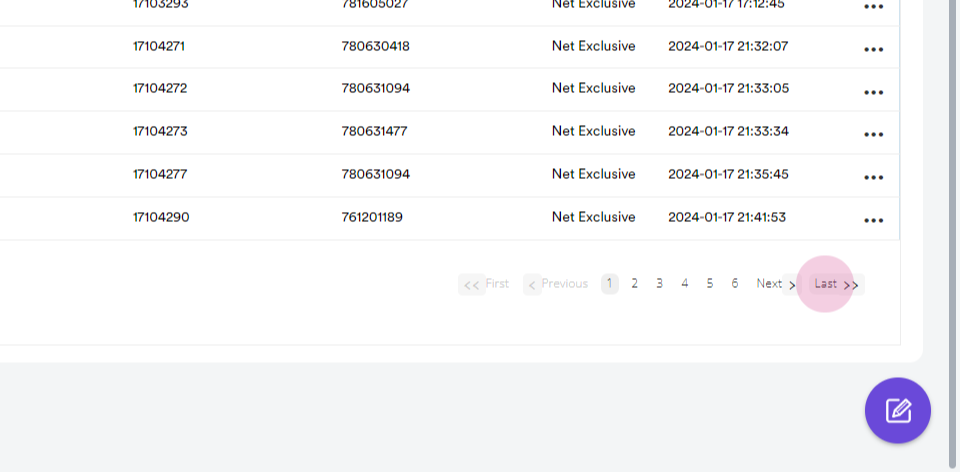
The next step is to map the property to the rooms.
Step 5: Click on the map to room option.
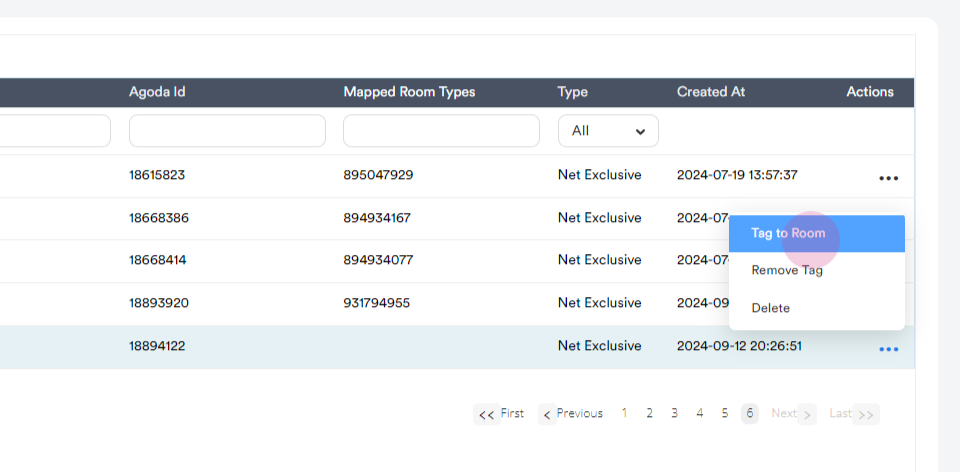
Note: If an error message appears stating that the property cannot be mapped directly to a hotel without room types and rooms, wait three to five minutes and try again.
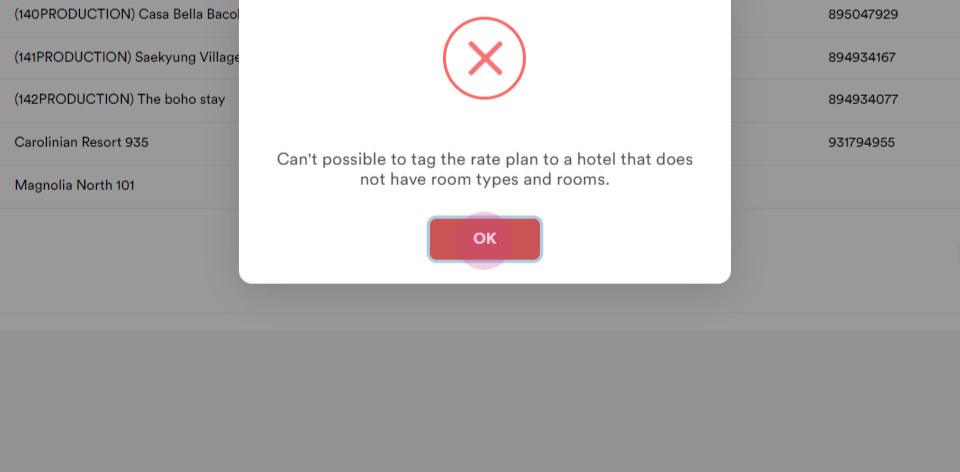
Try again if the process is not ready in 5 minutes.
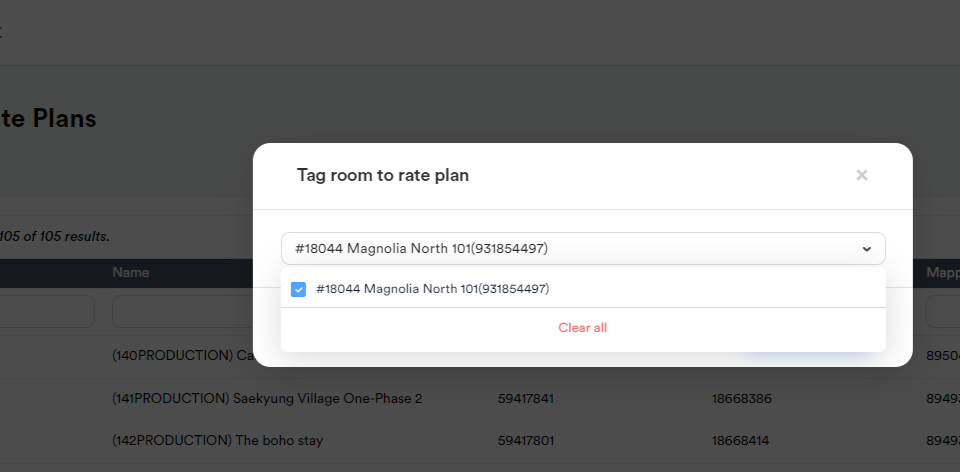
Step 6: Select the room and click on save changes.
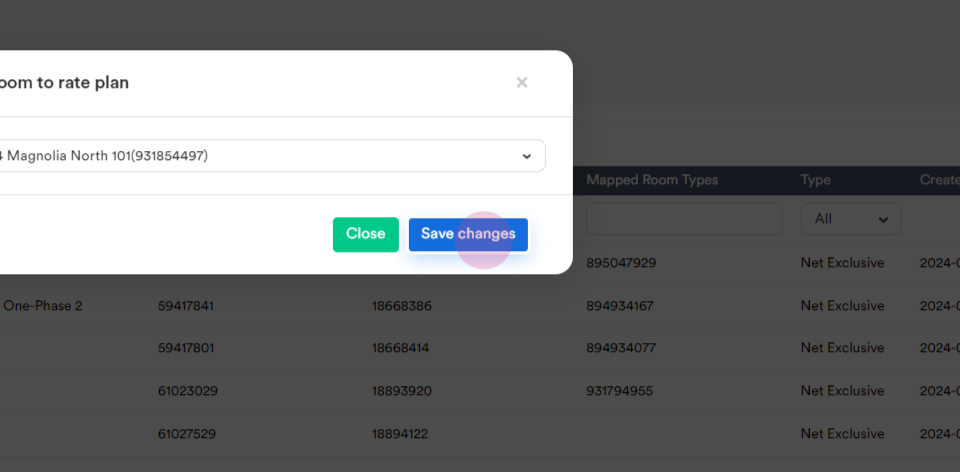
The property should appear on Agoda within the next day or within forty-eight hours. However, ensure to check one important detail before adding the property.
Step 7: Navigate to the property update page and ensure a registration number is added.
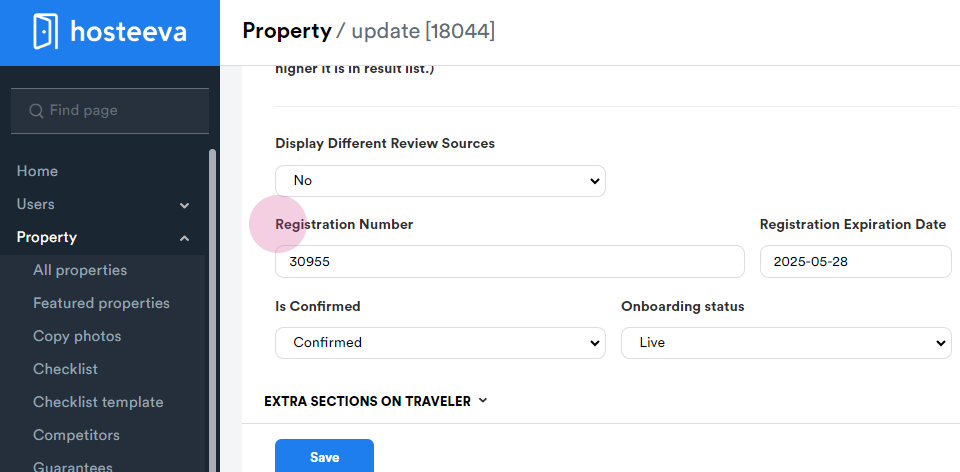
This ensures there are no issues with the property appearing on Agoda.
If any issues arise, contact the manager for assistance.