Resetting or updating your password helps keep your account secure and ensures you never lose access. Here’s how to change your password safely from your profile section.
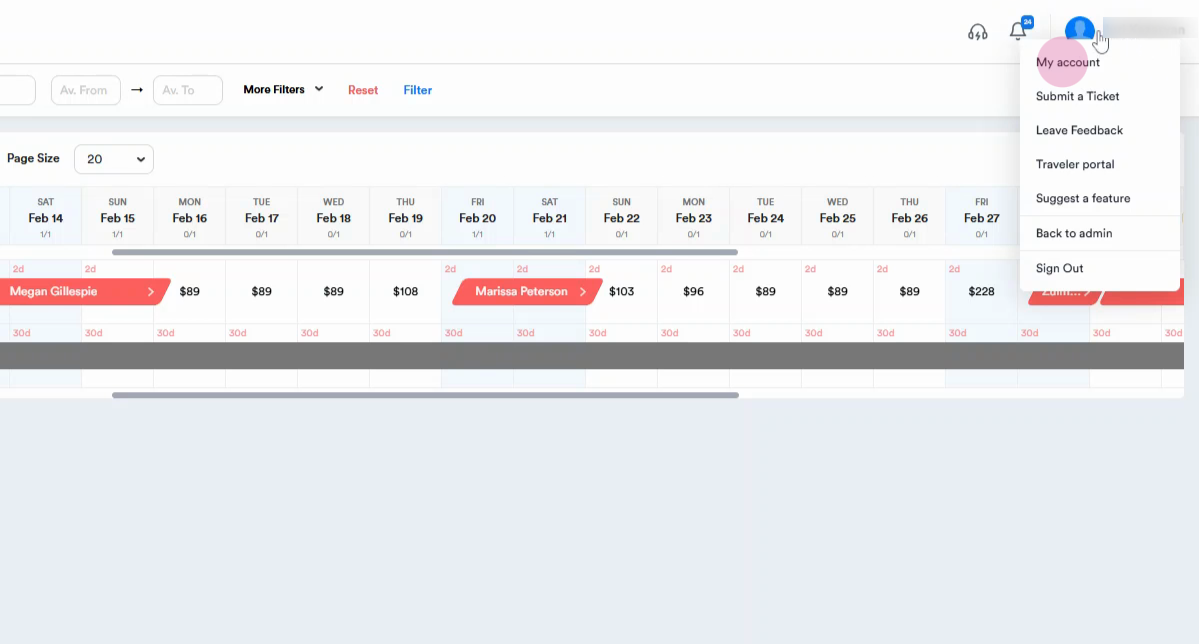
Step 1: Click the profile icon with your name. Go to the My Account section.
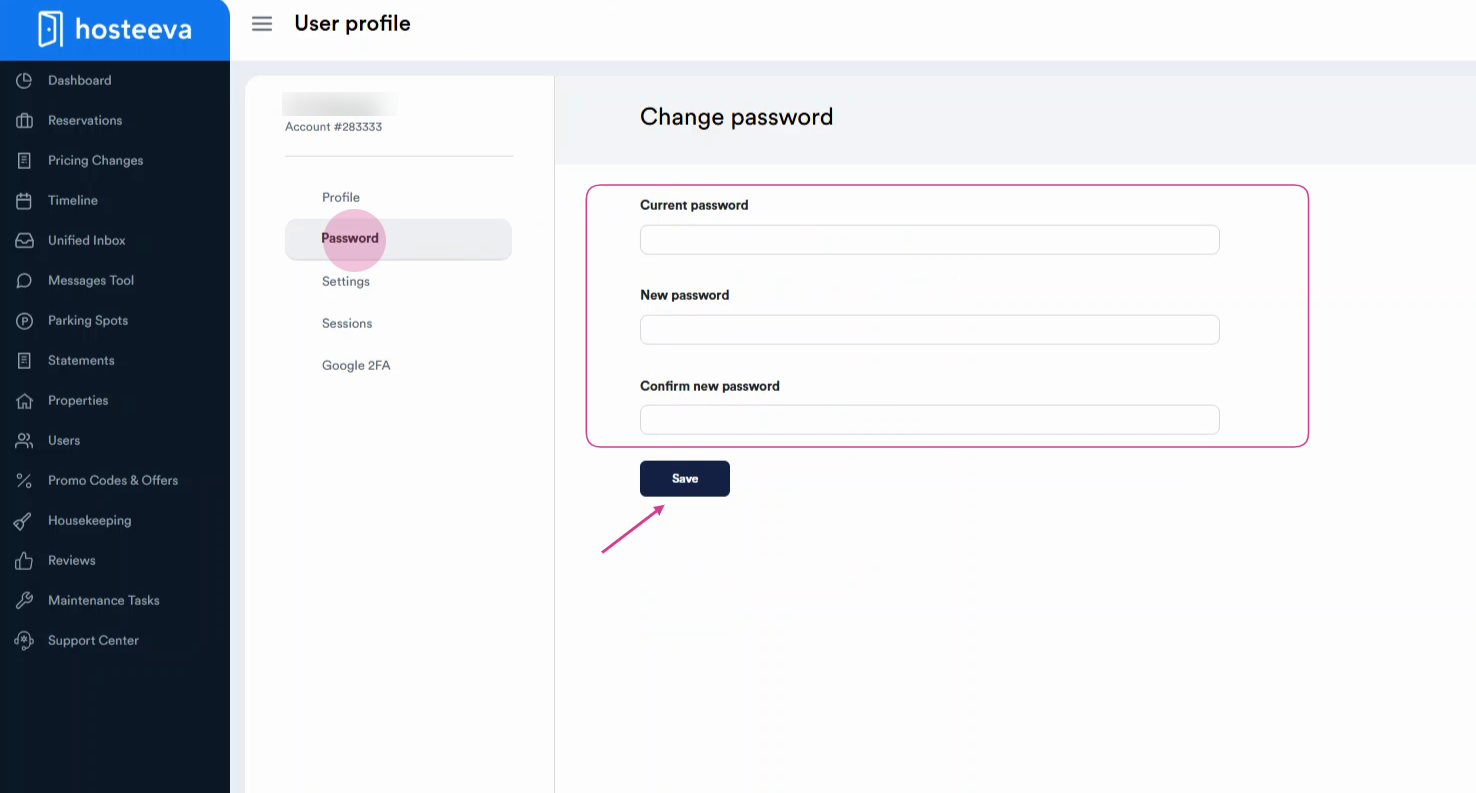
Step 2: Select the Passwords. Enter your current password, then your new password, and confirm your new password. Click Save to set your new password.
Updating your password regularly is a good habit for account safety. Make sure your new password is strong and unique to protect your personal information.