In this article, you'll learn how to check the Kaba door code history.
Step 1: Navigate to the admin portal.
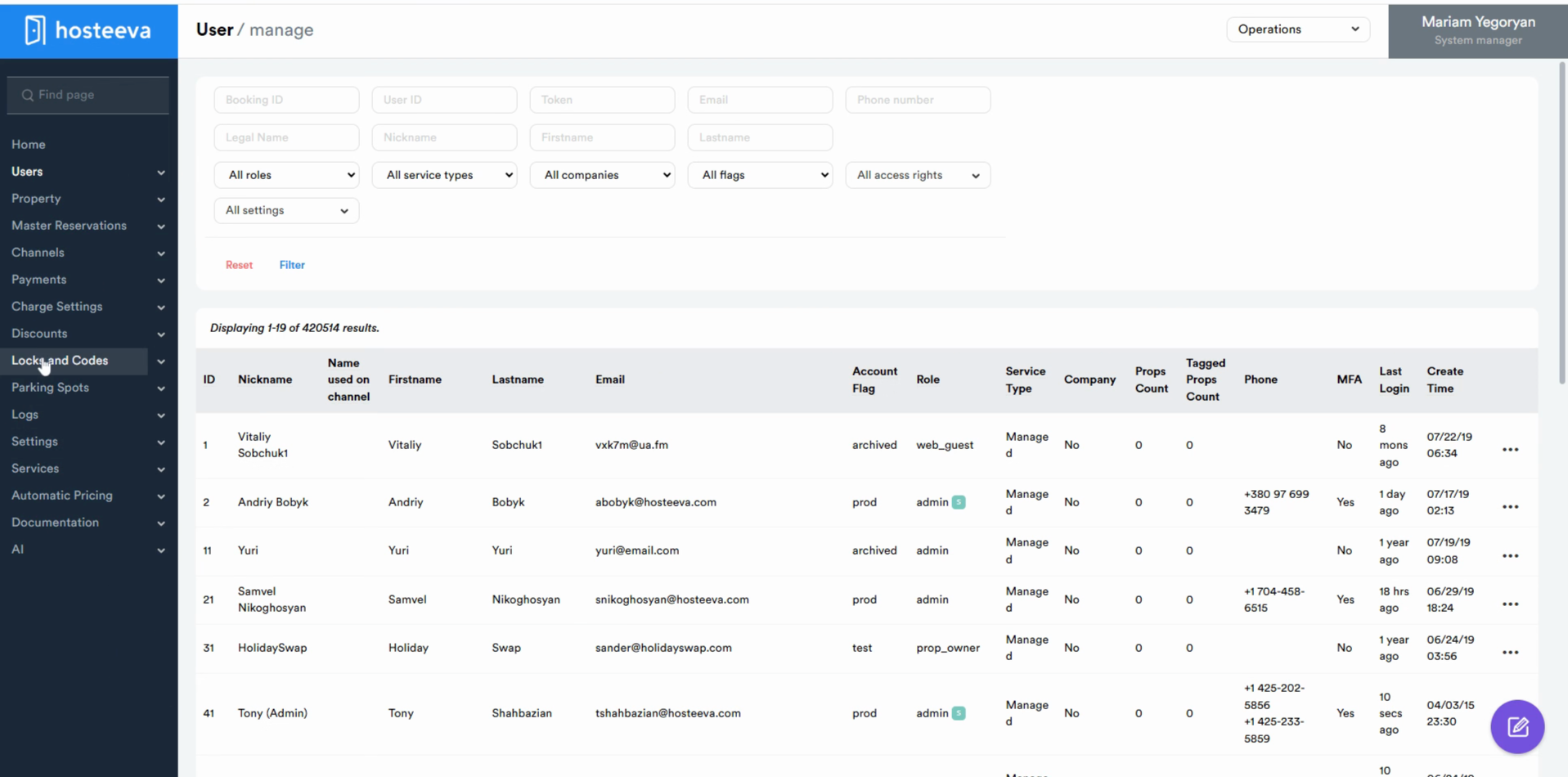
Step 2: From the menu, select the locks and codes.
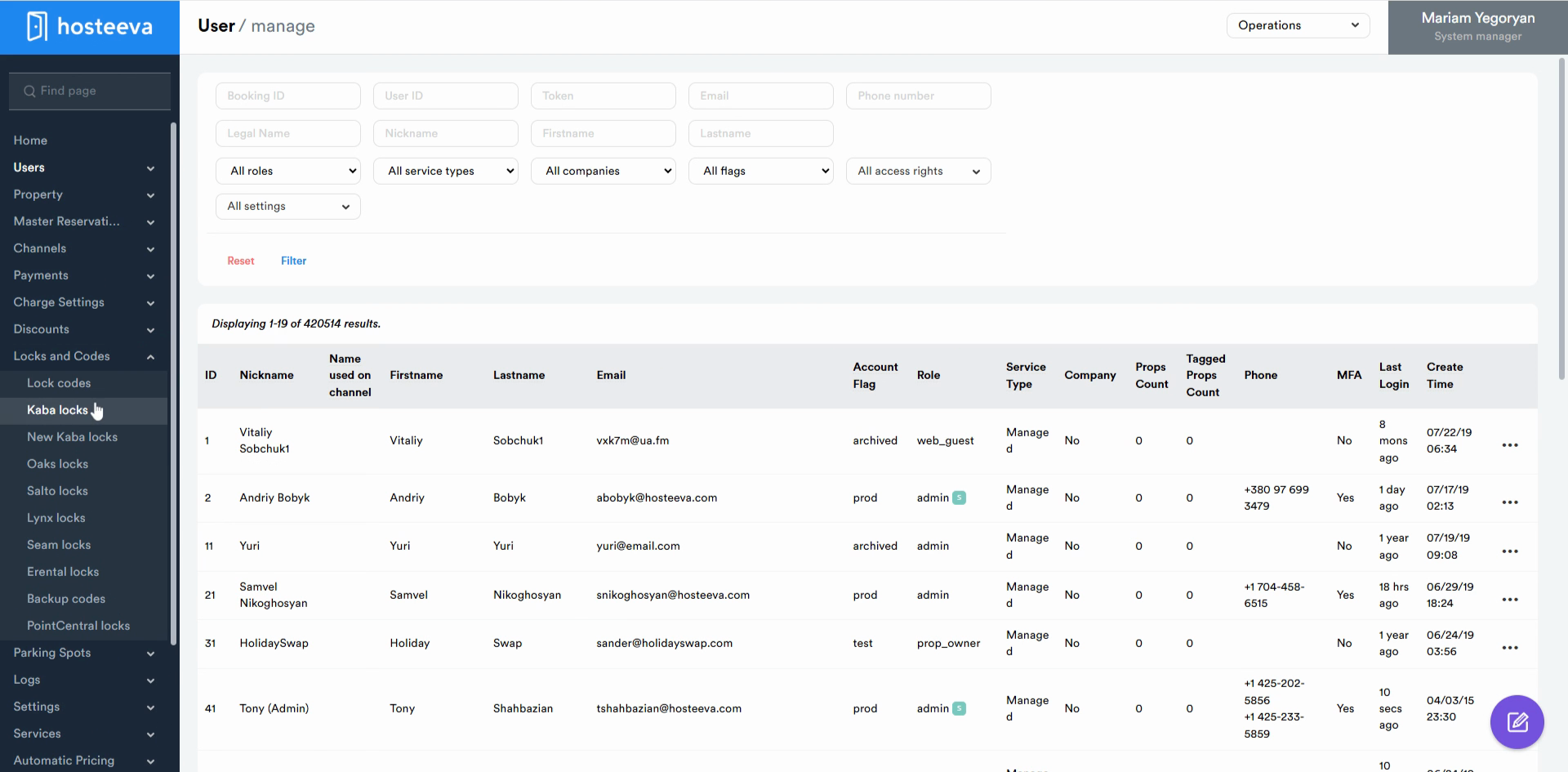
Step 3: Choose Kaba locks from the drop-down menu.
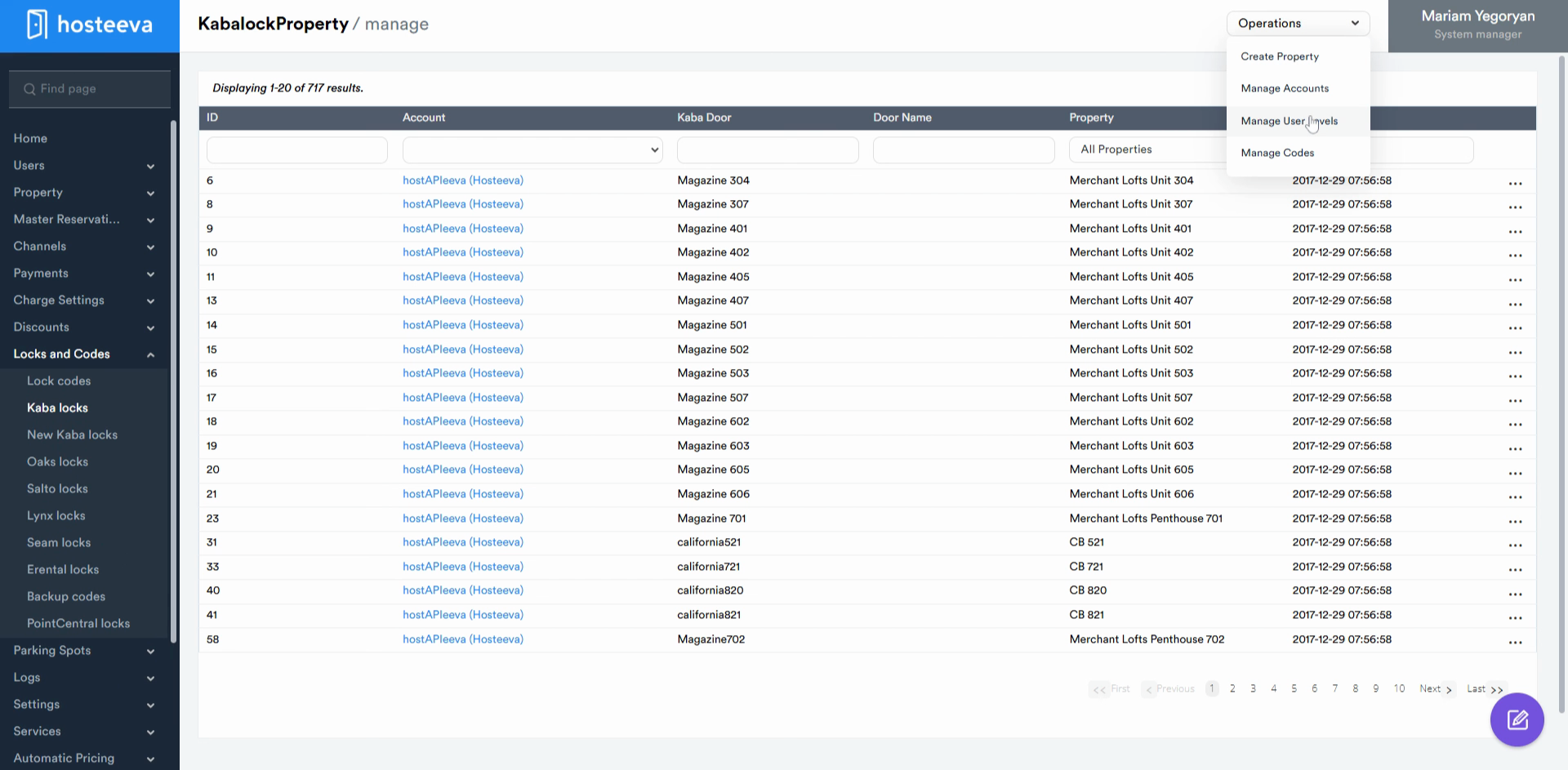
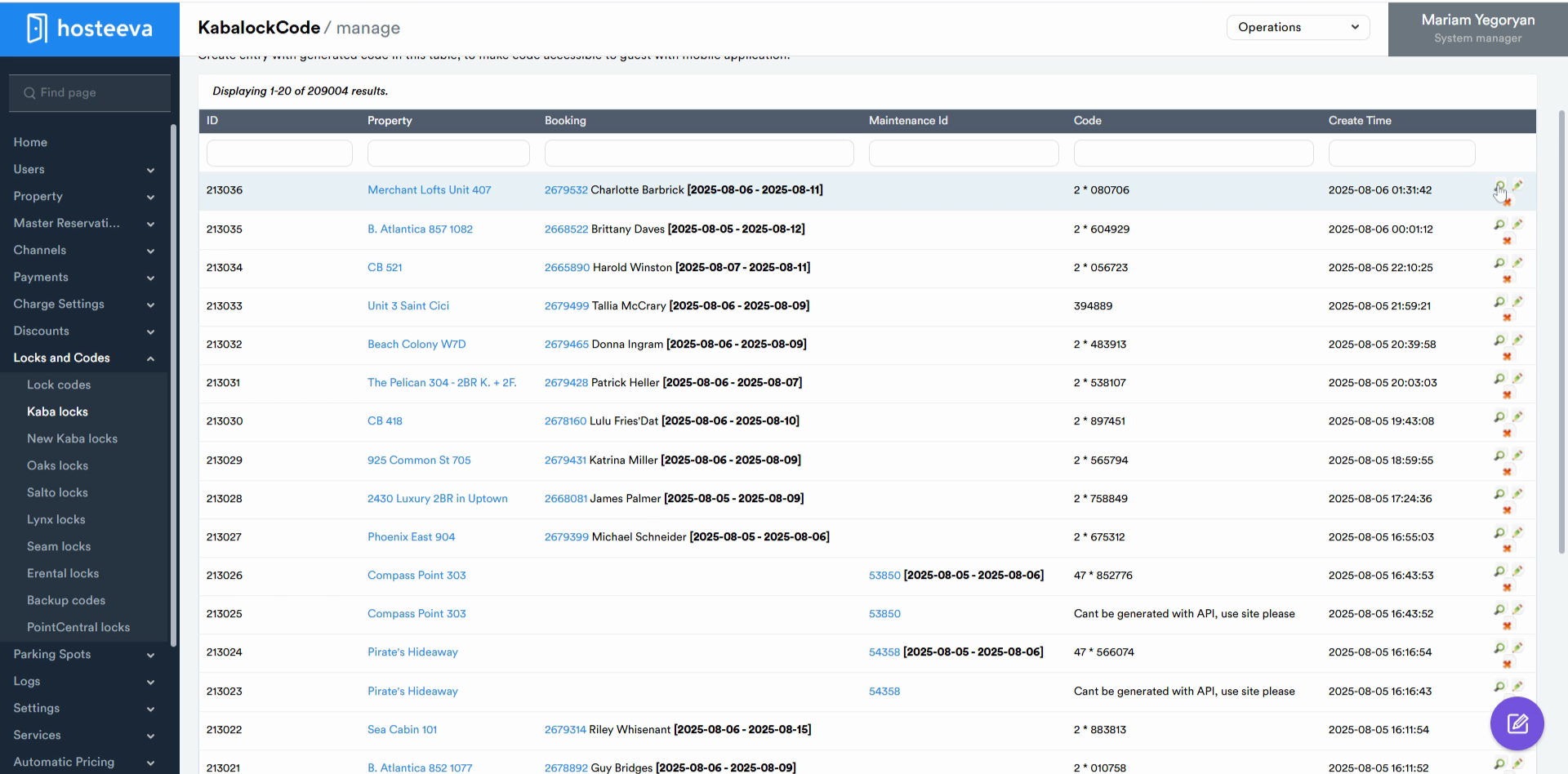
Step 4: In the operations section, select manage codes. Here, you'll see a specific reservation ID, the property name, and the booking from the check-in date and checkout date. You'll also see the default two-star code generated and the creation time.
Step 5: To check the logs, click on the loop. Here, you'll find the start date (which is the check-in date of the guest), the checkout date of the guest, the check-in time, and the checkout time.
That's how you check the Kaba door code history. Thanks for reading!