In this article, you'll learn how to generate Kaba lock door codes. This process involves logging into your Kaba account, selecting the appropriate settings, and generating access codes.
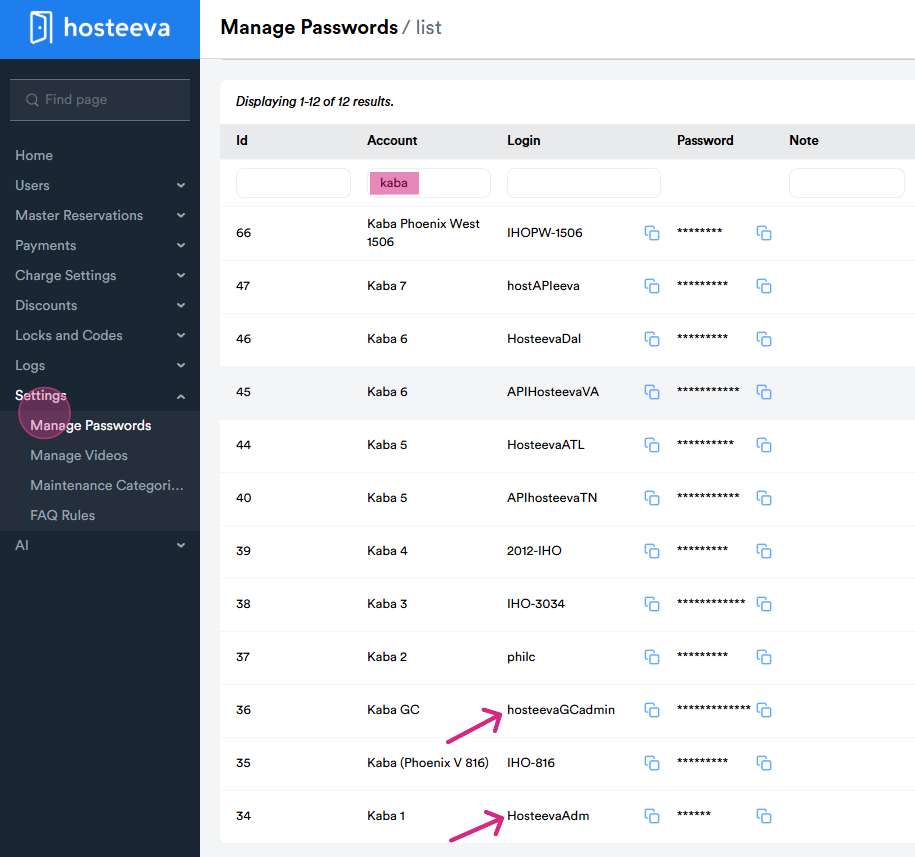
Step 1: Log into your Kaba account through the admin portal. From the settings, select Manage Password from the drop-down menu. Type "Kaba" into the search bar. This will bring up all available accesses. Basically we use 2 accounts according to location. For NOLA properties (Hostevaadmn) and Gulf Coast properties (hosteevaGCadmin)
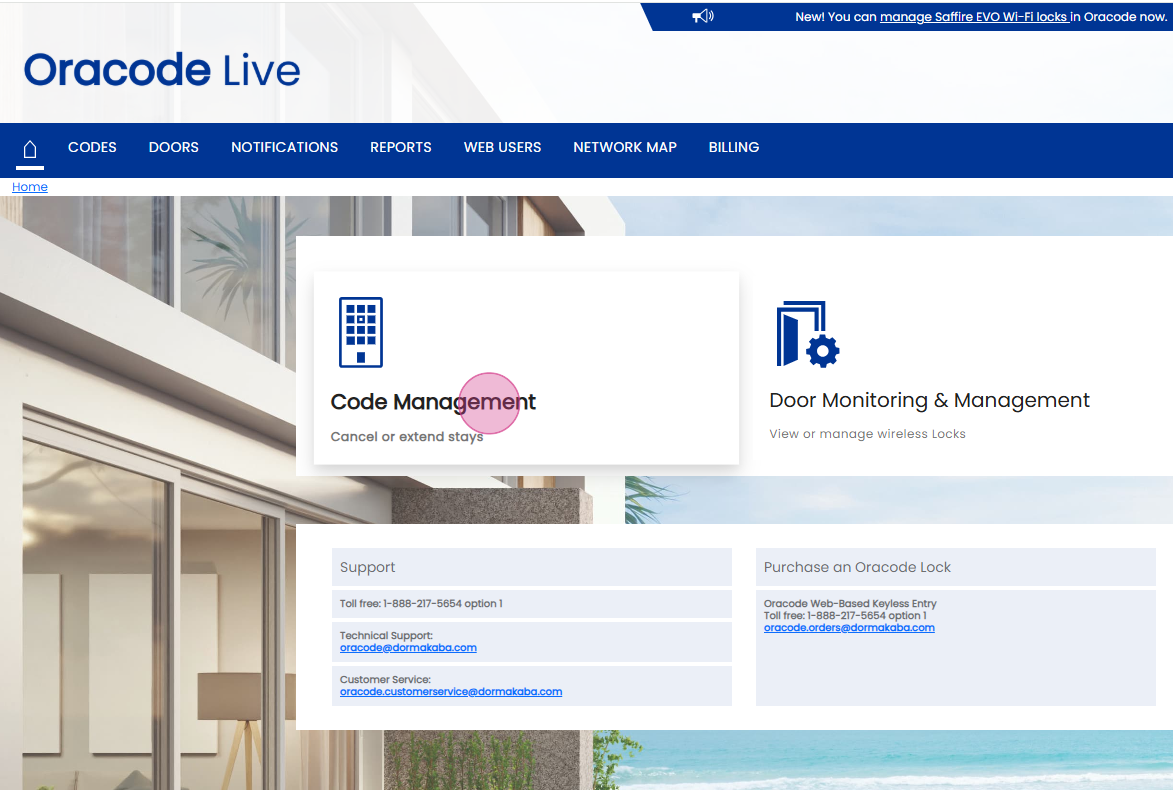
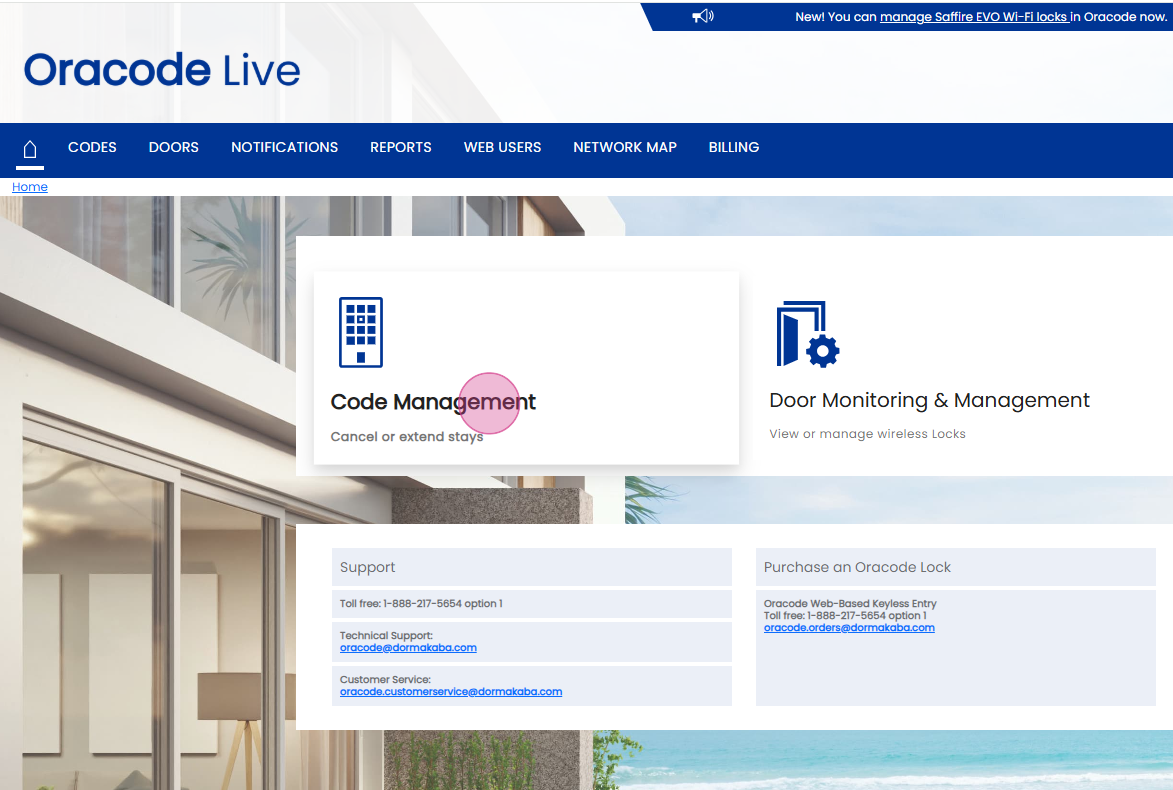
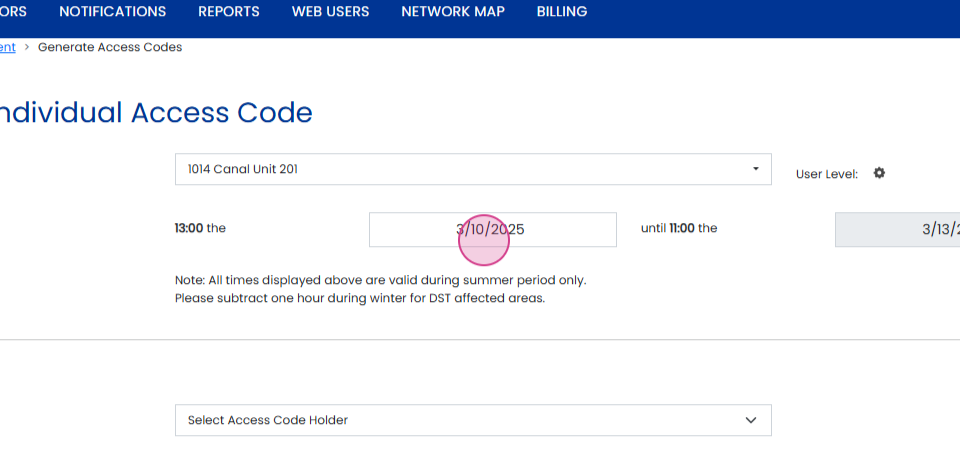
Step 2: Once you are logged into the desired account, navigate to Code Management. Next, click on Generate Access Code.
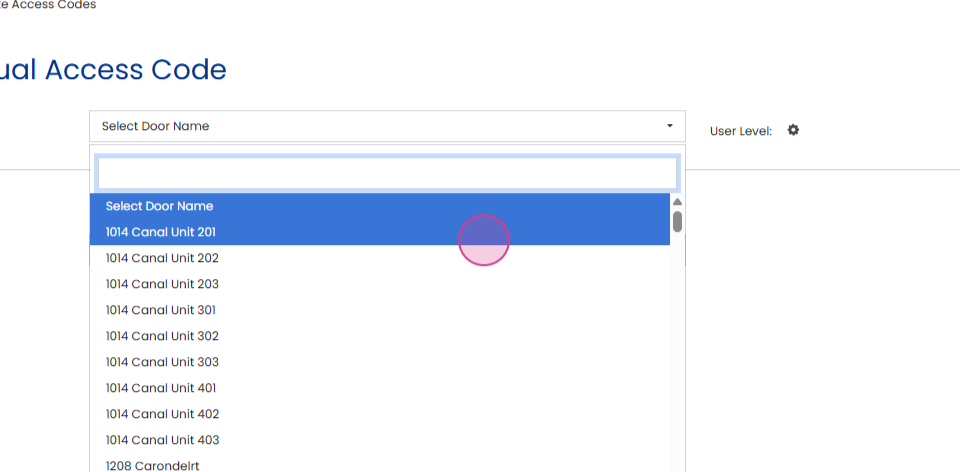
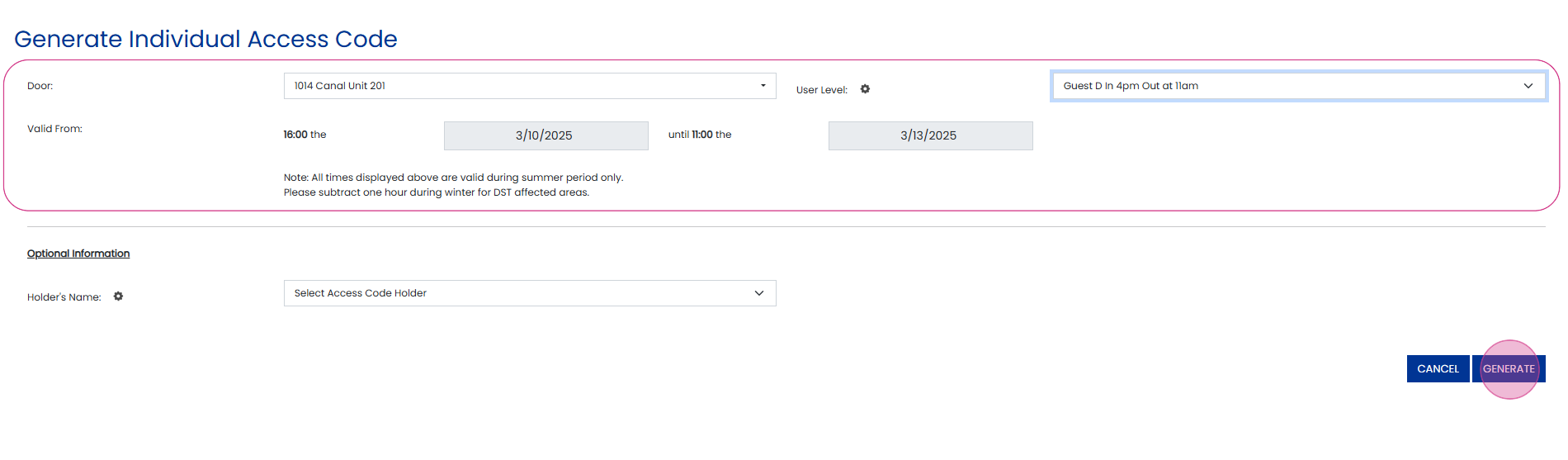
From the Select Door Name dropdown, choose the door code you need to generate.
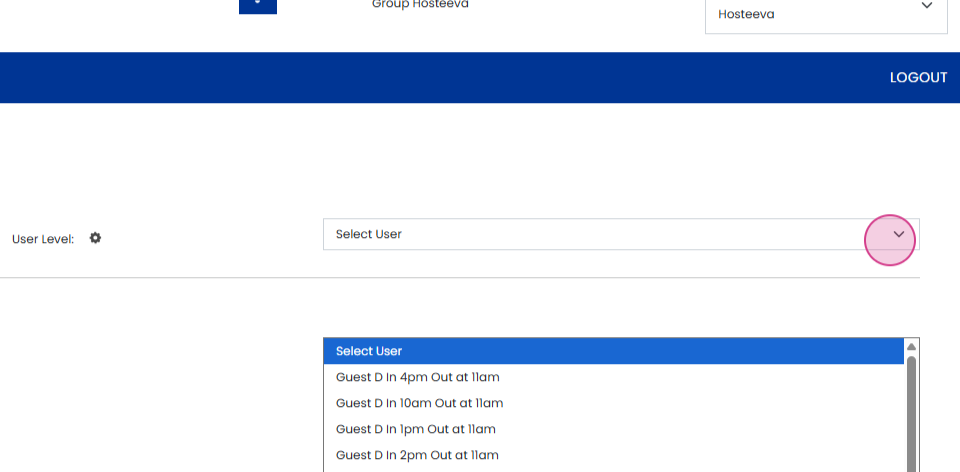
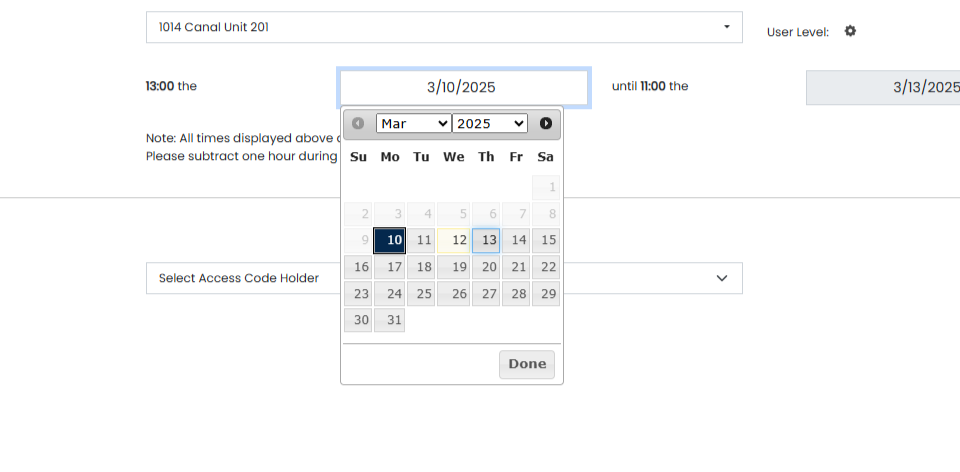
Once the appropriate door name is selected, select Guest D in 1 pm out at 11 am from the select user option, choose the check-in and check-out period to generate a 2* code. To generate a six-digit code, first select Guest D in 4 pm out at 11 am from the select user option (six-digit codes are typically provided for early check-in). Ensure the correct check-in and check-out dates are marked. Owner codes are created upon request from a property or area manager when they need one for a specific property. A one-shot code is issued when a guest has already checked out, but for instance, if they left something behind at the unit, we generate a one-time-use code that can only be used once to retrieve the item. It’s important to note that codes of the same type can be overridden. For example, a 2 code can be overridden with another 2 code, and a six-digit code can be overridden with another six-digit code. These overrides are performed when the original code is not working or if there is an issue with the code provided.
Thank you!