This guide explains how to manage and filter reviews from various channels through Hosteeva.
Managing the Reviews
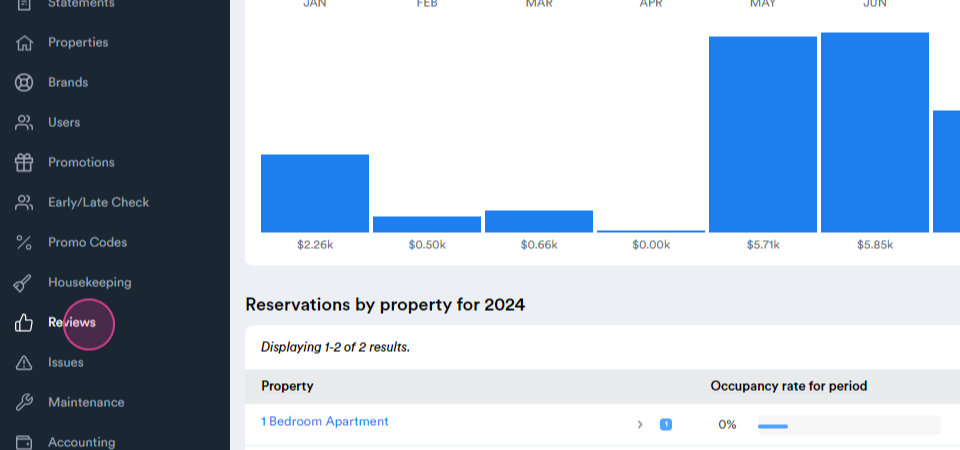
Step 1: Start by navigating to the Reviews tab.
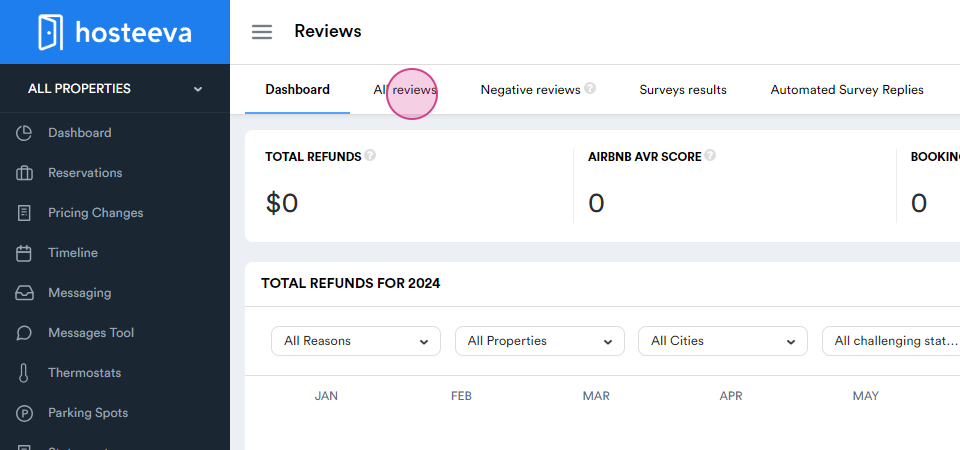
Step 2: Proceed to the All reviews page.
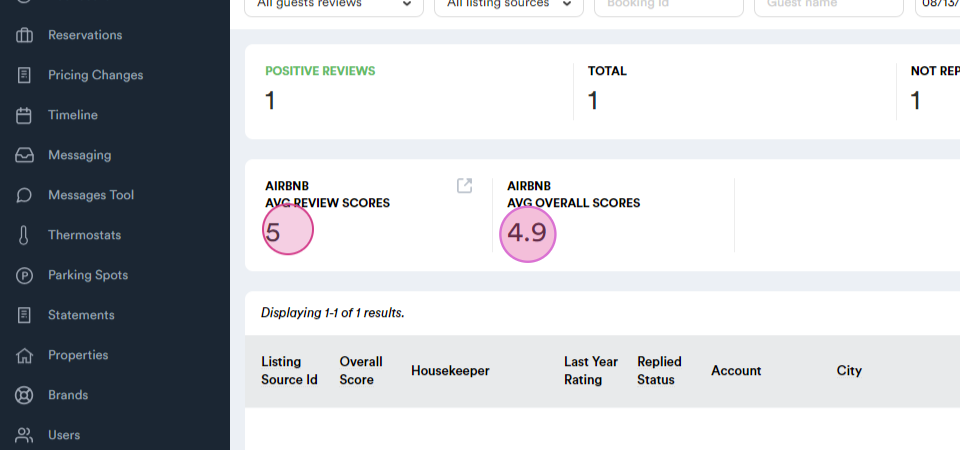
This page allows management of reviews received for properties from various channels. By default, reviews from Airbnb, Booking dot com, and Expedia from the last two months are displayed. Customize the channel and time frame using the options at the top of the page. This page also provides a detailed overview of review statistics, including the number of positive and negative reviews,
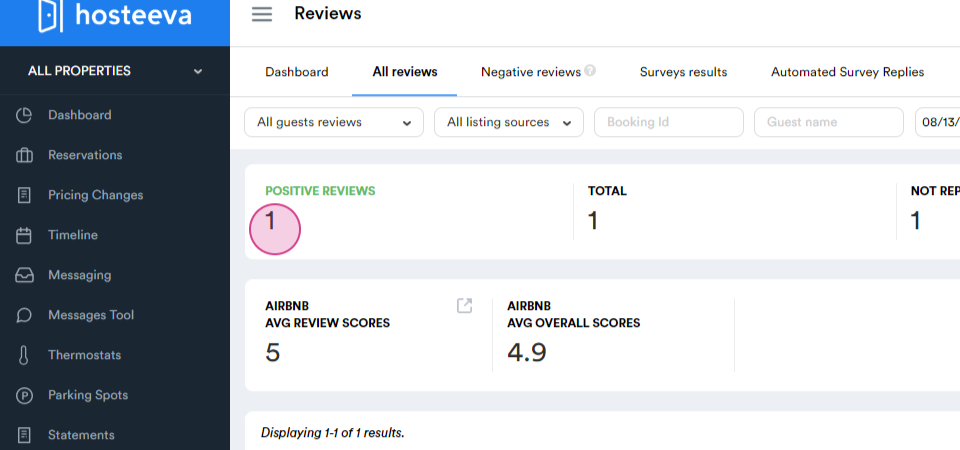
total reviews,
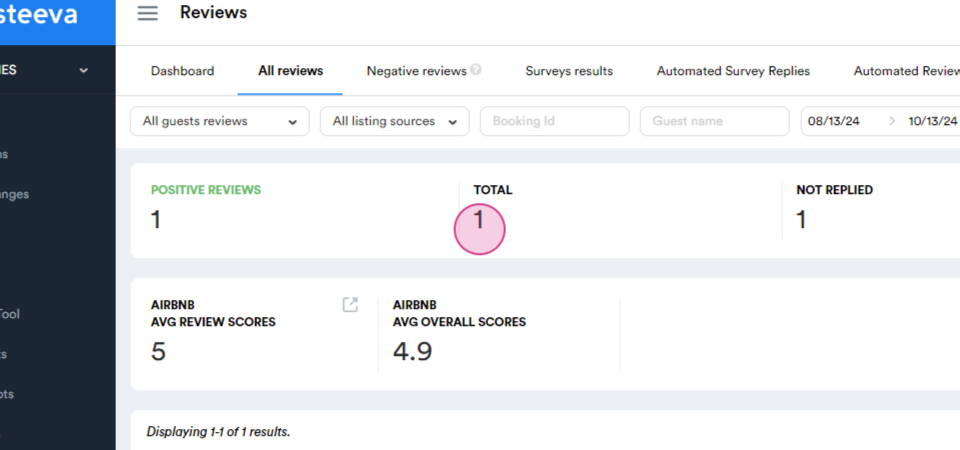
the count of replied and unanswered reviews,
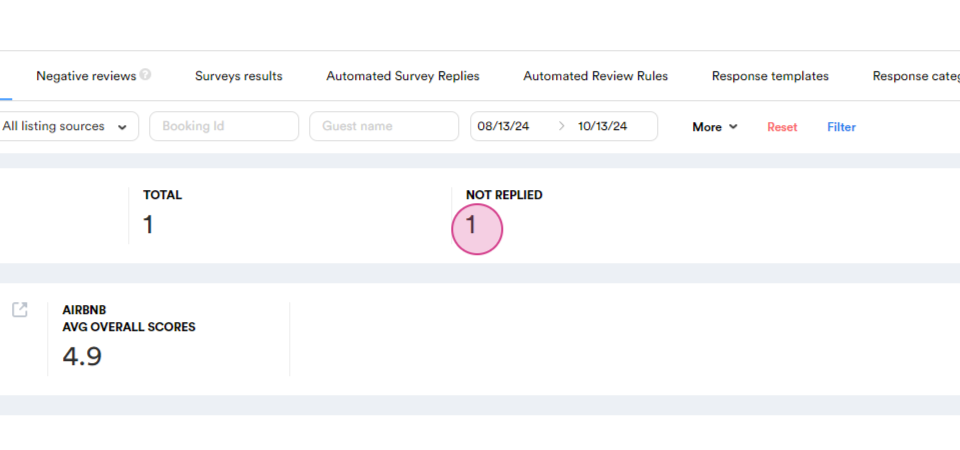
as well as the average review score and average listing score.
Filtering the Reviews
Now, let's explore the options designed for easy browsing and efficient review management.
Step 1: Click more to open the pop-up window.
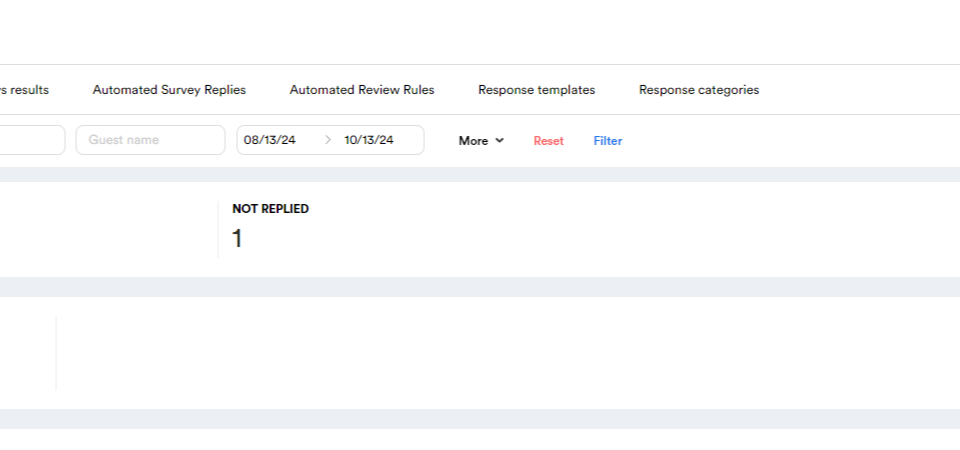
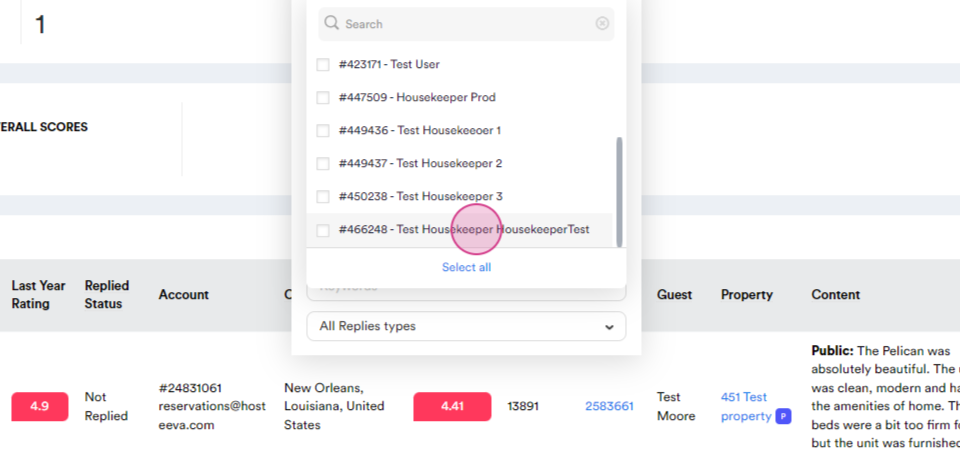
Reviews can be filtered by housekeeper, review score, additional review ratings, city, property, and more. For instance, let's explore how to filter reviews by housekeeper. This feature is particularly useful for tracking the performance of your cleaning staff.
Step 2: Click on All housekeepers.
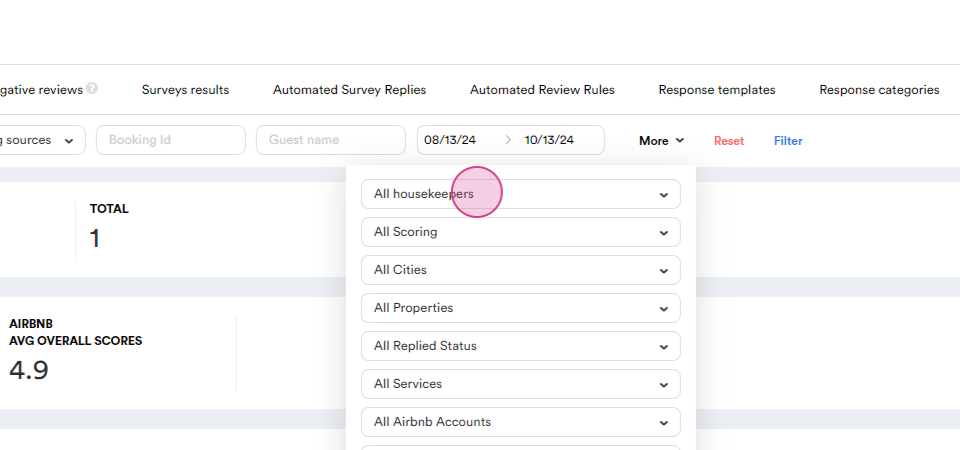
Step 3: Select the individual from the list.
Step 3: Click filter.
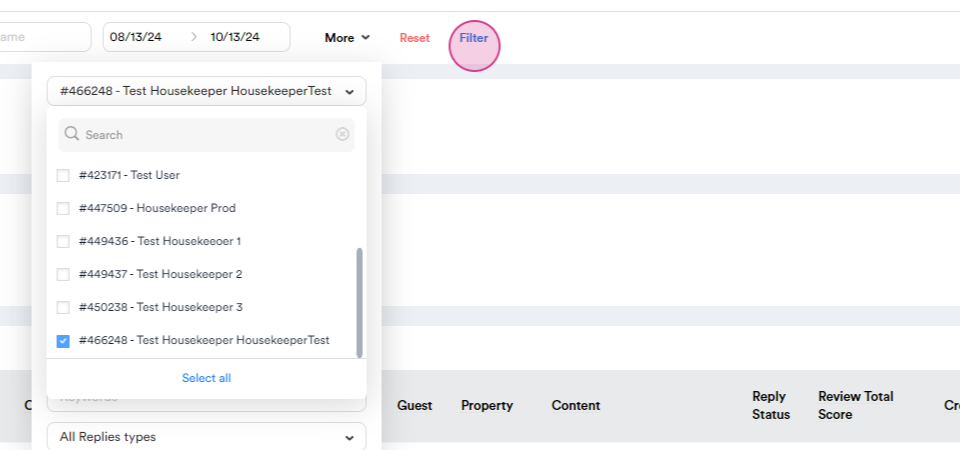
The page will refresh to show reviews for units cleaned by the selected housekeeper.