In this tutorial, you'll learn how to check the status of August logs and unlock them remotely using the Hosteeva website.
Step 1: Navigate to the timeline of the Hosteeva website. From the menu, select the locks section.
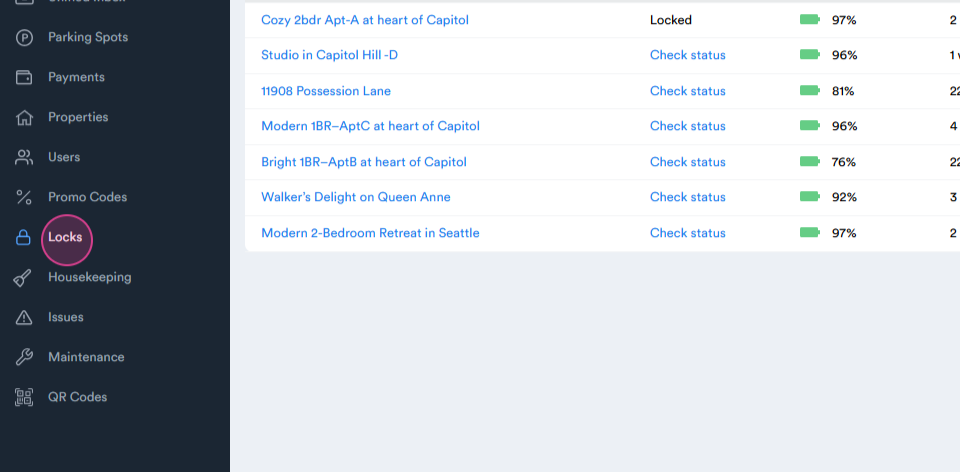
Step 2: Here, you'll see all the Seattle properties.
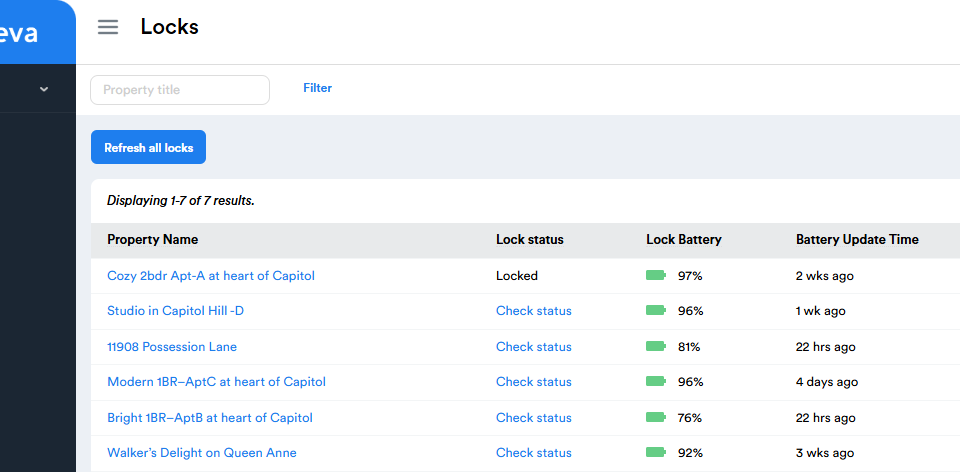
Step 3: Check the log status, battery percentage, update time, keypad battery status, and the time of the last actions.
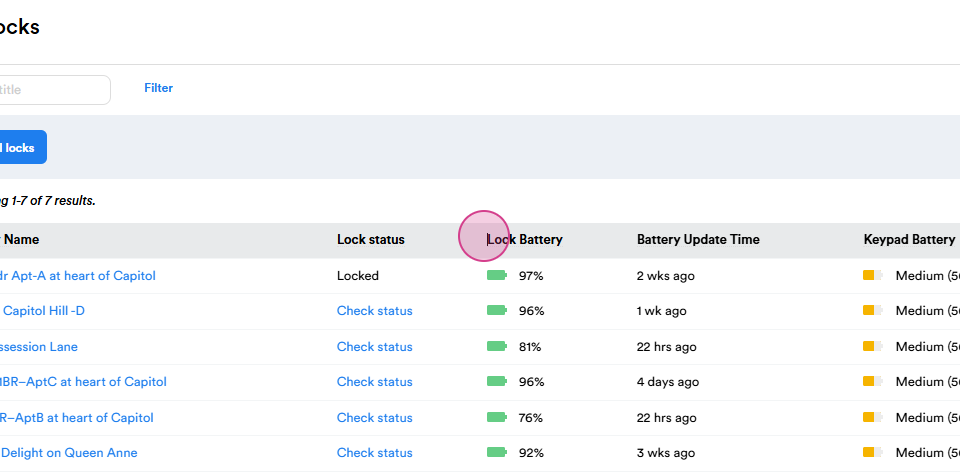
Step 4: To check the status of a locker, click on check status.
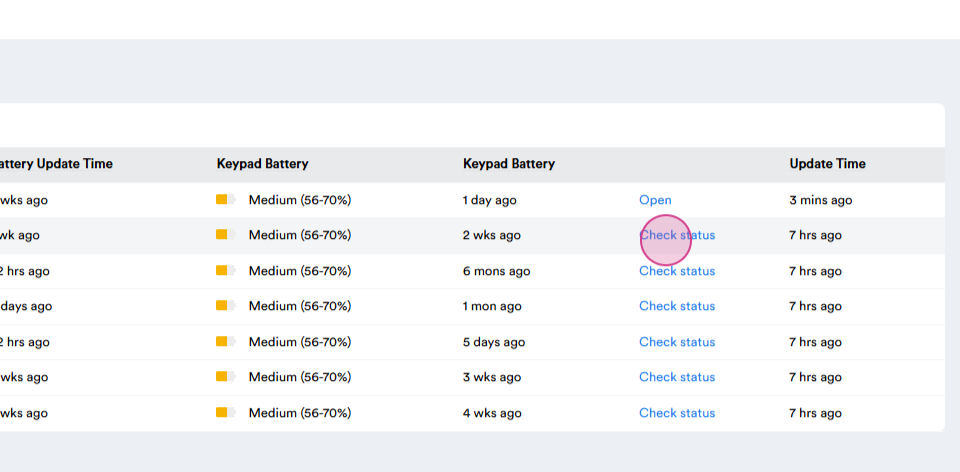
Step 5: You'll see if the bridge is offline
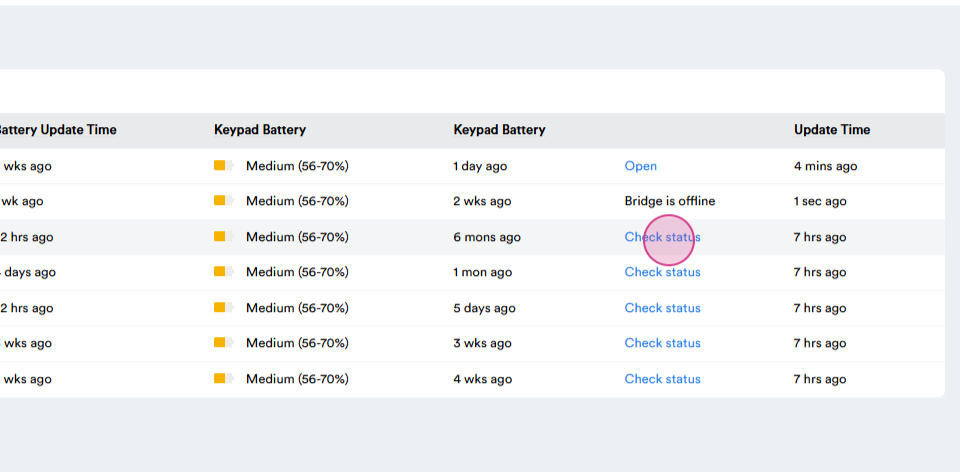
or if the locker is locked.
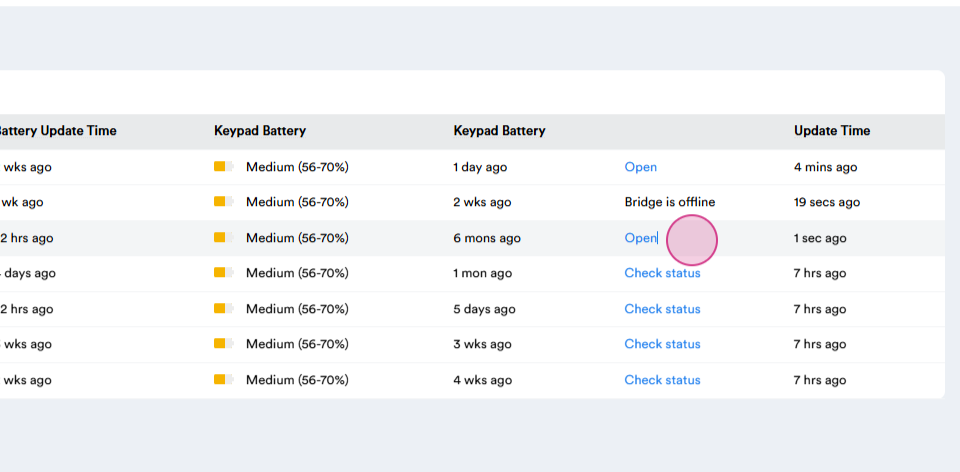
Step 6: Click open to unlock the locker. If it doesn't work remotely, you'll need to request a new code from the Seattle chat on WhatsApp. The area manager should provide you with a new code.
Step 7: If the area manager isn't available, generate a new code using a specific phone.
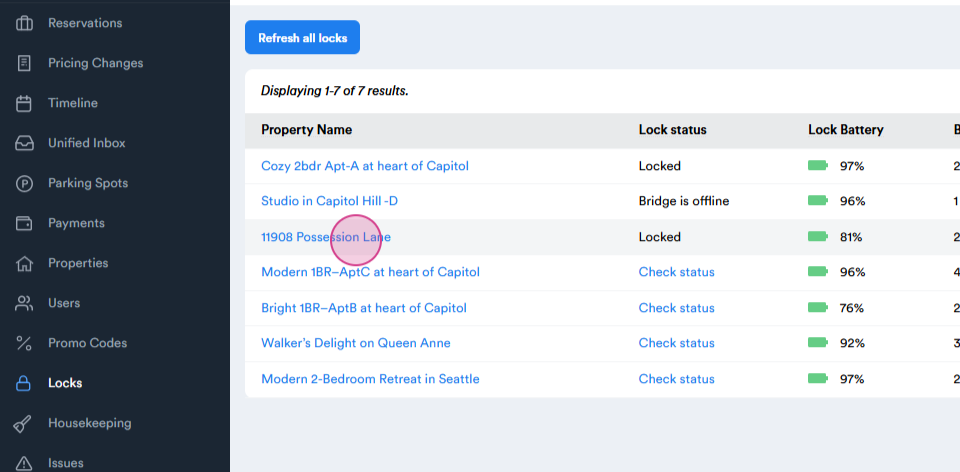
Step 8: If the new code still doesn't work, use an emergency code. Click on a property, then select notes from the upper menu.
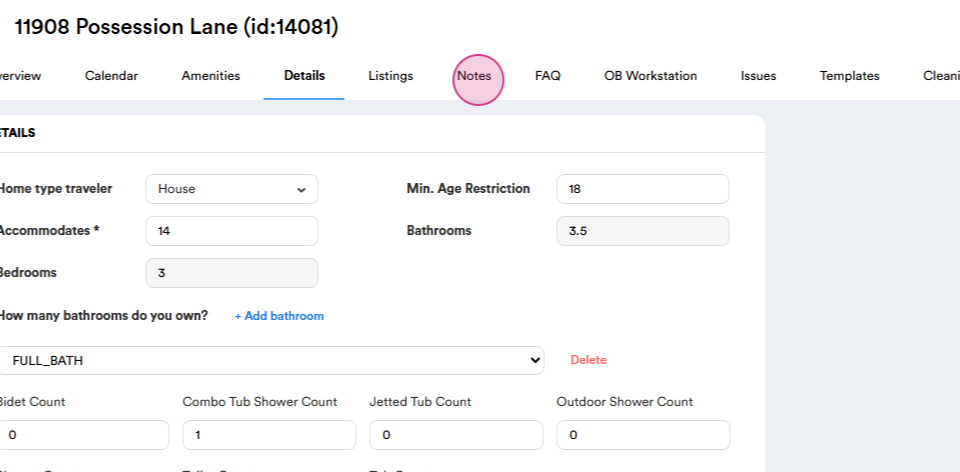
Step 9: Here, you'll find the emergency code.
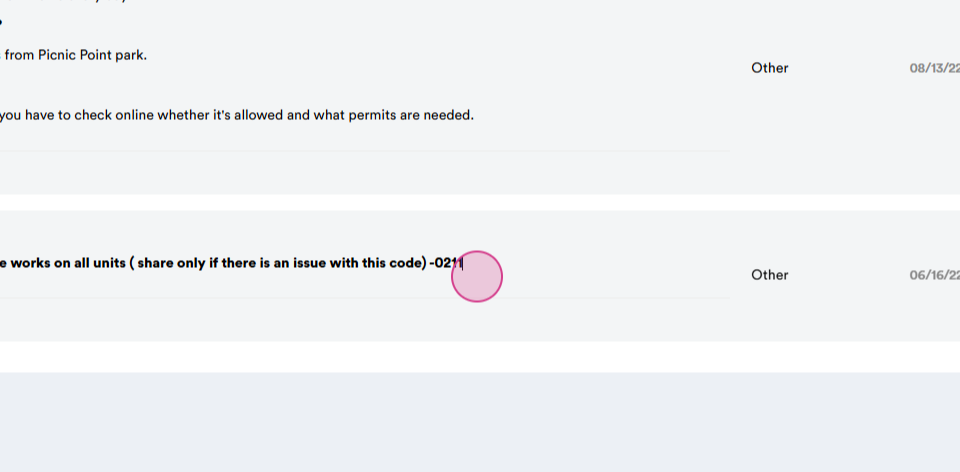
Step 10: This is the emergency code and how it should work.
Thank you for your attention.