In this article, you'll learn how to offboard a property from VRBO using the Hosteeva platform.
Step 1: Start by logging into the VRBO page using the credentials stored in the Hosteeva Password Manager section. Search for VRBO to find the credentials.
Step 2: Once logged in, search for the property using its Hosteeva ID.
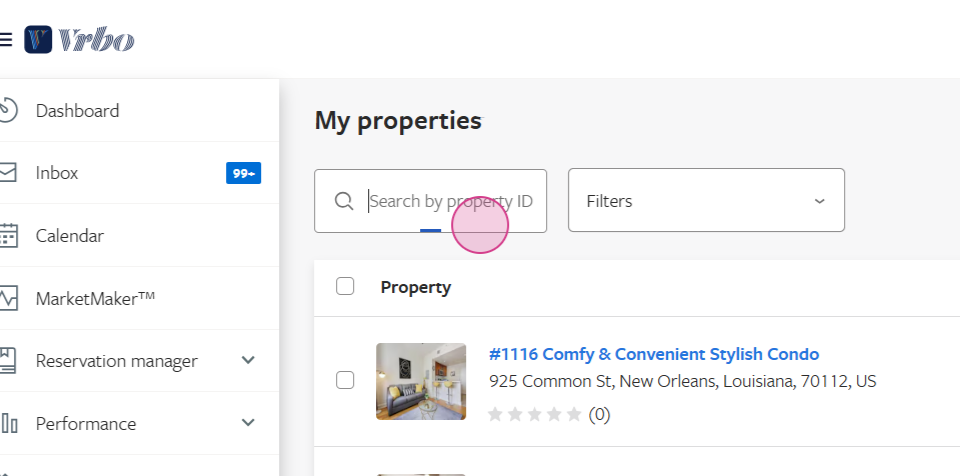
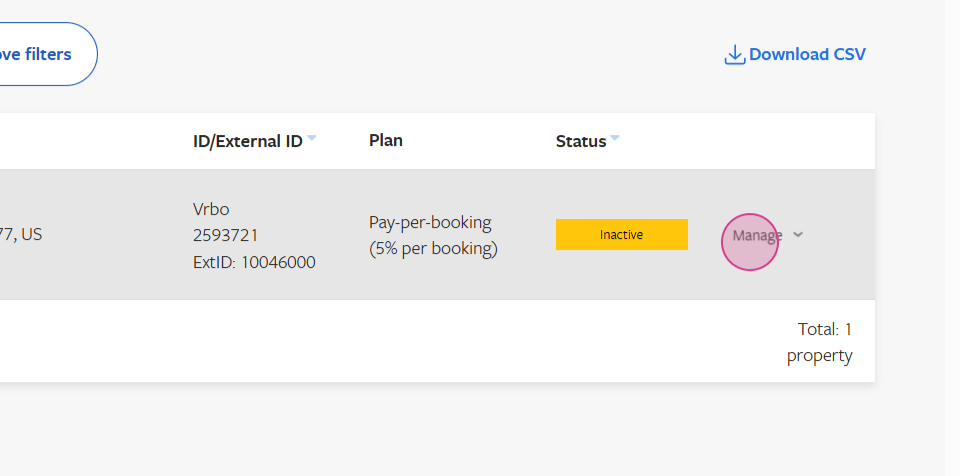
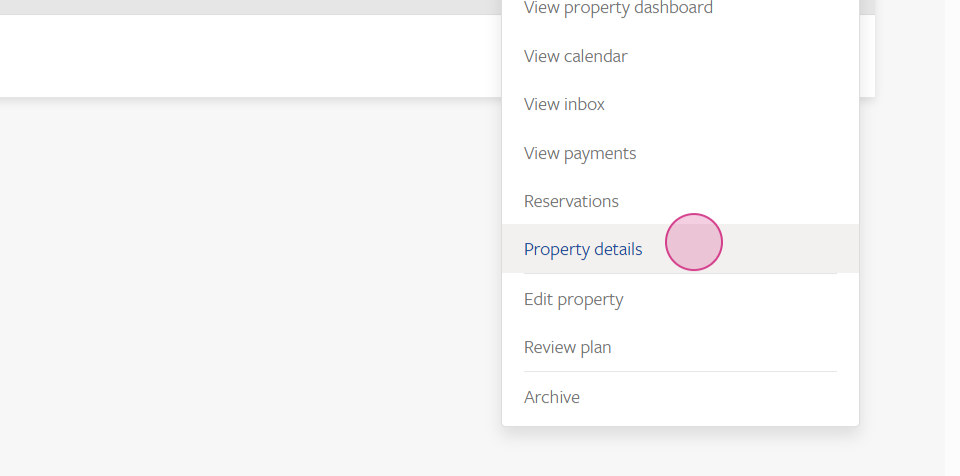
Step 3: After finding the property, click on Manage and then Property details.
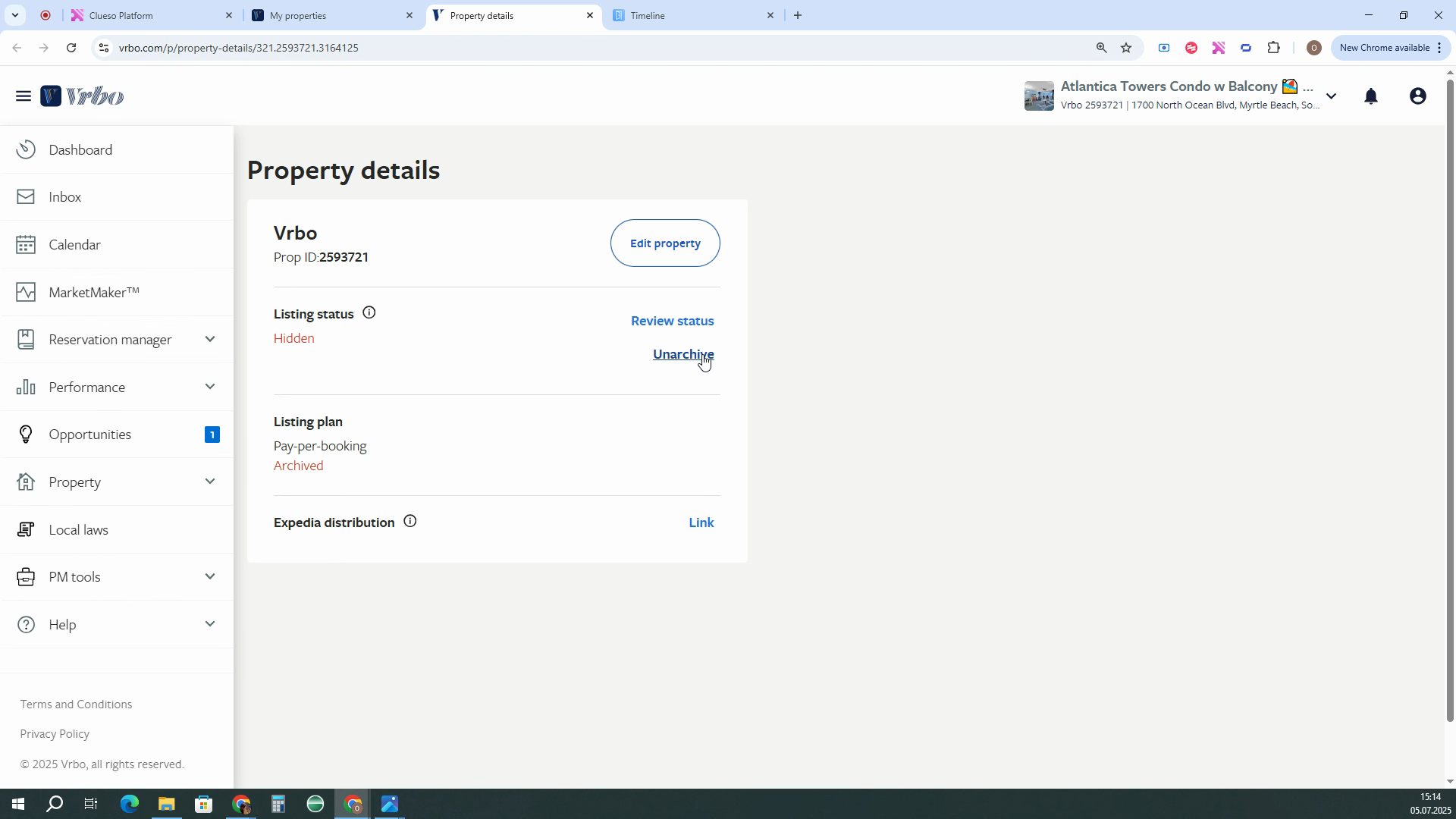
Step 4: If the listing status is already hidden, select Archive listing.
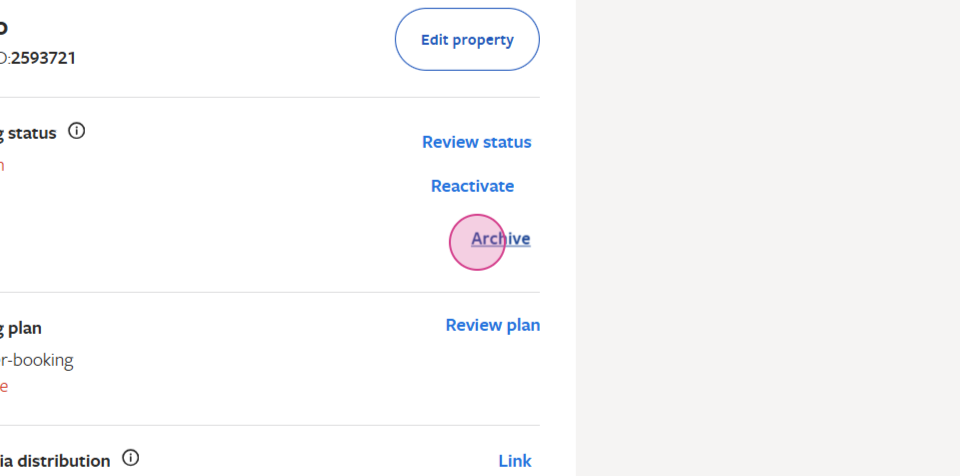
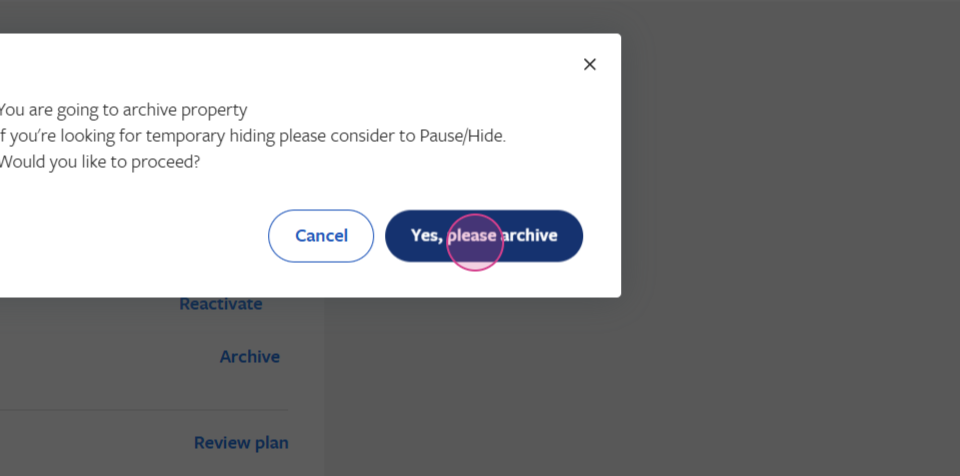
Step 5: Confirm by clicking on Yes, please archive. The property will be archived once you refresh the page. If the listing status is active, click on the pause button and select a reason for pausing the listing. Any option is fine, then click Continue.
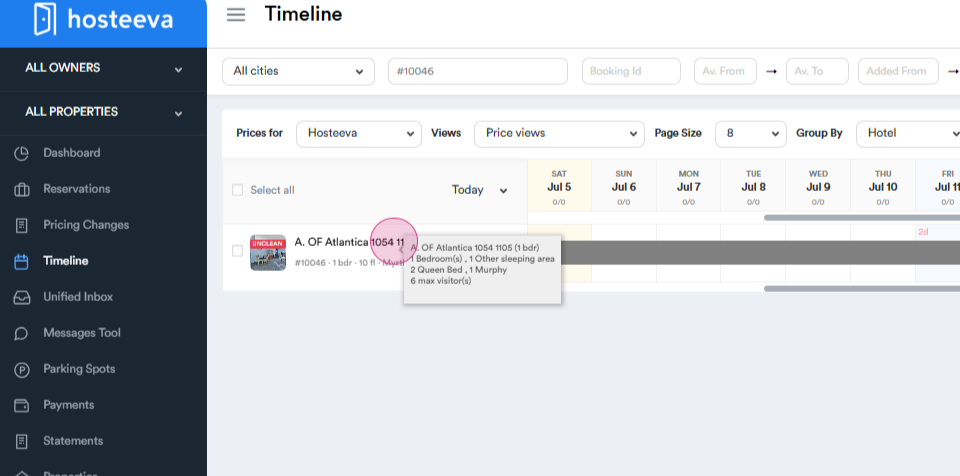
Step 6: Now, return to the Hosteeva timeline and click on the property.
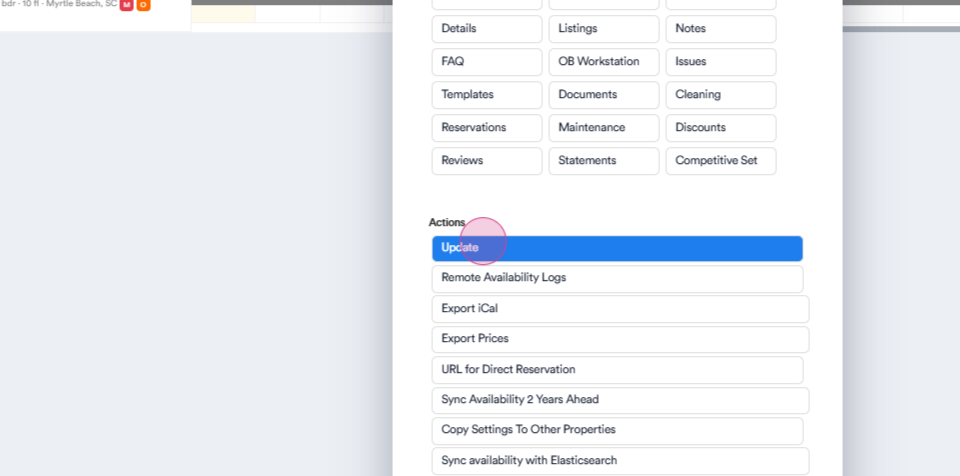
Step 7: Navigate to the update page.
Step 8: Scroll down and select VRBO and all its affiliate mappings.
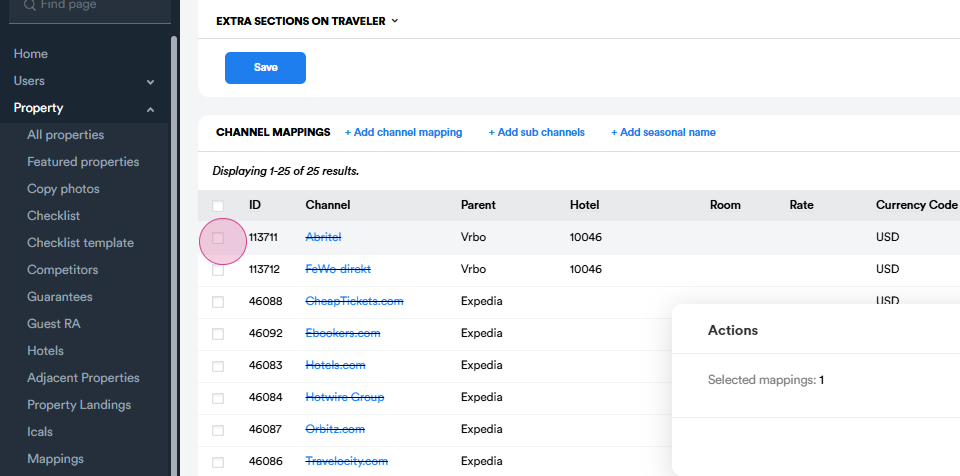
Step 9: If there are multiple mappings,
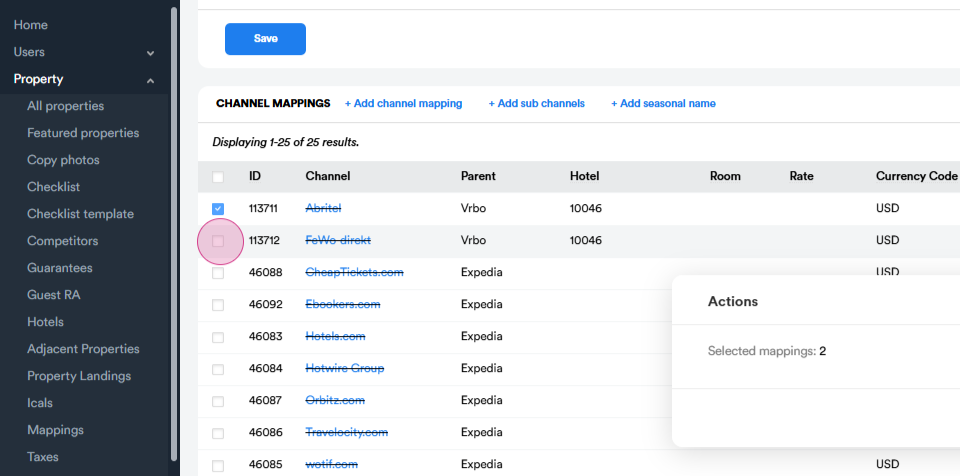
simply click Delete.
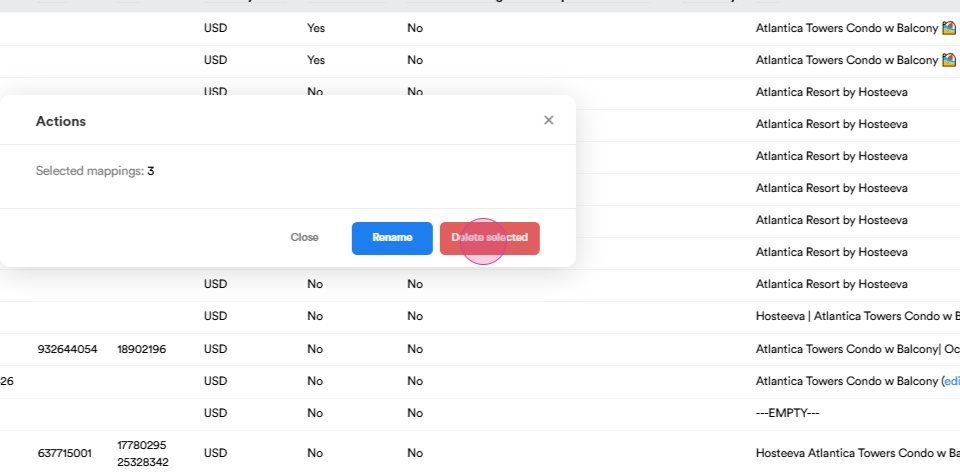
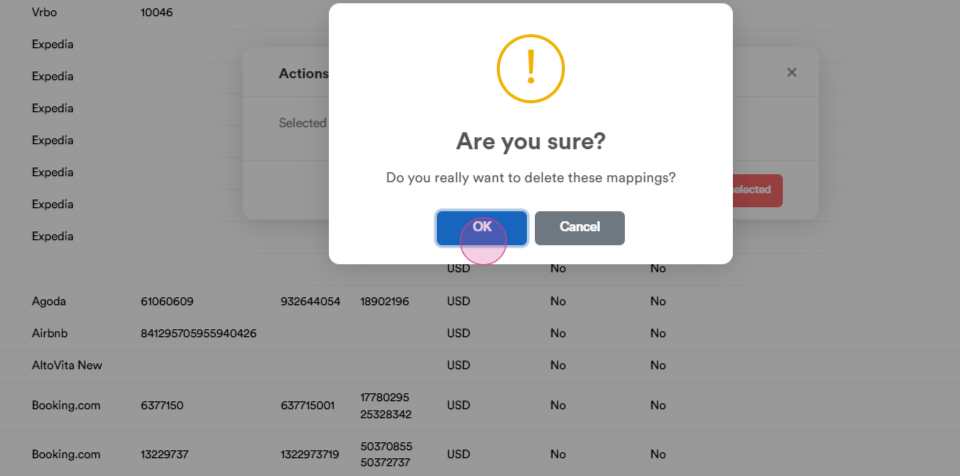
Step 10: The next step involves deleting the unit group. In the search bar, search for Unit group.
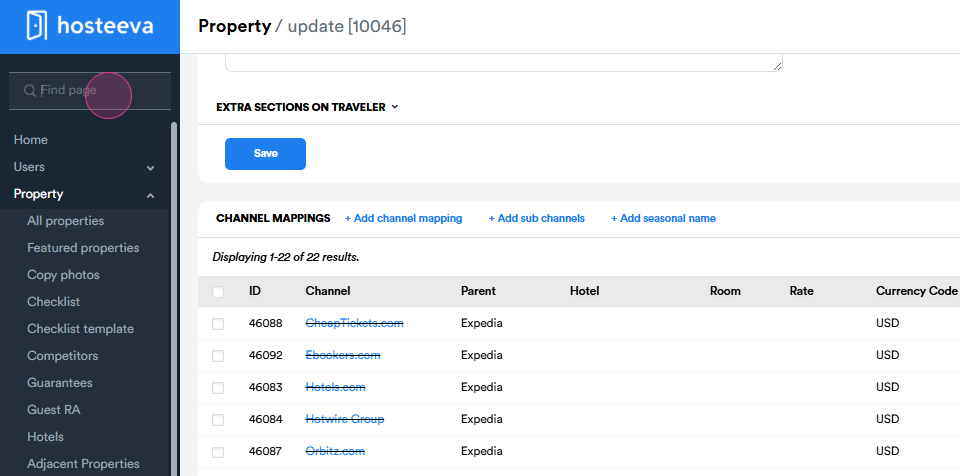
Step 11: The unit group can be found by searching for its owner.
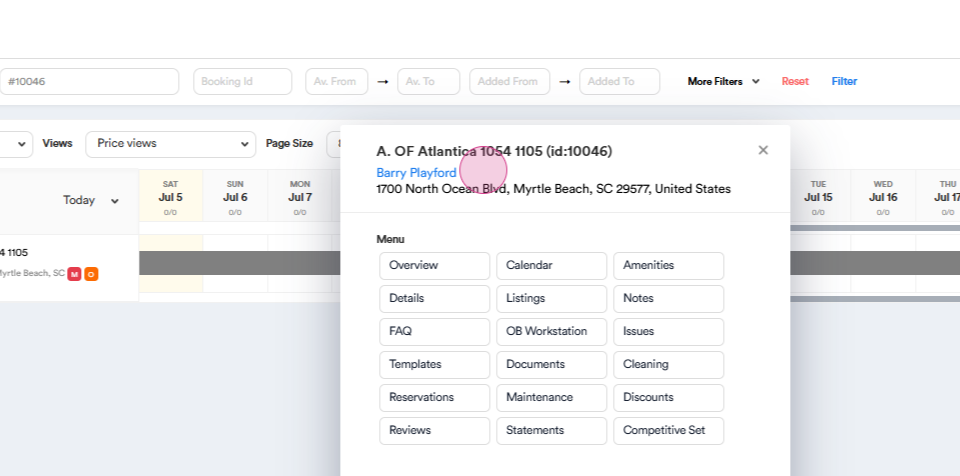
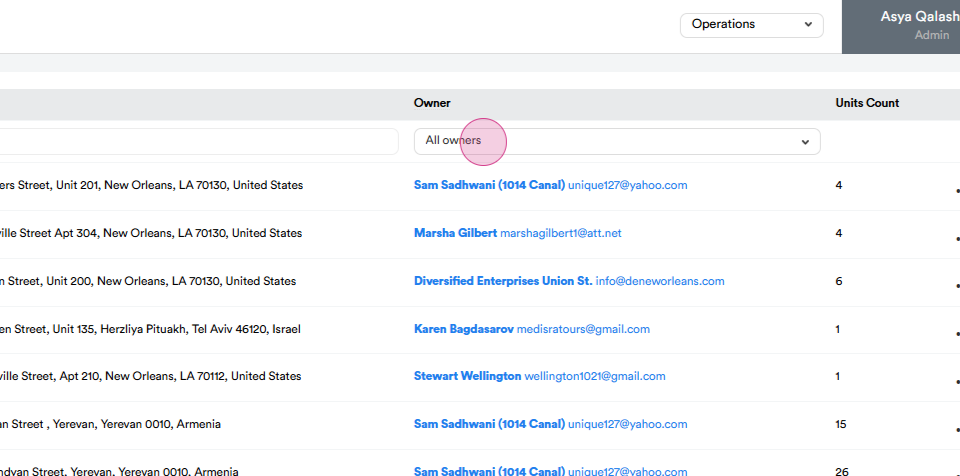
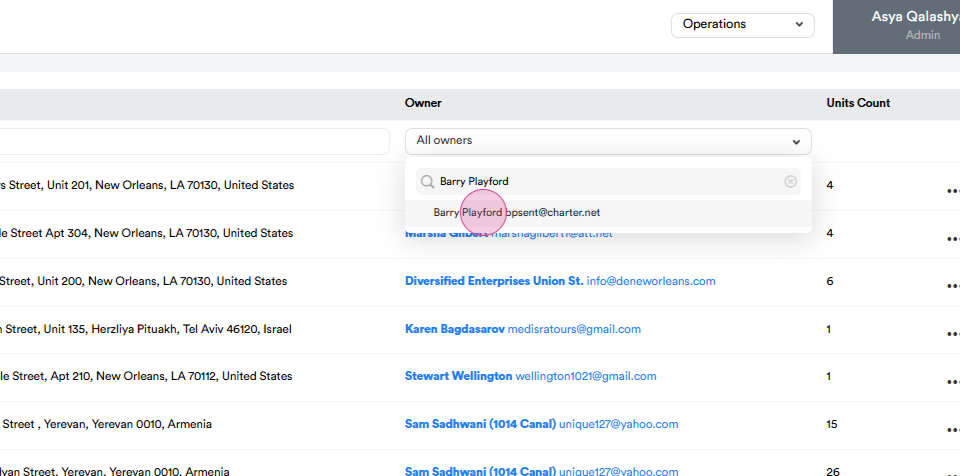
Step 12: On the Unit group page, search by its owner. If the unit group contains more than one property,
click Update.
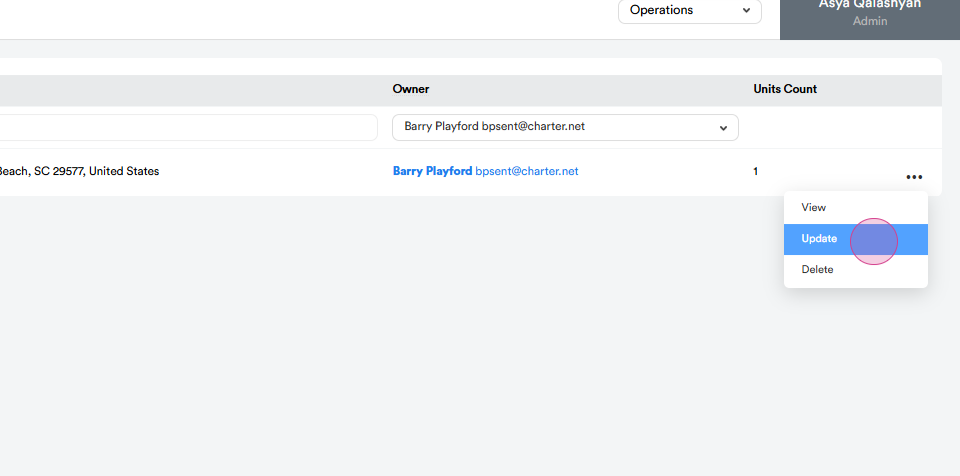
Step 13: Find your property in the list and click Exclude property. If there's only one unit count, select Delete to remove the entire group.
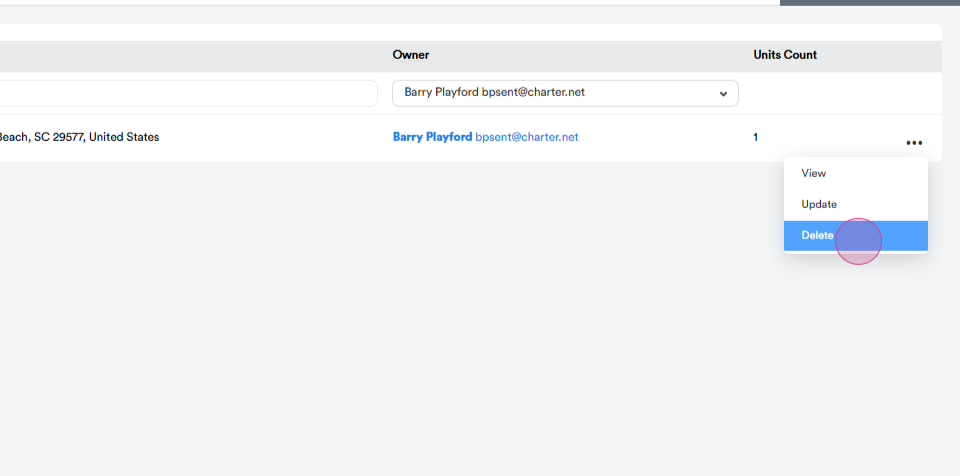
And that's it! The property is now fully removed from VRBO.
Thank you!