In this article, you'll learn how to remove a property management system from your Airbnb account.
Step 1: Start by logging into your Airbnb account.
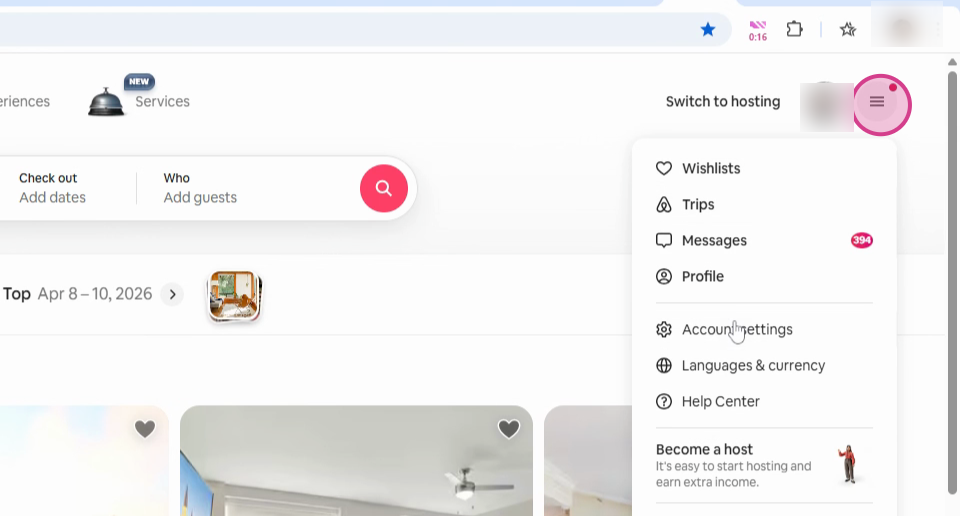
Step 2: Click on the three lines to navigate to your Account.
Step 3: Select Account Settings.
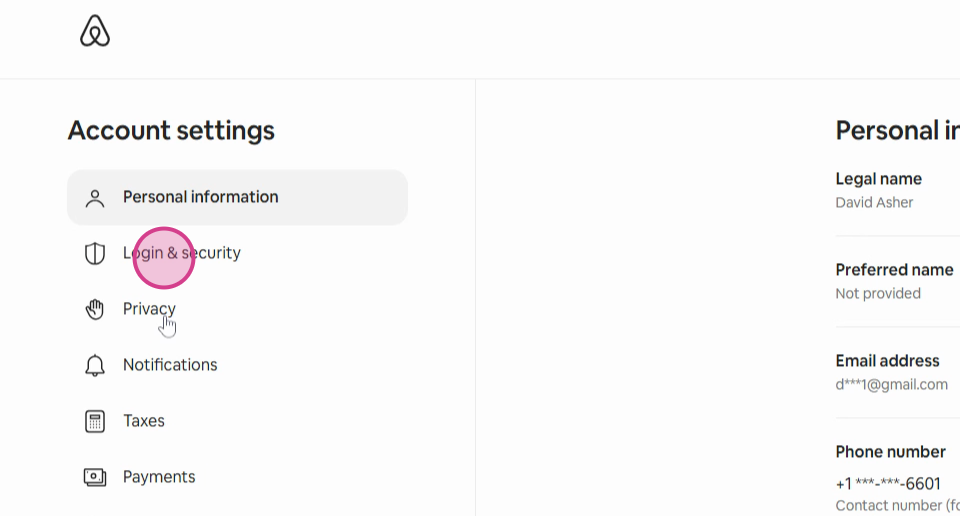
Step 4: Click on Privacy.
Step 5: Scroll down to find Connected Services.
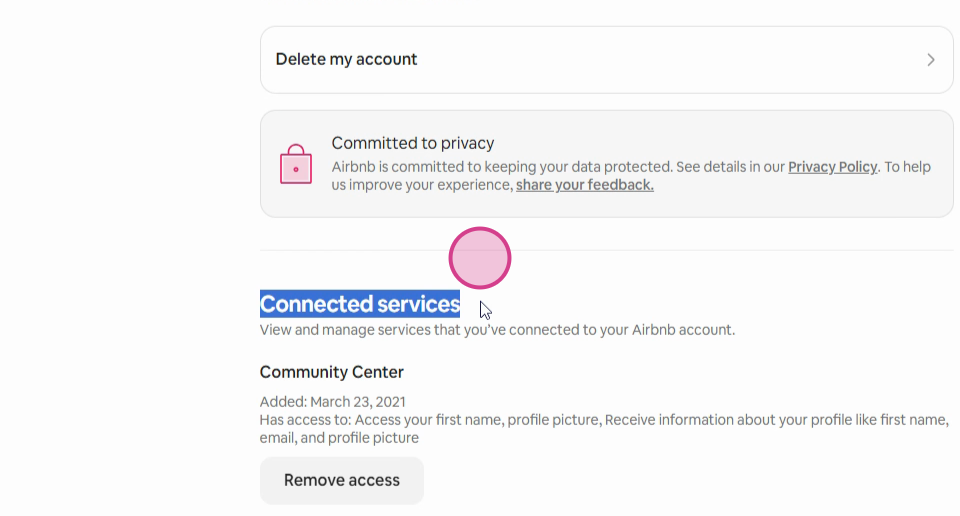
Step 6: Here, you'll find all the property management systems linked to your account. To remove a system, simply click on the Remove Access button. The property management system will then be removed from your Airbnb account.