In this tutorial, you'll learn how to cancel reservations from different channels such as Airbnb, Expedia, Booking.com, and VRVO.
Step 1: Start by examining the reservation received from Airbnb. Identify the channel as Airbnb. Click on Open Channel.
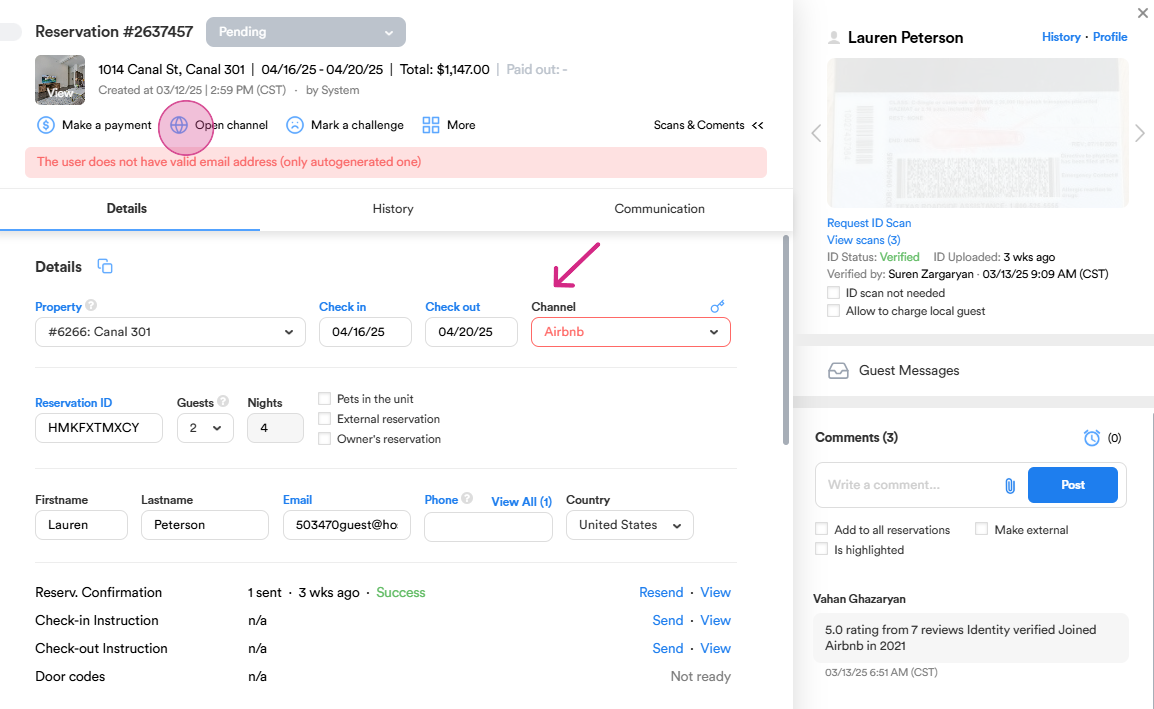
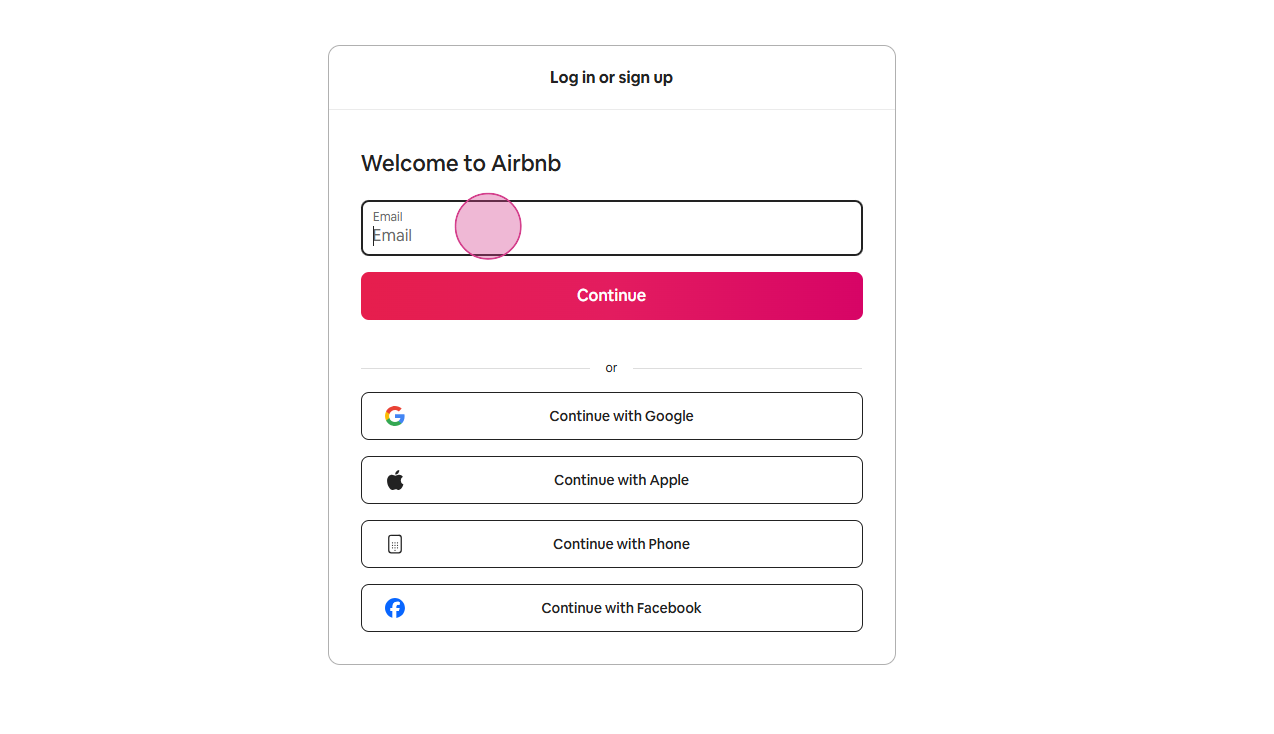
Step 2: If you need to cancel the reservation for various reasons, such as a local guest or a violation of house rules, proceed to the website. Log in by going back to the reservation dialog, copying the email address used, and entering the password.
Step 3: Once logged in, scroll down to the Cancel Reservation section. Choose the reason for cancellation, provide all necessary information, attach any relevant pictures, and send the request to Airbnb.
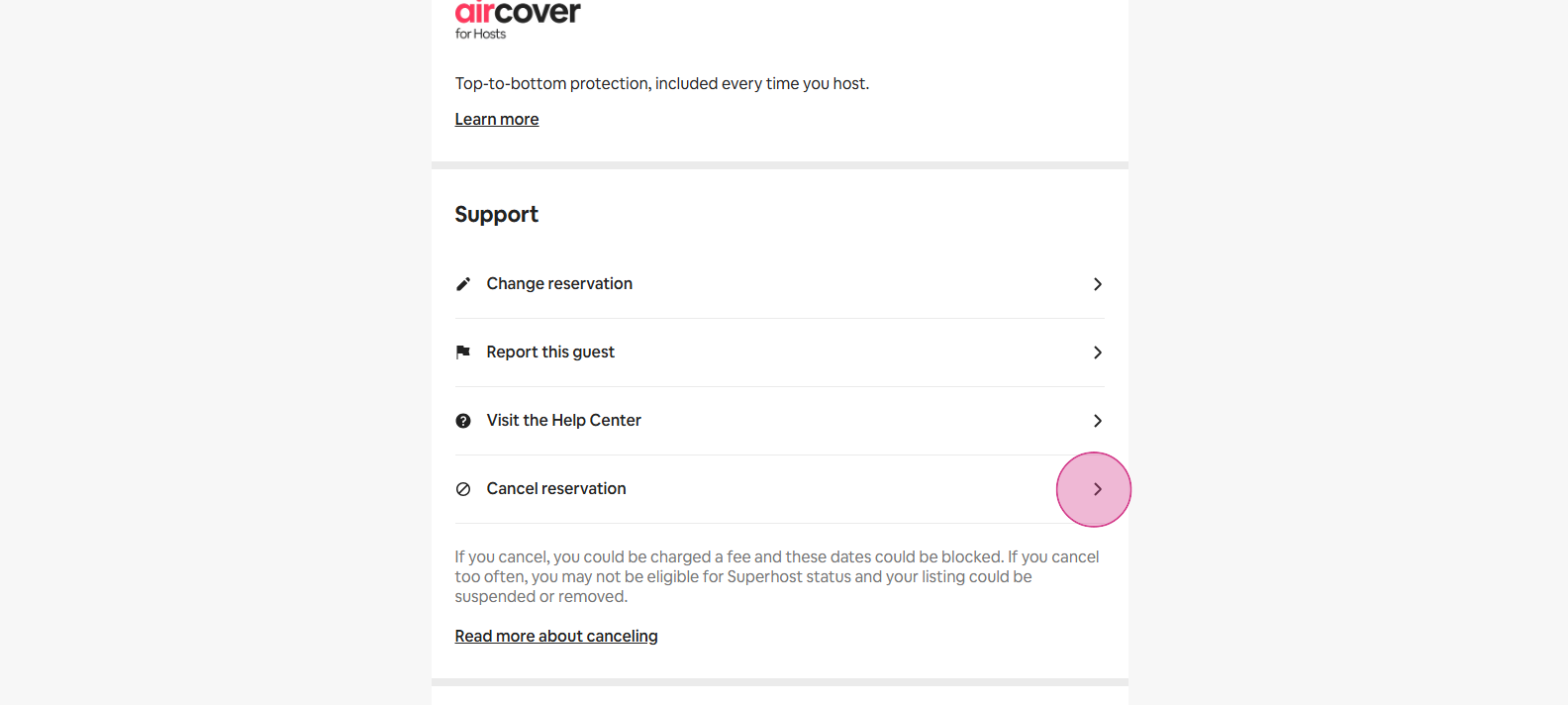
Step 4: If the cancellation policy doesn't allow cancellation or it's a last-minute reservation, contact Airbnb support.
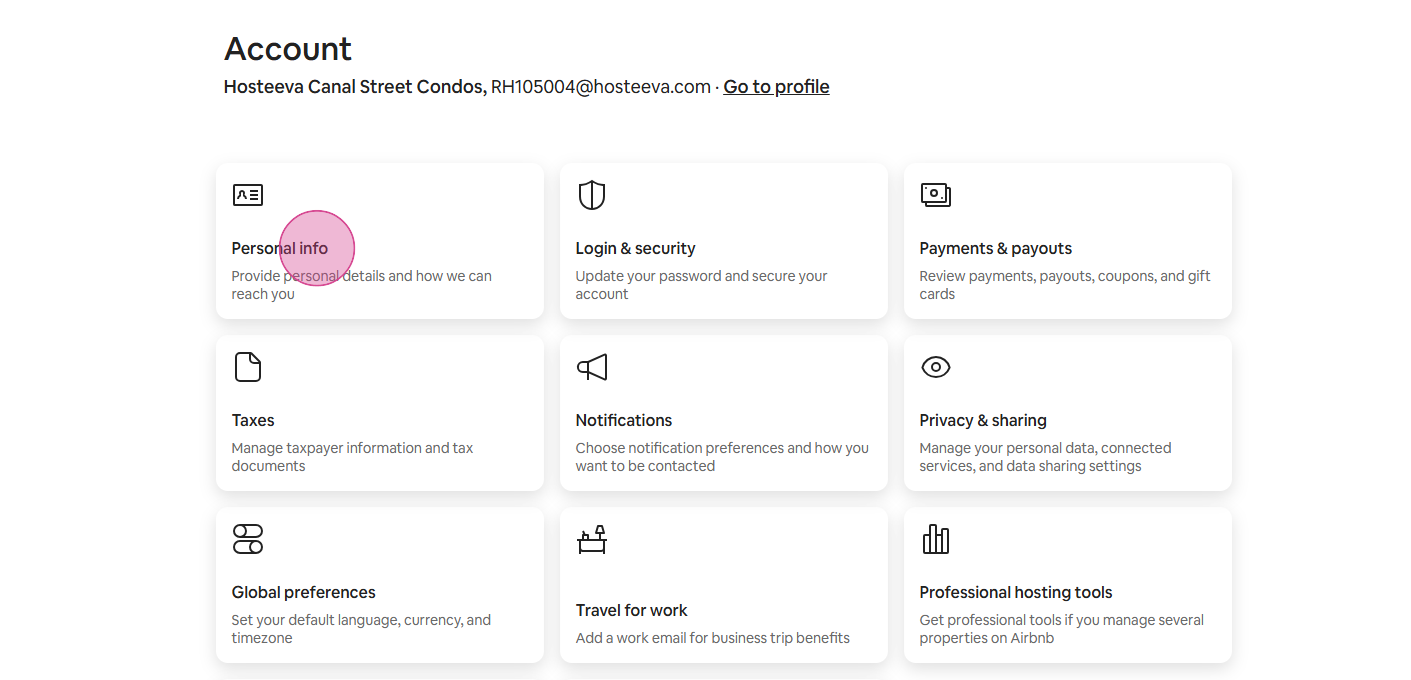
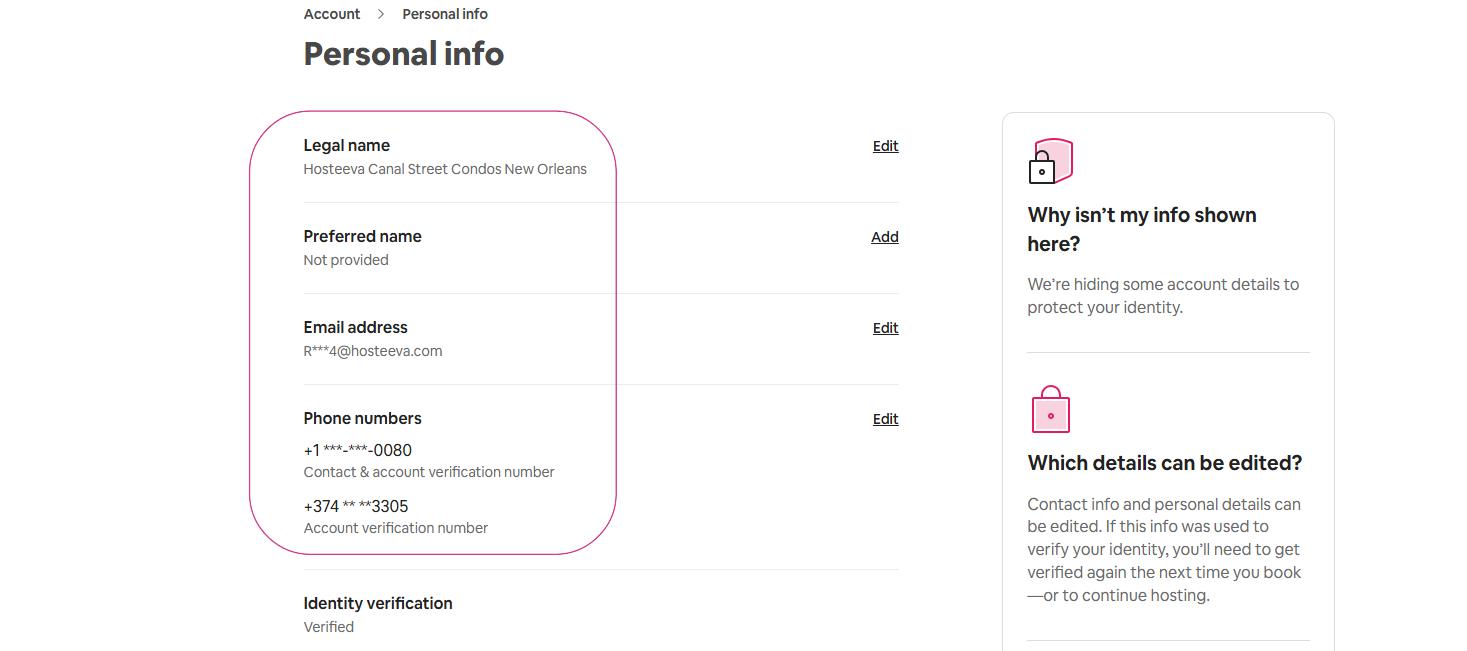
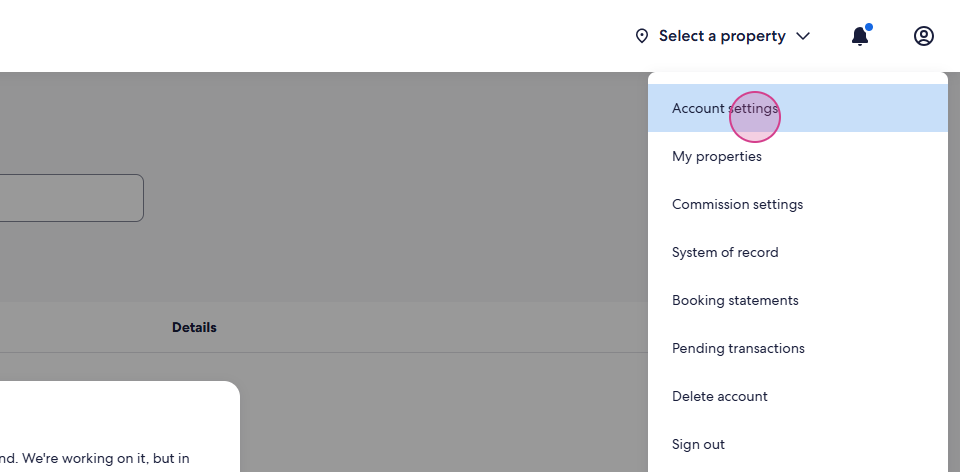
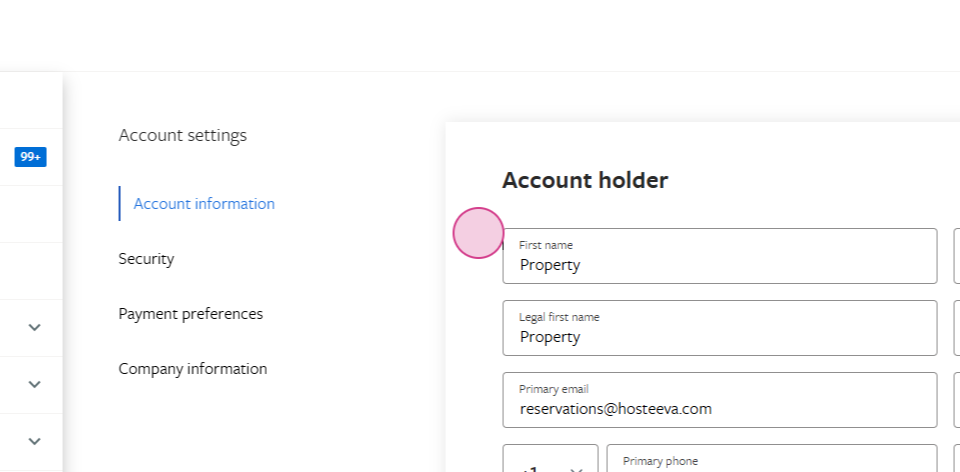
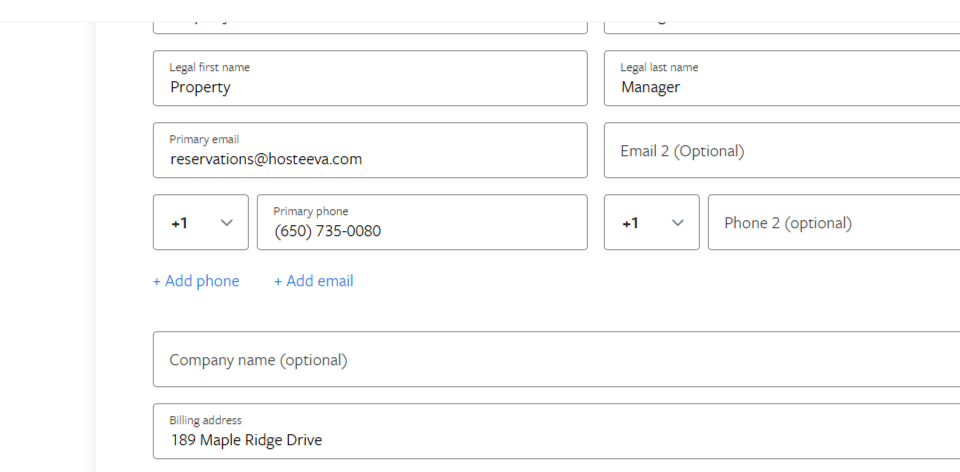
To verify your account with Airbnb, provide your legal name, preferred name, email address, and phone number. Note: Airbnb agents may ask if you are the account holder. In this case, respond with: “Yes, I am the account holder.”
They might also request the date of birth of the account holder, which in this case is: May 25, 1979.
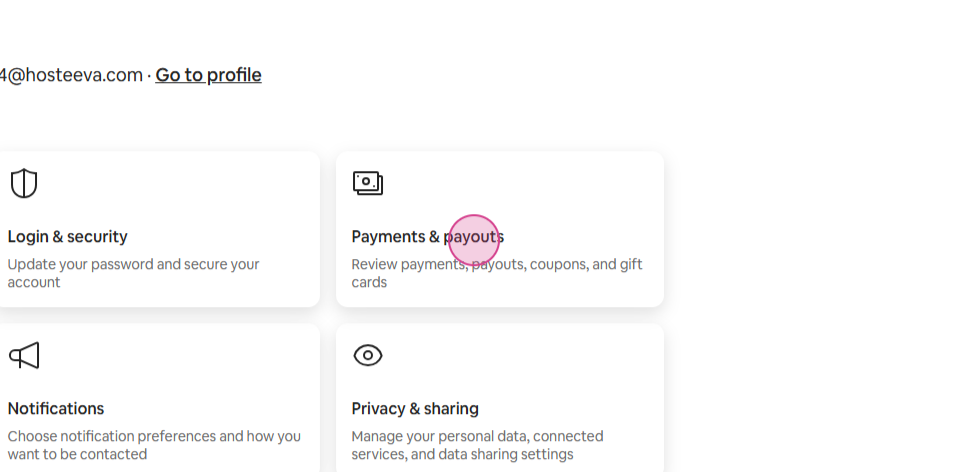
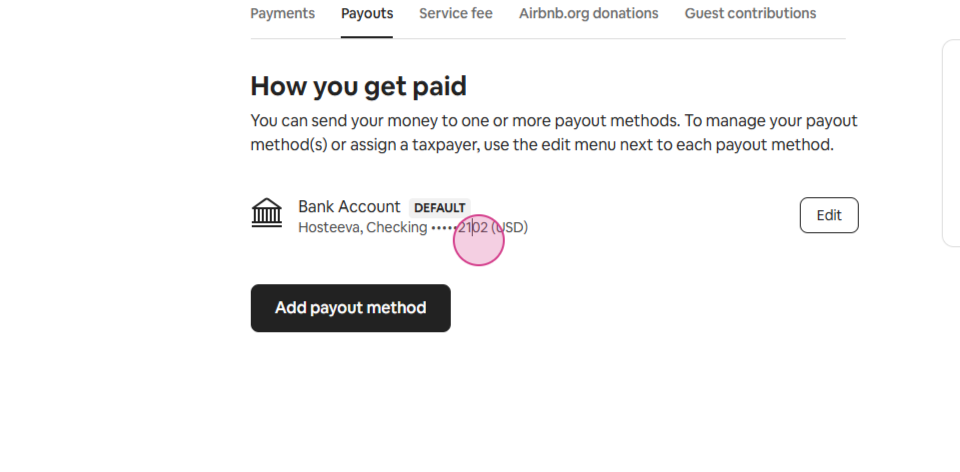
Additionally, be prepared to provide information about payouts, as Airbnb may ask for that as well.
Once our account is verified, we inform the agent about a guest who has violated our house rules, leading to the cancellation of their reservation. This cancellation can be executed either penalty-free or with a penalty, depending on the situation.
Step 5: Select another reservation, this time from Booking.com. Open the channel for cancellation. On the website, there's a 'No Show' button. This button can be used the day after the check-in date to mark the reservation as a no-show and cancel it without any penalty. Alternatively, we can directly contact Booking.com for cancellation.
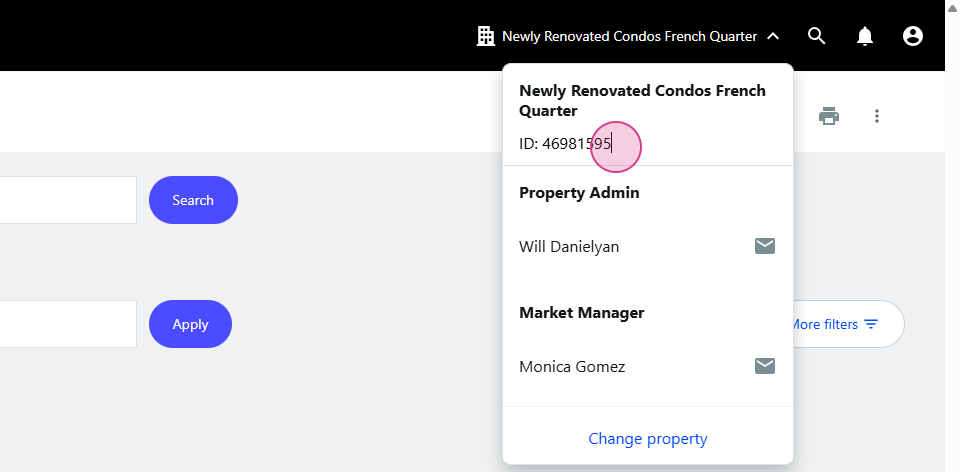
To verify your account with Booking, provide your the listing name and listing ID.
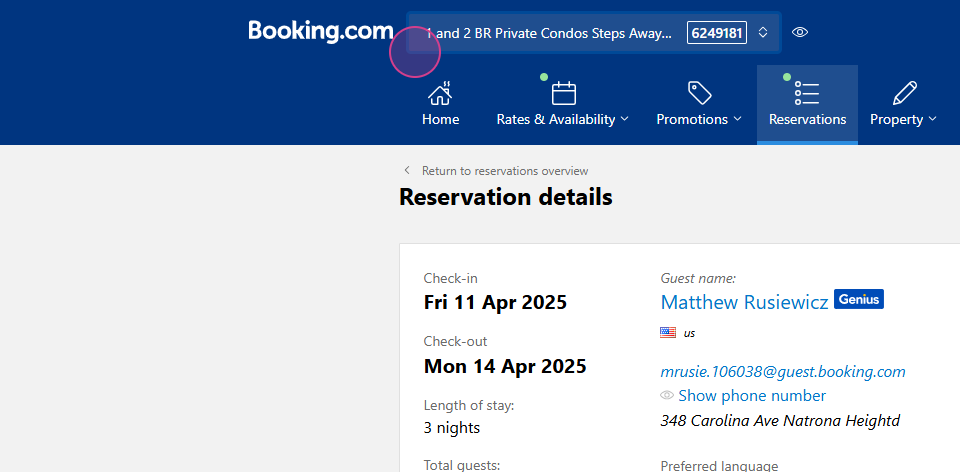
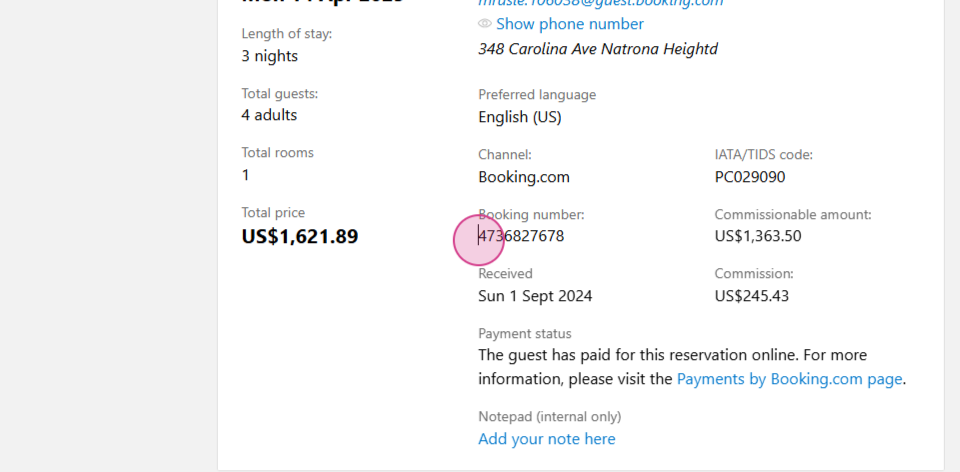
Step 6: Provide the booking number and the guest's first and last name to start the cancelation process. Cancel the reservation for your desired reason.
Step 7: Repeat the process for reservations from Expedia. To verify your account with Expedia, provide your the listing name and listing ID.
Step 8: Lastly, handle cancellations from VRBO.
Thank you for following this tutorial.