This guide outlines the process of setting up the markup for newly onboarded properties.
Markup refers to the percentage or amount added to a property's raw price to determine the final price that guests will pay. It ensures that all operational costs, fees, and profit margins are covered when a reservation is made.
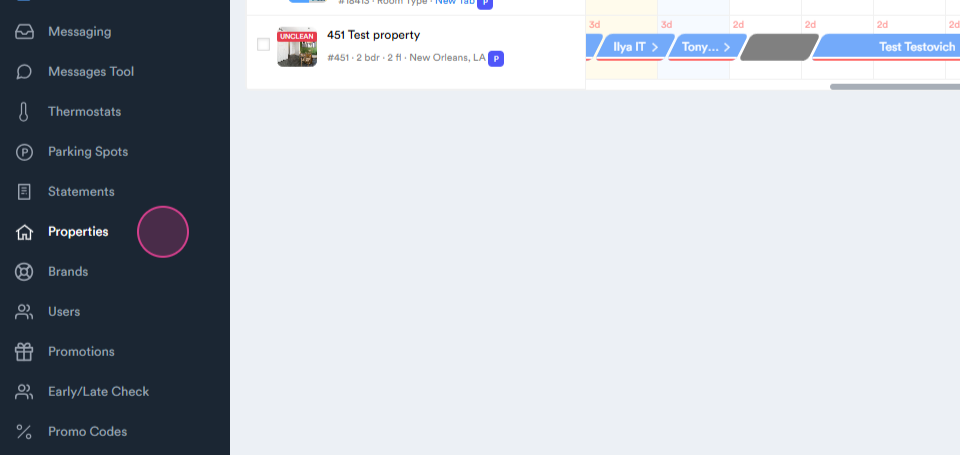
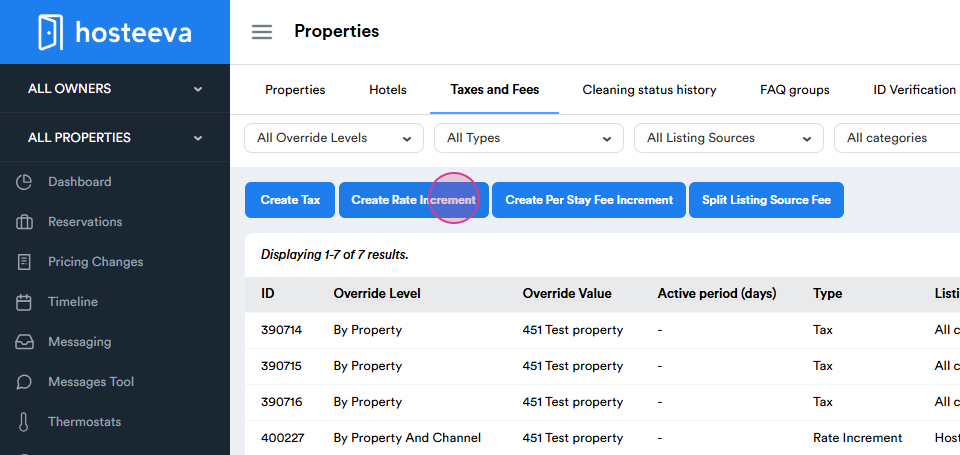
Start by navigating to the Properties tab.
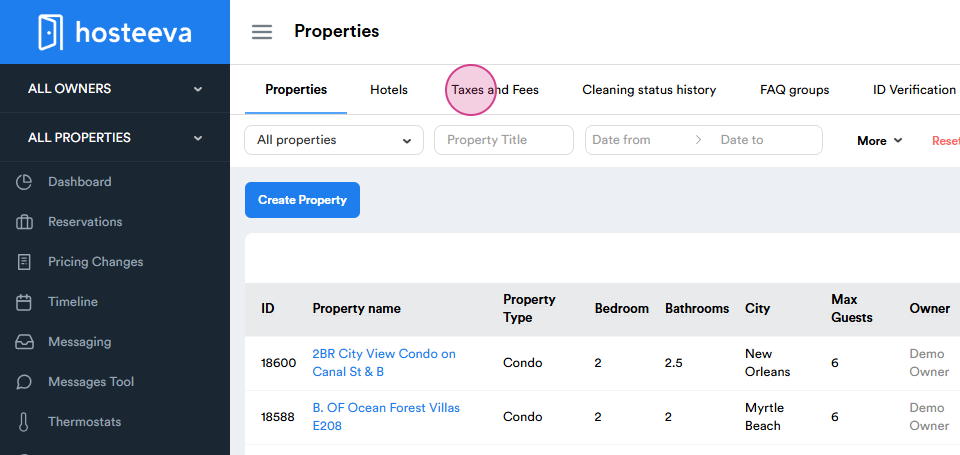
Step 1: Go to Taxes and Fees.
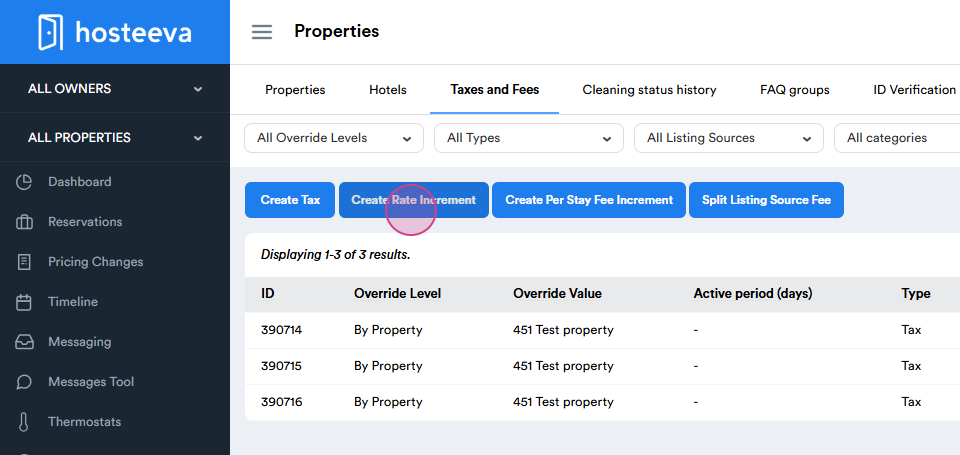
Step 2: Create a Rate Increment.
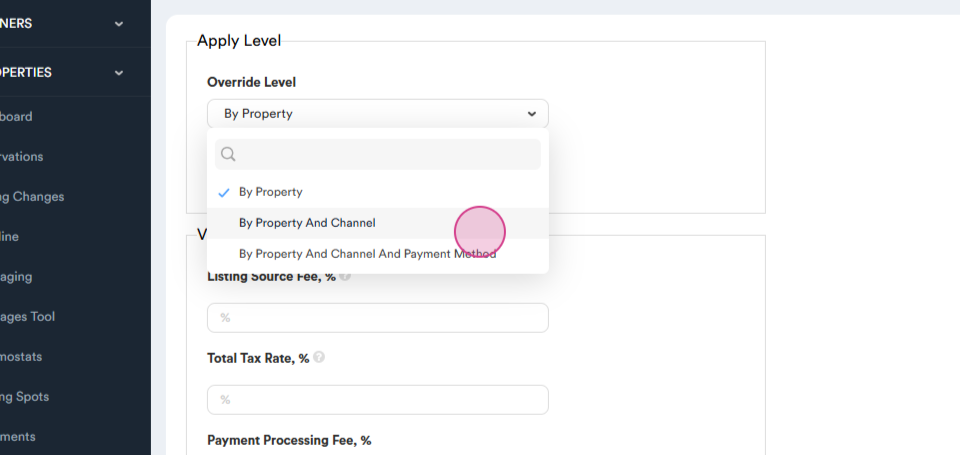
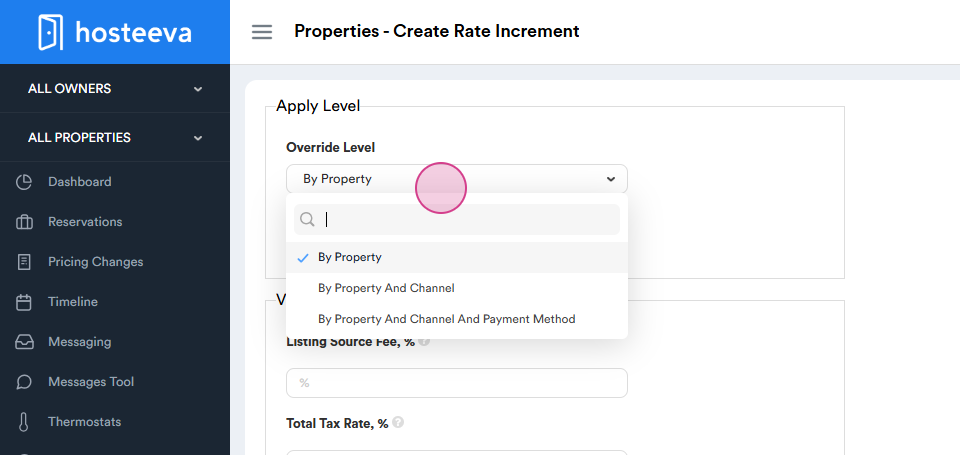
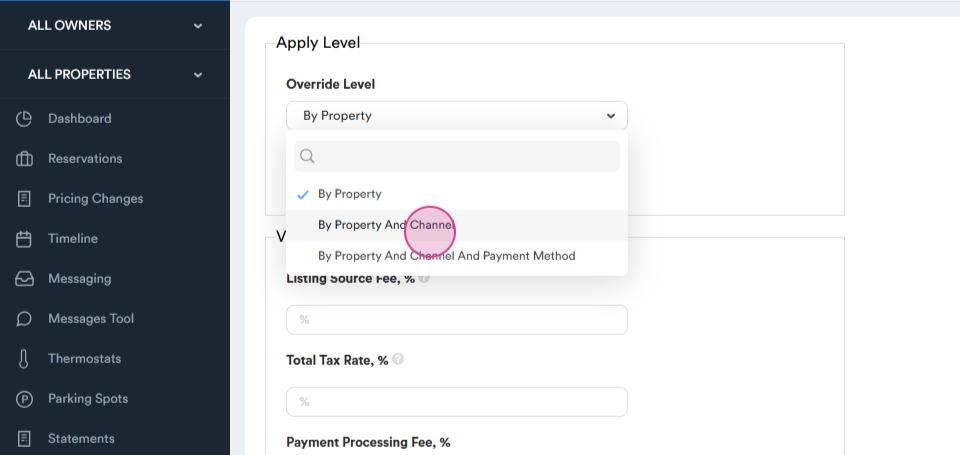
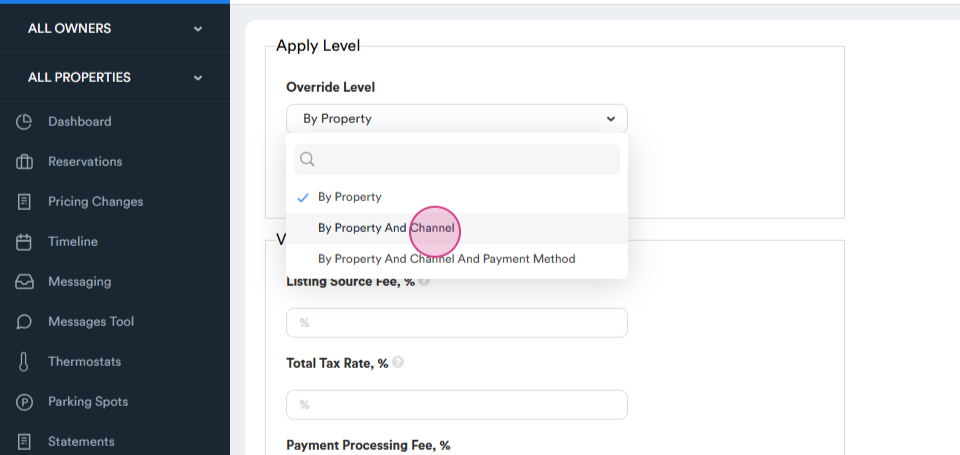
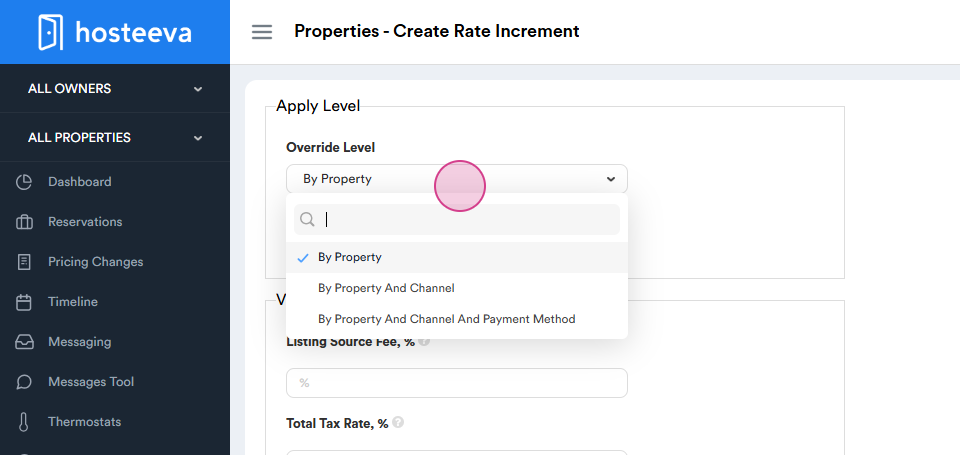
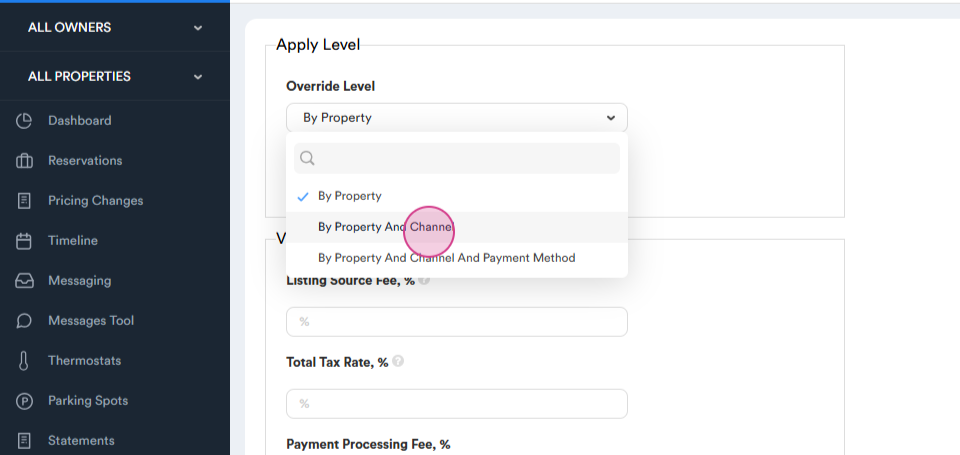
Choose the levels of increment. Options include:
- By Property
- By Property and Channel
- By Property, Channel, and Payment Method
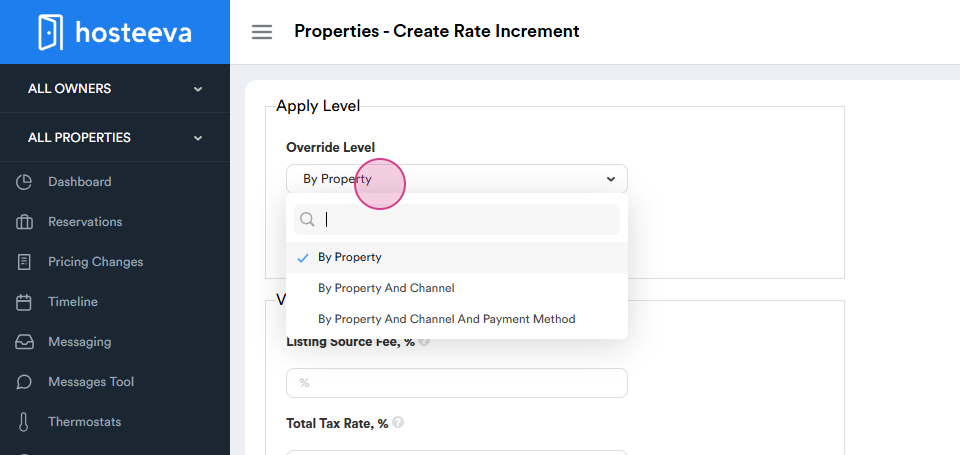
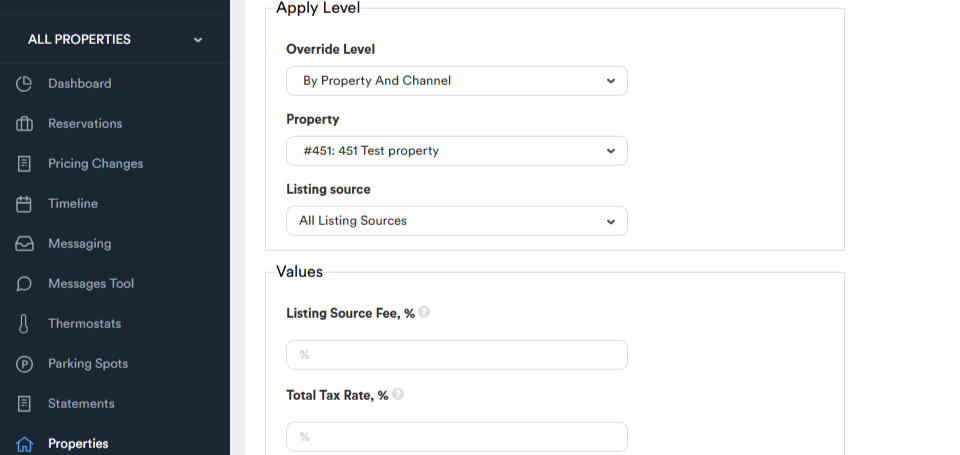
Typically, select By Property and Channel.
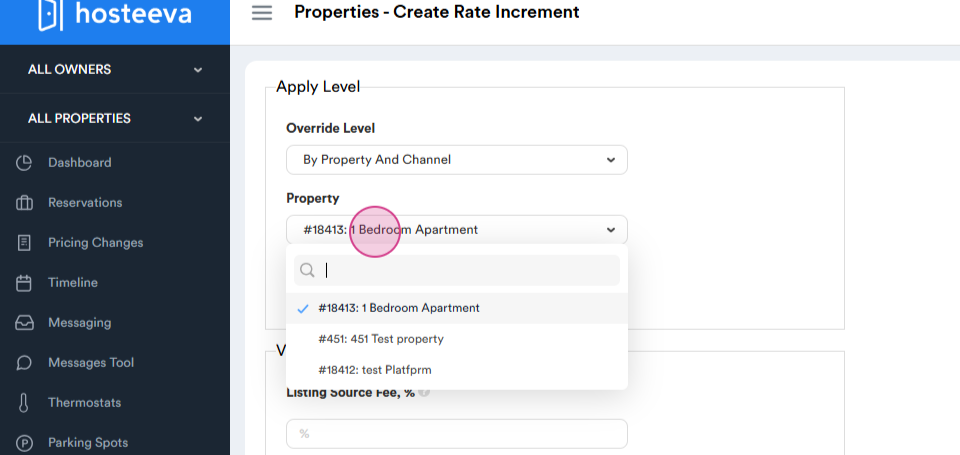
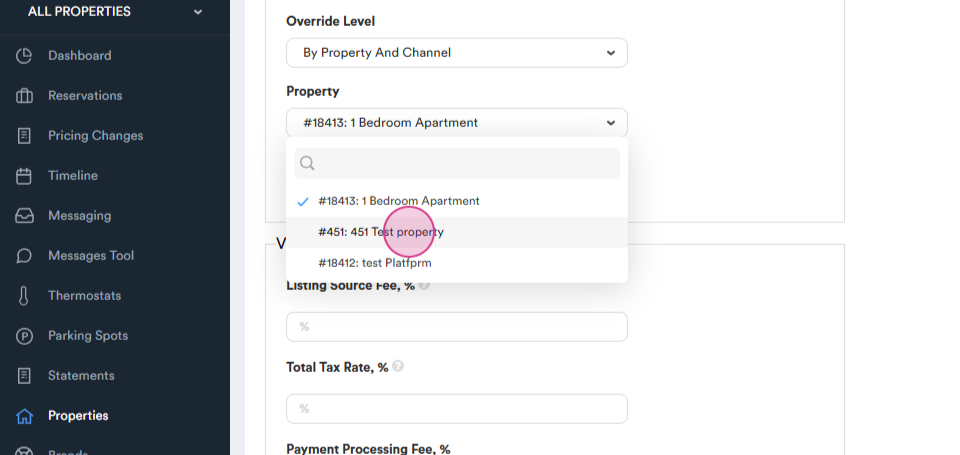
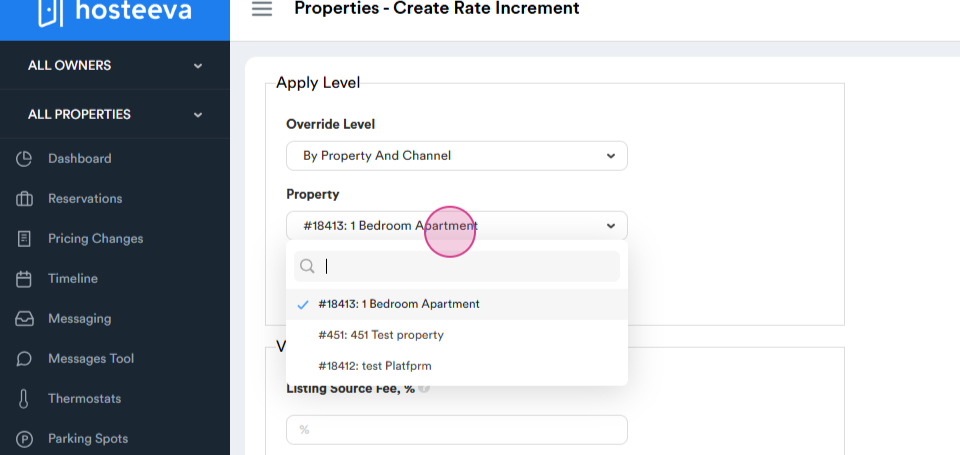
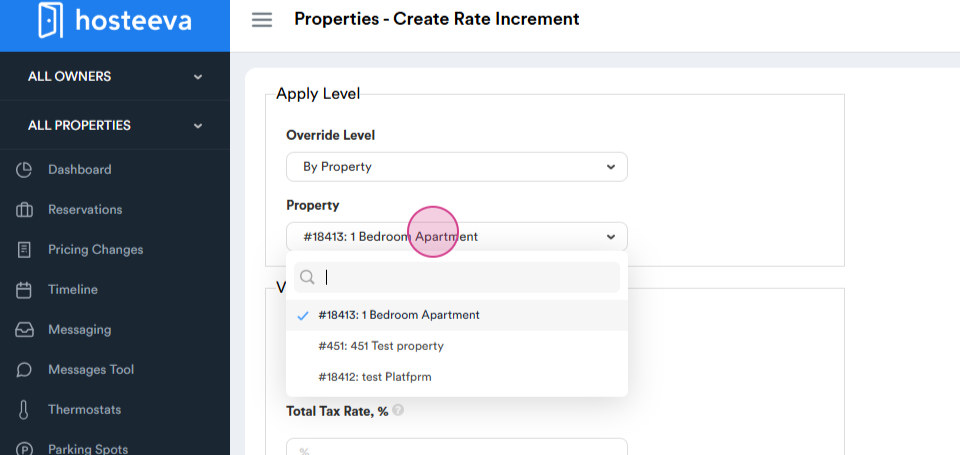
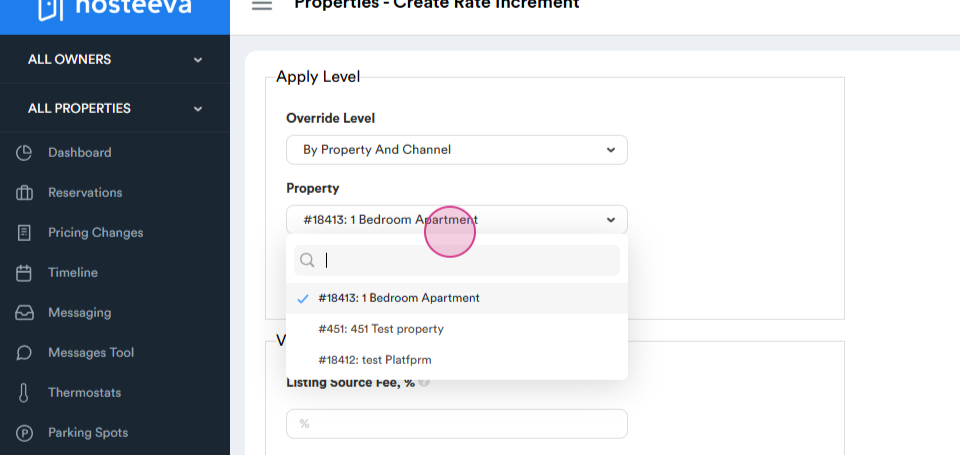
Next, choose either by ID or Property Name.
Step 3: Select the Listing Source.
The listing source fee refers to the fee charged by external platforms where properties are listed (e.g., Airbnb, Expedia, Booking.com). These platforms typically take a commission on bookings made through their site.
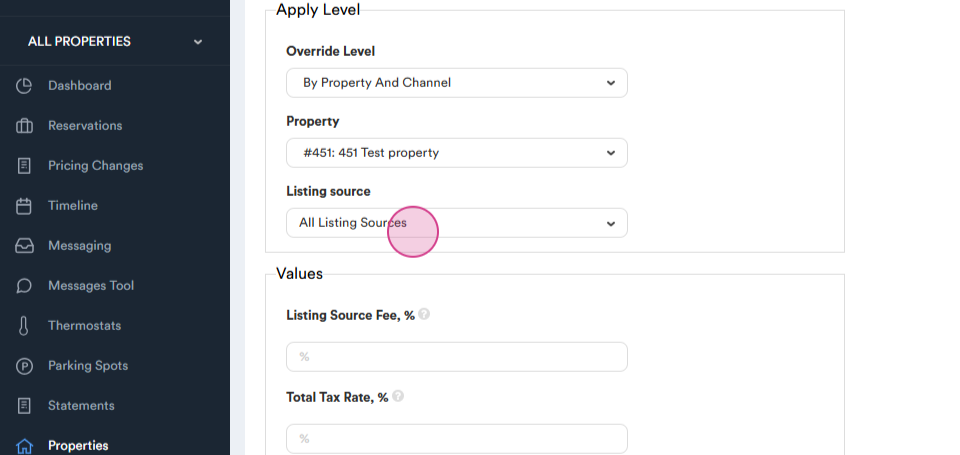
Start with Hosteeva.
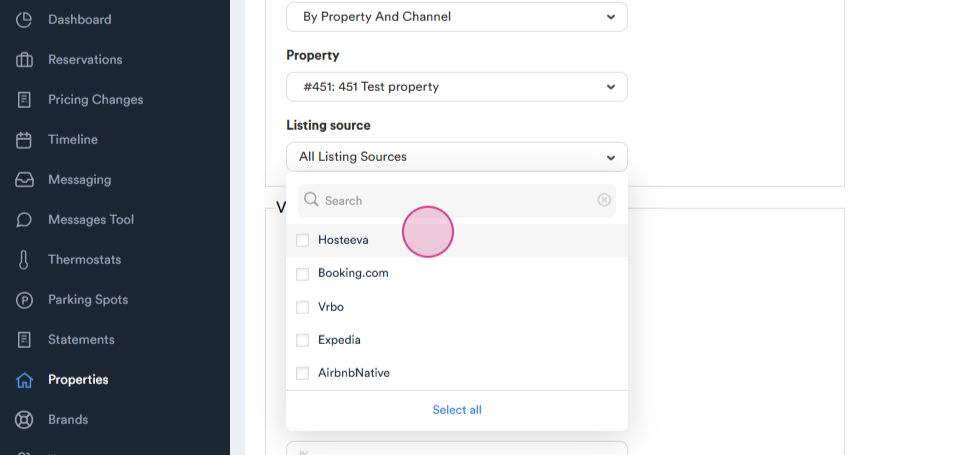
Click on it.
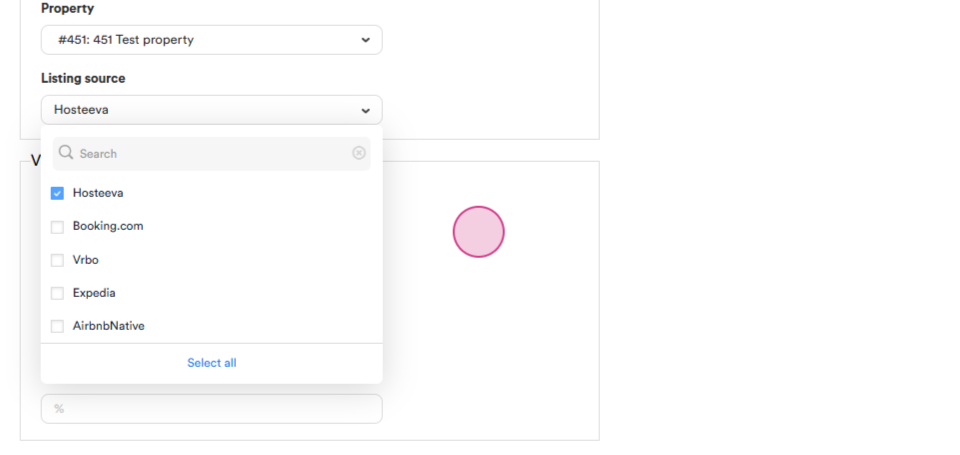
Each channel has a different listing source fee. For Hosteeva it's zero because Hosteeva doesn't have a channel commission
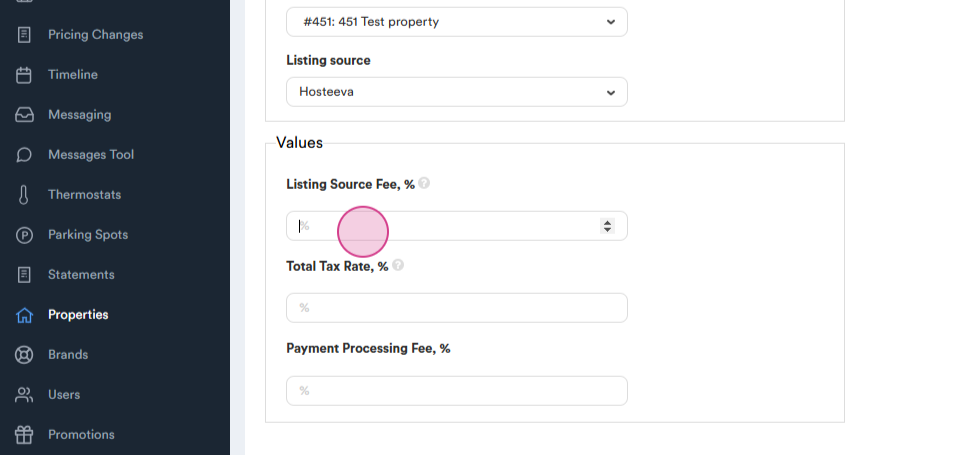
Step 4: Set the Tax Rate. Each location has its tax.
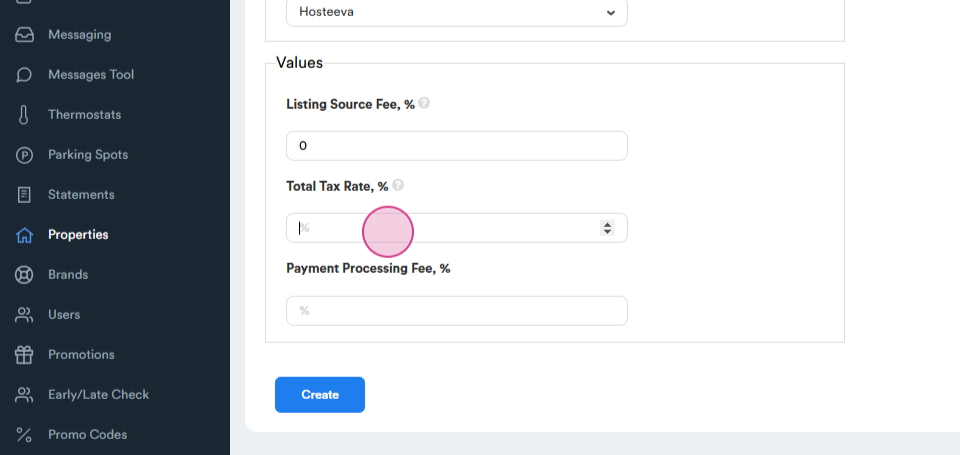
For instance, it might be twelve percent.
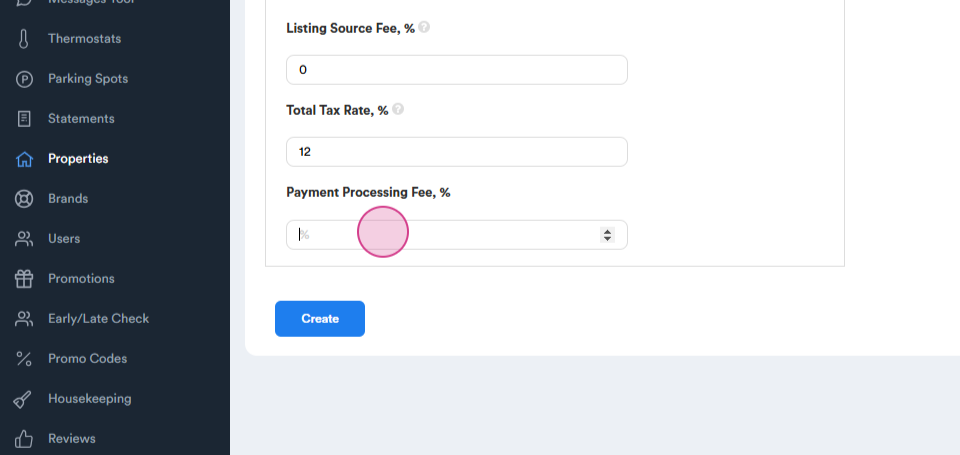
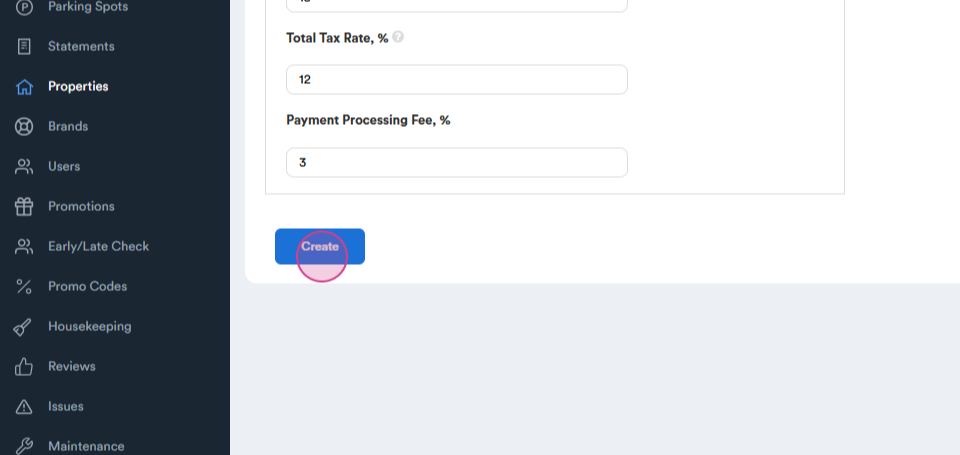
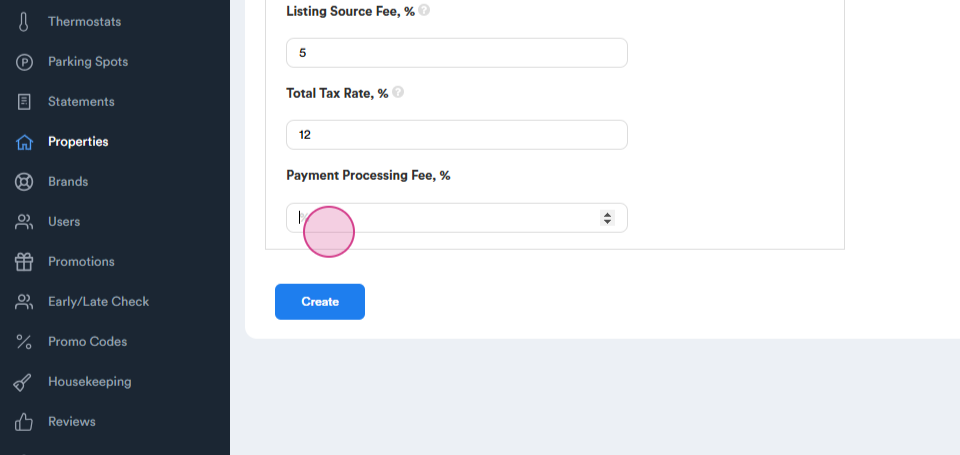
There are two payment processing methods: Square and Stripe. The fee for both methods is three percent.
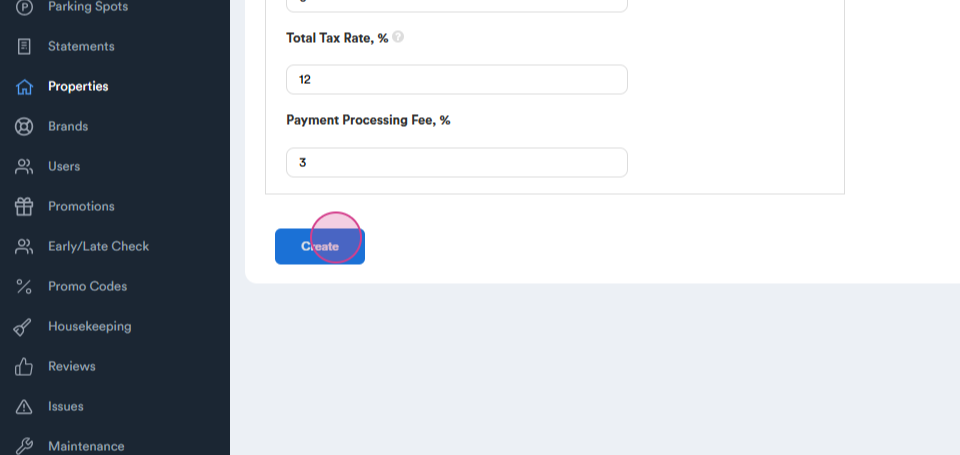
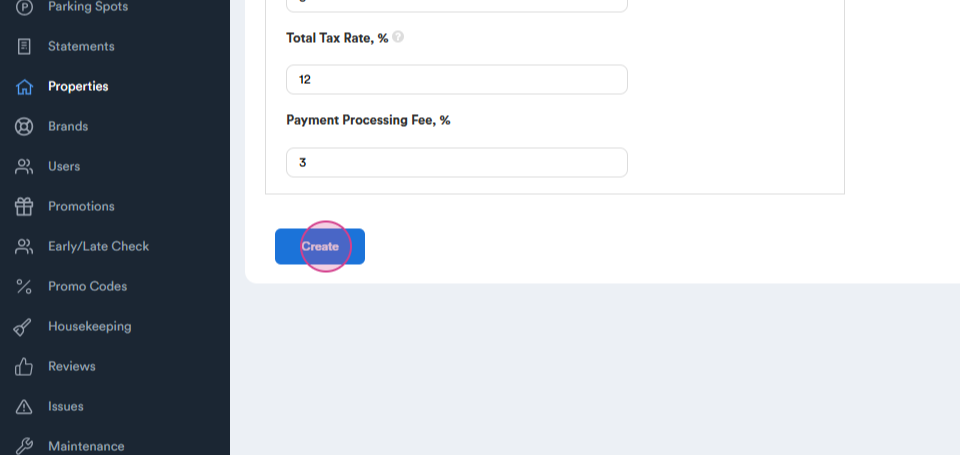
Click on Create.
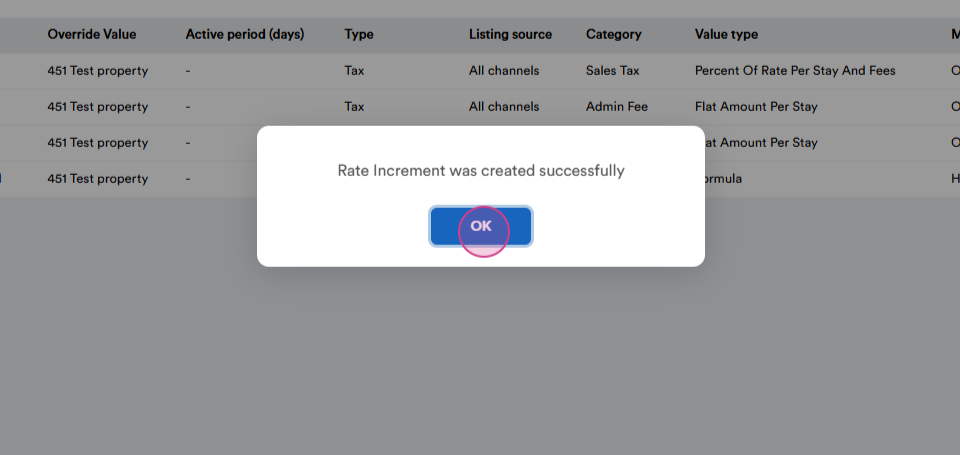
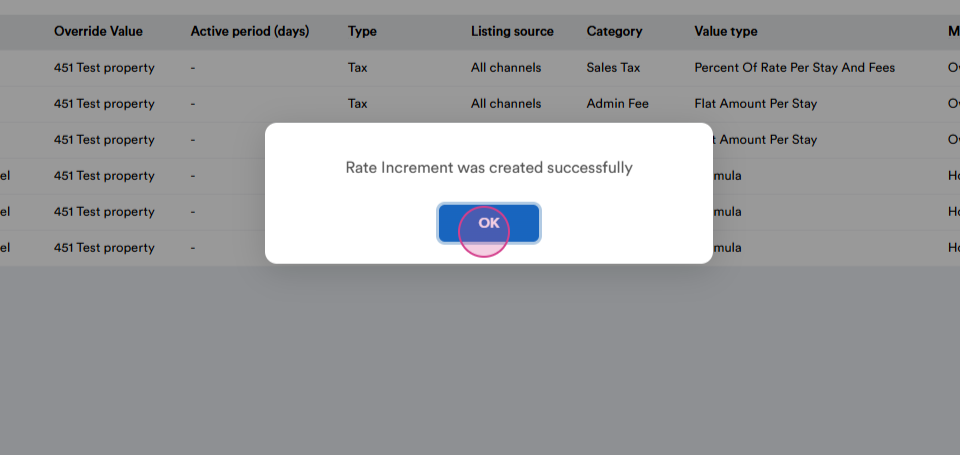
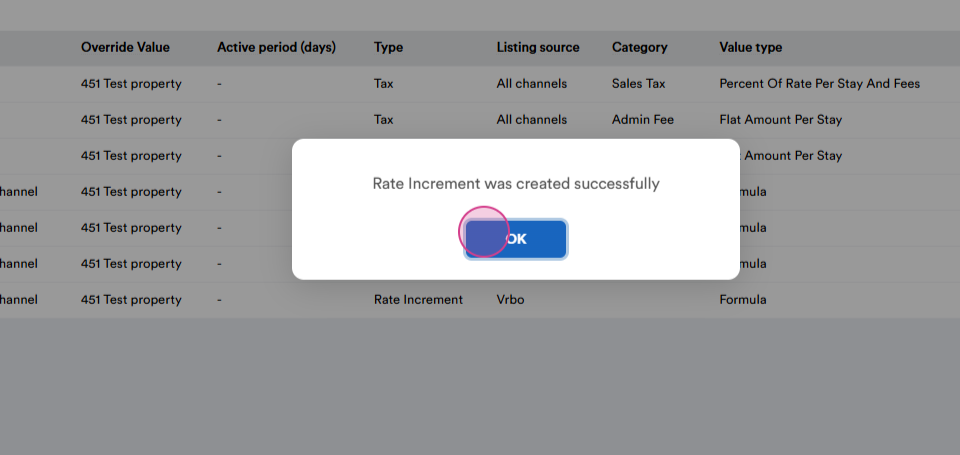
Now, there's a rate increment and formula for the Hosteeva channel.
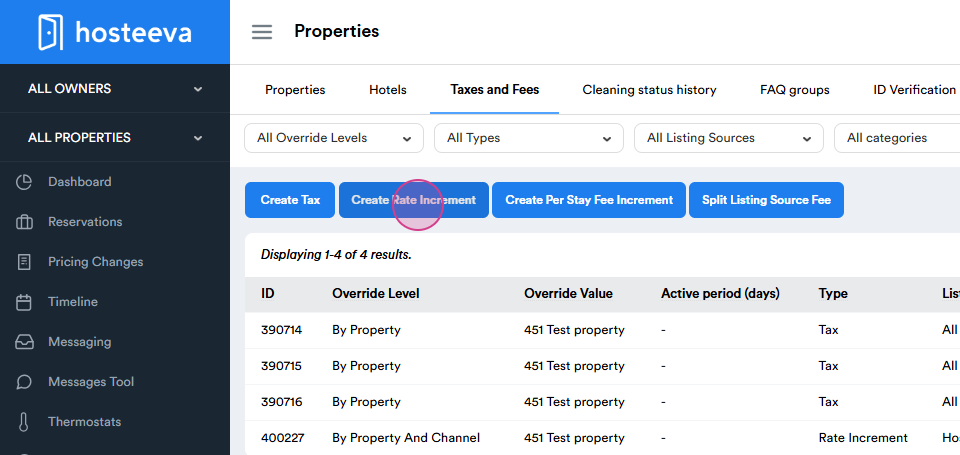
Each channel requires a separate formula.
Next, set up Booking and Expedia.
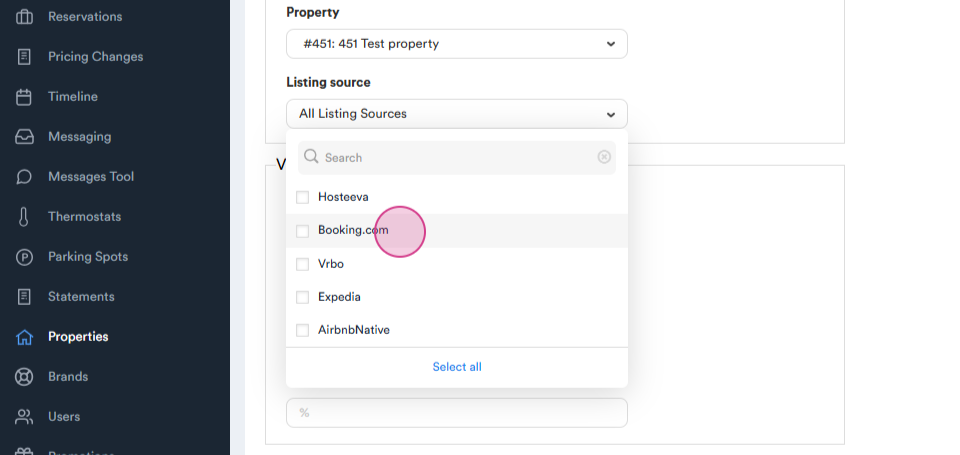
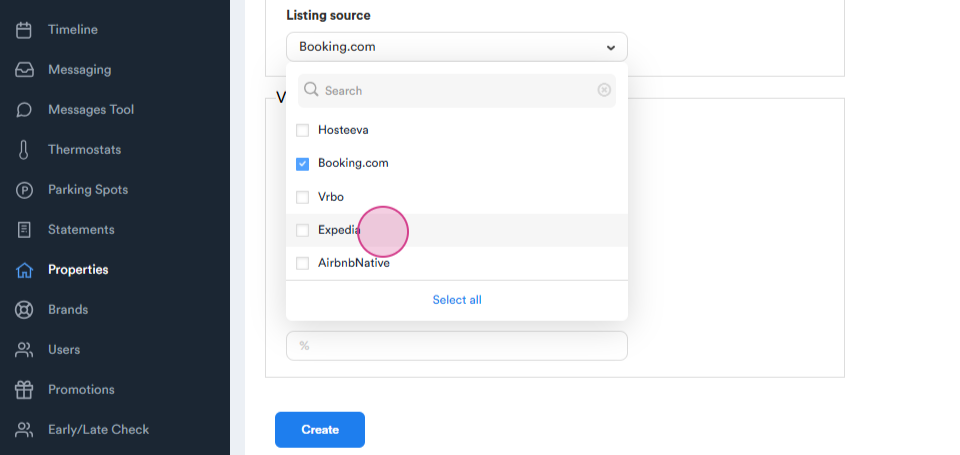
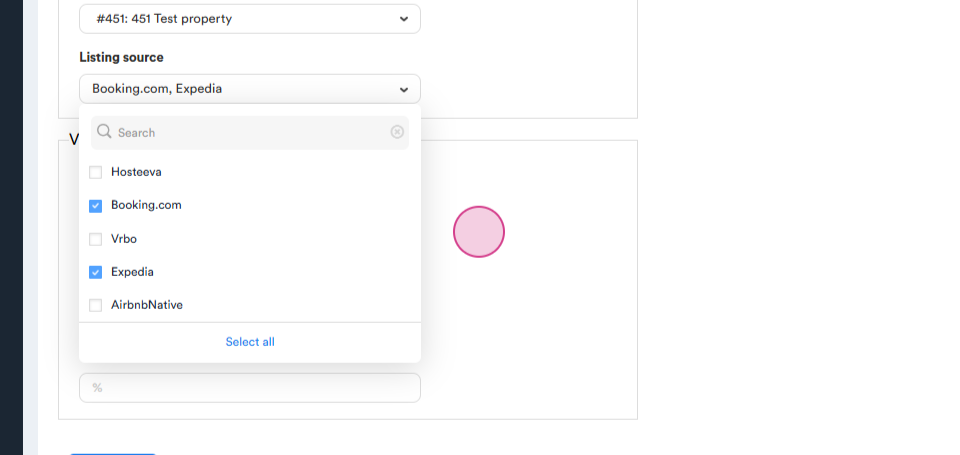
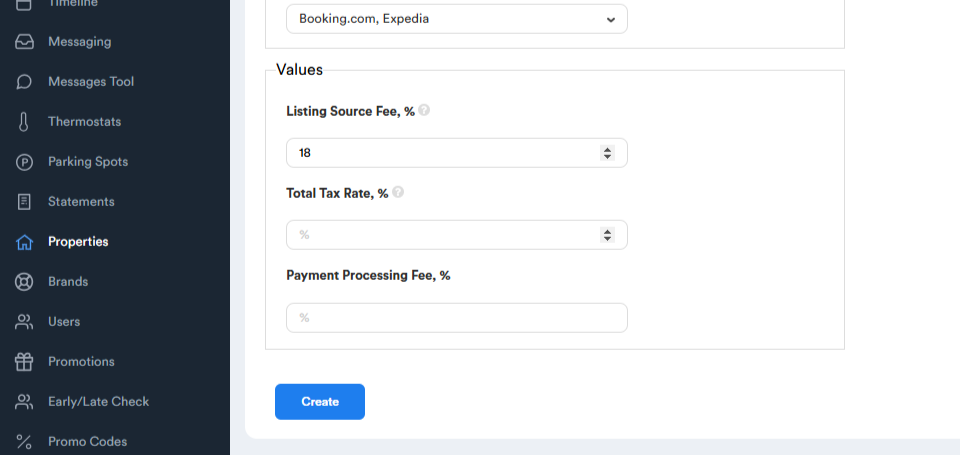
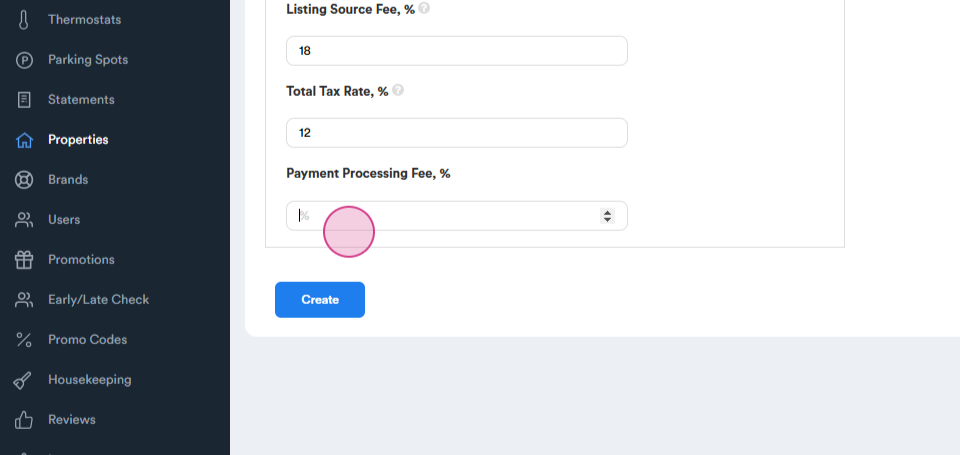
Both Booking and Expedia have the same listing source fee, generally, it is eighteen percent.
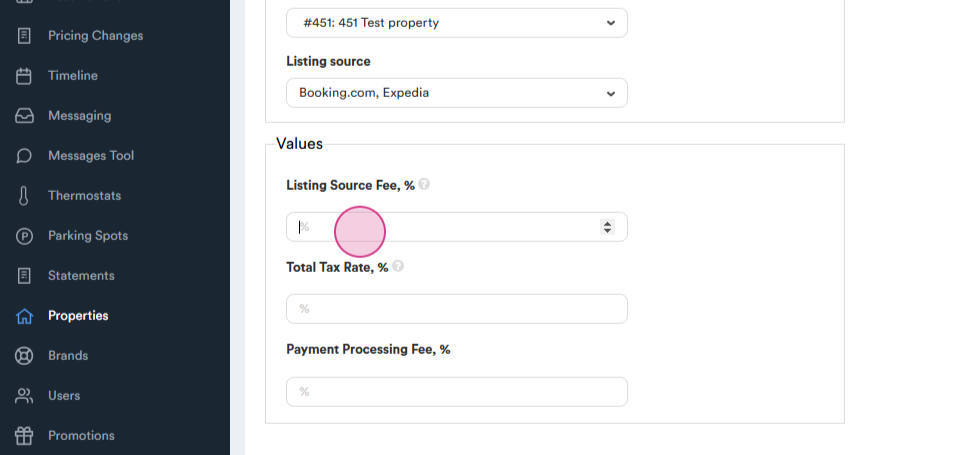
The tax and payment processing fee remains the same. Click on Create.
Next, set up VRBO.
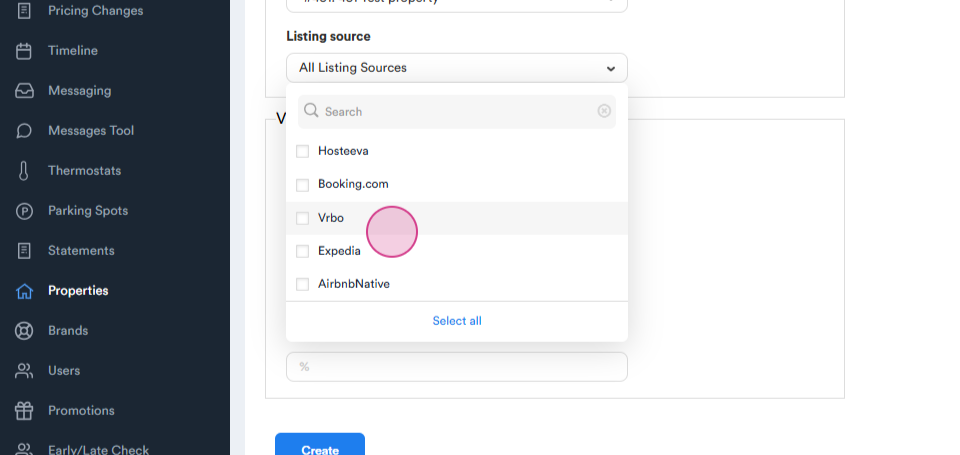
The listing source fee for VRBO is five percent.
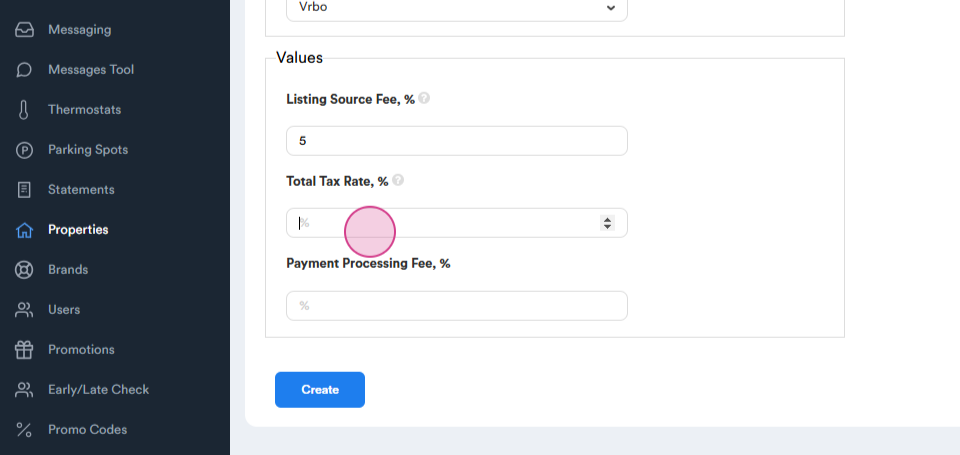
Again, the tax and processing fee remains the same.
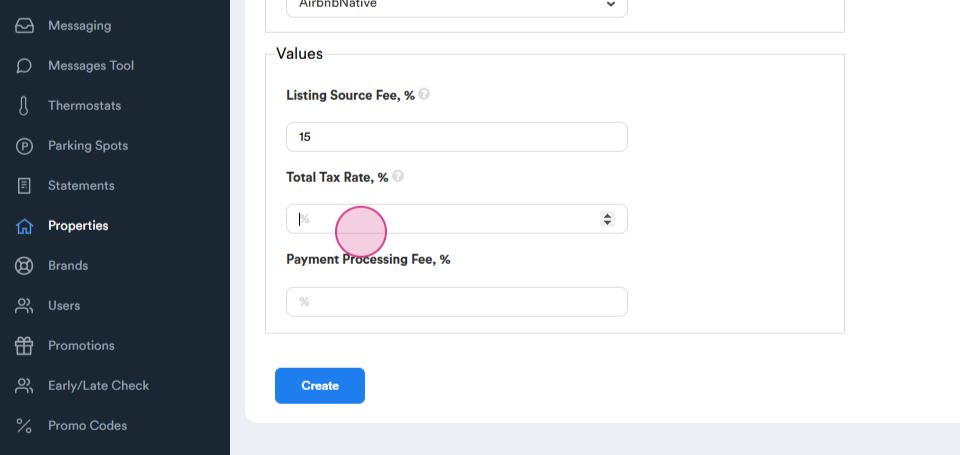
Finally, set up Airbnb.
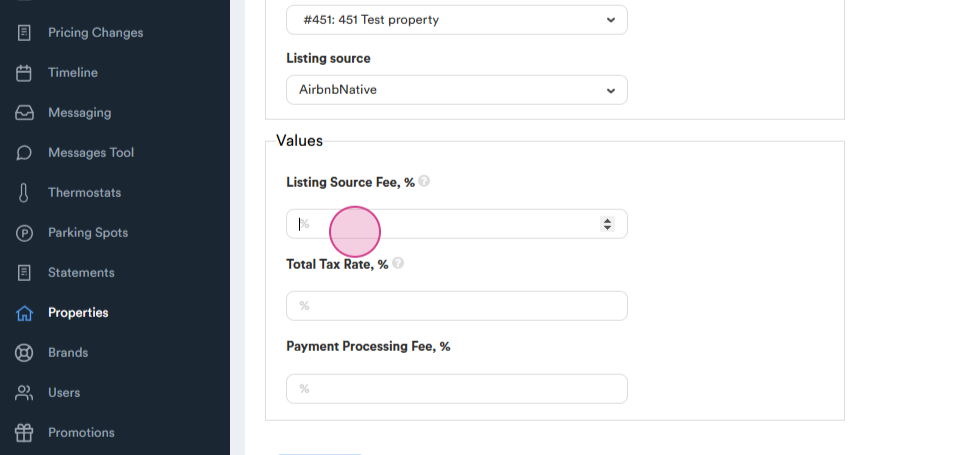
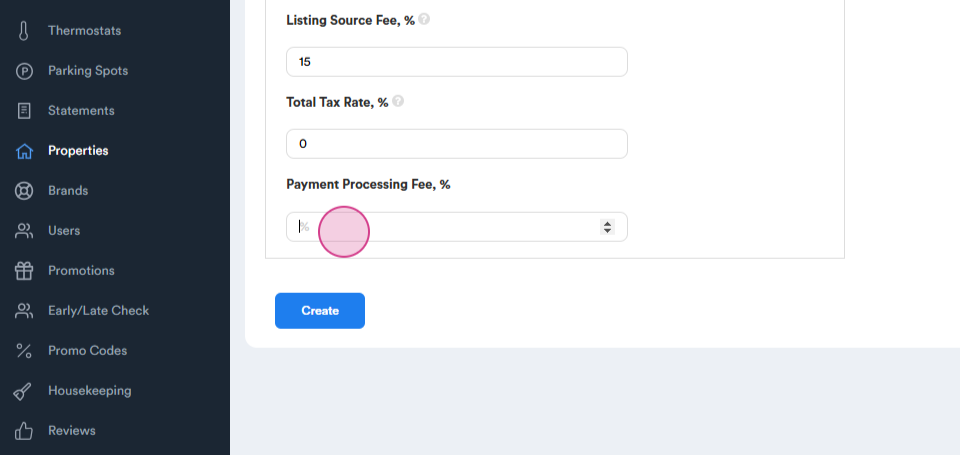
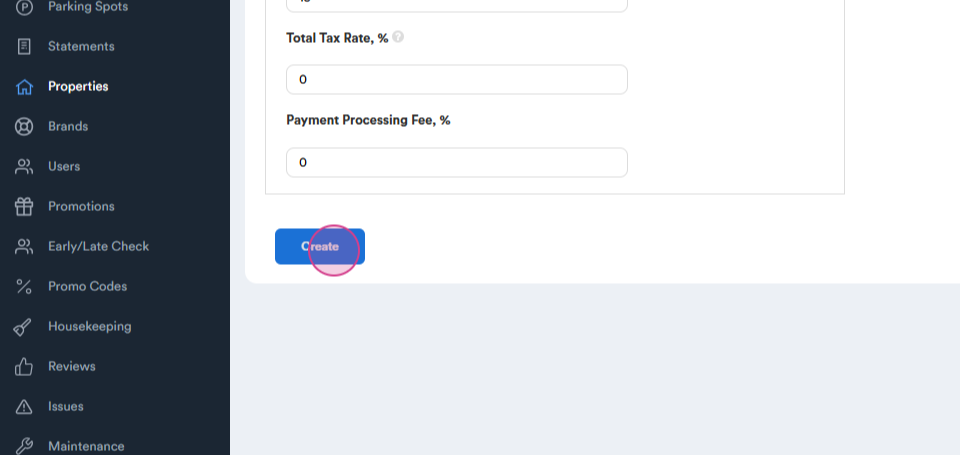
The listing source fee for Airbnb is fifteen percent. The tax rate and processing fee are both zero, as Airbnb collects these on its own.
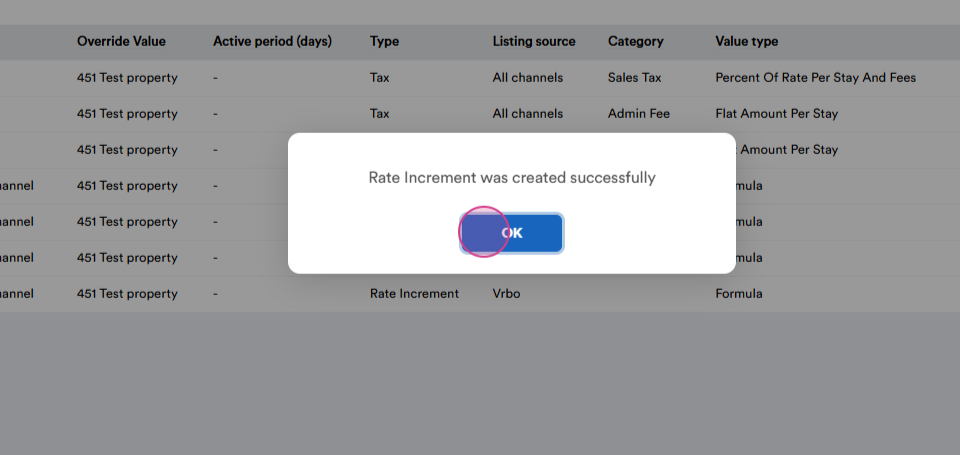
Now, all channels have different formulas based on their respective listing source fees.