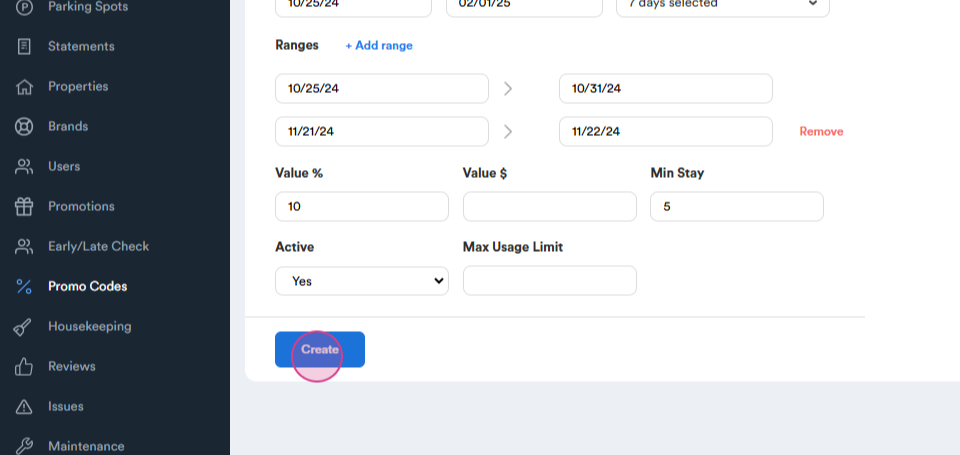
This guide outlines the process of setting up a promo code.
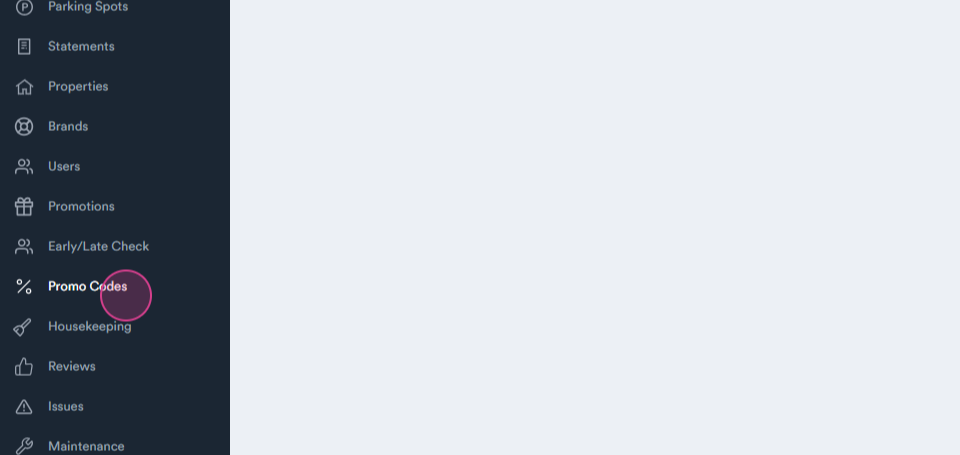
Start by navigating to the Promo Codes tab.
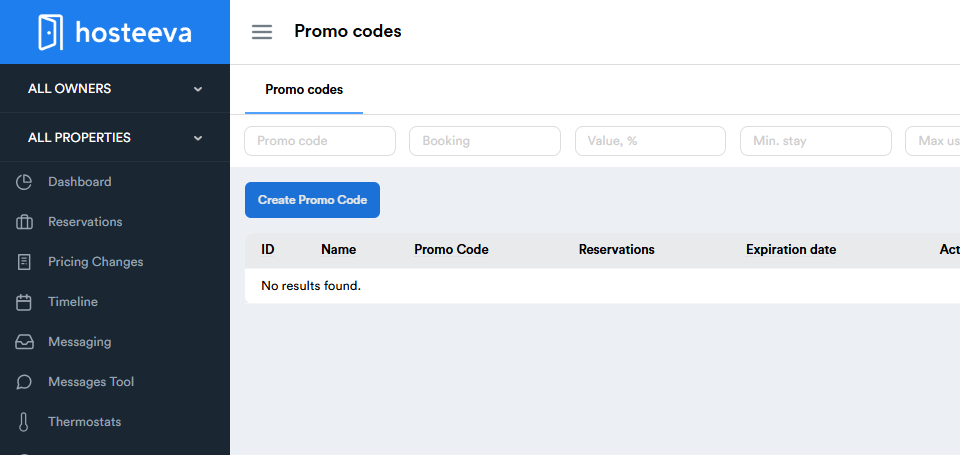
Step 1: Click on Create Promo Code.
Step 2: Enter a name for the promo code.
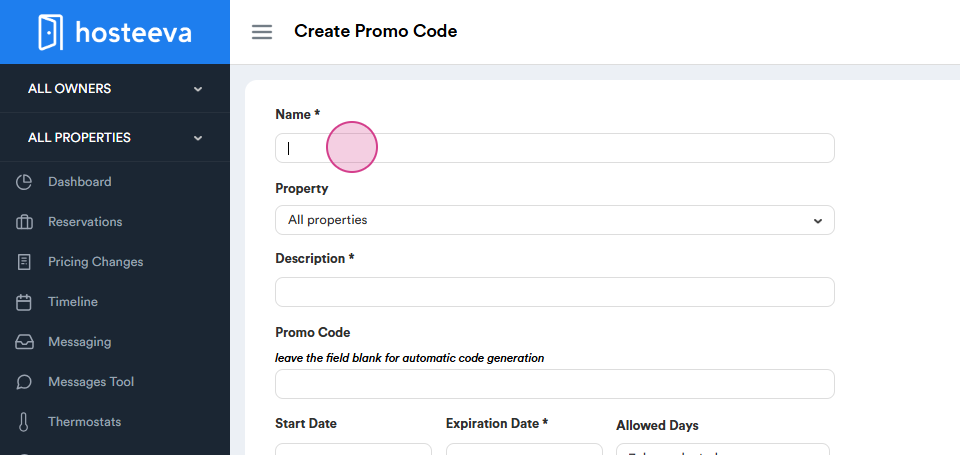
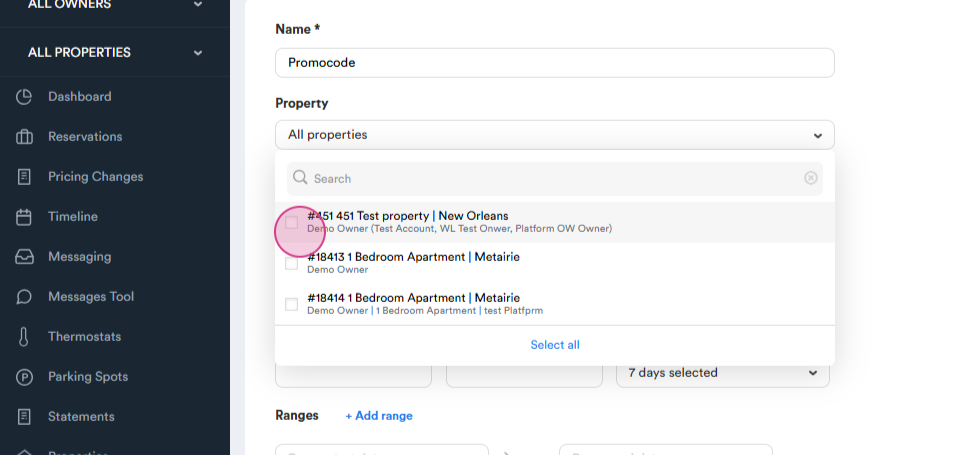
Step 3: Select the property for which the promo code will be applicable.
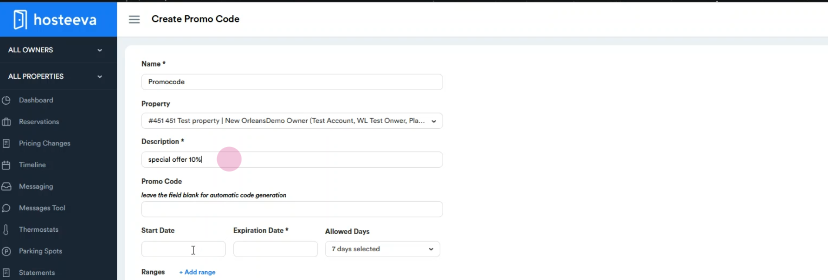
Step 4: Provide a description for the promo code, such as "special offer".
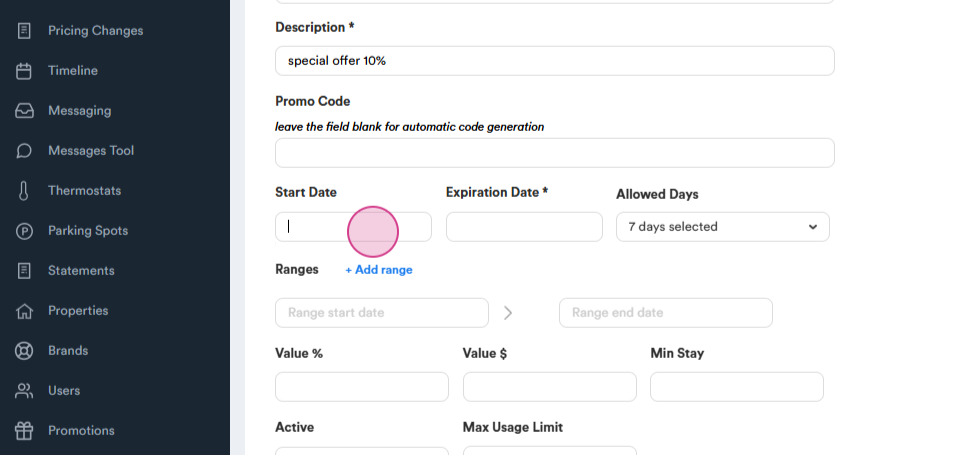
Step 5: Set up the start date for the promo code. This could be from the current date.
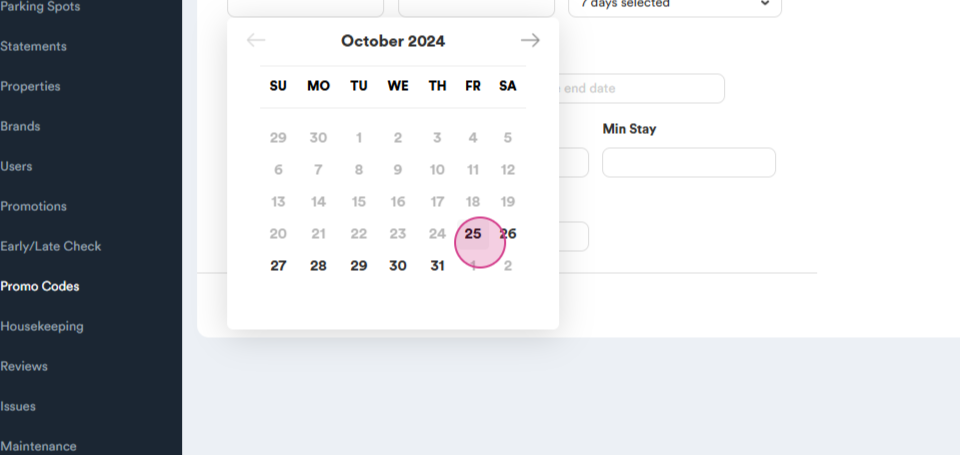
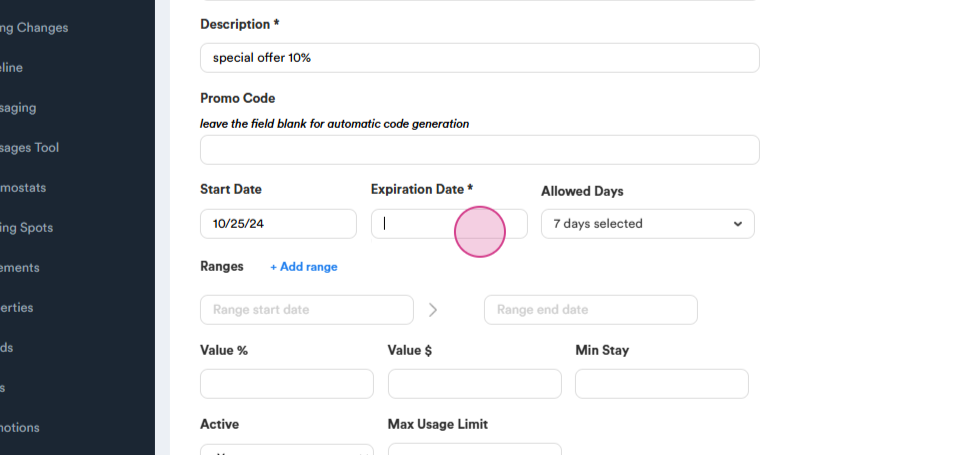
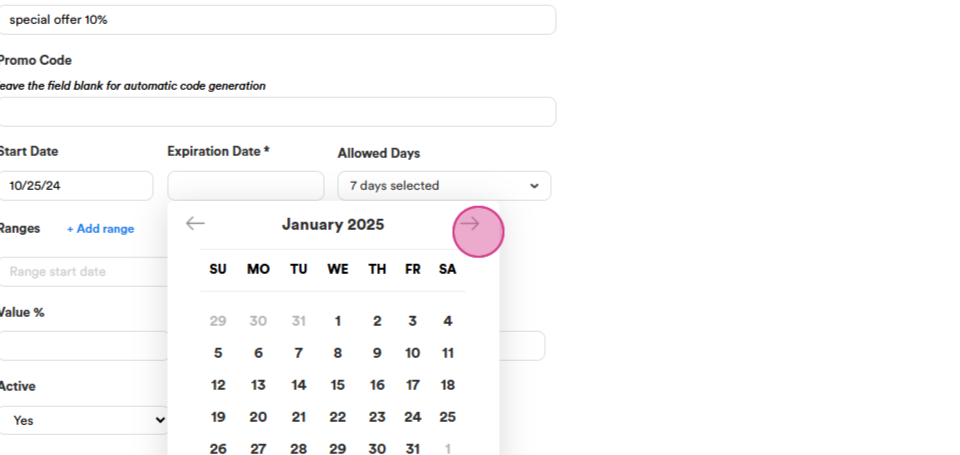
Step 6: Determine the end date for the promo code, for instance, till February.
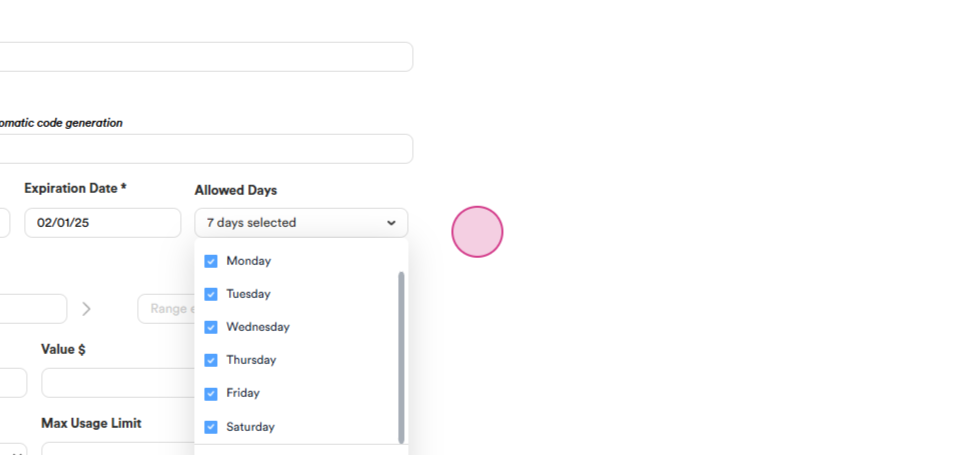
Step 7: If necessary, specify the specific days or ranges for the promo code.
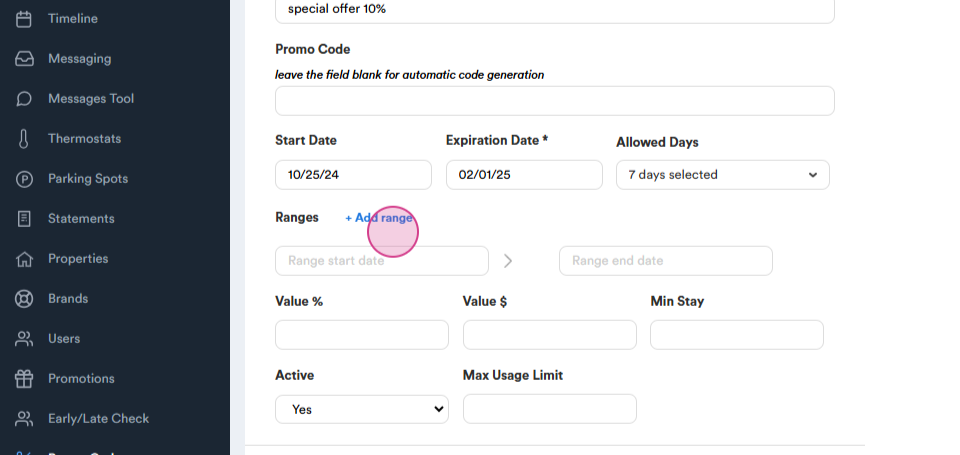
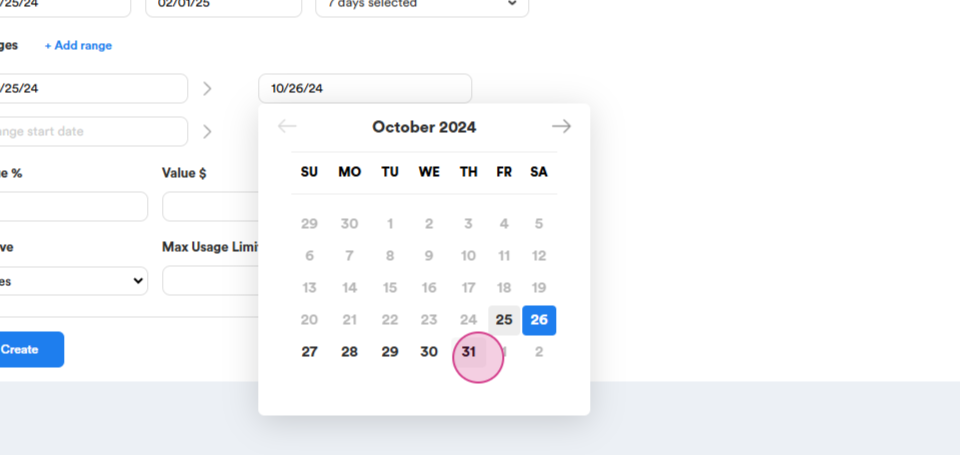
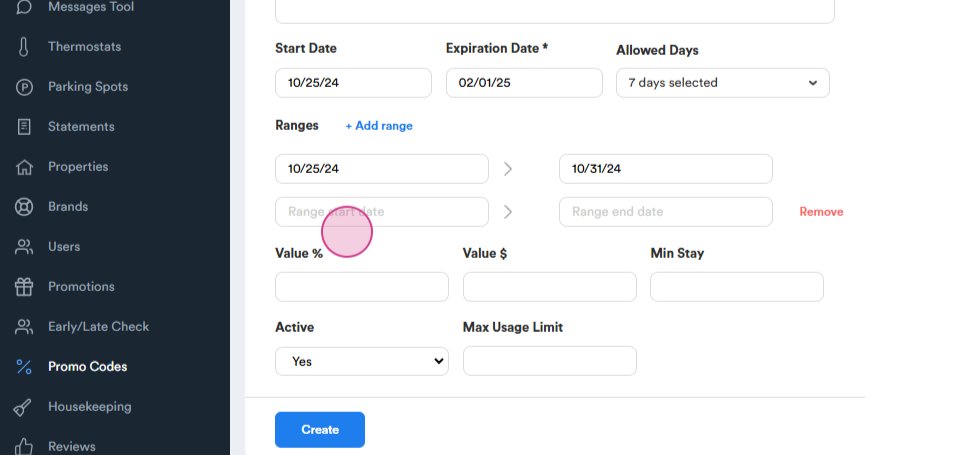
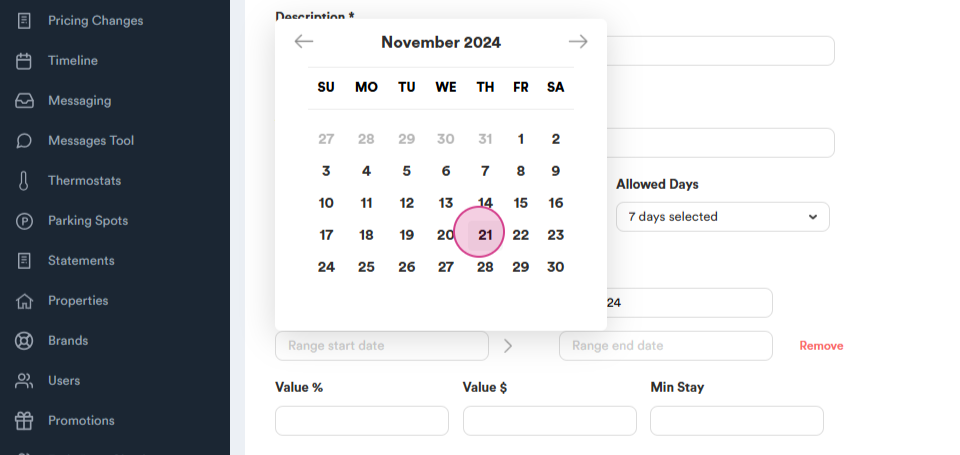
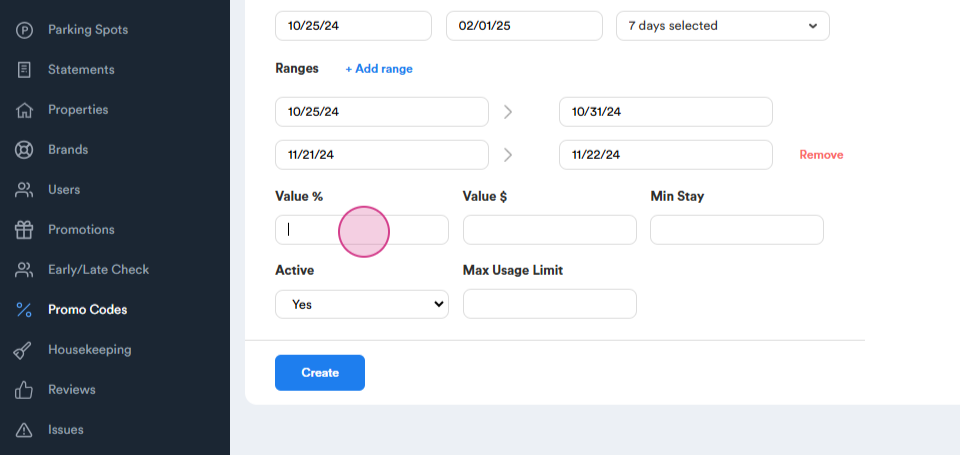
Step 8: Set up the discount amount, either as a percentage or a dollar amount. Also, establish the minimum stay requirement.
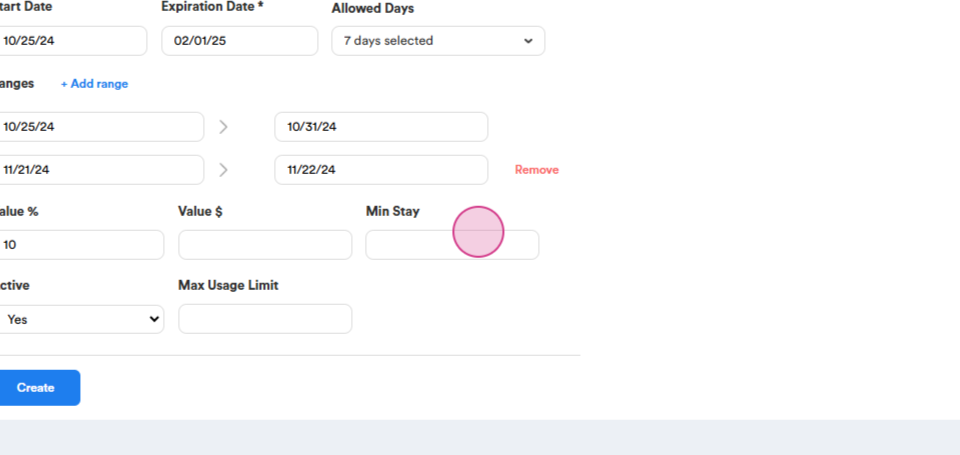
Step 9: Activate the promo code and set a maximum usage limit. For instance, the limit could be set to ten uses, or this step can be skipped if there's no limit.
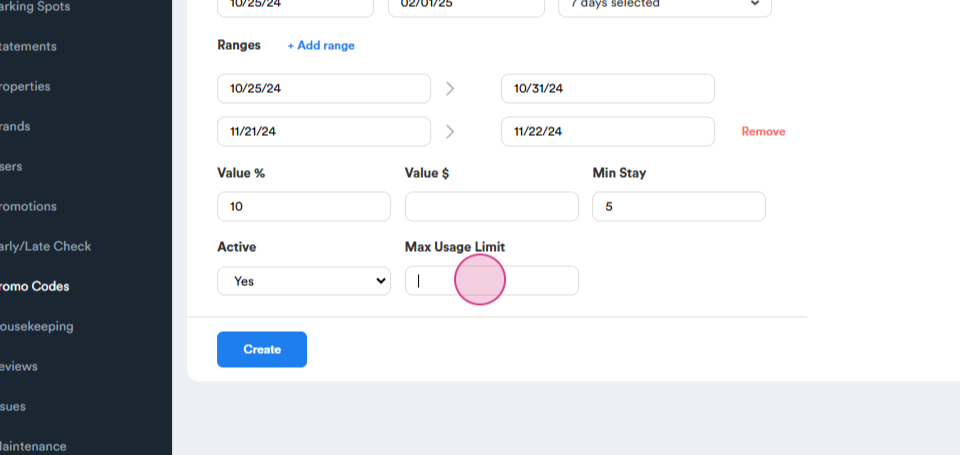
Step 10: Click on Create to finalize the promo code. The newly created promo code will now be visible.