This article will guide you through the process of creating a Promo Code.
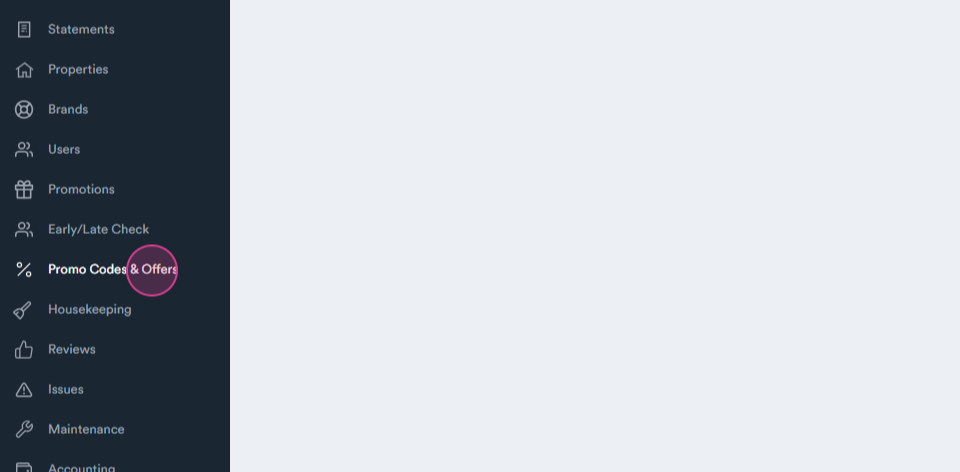
Step 1: Start by navigating to the Promo Codes and Offers tab.
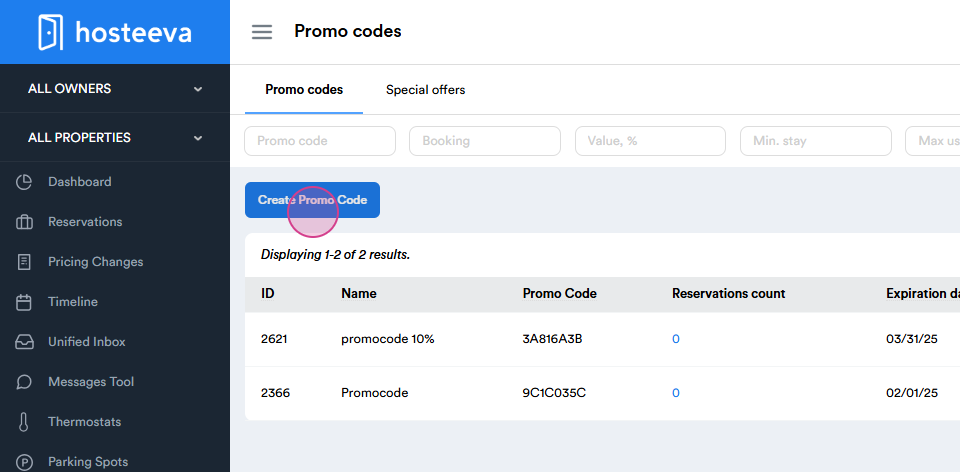
Step 2: Click on Create Promo Code.
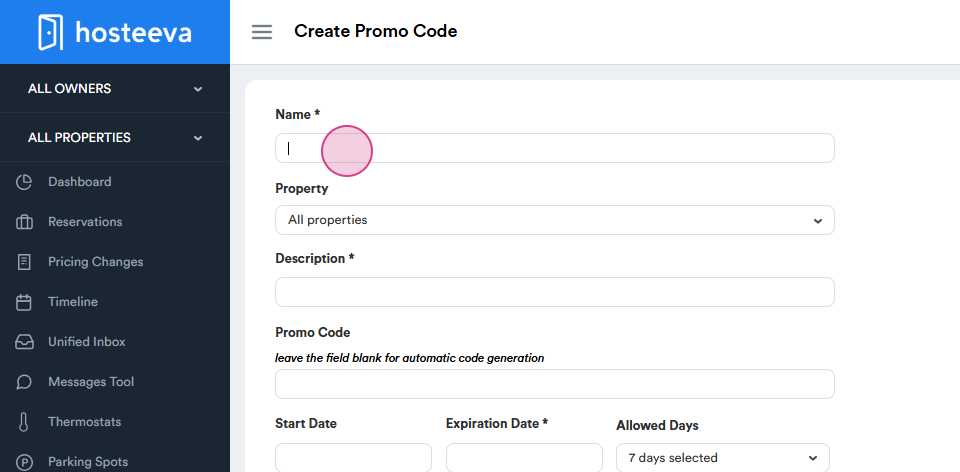
Step 3: Set up the Name of your promo code.
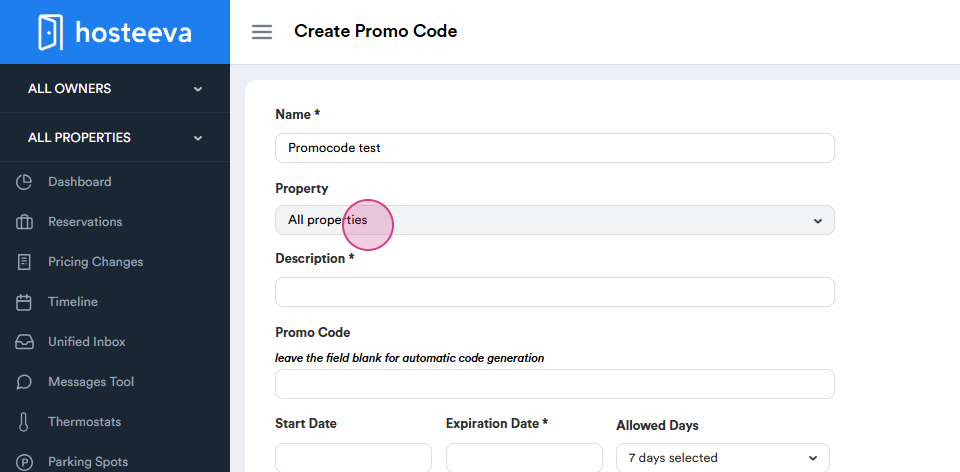
Step 4: Choose the eligible Property by the name or ID.
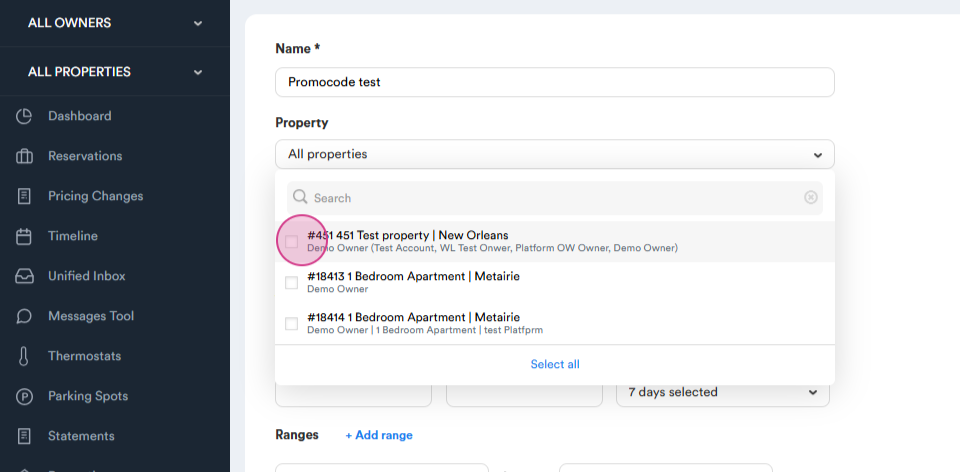
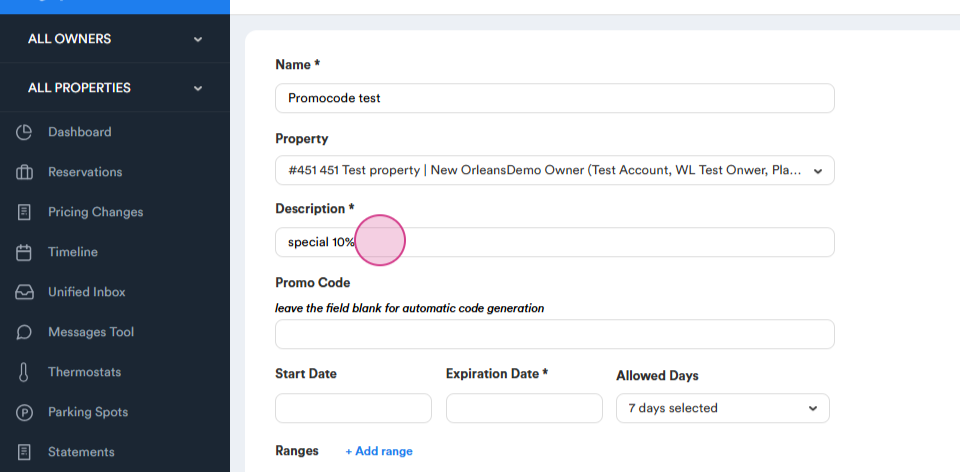
Step 5: Set up a Description for your promo code. This provides more details about the promo.
The keywords can include "special", mention the percentage, and include any other useful words to help easily track the promo code in the future. For example, "special, ten percent offer".
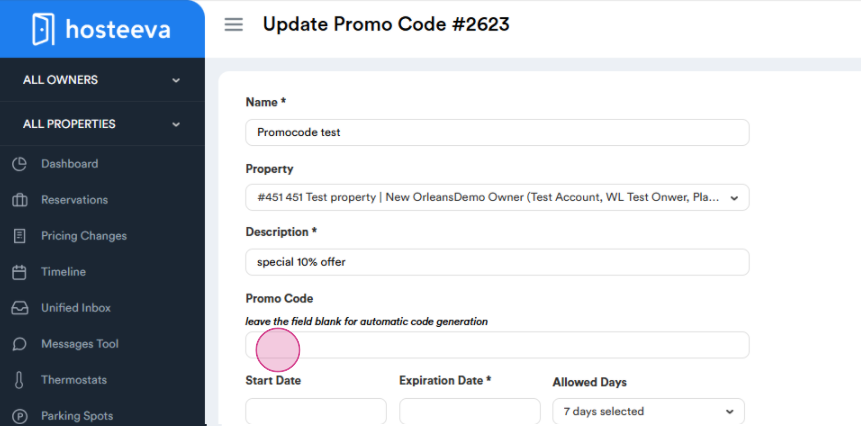
Step 6: Next, a code will be generated automatically or you can choose your own, which should consist of 8 characters.
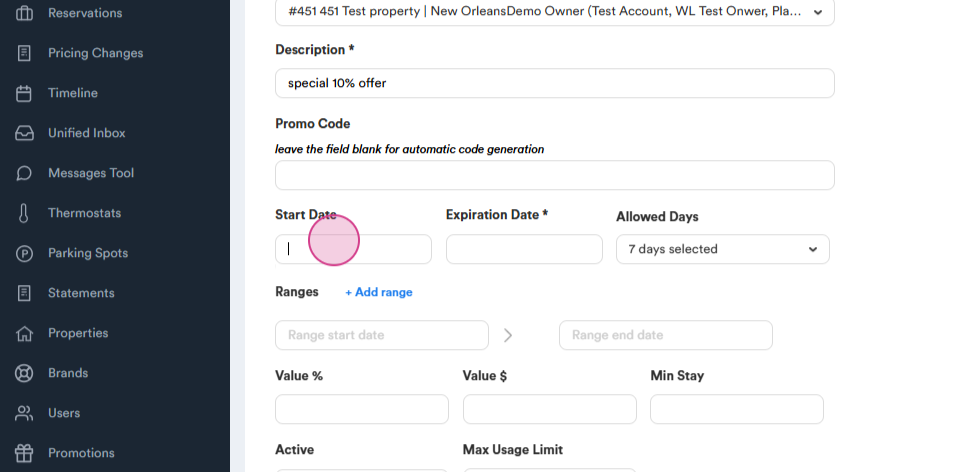
Step 7: Choose a start date for the promo code.
Step 8: Set an expiration date for the promo code.
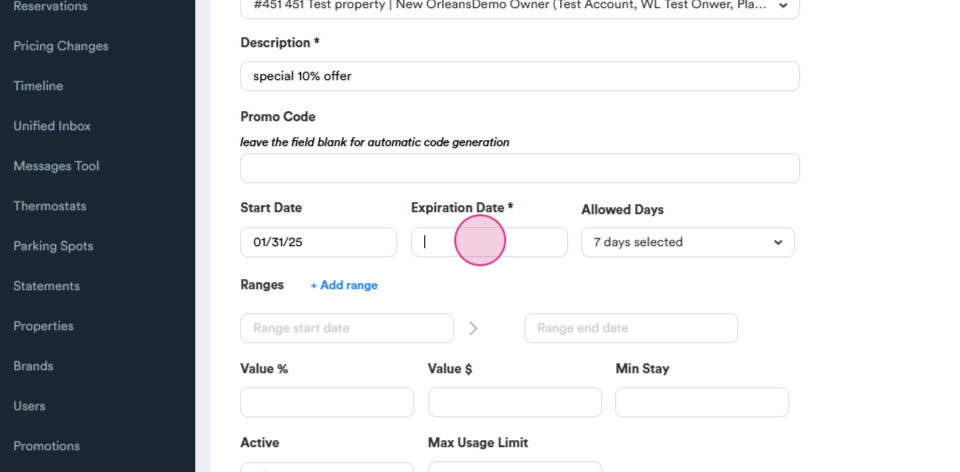
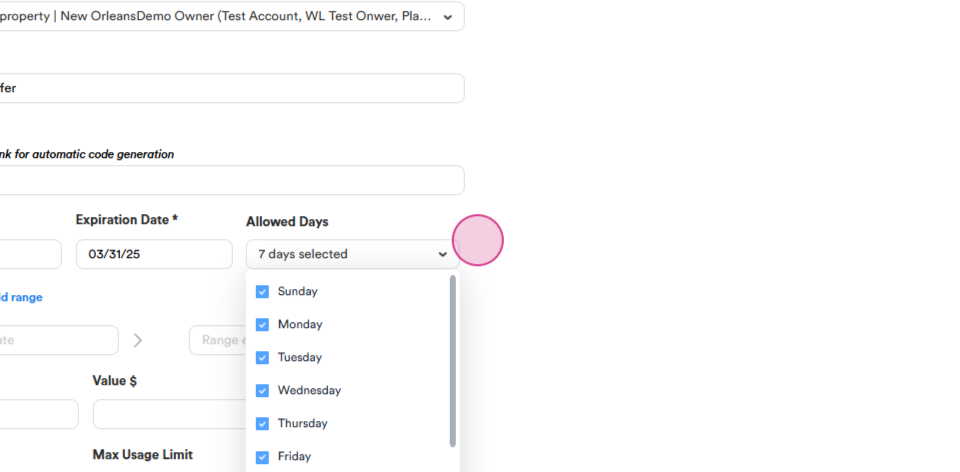
Step 9: If needed, choose specific days for the promo code to be active.
Step 10: Add date ranges to exclude certain dates. You can exclude them as needed for different periods by adding more ranges.
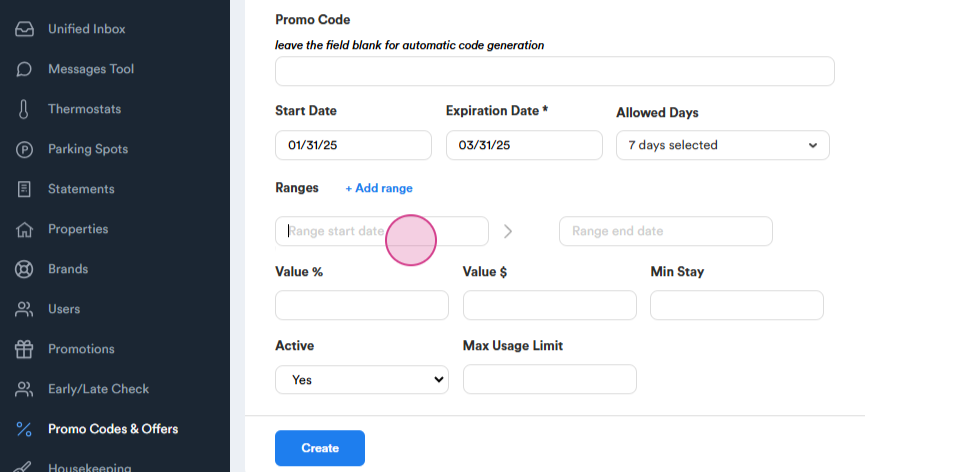
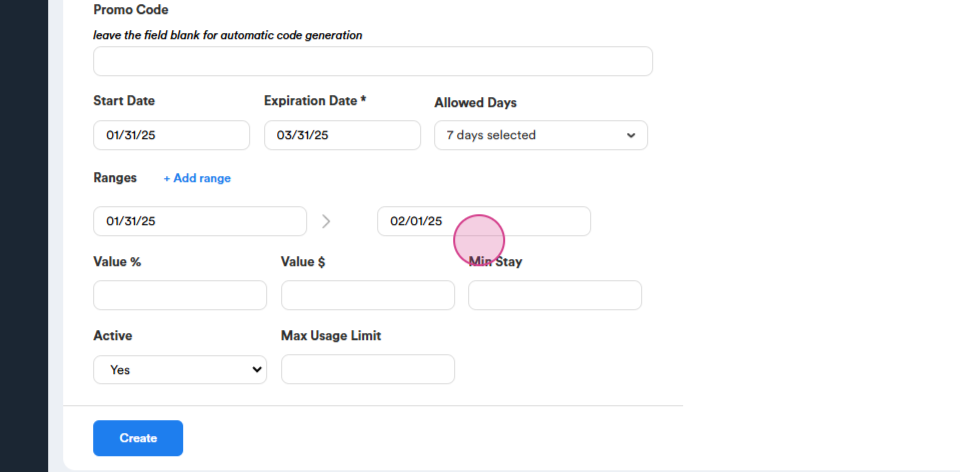
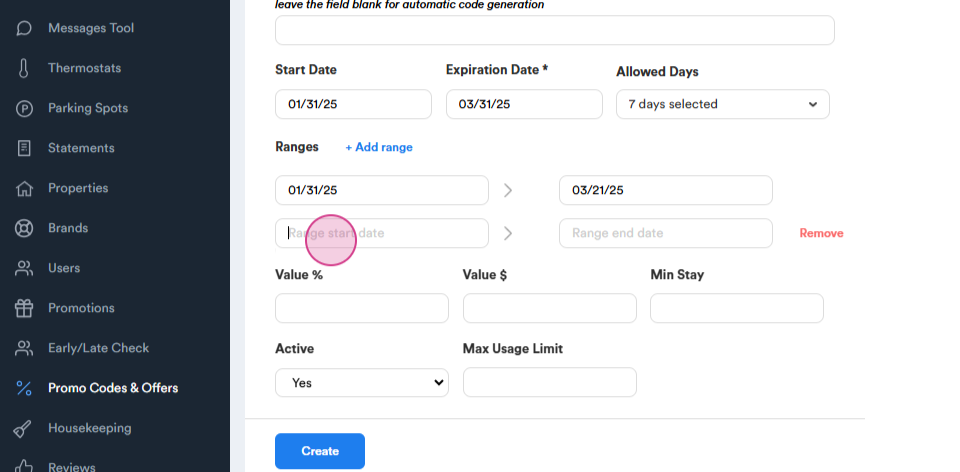
Step 11: Set up the promo code in percentages or as a specific amount.
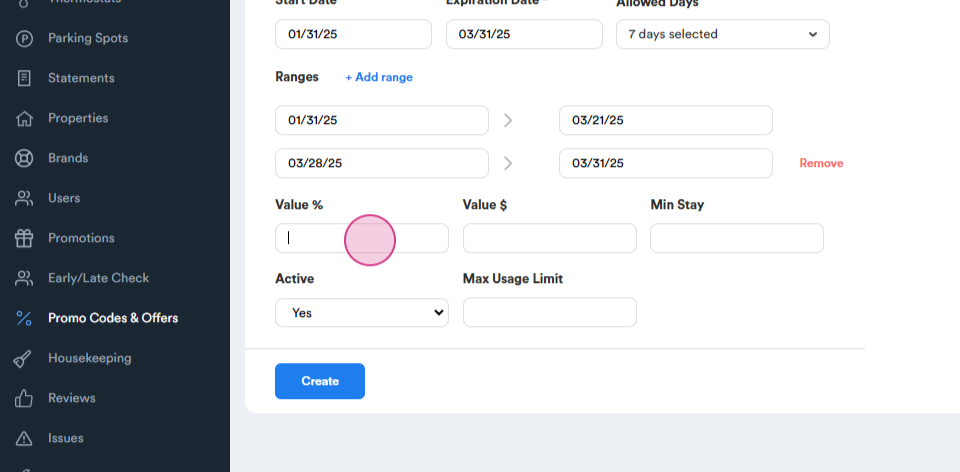
Step 12: Set up a Minimum Stay requirement.
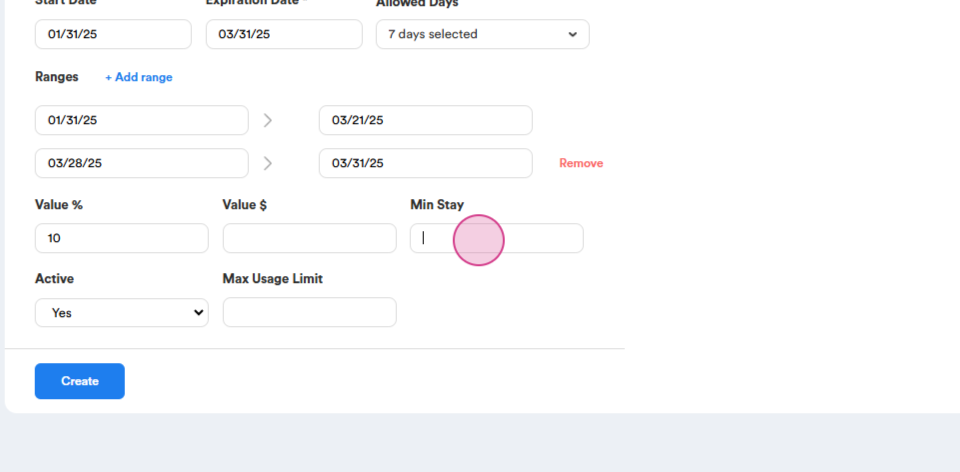
Step 13: Choose whether the promo code is Active. By default, it's active. If you need to pause it, choose "no".
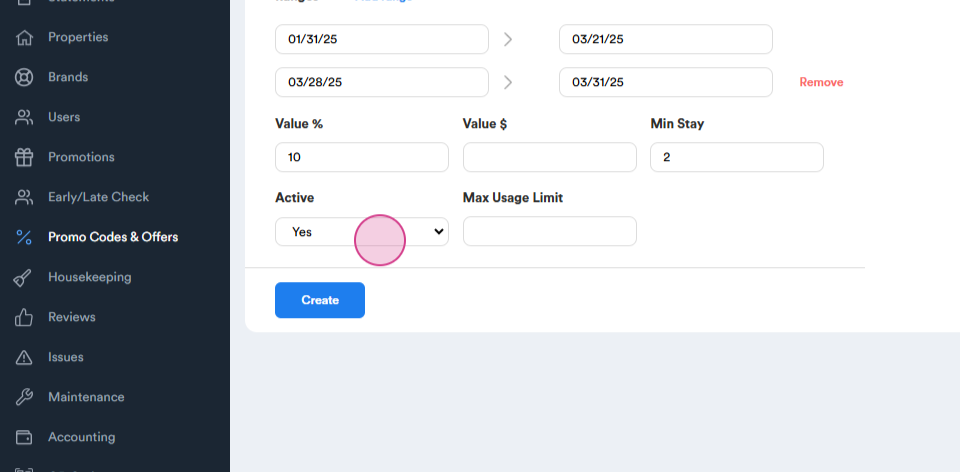
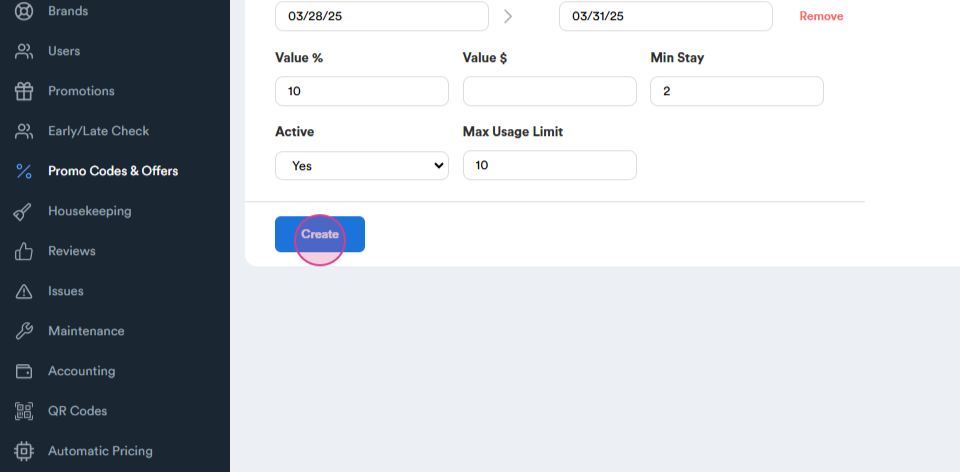
Step 14: Set up a Maximum Usage Limit. For example, ten.
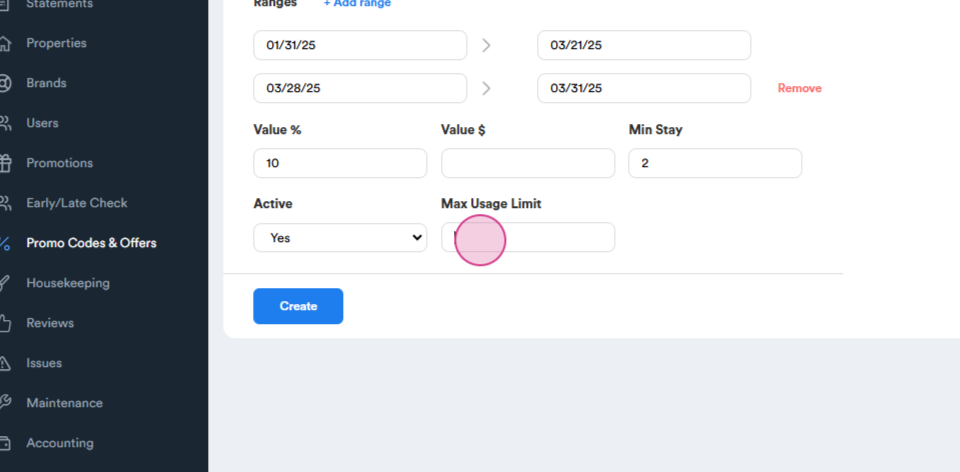
Step 15: Click on Create. You'll see your new promo code.
Step 16: When you receive reservations, you can view the total number by clicking on them. This will redirect you to a new page where you can see all the reservations that have been made. The details about the promo code are visible, making it easy to review everything.
Total off $ shows how much the promo code is reducing from your total reservations.
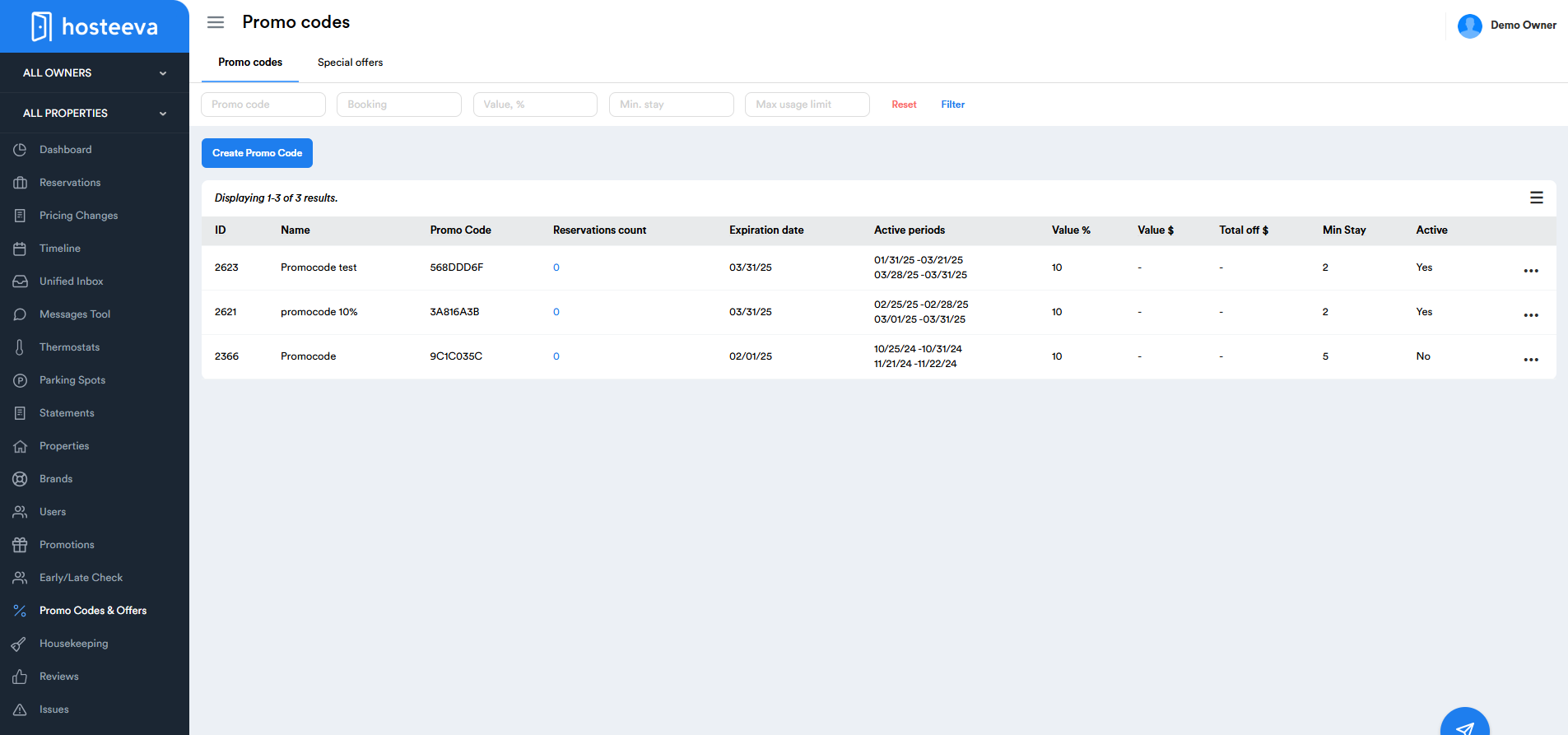
This makes it easy to manage your promo codes.