In this article, you'll learn how to add an extra guest fee for Expedia.
This feature allows you to charge an additional fee for extra guests beyond the base pax.
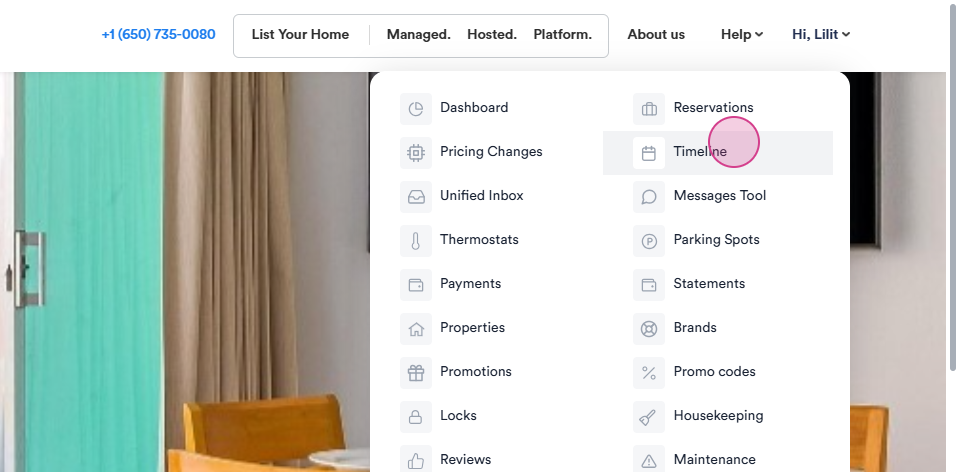
Step 1: Begin by navigating to the Timeline.
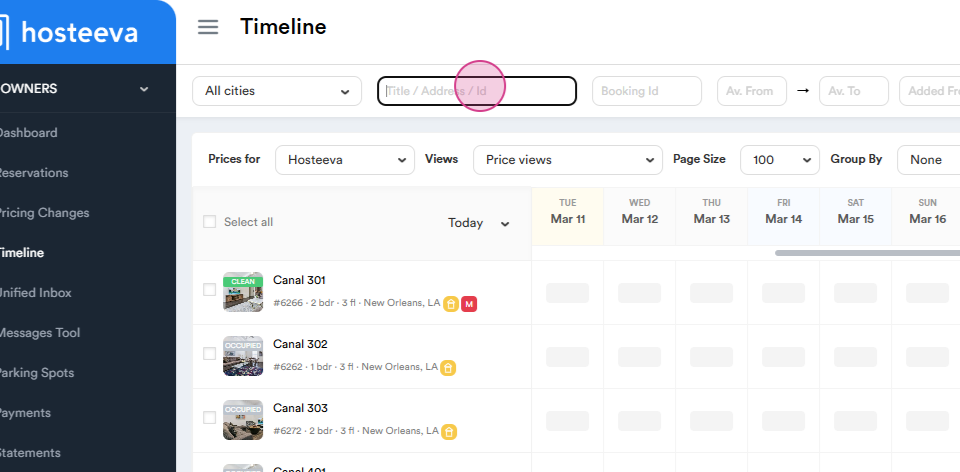
Step 2: Search for your Unit name or Unit ID.
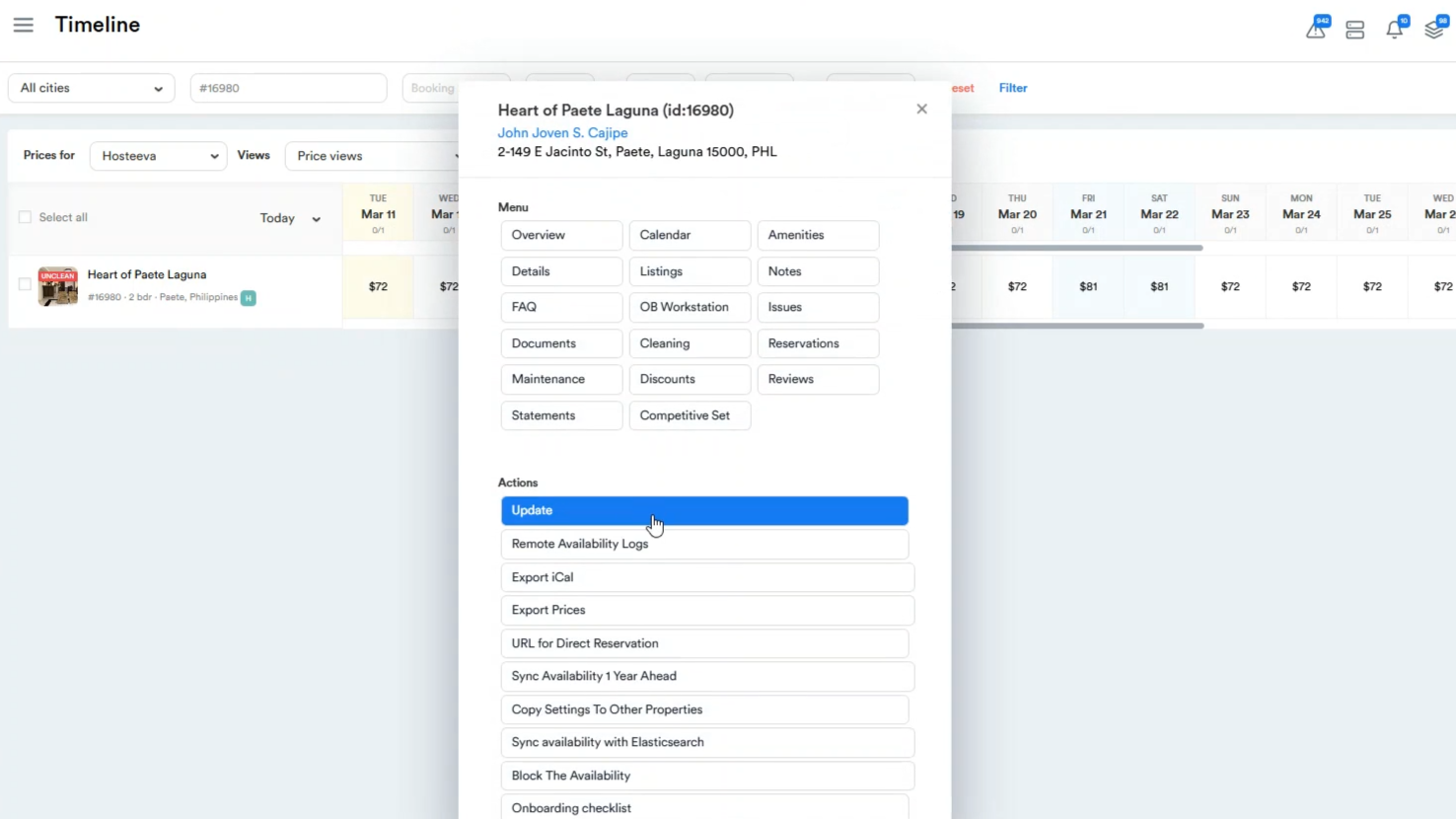
Step 3: Click on the Unit's Name and then click on Update.
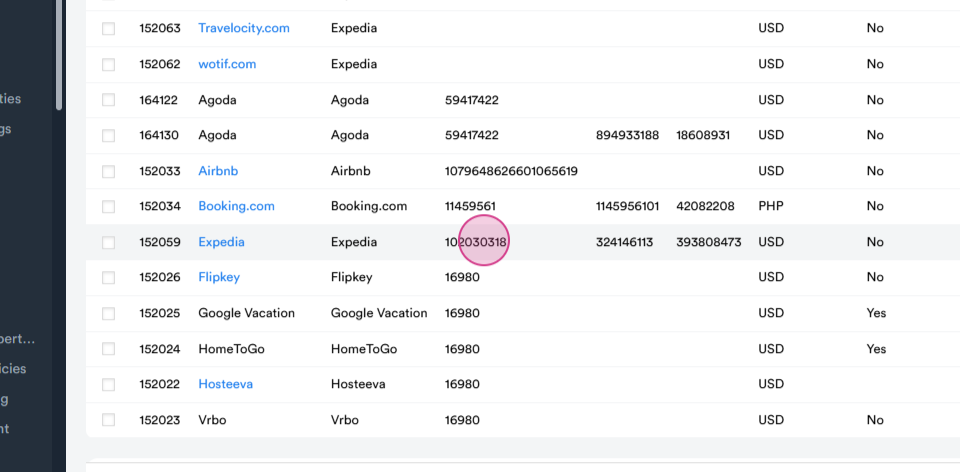
Step 4: Scroll down to the Channel Mapping Section and copy the Expedia booking ID.
Step 5: Navigate to the Expedia channel and log in.
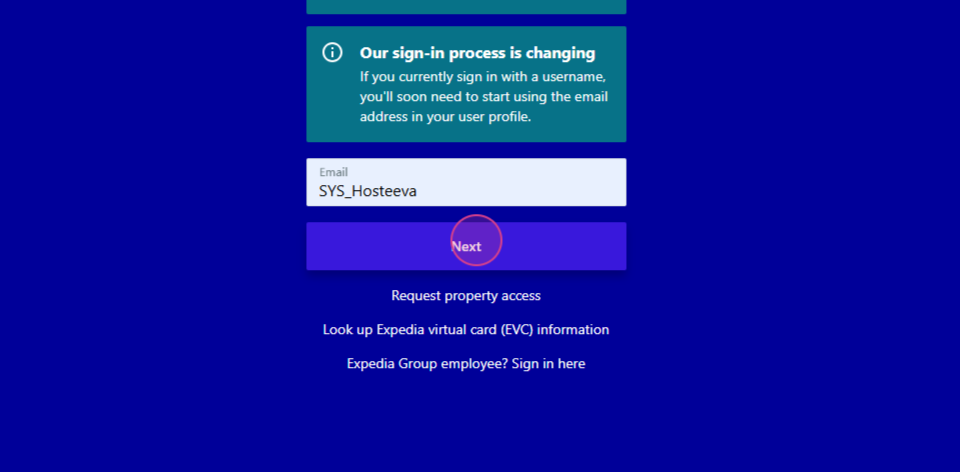
Step 6: Paste the copied hotel ID and click on the hotel.
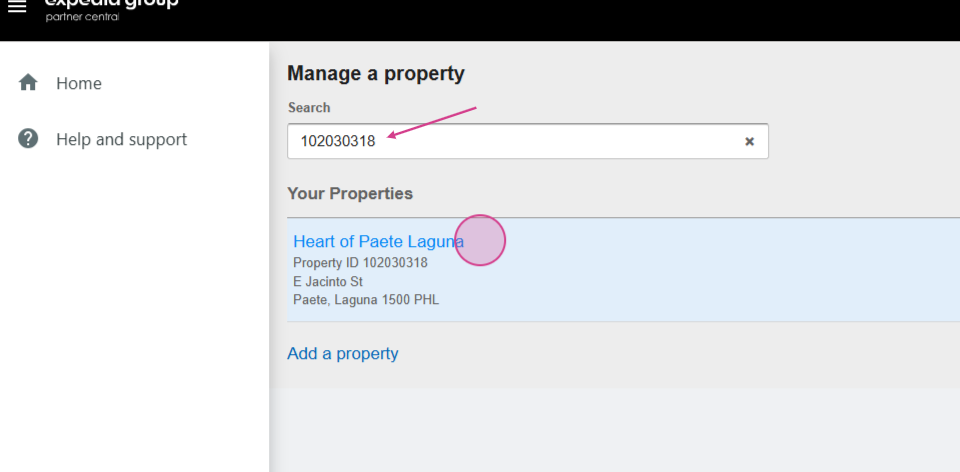
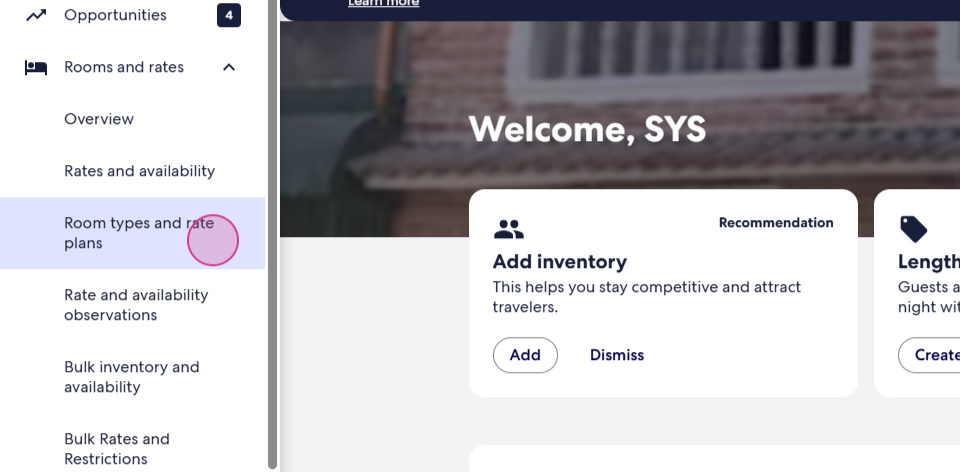
Step 7: Navigate to the Rooms and Rates, then Room Types and Rate Plans.
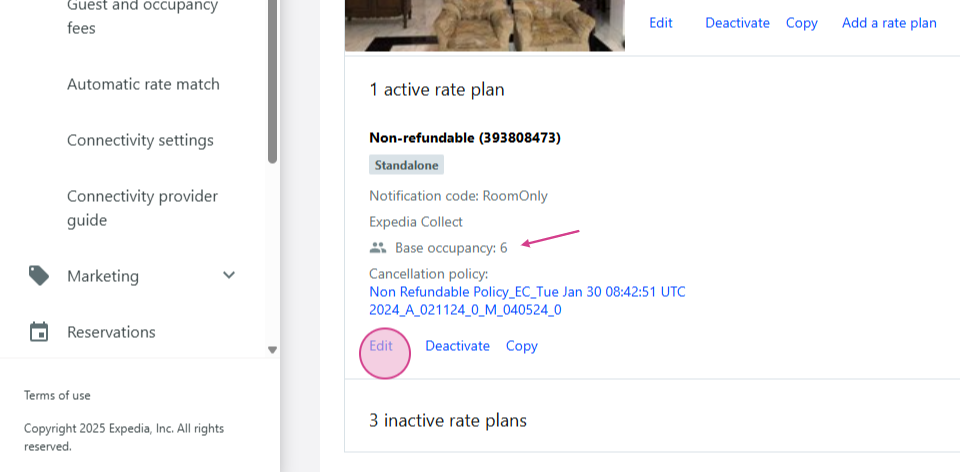
Step 8: Note that each rate plan has a Base Occupancy. Click on Edit to change the base occupancy as needed.
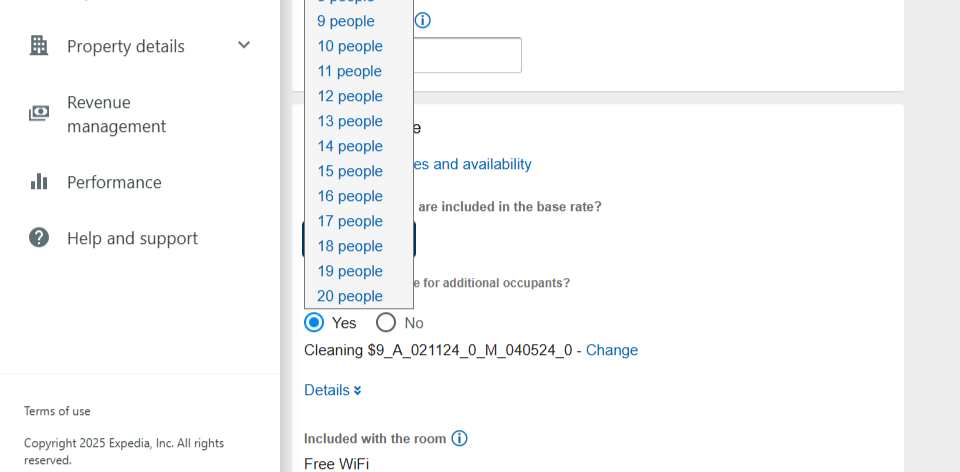
Step 9: Scroll down and select Submit.
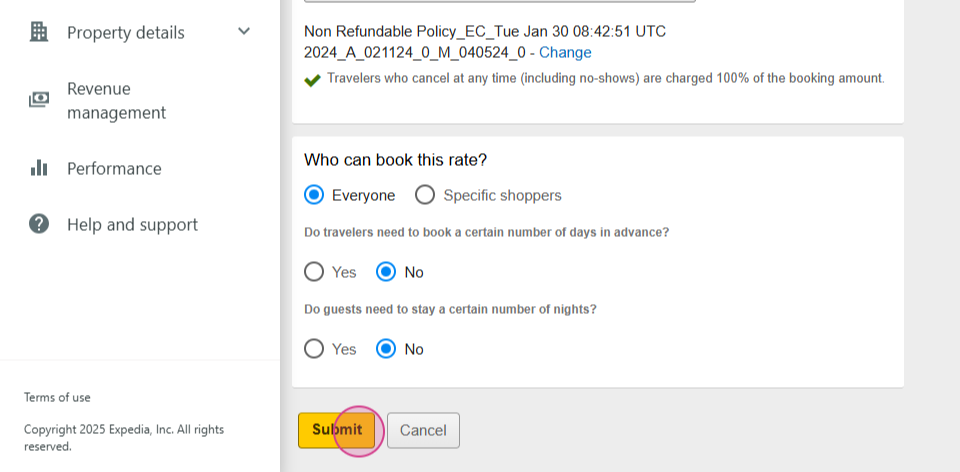
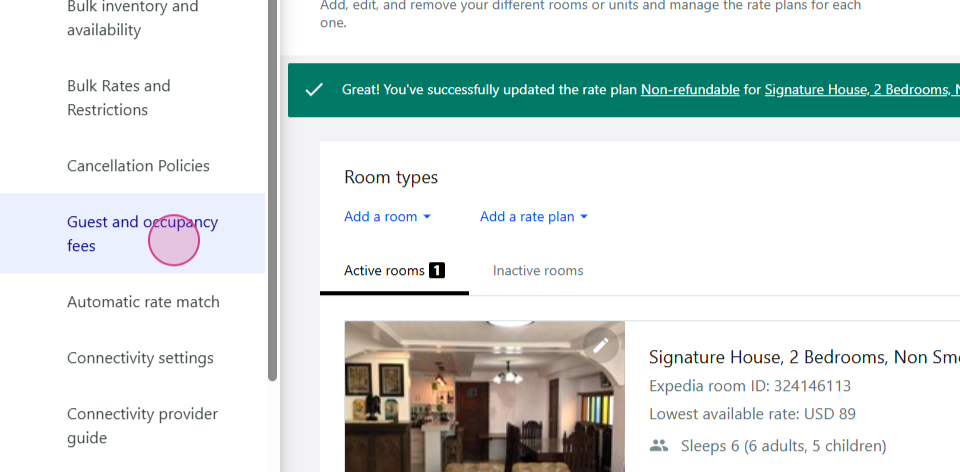
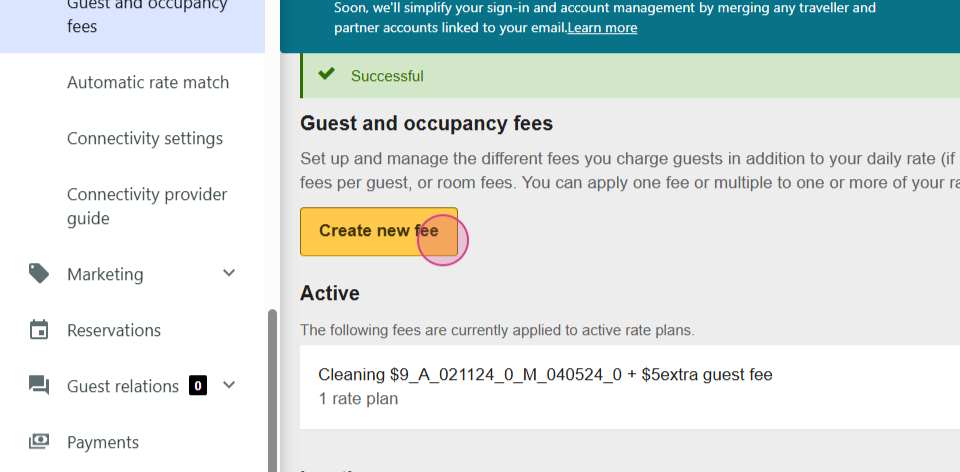
Step 10: Save the changes and navigate to the Guest and Occupancy Fees.
Step 11: Click on Actions and then Edit.
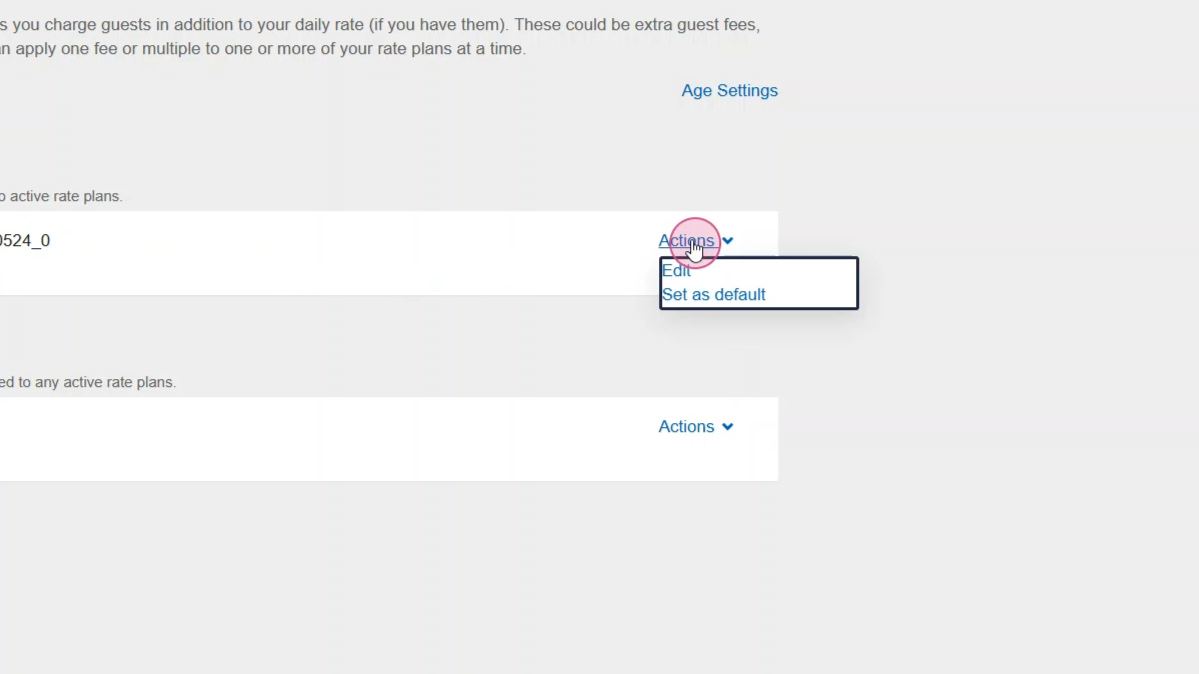
Step 12: Edit the name of Fee, then navigate to the 'Extra Guest Fees' section.
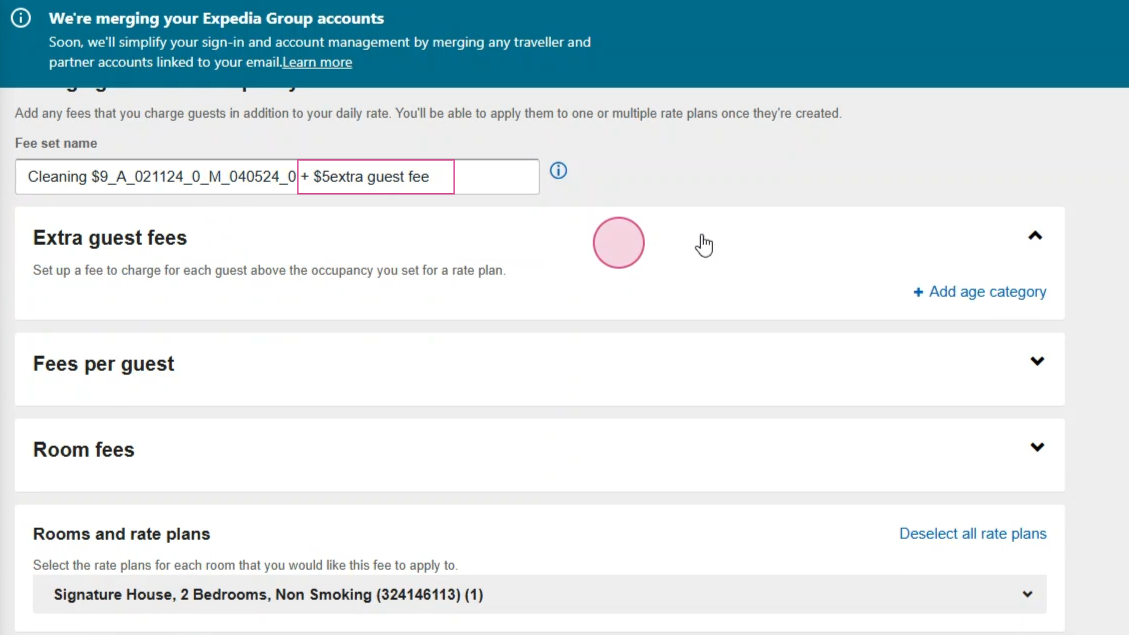
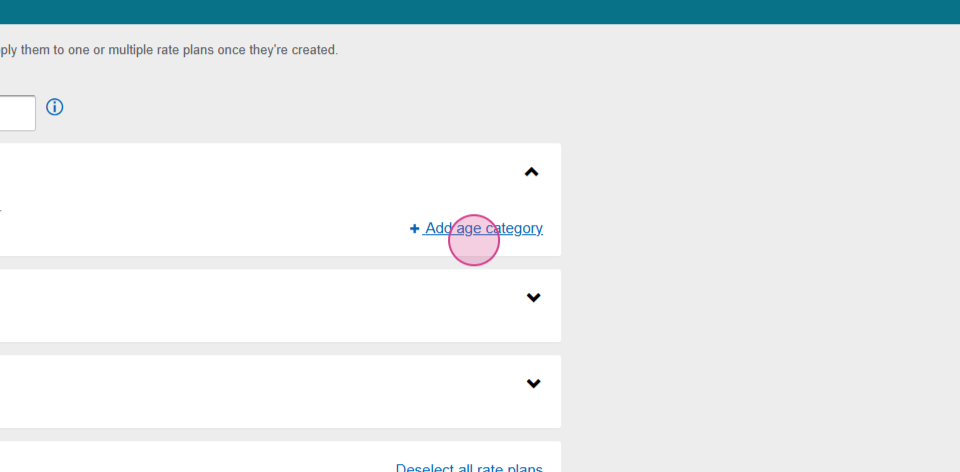
Step 13: Click on Add age category and set the amount of fee. Specify the dates for which you will start adding extra guest fees.
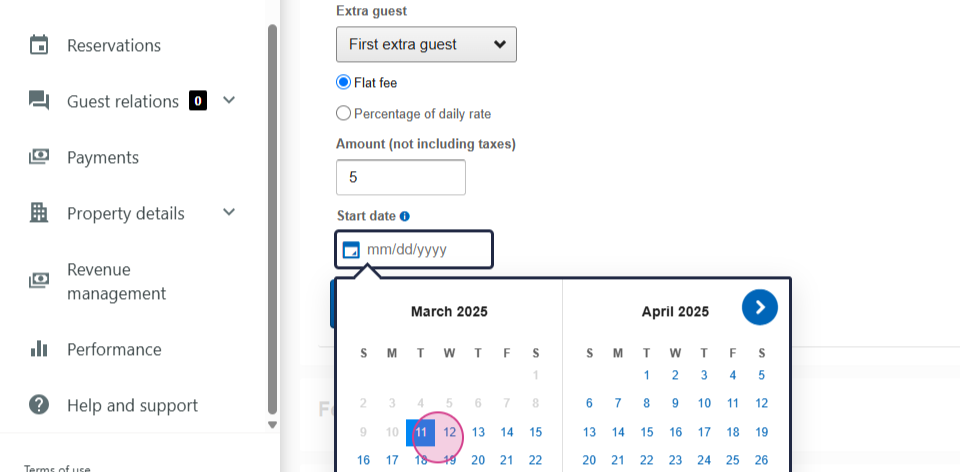
Step 14: Save your changes.
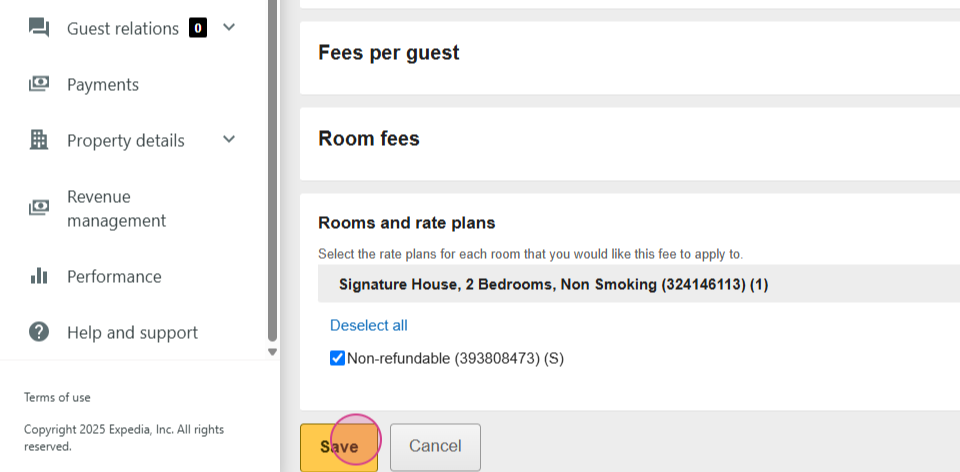
You'll see that all your Rate Plans are now active. But if we don't have any active types from the fees, we must create a new fee and then follow the same steps as before.
After this, our extra guest fee for Expedia will be ready.