In this article, you'll learn how to use the payment method Stripe to pull up a user and check their payment details.
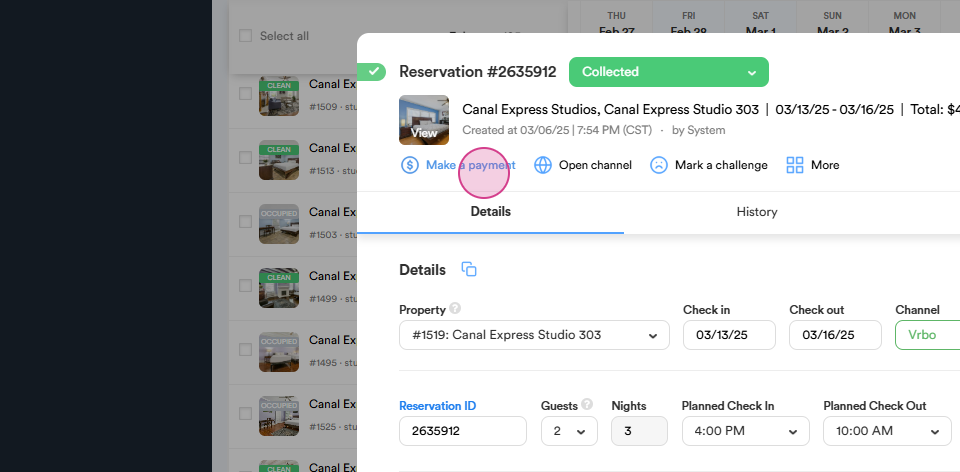
Step 1: Navigate to the Make a Payment section from the reservation dialog.
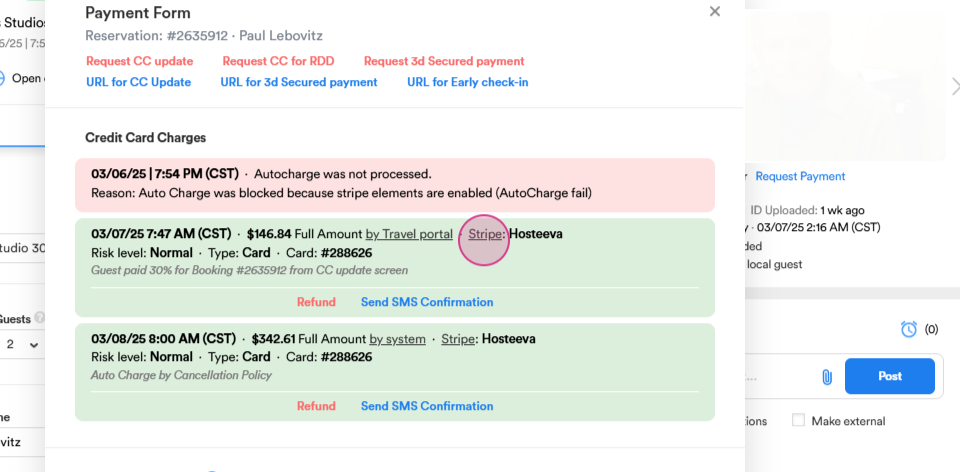
Step 2: Select Stripe from the credit card charges.
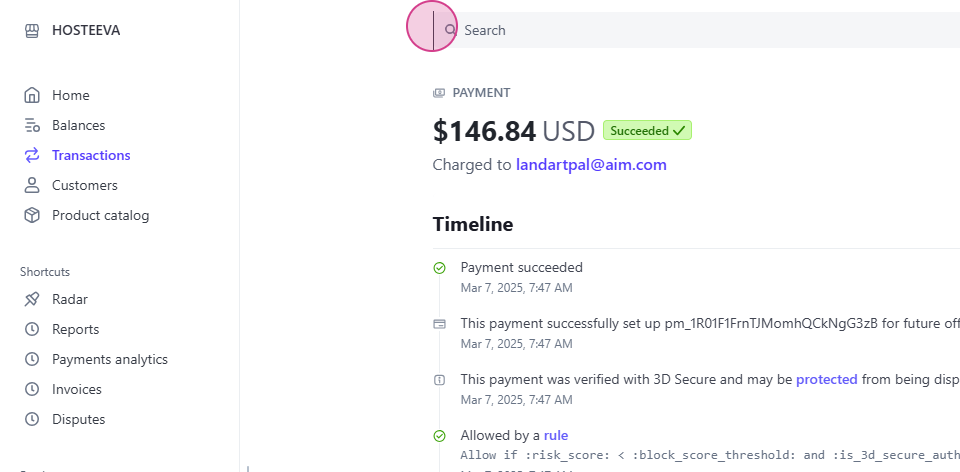
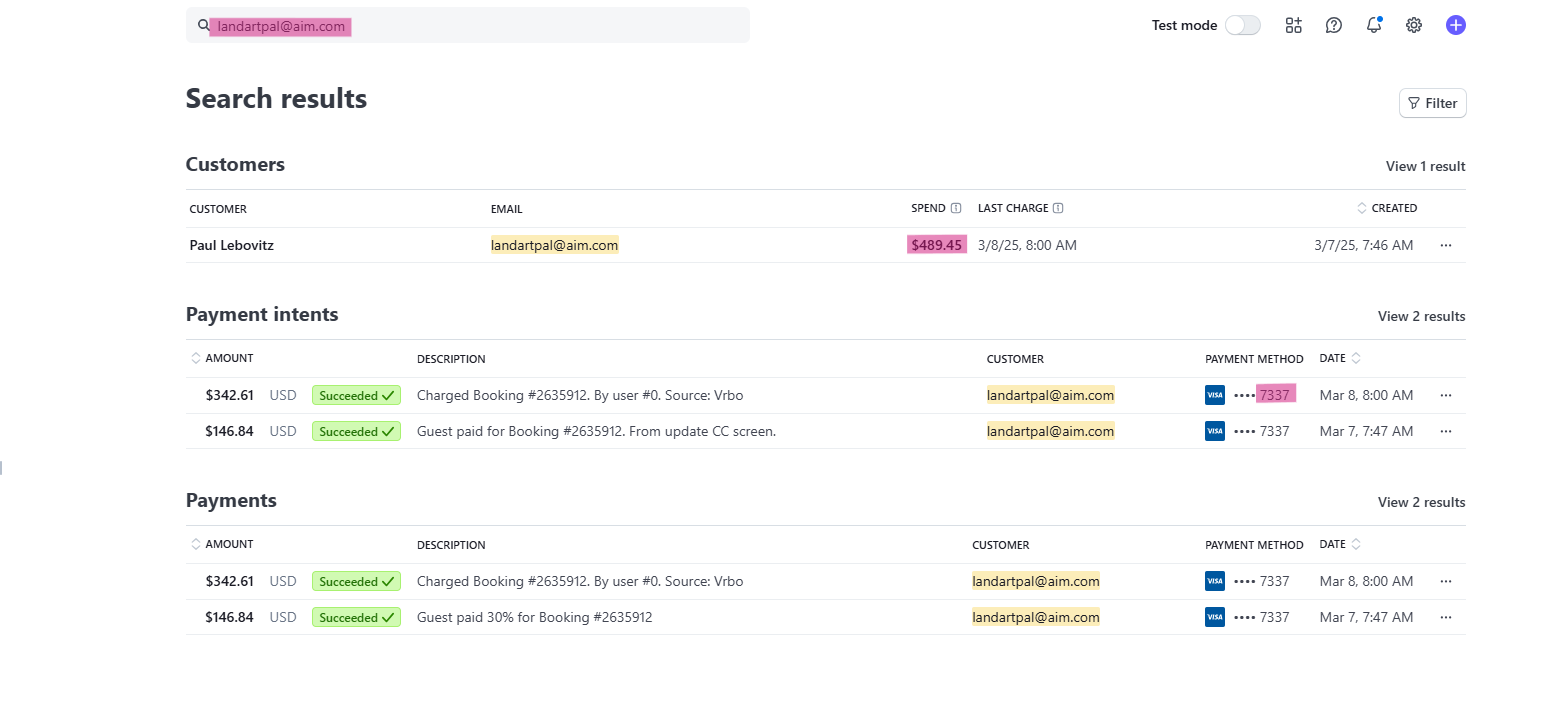
Step 3: Use the Search Bar on the Stripe website to find a specific user by their name.
Step 4: Enter first and the last name of the guest in the Search Bar to view all his transactions.
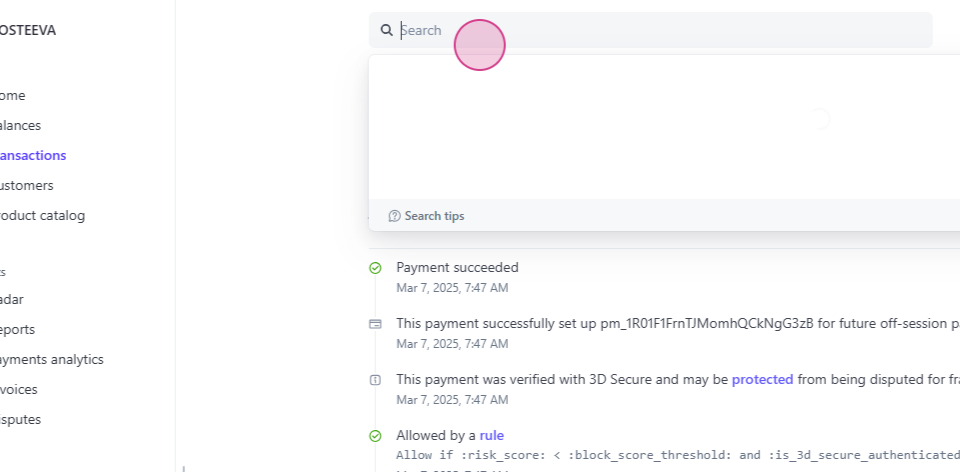
Step 5: Alternatively, search using the guest's email address. You can also search by the last four digits of the guest's credit card. And with the total amount.
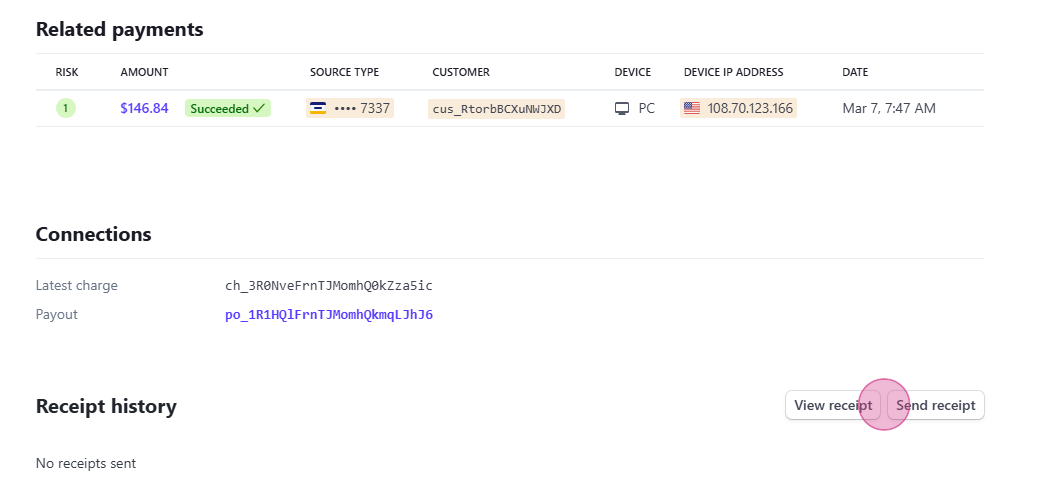
Step 6: To view or send a receipt, click on a specific payment. Click on View Receipt to see the receipt of a specific payment.
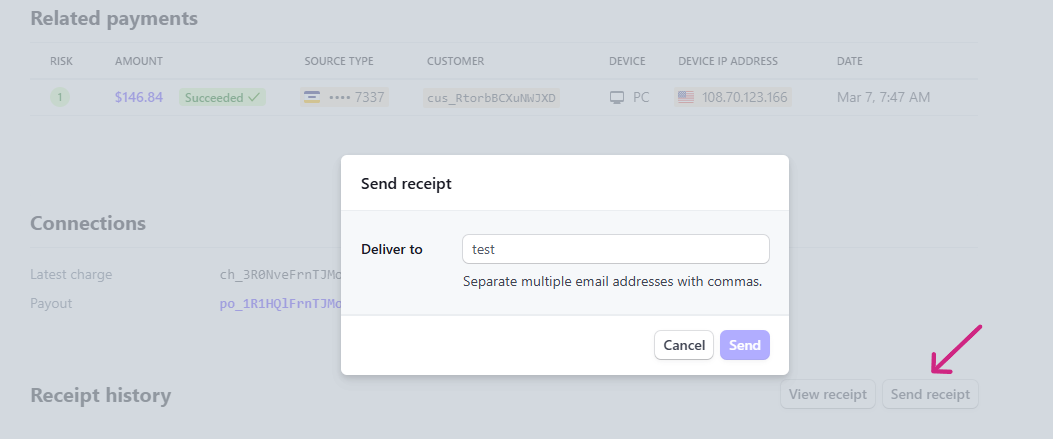
To send the receipt via email, click on Send Receipt. Enter the guest's email address and press Send.
Thank you for following along with this tutorial.