This guide explores the process of receiving payments for reservations through various payment websites.
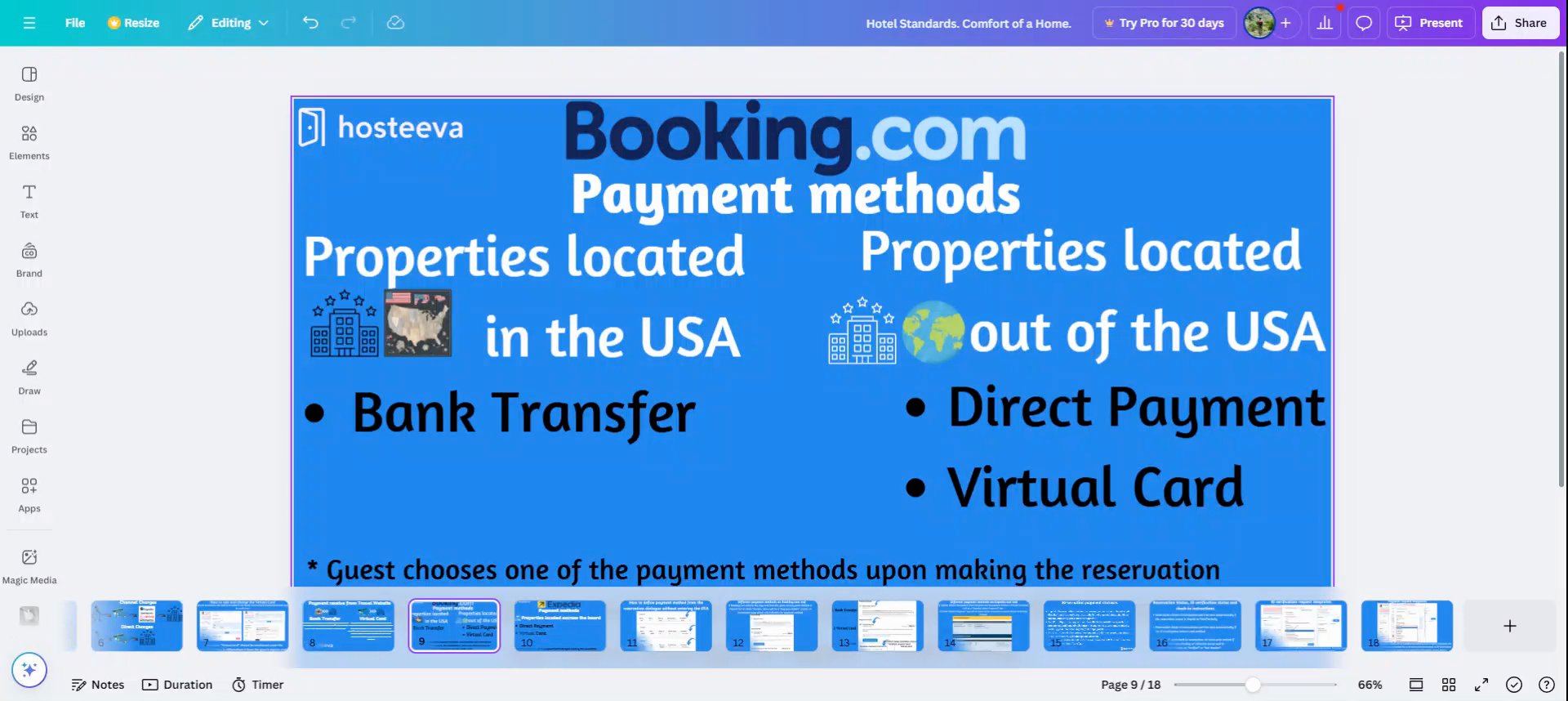
Booking.com provides different payment methods depending on the property's location. For properties in the US, the bank transfer payment method is available, eliminating the need to collect payment for the reservation. Booking.com manages the collection and transfer of payouts in line with their policy. Payments dispatch on the checking day and reach the bank account within ten business days.
For properties outside the US, Booking.com offers two payment options: direct payment to the host via credit card or payment through a virtual card. Guests choose their preferred payment option when making a reservation.
For reservations outside the United States, guests have the option to pay either through a virtual card or a credit card. A virtual card is a payment method where the guest pays the channel, allowing us to charge the amount from the virtual card on the check-in day. Now, let's examine the payment methods on Expedia.
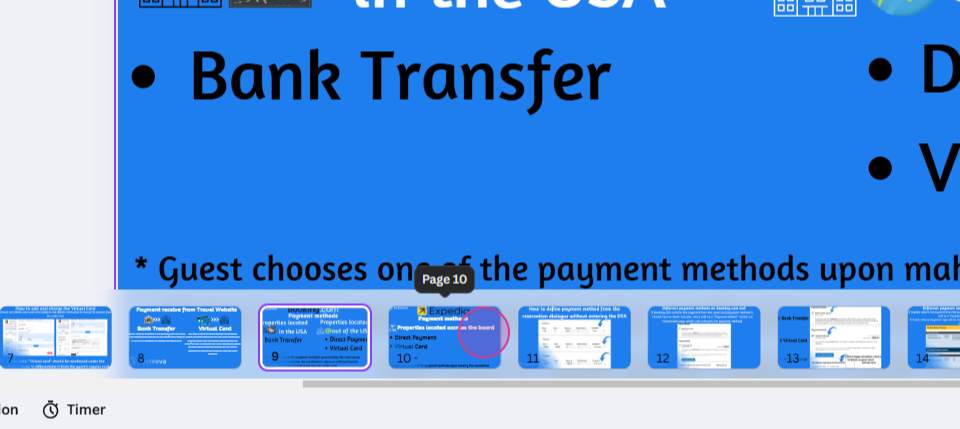
On Expedia, payments for reservations can be received through direct charge or a virtual card. Like Booking.com, the guest selects their payment method when making a reservation. Other platforms like Agoda also accept virtual card reservations, while platforms like Marriott reservations, Plum Guide, and Whimsdale reservations use a bank payout method.
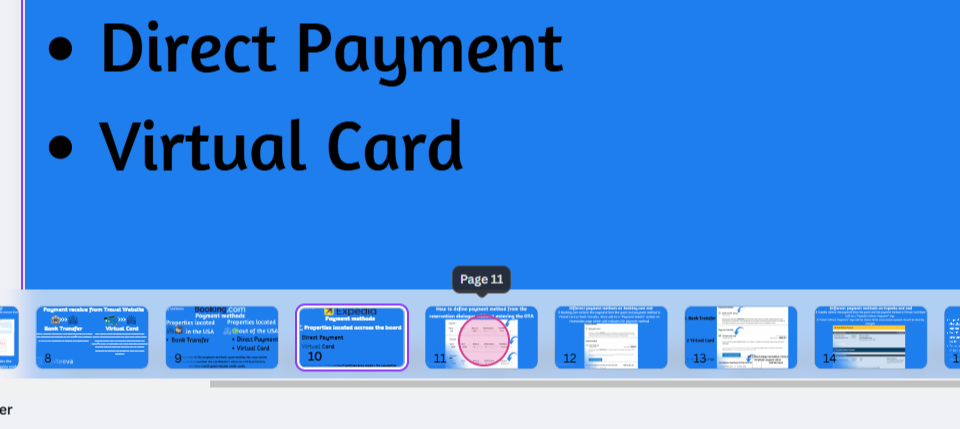
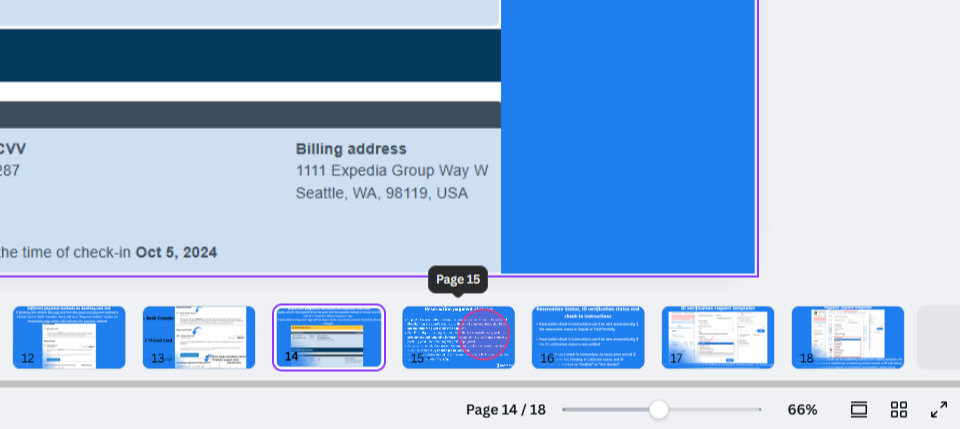
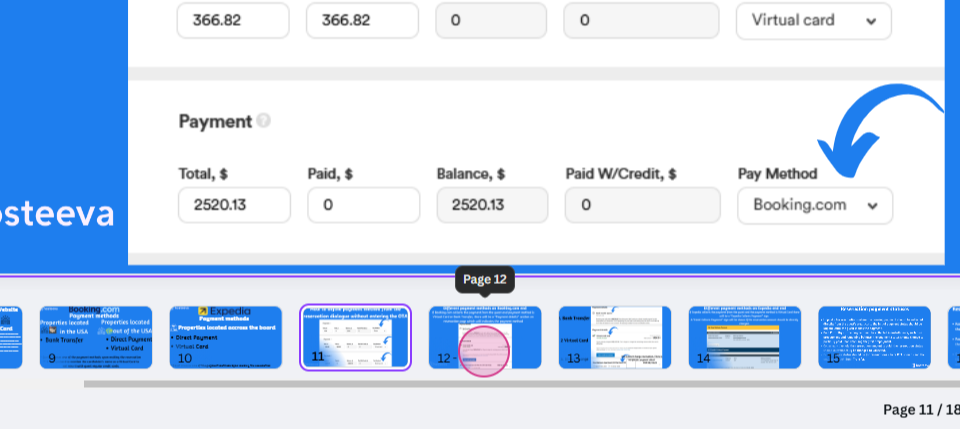
This guide also covers how to identify different payment methods in our reservation dialogue without accessing the travel portal. The screenshot displays payment methods named Stripe, virtual card, and Booking.com. Stripe indicates that the payment will come directly from the channel to the Grace Credit card.
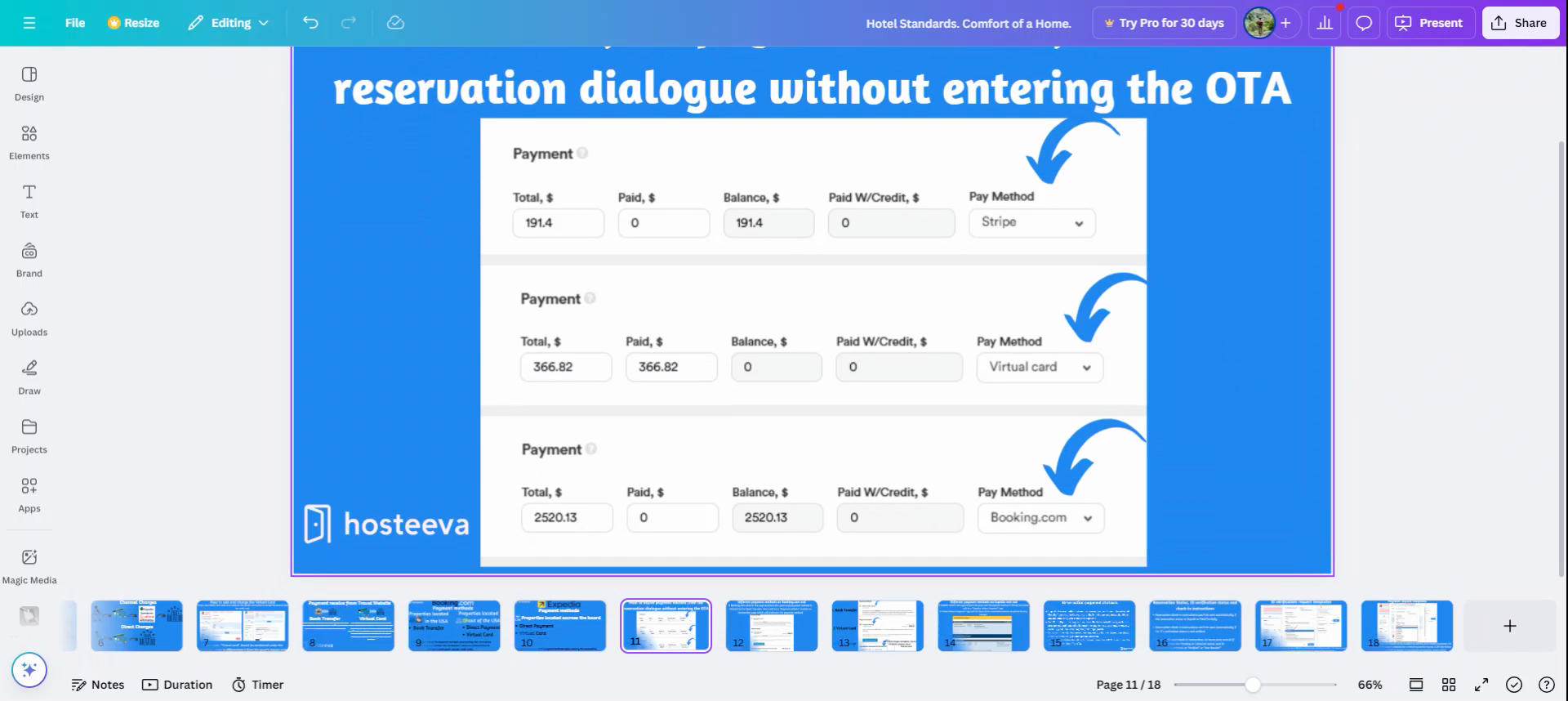
A virtual card means that we need to charge the amount from the virtual card channel provides. If the payment method is Booking.com, there's no need to worry about the payment as Booking.com will transfer the amount to our bank account.
The following screenshots show what these payment methods look like on the channel end.
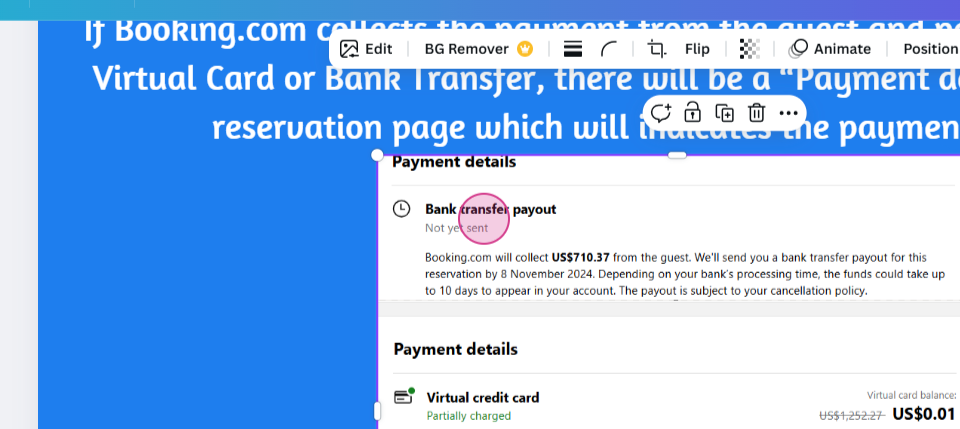
The screenshot labeled "bank transfer payout" clearly displays under payment details that
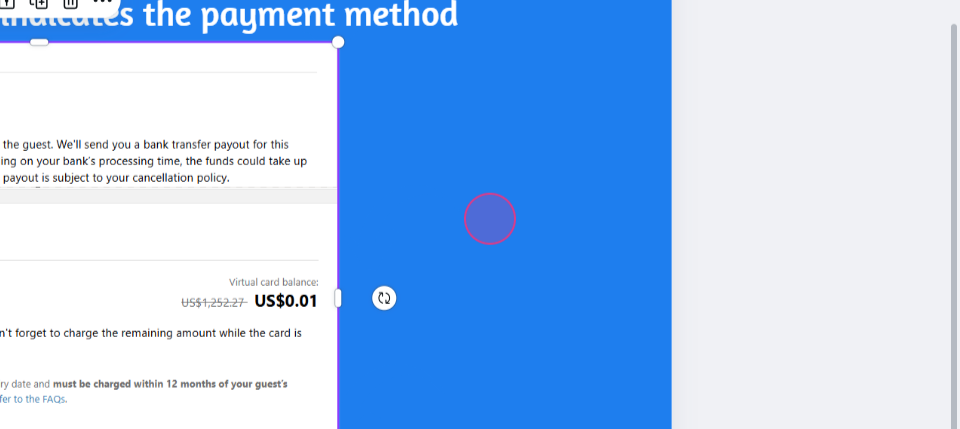
the payout will be received within ten business days.
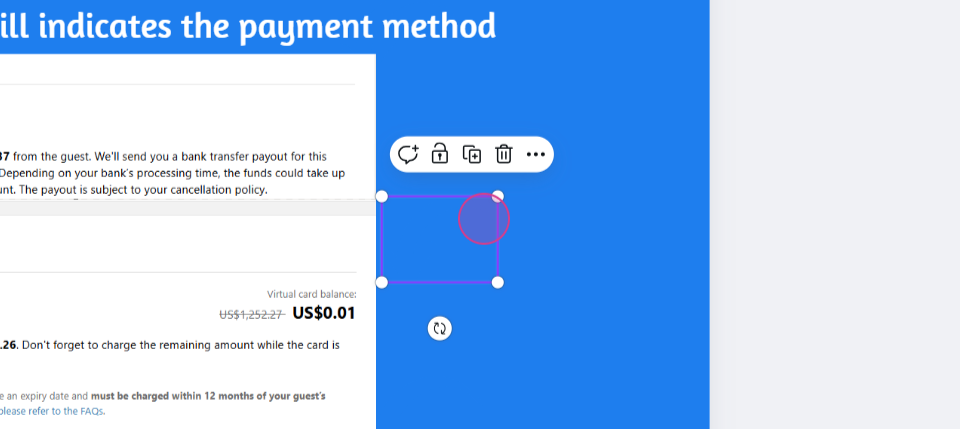
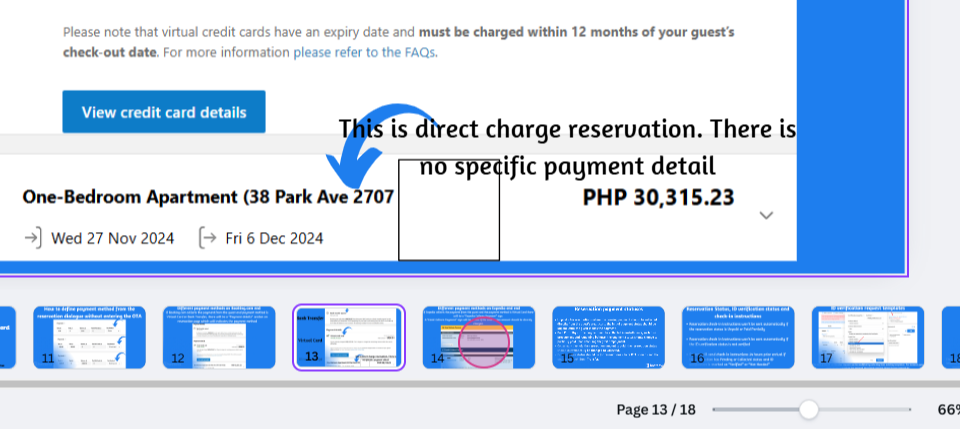
The virtual card indicates that the amount will be received from the virtual card on the checking day. If payment details are missing,
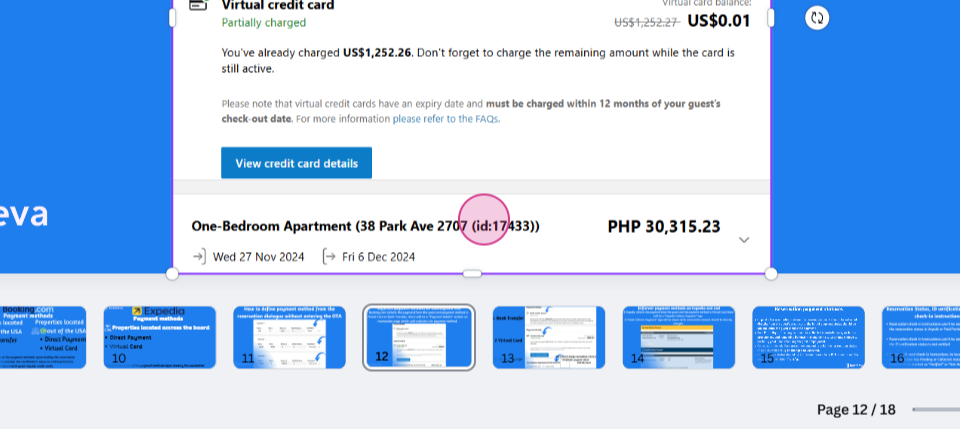
this suggests that
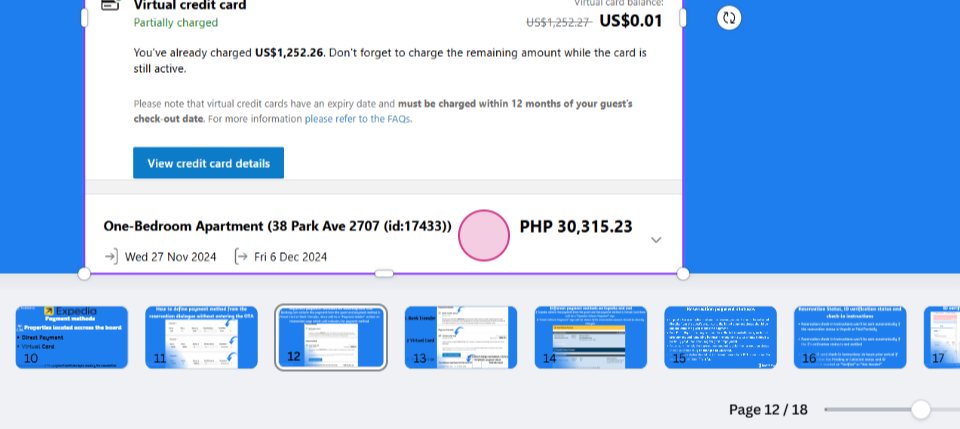
the reservation is a direct charge reservation. The absence of specific payment details indicates a direct charge payment method. For the other options, bank transfer and virtual card, the payment methods are clearly stated.
The following screenshot shows the different payment methods on the Expedia site. The site displays "hotel collect" and "Expedia collects" payment methods. If Expedia collects the payment from the guest and the payment method is a virtual card, an "Expedia collect payment" sign will appear. A "hotel collect payment" sign will show if the reservation amount should be directly charged.