This guide explains how to receive payments from customers via various travel websites for reservations. The payment method a guest chooses can vary based on their location or the travel website they use for booking. There are two main methods to receive payments: direct payments and channel charges.
Channel charges mean that the website transfers the payout to us through a bank transfer or generates a virtual card for us to charge the total amount for the reservation on the check-in date. Let's begin with the direct charge payment method.
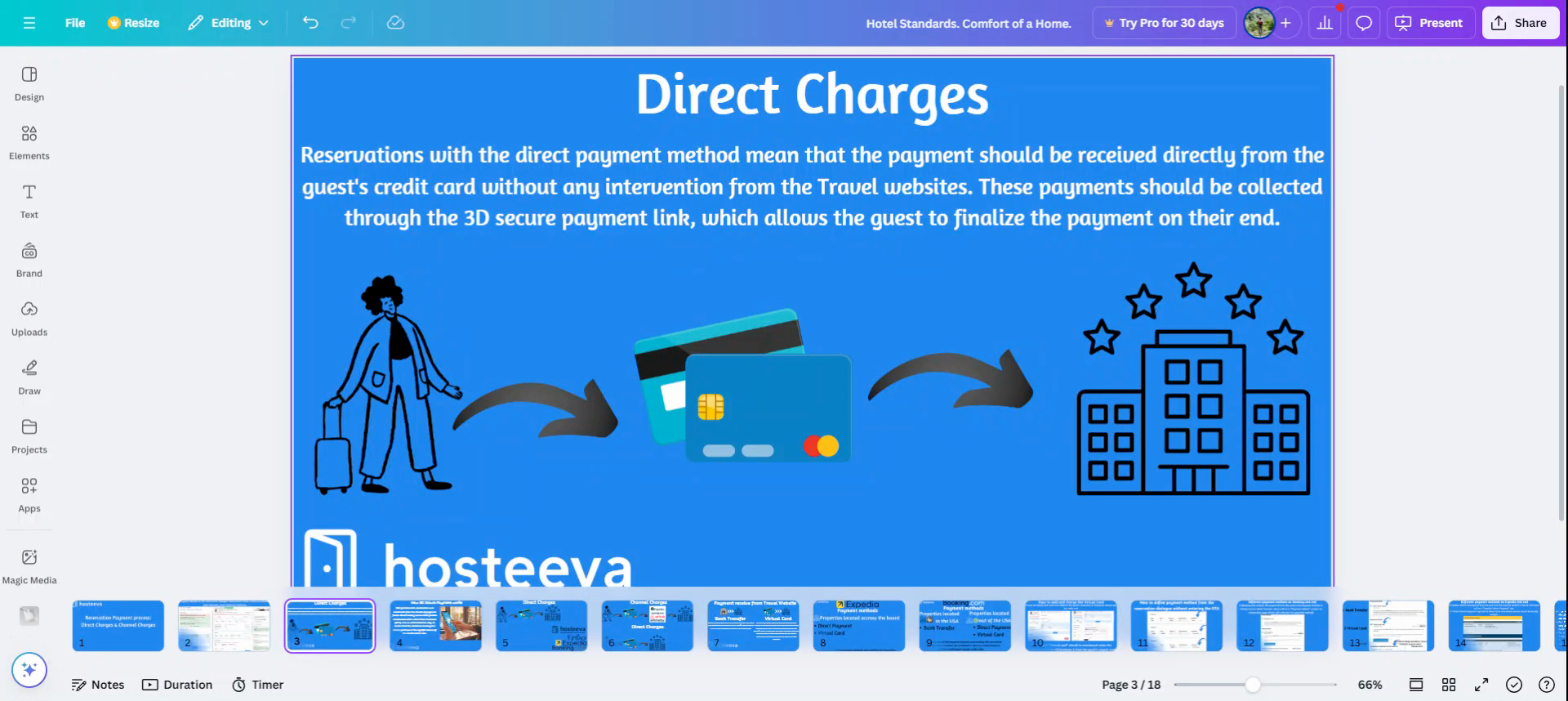
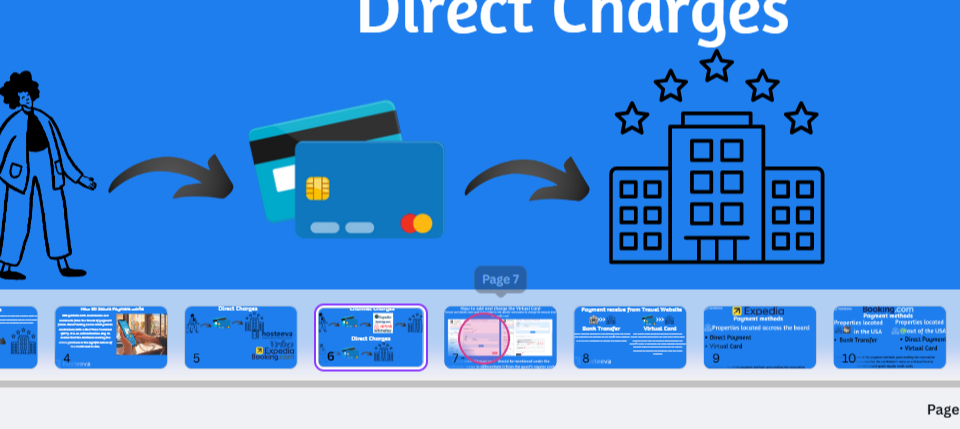
Reservations with the direct payment method require receiving the payment directly from the guest's credit card, without any interaction from other websites. Collect these payments through the 3D secure payment link, which allows the guest to finalize the payment on their end.
The 3D secure, also known as three-domain secure, adds an extra layer of authentication for online credit and debit card transactions. This ensures that the customer making the online purchase is the rightful owner of the credit card. The credit card issuing bank provides the cardholder with a one-time password (OTP), preventing fraud and making online payments more secure. In a 3D secure transaction, after the cardholder enters the credit card details, they're redirected to their bank's 3D secure authentication page.
Manually charging the guest from the system is possible if we have the credit card details and they've entered them in the reservation dialogue. However, this carries the risk of being disputed by the guest. Direct charge type of payment can be received from the Hostiva website, Vrbo, Expedia,
and Booking.com. Let's examine the difference between the two payment
types. For the channel charges type of payment, the guest pays the amount through their credit card to the channel, which then transfers the amount to us. This payment method is known as the channel charge, like bank transfer payment, payout, or the virtual card payment. Direct charge means that we don't need the traveler's help to get payment from the guest.
Let's see how to add the credit card details to our reservation. First, click the Make Payment section. Click the + for payment methods to add the credit card details.
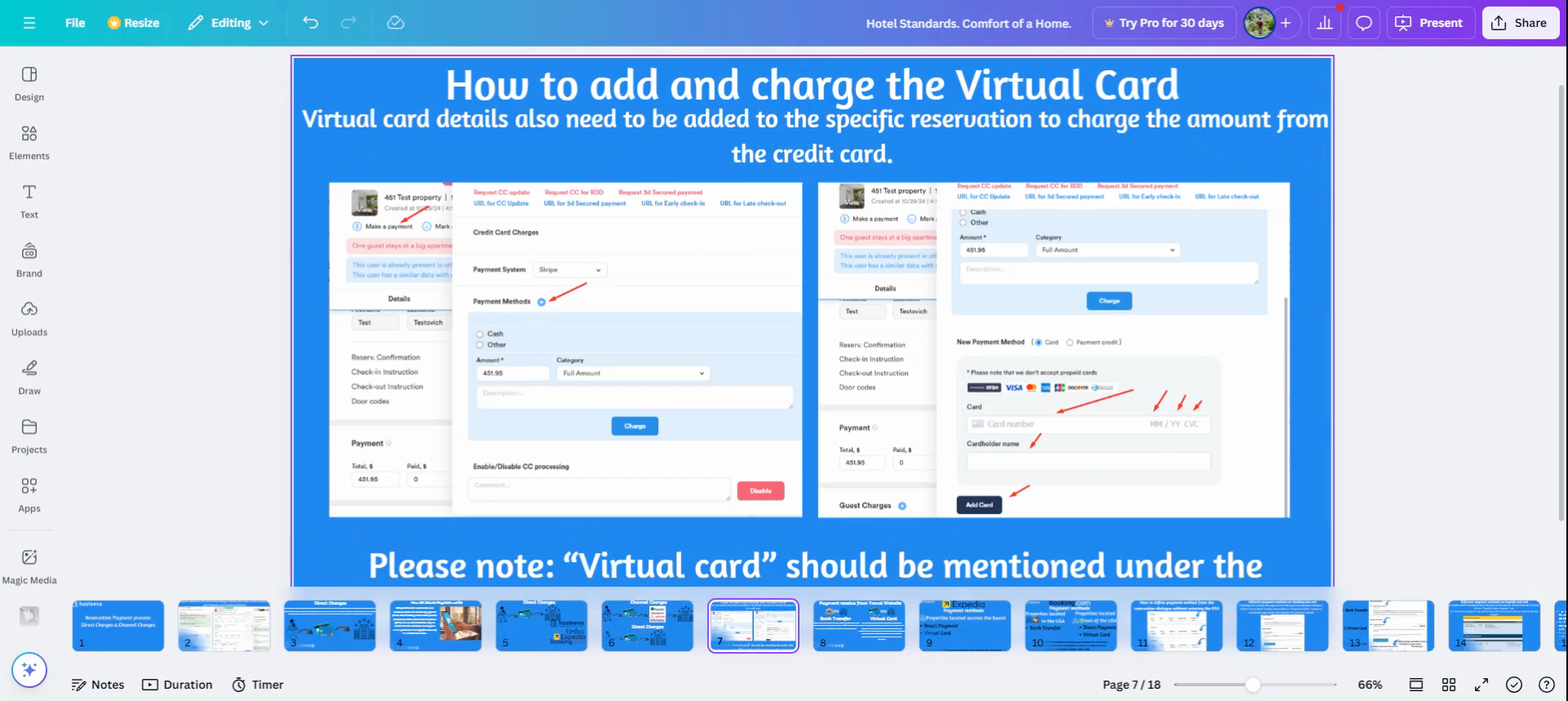
Enter the cardholder details, issue date, CVC, and cardholder names, and press
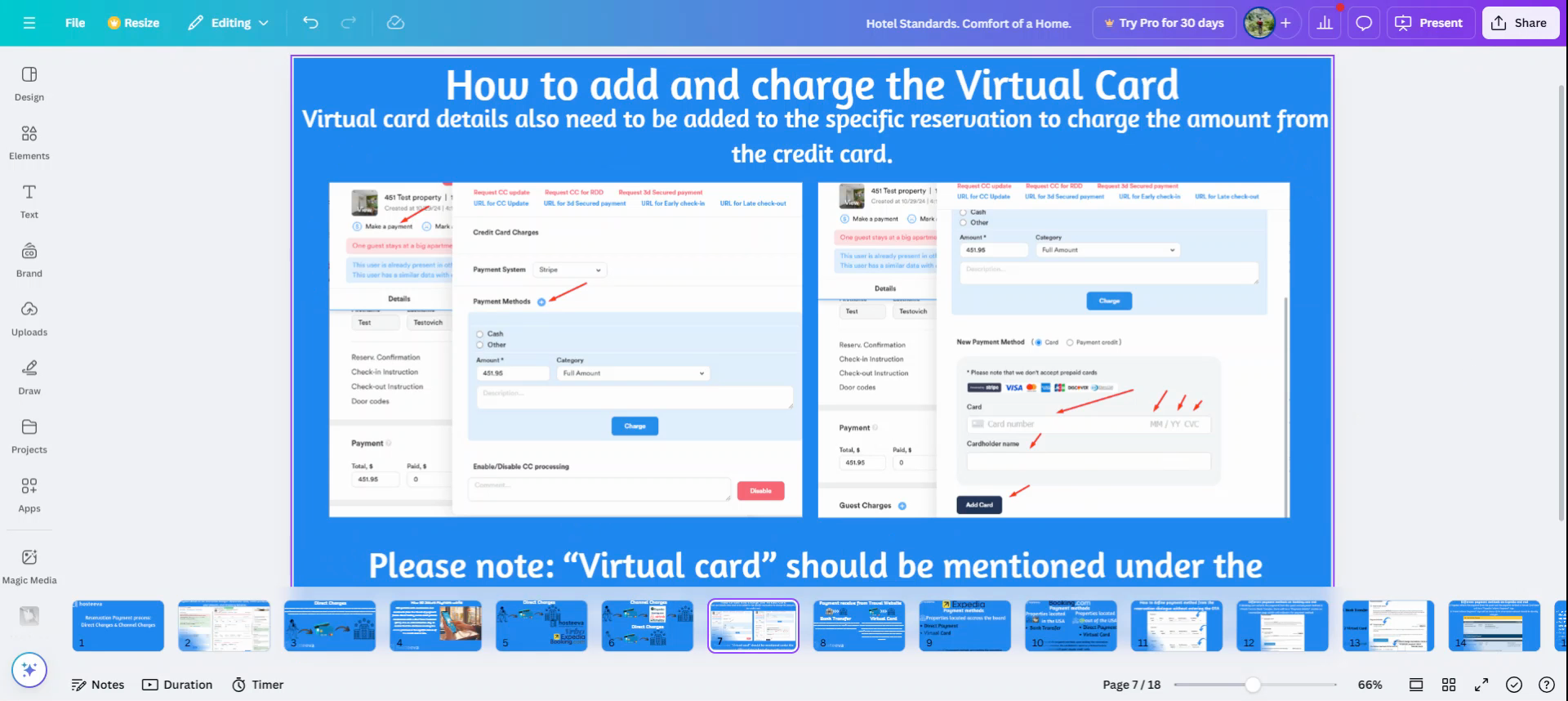
Add Card. The credit card will then be added.
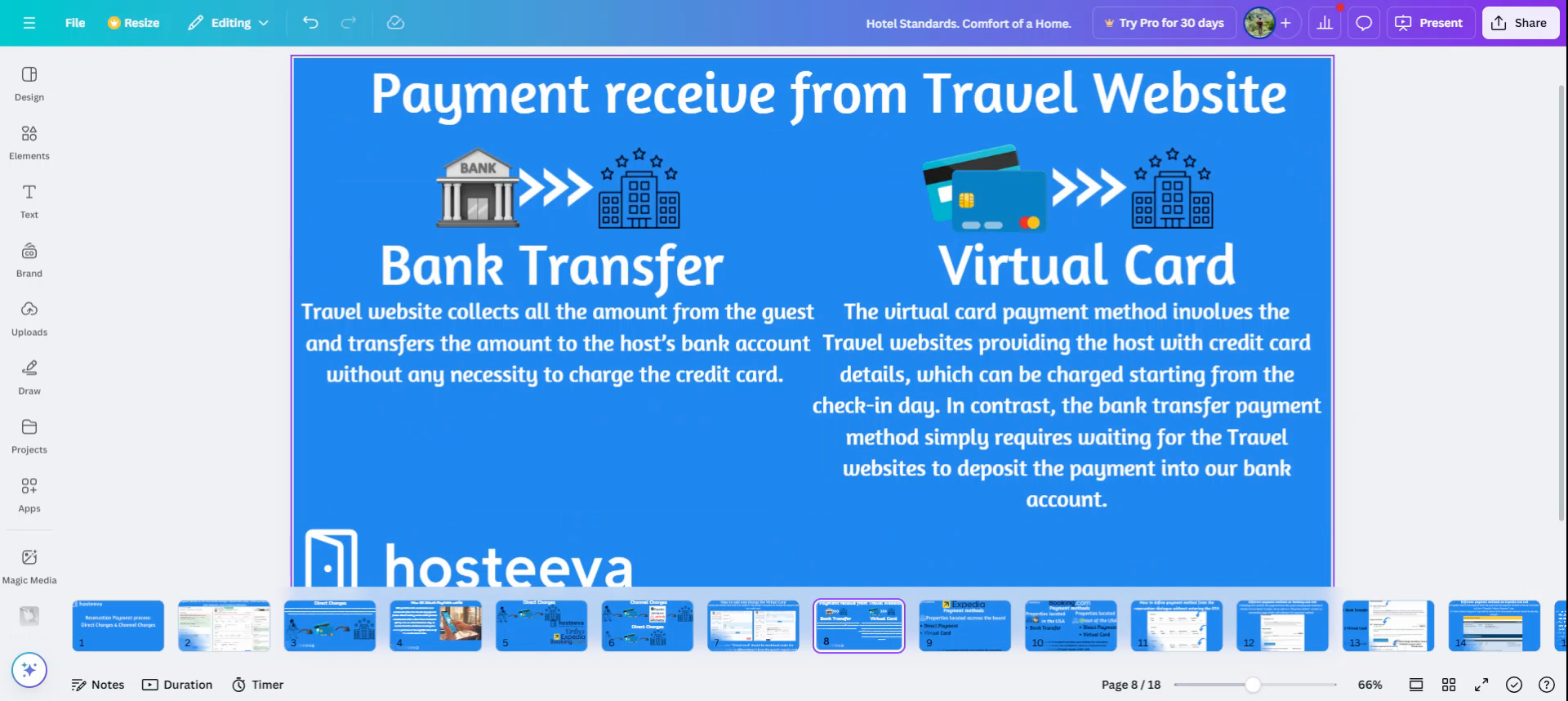
Let's examine the difference between the bank transfer payment method and the virtual card. The virtual card payment method involves the travel website providing the host with the credit card details, which can be charged starting from the check-in day. In contrast, the bank transfer payment method simply requires waiting for the travel websites to deposit the payment into our bank account.