Keep your Airbnb listing up to date by adjusting your cancellation policy in Hosteeva. Here’s how to make sure guests see the policy you want them to follow.
Step 1: Log in to your Hosteeva account and go to the Properties tab.
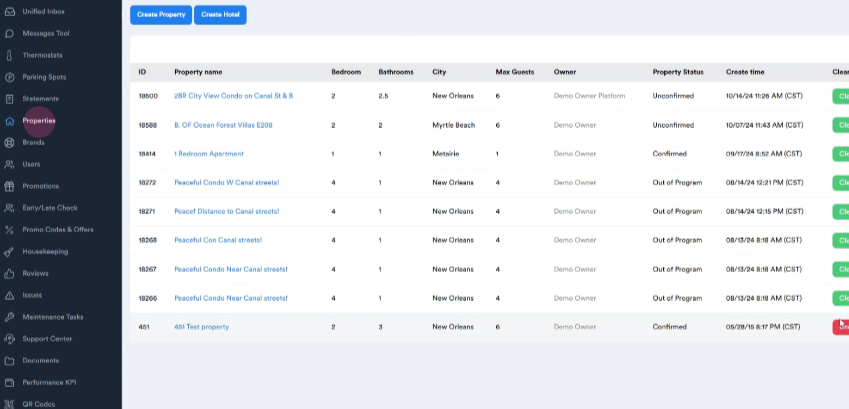
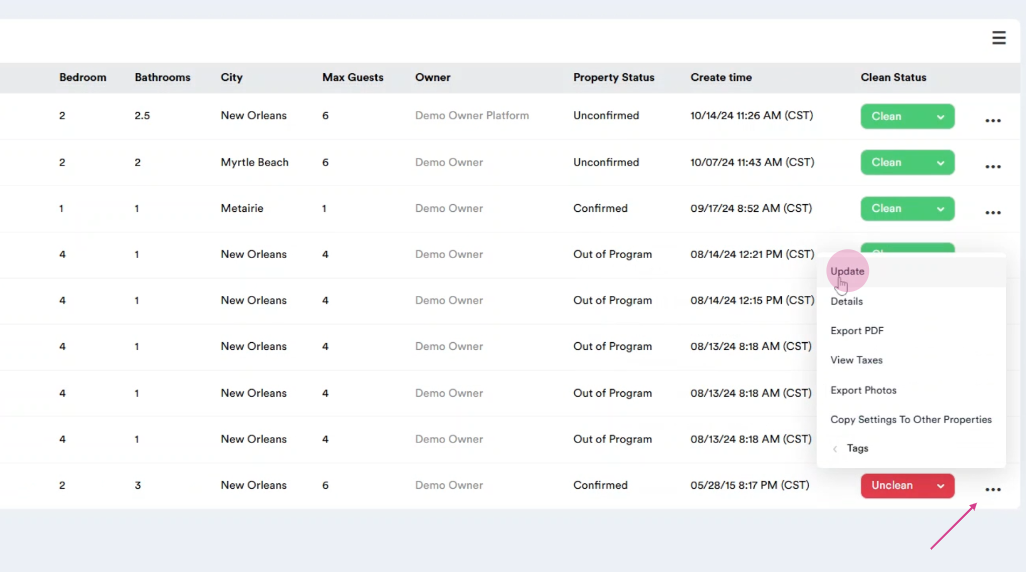
Step 2: Find the property you want to update. Click the three dots next to the property’s name. Select Update from the options.
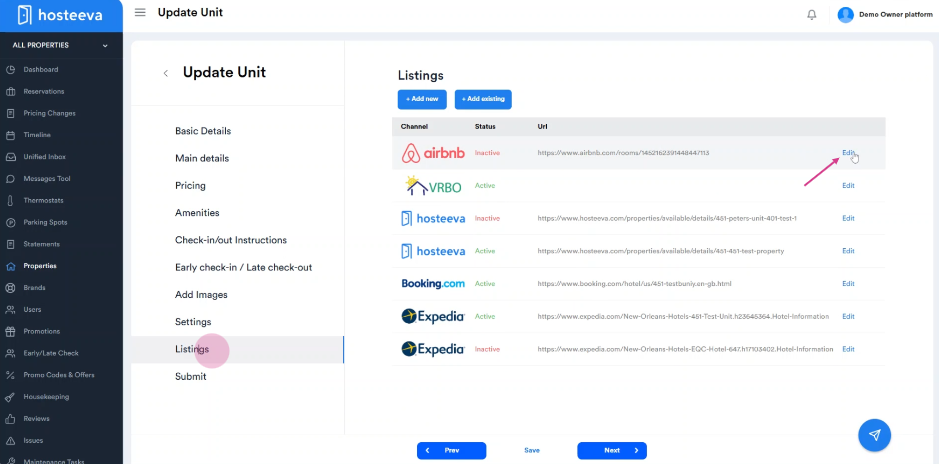
Step 3: On the property update page, click the Listings tab. Find the Airbnb listing and click the Edit button.
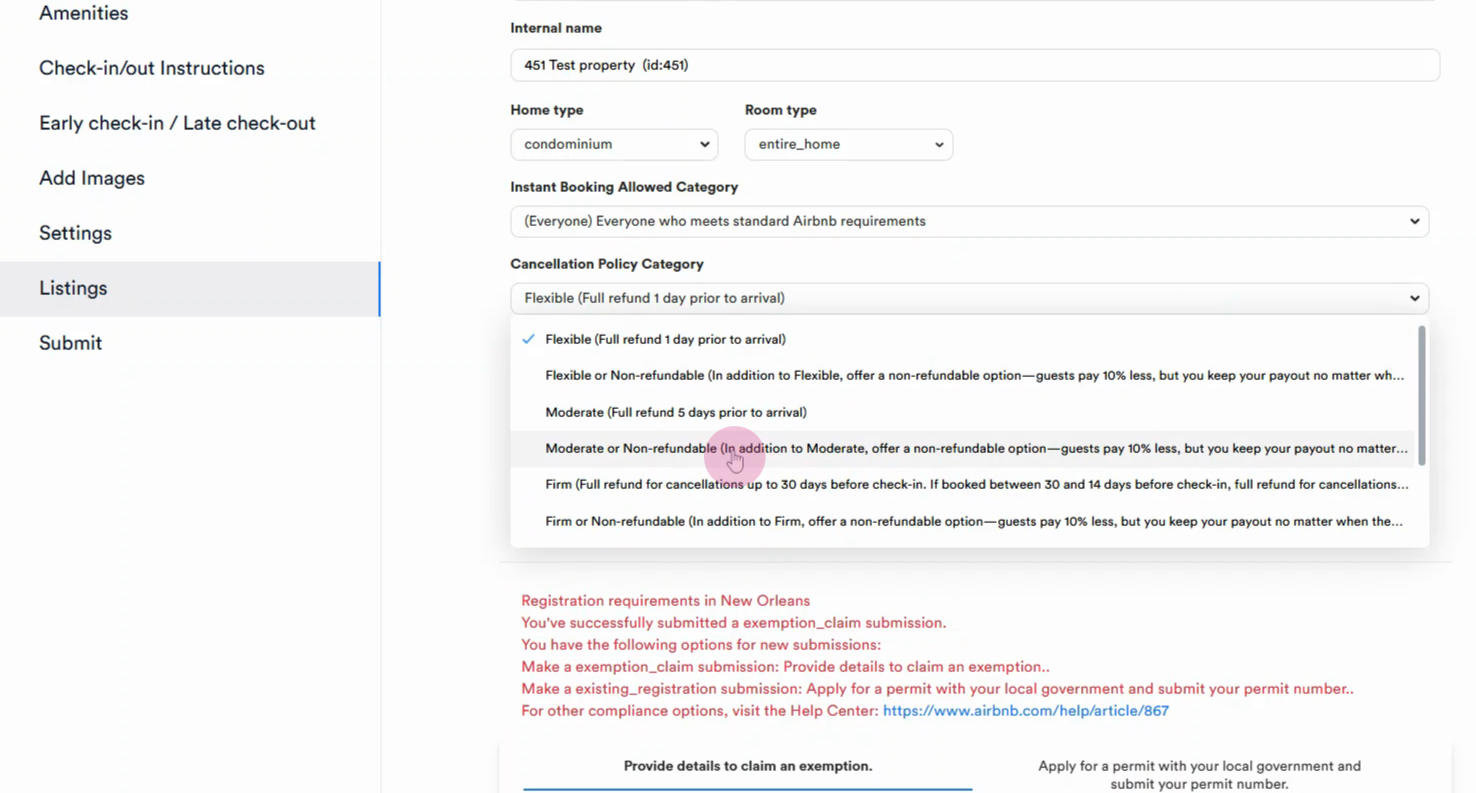
Step 4: Scroll down to the Cancellation Policy section and open the dropdown menu. Choose the cancellation policy you want to apply.
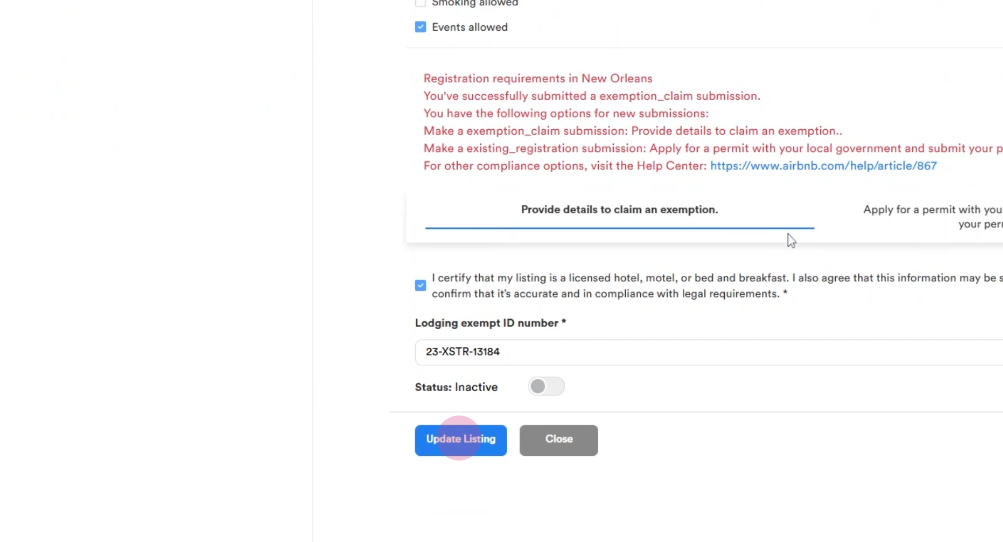
Step 5: Scroll down and click the Update Listing button. You’ll see a confirmation that your changes are saved. Click Save to finish.
Thank you!