This guide explains how to update property photos on Hosteeva, Airbnb and VRBO.
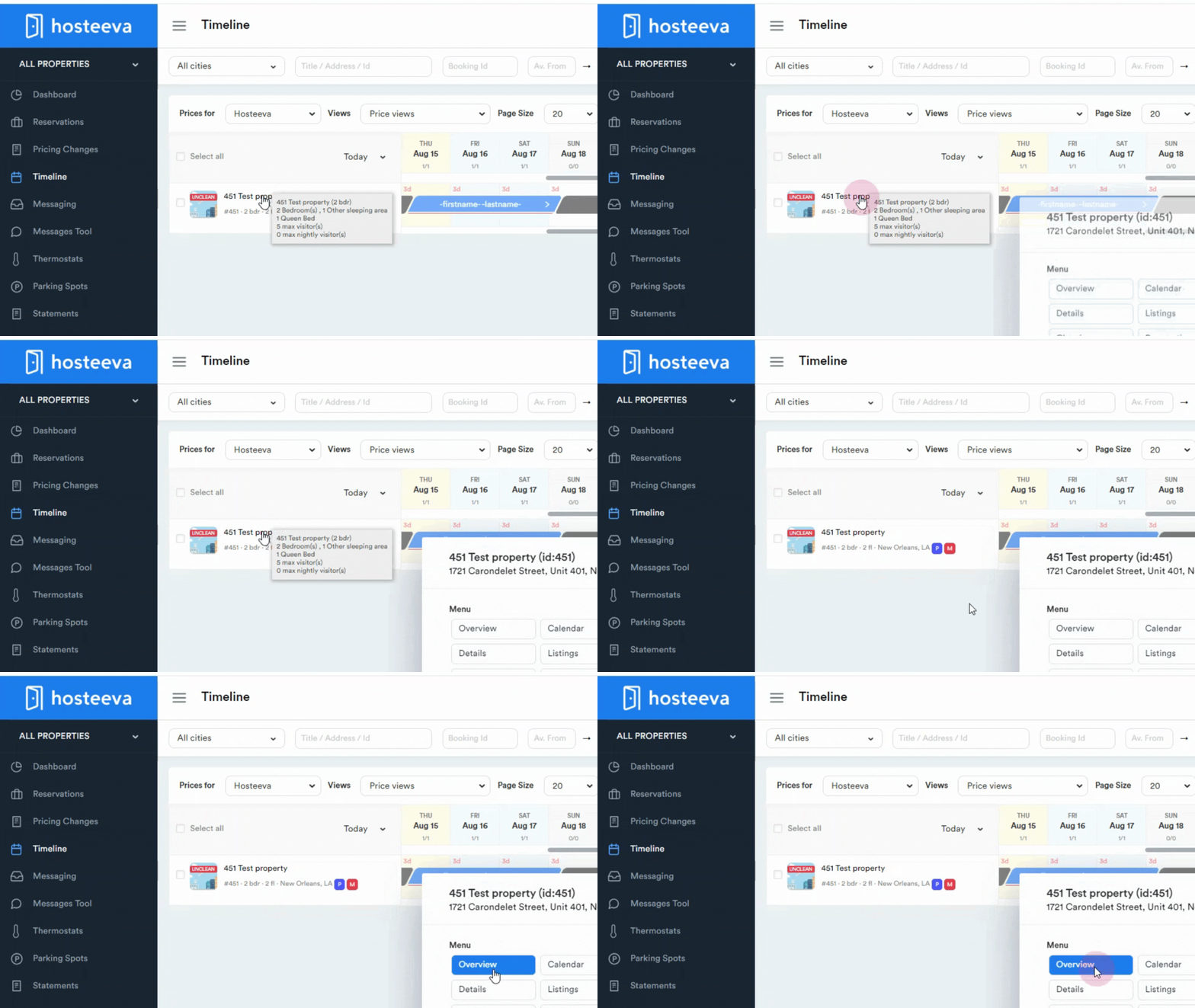
Start by logging into the Hosteeva dashboard and navigating to the timeline.
Step 1: Click on the desired property.
Step 2: Click on the Overview.
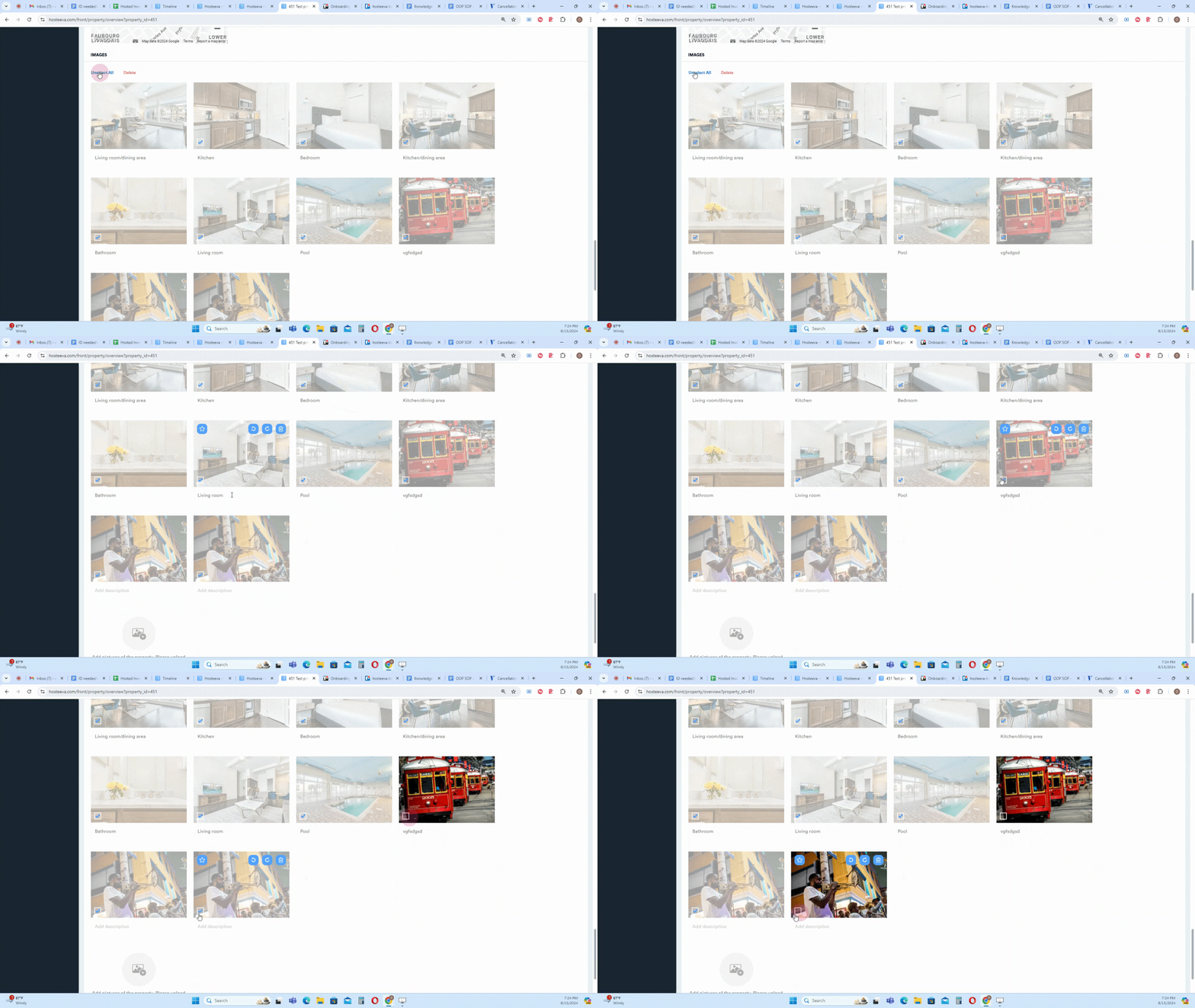
Scroll down to find the photo section. If no photos have been uploaded yet, click on Add pictures of the property. To update existing photos, some or all of the current photos need to be removed.
For instance, to keep the last three photos and update the rest:
Step 3: Click on Select all photos.
Deselect the photos to keep.
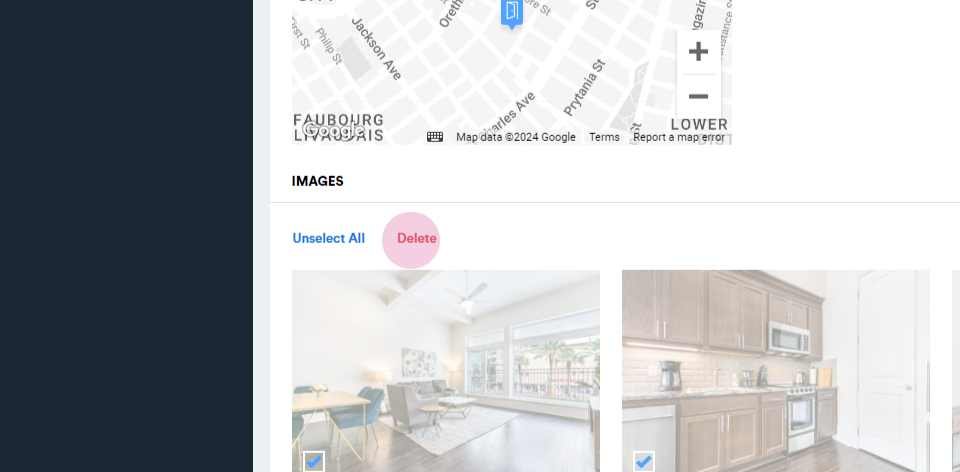
Click on the Delete option to remove the selected photos.
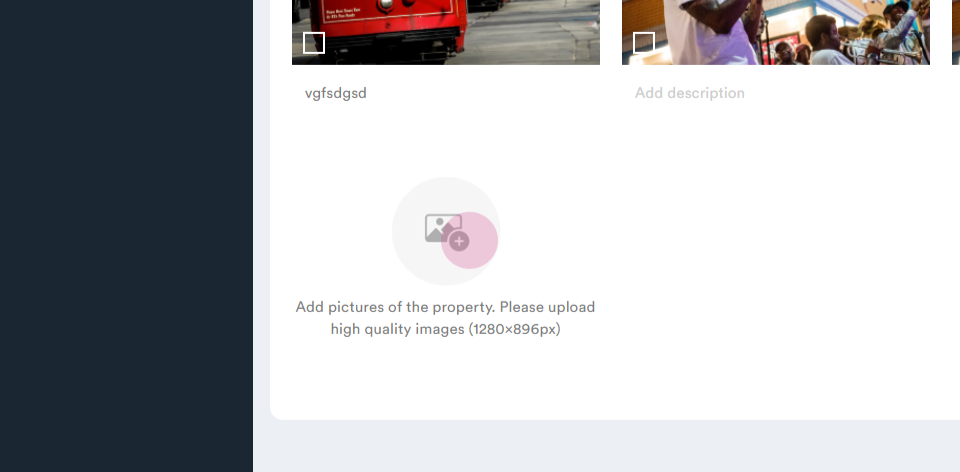
Step 4: Click on Add pictures of the property to upload new photos.
To upload photos, click on Add pictures of the property, select the desired photos, and click on Open. Uploading may take a few moments.
After uploading, the photos may need to be reordered.
Step 5: Click and drag photos to rearrange them.
To set a photo as the main image, click on the star icon on the photo.
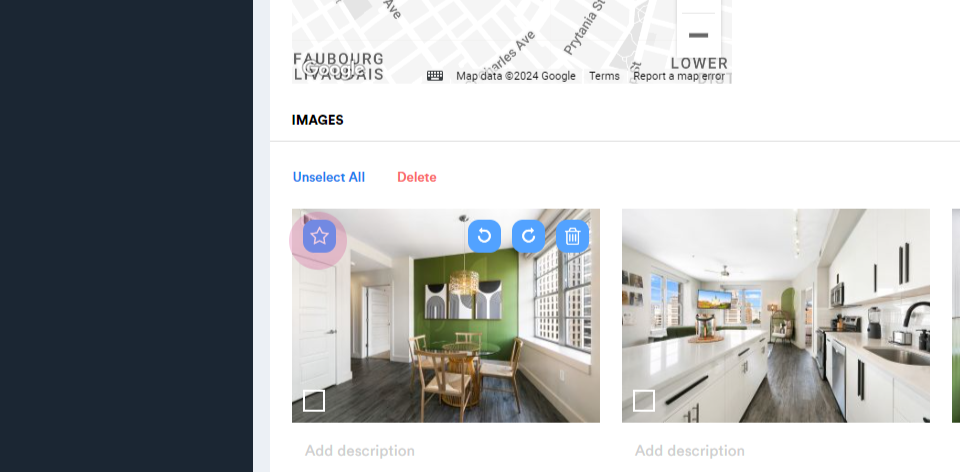
Descriptions can be added under each photo for context.
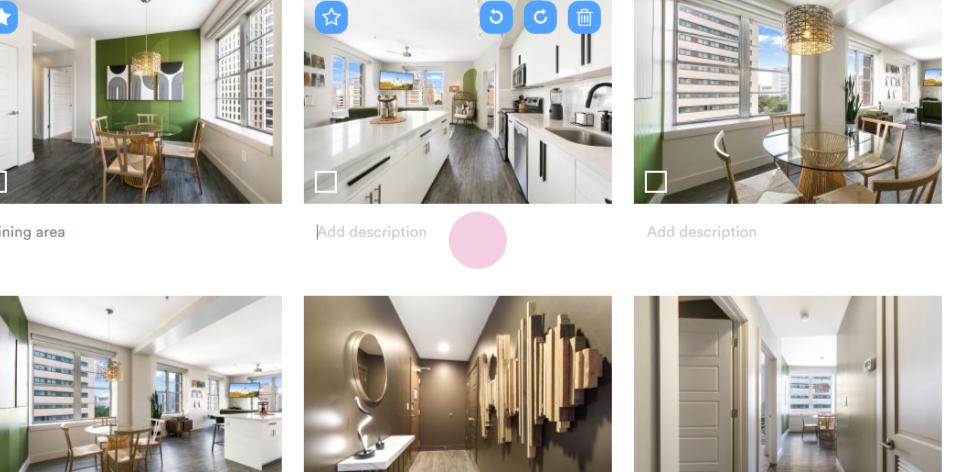
After updating photos on Hosteeva, they will automatically update on Vrbo as well, requiring no further action.