Overview
The Voice2Speech system allows users to simulate a conversation between a guest and an AI. Users can ask questions on behalf of the guest and receive responses from the AI. This feature can streamline communication and enhance the guest experience.
Accessing the Conversation Page
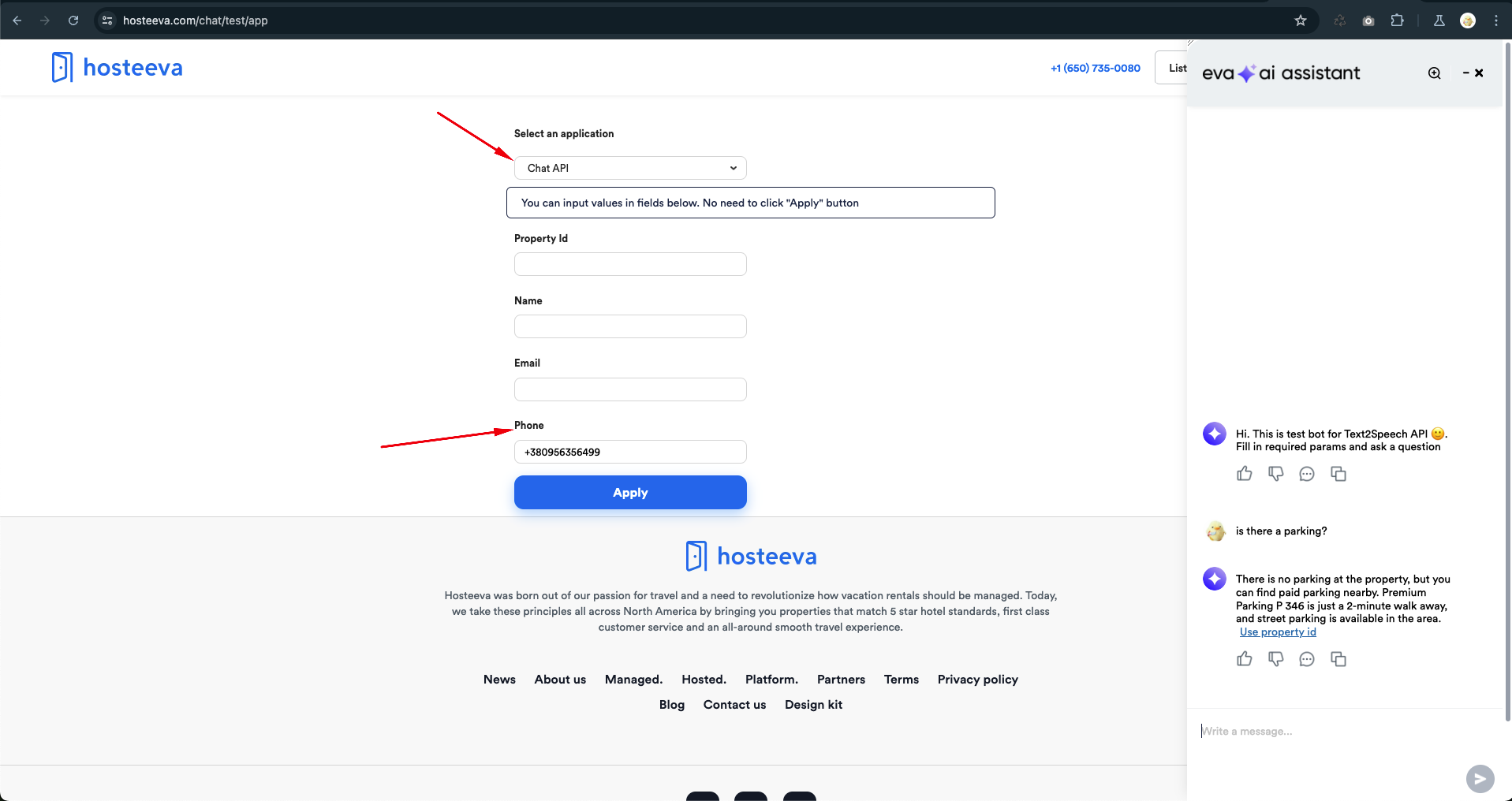
To start a conversation with the AI, navigate to the following link: [Voice2Speech Conversation Page](https://www.hosteeva.com/chat/test/app).
Prerequisites
To initiate a conversation, users must provide one of the following:
-
Property ID Only: Entering just the property ID will allow the AI to provide information about the property, but no specifics about reservations will be available.
-
Property ID, Name, and Email: By entering the property ID along with the guest's name and email, the AI will have access to both property details and reservation information.
-
Phone Number: Inputting a phone number associated with an active reservation will allow the AI to access both property details and reservation information.
Streamlining Reservation Creation
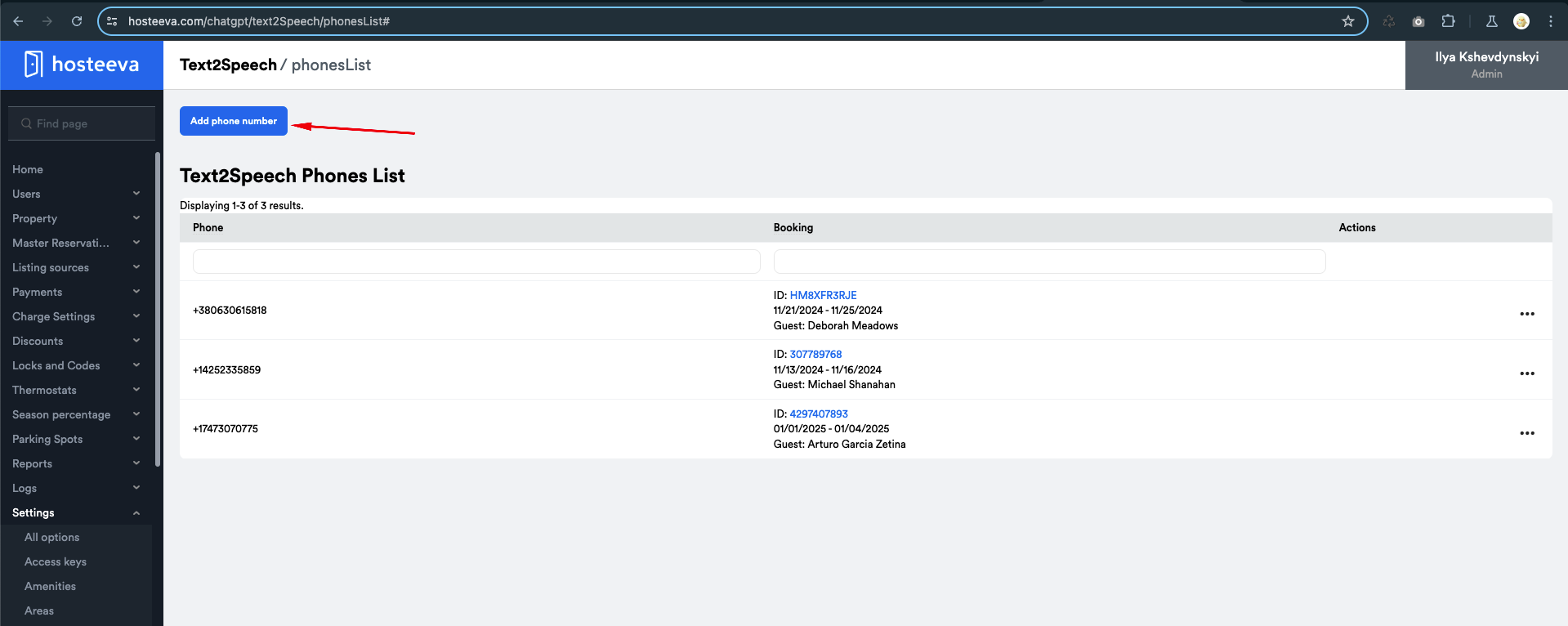
To minimize the time spent creating a reservation with a test phone number, users can utilize the following page: Phone List for Test Reservations.
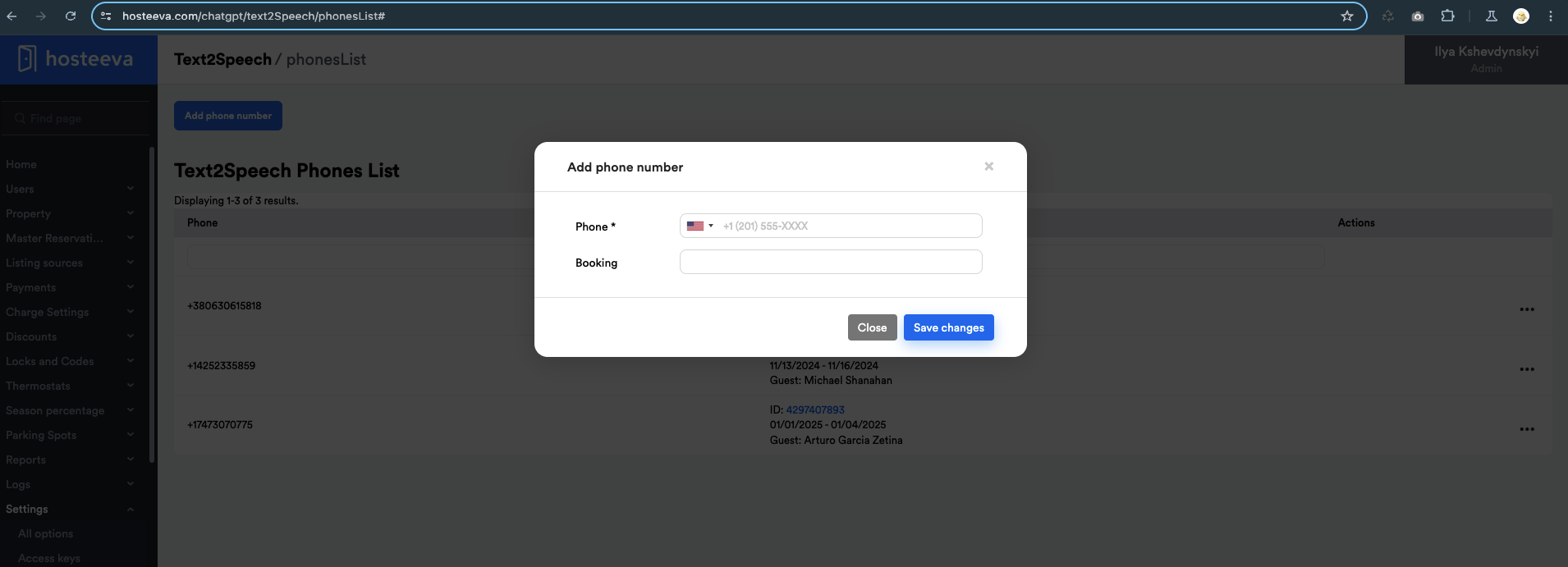
On this page, users can:
- Add a specific phone number to a specific booking by entering the booking ID.
- If the booking ID is not provided, the system will randomly attach the chosen phone number to an available reservation.
Important Note: Regardless of whether the booking ID is added manually or not, if the associated booking becomes inactive, the system will automatically change the booking ID linked to the phone number to another reservation at random.
Important Notes
- Actions performed on the reservation test page will not affect existing reservations. These modifications are solely for use with the Voice2Speech integration.
- Ensure that you are working within the boundaries of test reservations to avoid unintended consequences.
Log Access
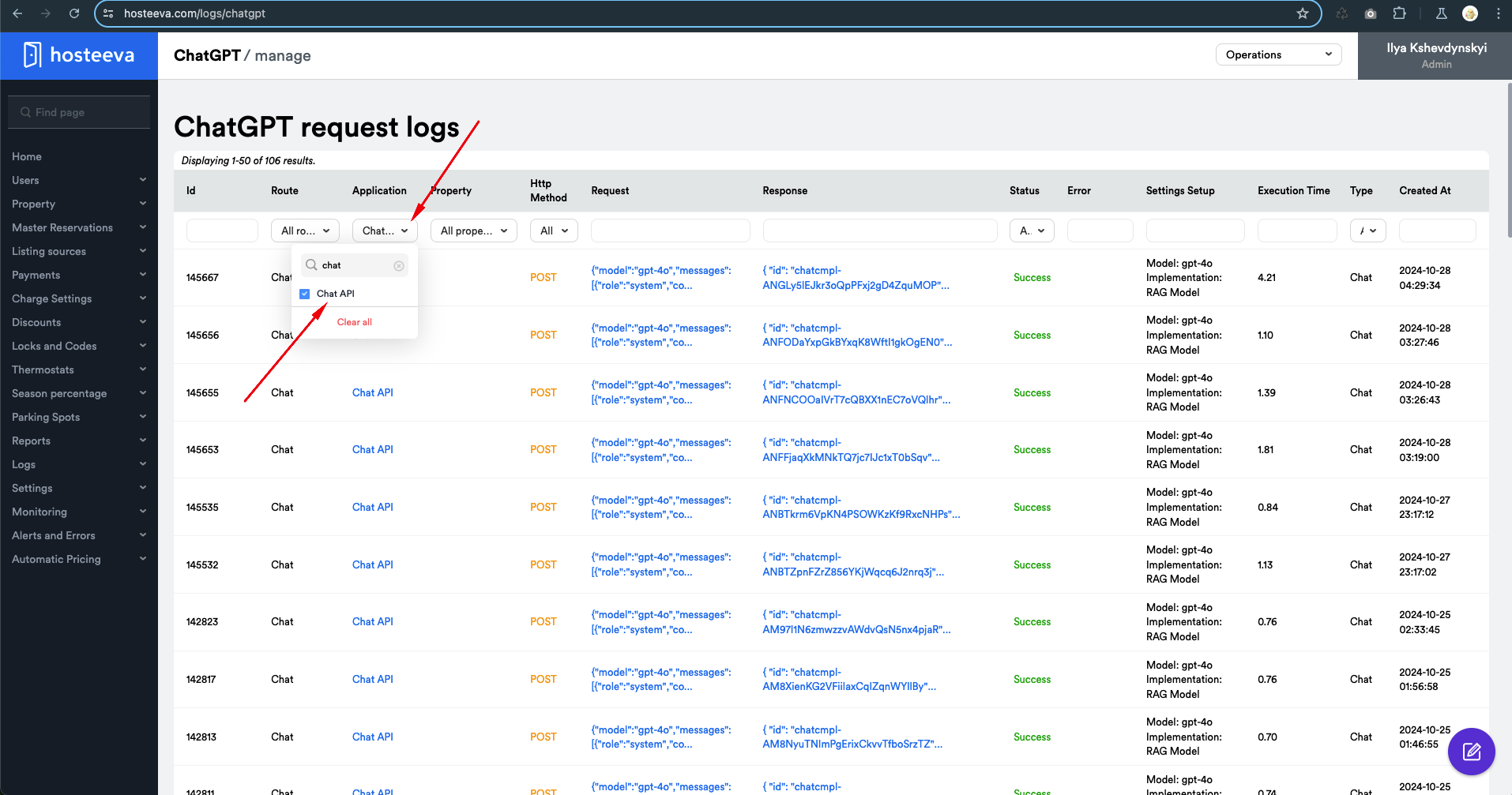
Users can view the logs for this application at the following link: View Logs.