In this article, you'll learn how to navigate VRBO reservations, understand the payment and cancellation policies, and check the VRBO service fee.
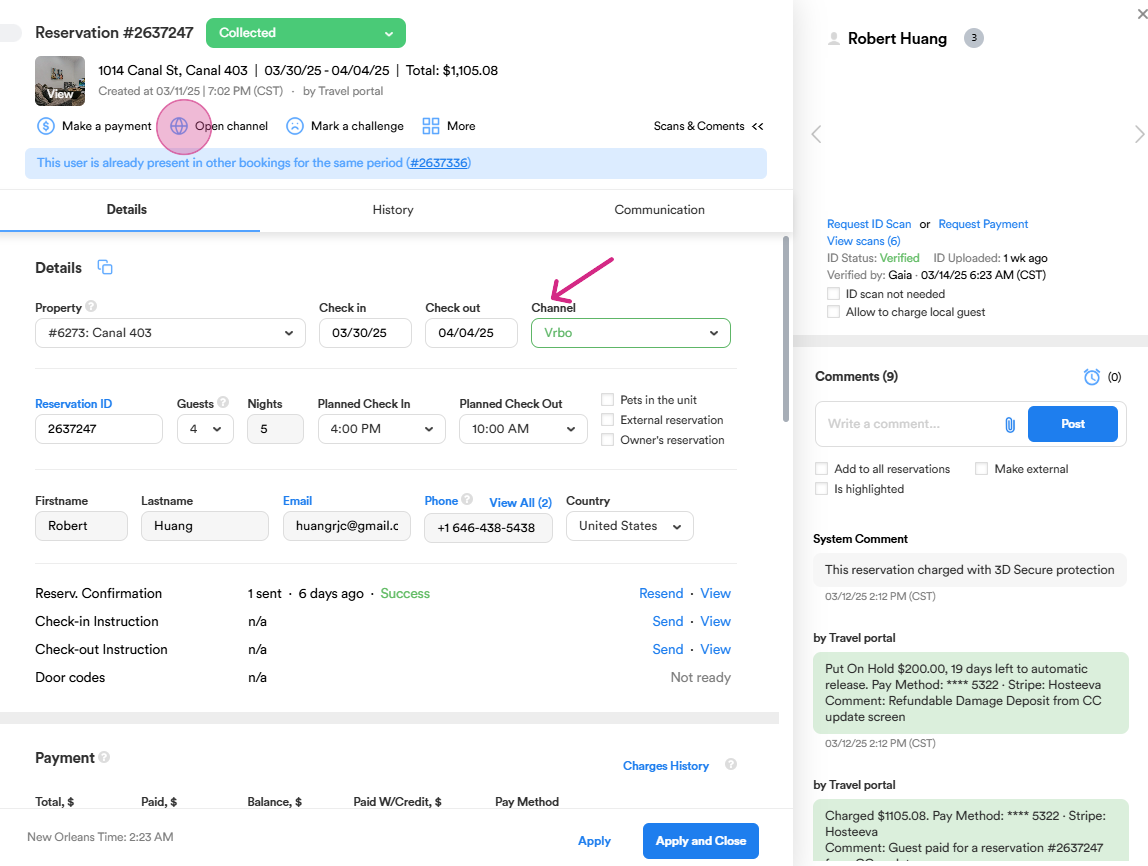
Step 1: Start by viewing the VRBO reservation. To access the reservation details, cancelation policy on the website. Click on open channel to proceed.
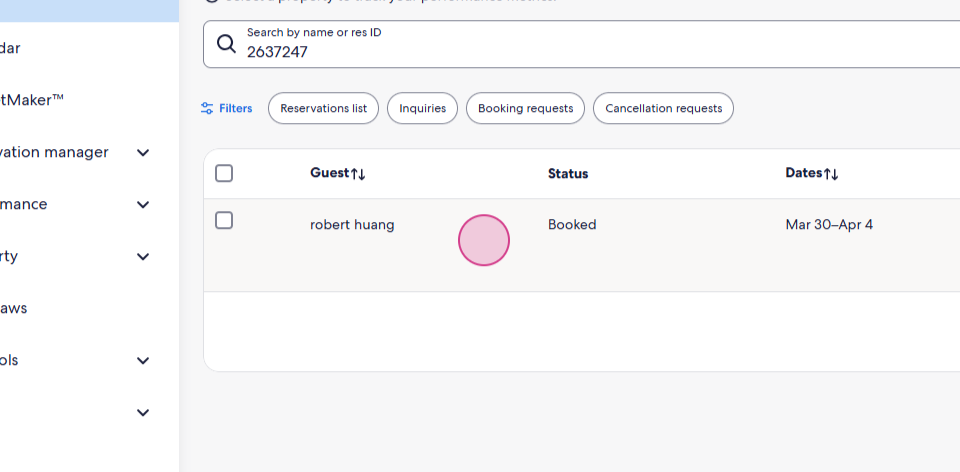
Step 2: You're now on the VRBO webpage. To locate the reservation, search using the reservation id. Return to the reservation dialog, copy the reservation id and paste it in the search field.
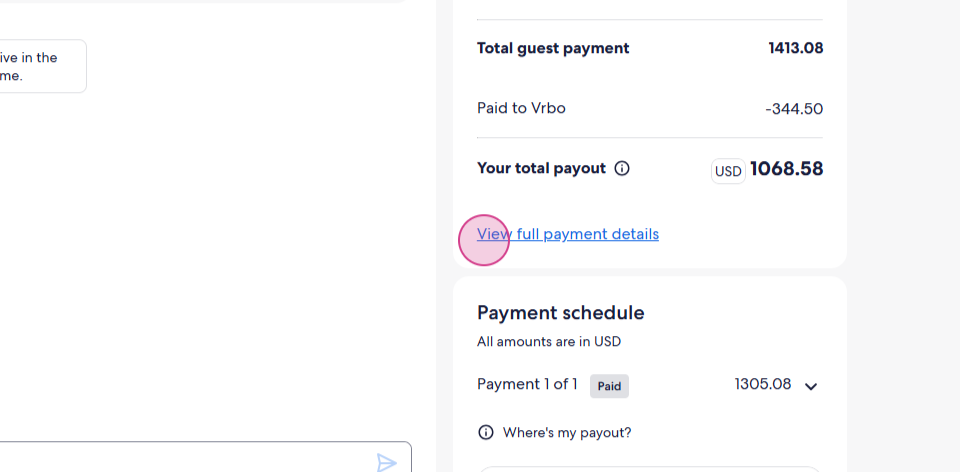
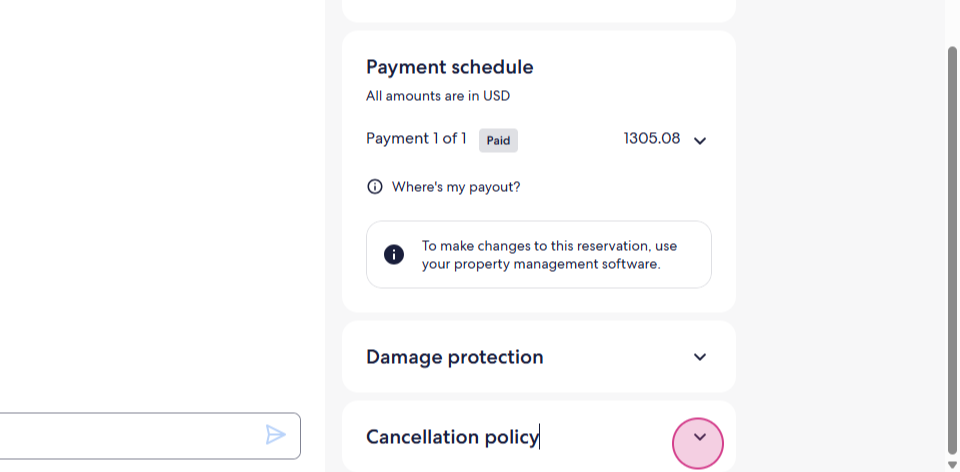
Step 3: Clicking on the reservation it will direct you to VRBO messenger. On the right side, you'll find some general information about the reservation. Scroll down to view the payment summary. Click on View full payment details to see a breakdown of all payments.
Here, you'll notice the guest service fee that the guest paid to VRBO.
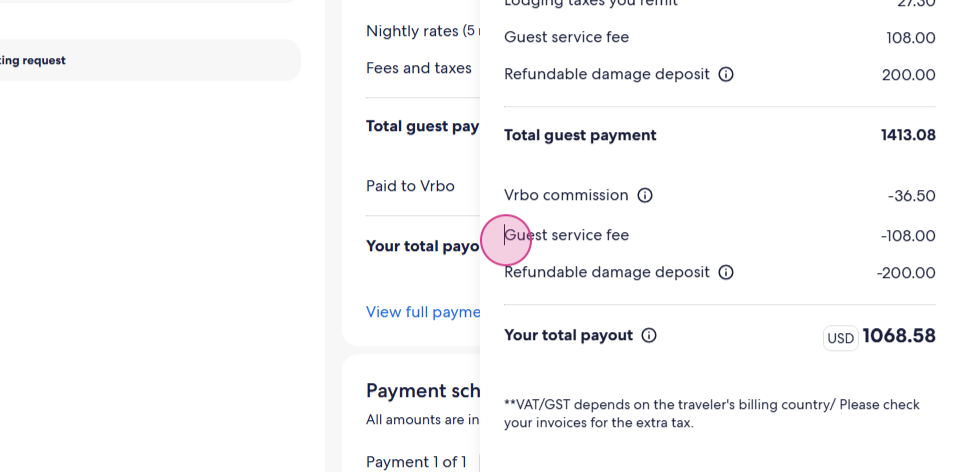
Remember, this VRBO service fee is separate from our payments, even though we manage the payment for VRBO reservation. as VRBO integrates fully with Hosteeva.
Step 4: Now, let's examine the cancellation policy. Scroll down a bit to find it. Click on it to get complete information about cancelling the reservation.
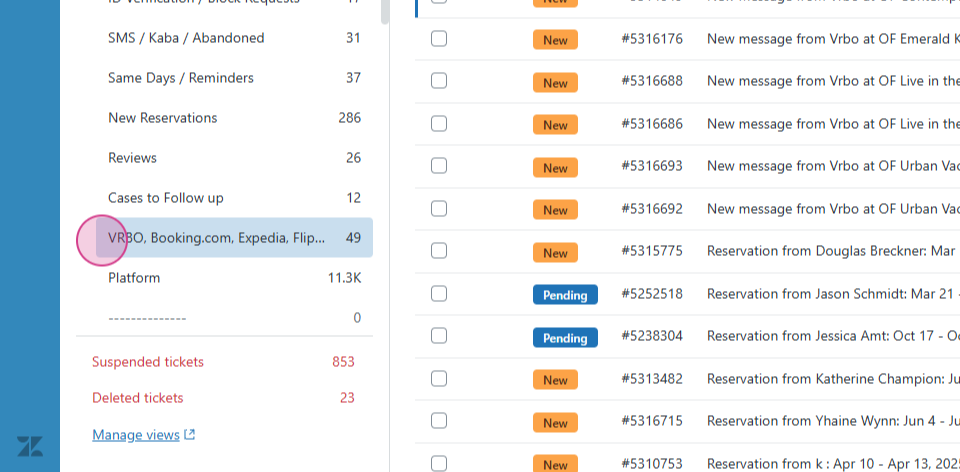
Step 5: To check VRBO inquiries, navigate to Zendesk. From the tabs, select VRBO. Here, you'll find inquiries and messages from existing reservations.
Thanks for reading!